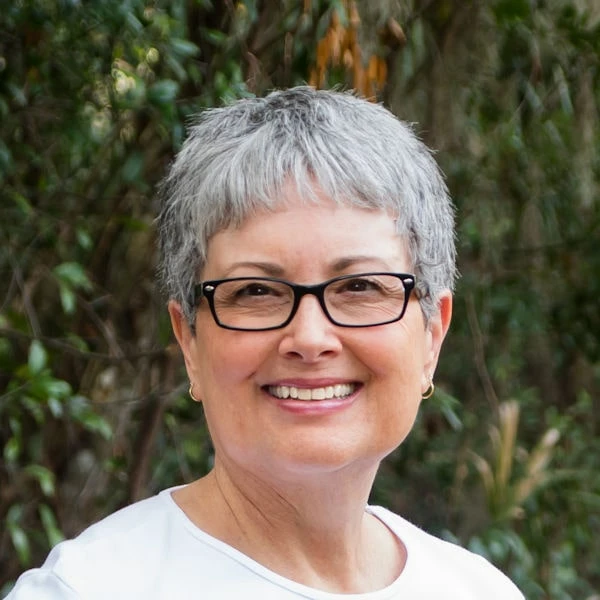
Hi, I made an AI picture that is not of a real person. I selected both options for AI picture. But, it tells me I need a model release. Theres no one to get a model release from.
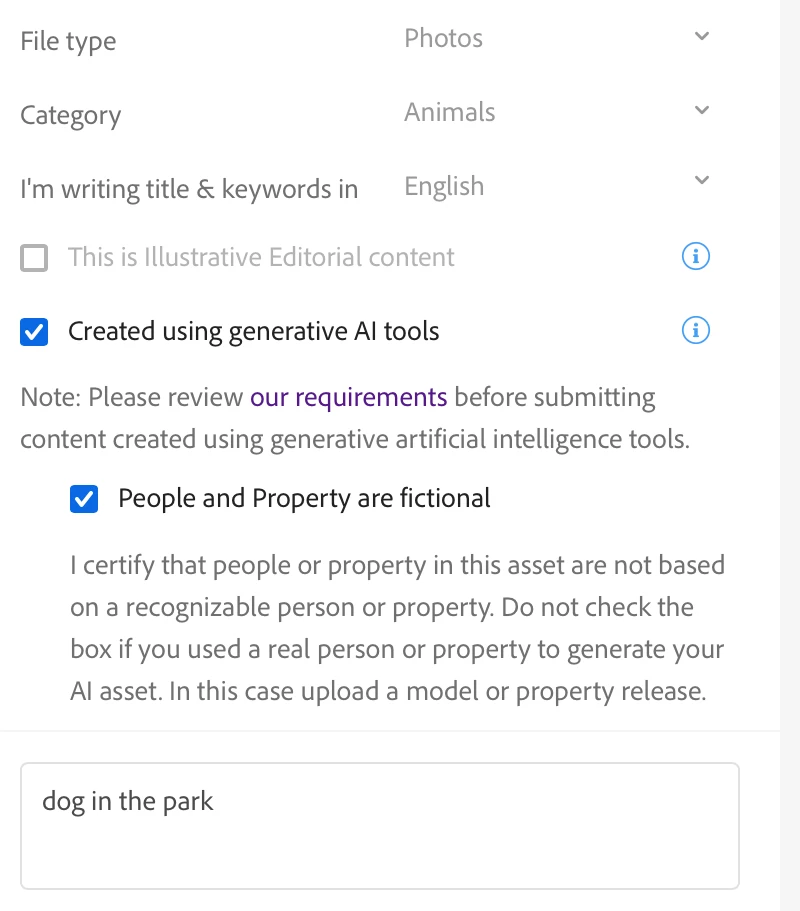
You can submit a property release (you are the property owner and the artist), stating that the shown person is a fictional person. Indeed, if you have ticked both options (see picture), this should not be the answer.
ABAMBO | Hard- and Software Engineer | Photographer
How long ago did you submit this? I ask because rules regarding Generative AI submissions were changed recently. If you submitted this before the new rules went into effect use the forms below.
Model/Property Releases: REAL PEOPLE = Model Release, signed by the human(s) depicted in the asset.
You can submit a property release (you are the property owner and the artist), stating that the shown person is a fictional person. Indeed, if you have ticked both options (see picture), this should not be the answer.
Translate
ABAMBO | Hard- and Software Engineer | Photographer
Hi, @Abambo...actually, I tried selecting Photo for a photorealistic AI image, in addition to the boxes noted in your upload. But when I attempt to upload it, I get the warning as shown here. Maybe it's just meant to remind the contributor that a property release MAY be required and the image will be accepted regardless. But the warning message is kind of off-putting, even though it has been stated elsewhere that photorealistic AI can be labeled as photos.
Translate
Adobe Community Expert | I have miles to go before I sleep, but I'm all done on this end.
OK, it hasn't been submitted yet. So, if you checked both flags, submit. It's probably a bug in the system, as they added the second flag only recently. I recommend ignoring that.
Translate
ABAMBO | Hard- and Software Engineer | Photographer
If it says during submission "Potentially missing model release on 1 image - Deselect from submission" just ignore that. It doesn't say that you have to submit a model release, it just says that there is a potentially missing release. As you ticked both flags, you are good.
Translate
ABAMBO | Hard- and Software Engineer | Photographer




 AdChoices