Participating Frequently
February 20, 2024
Question

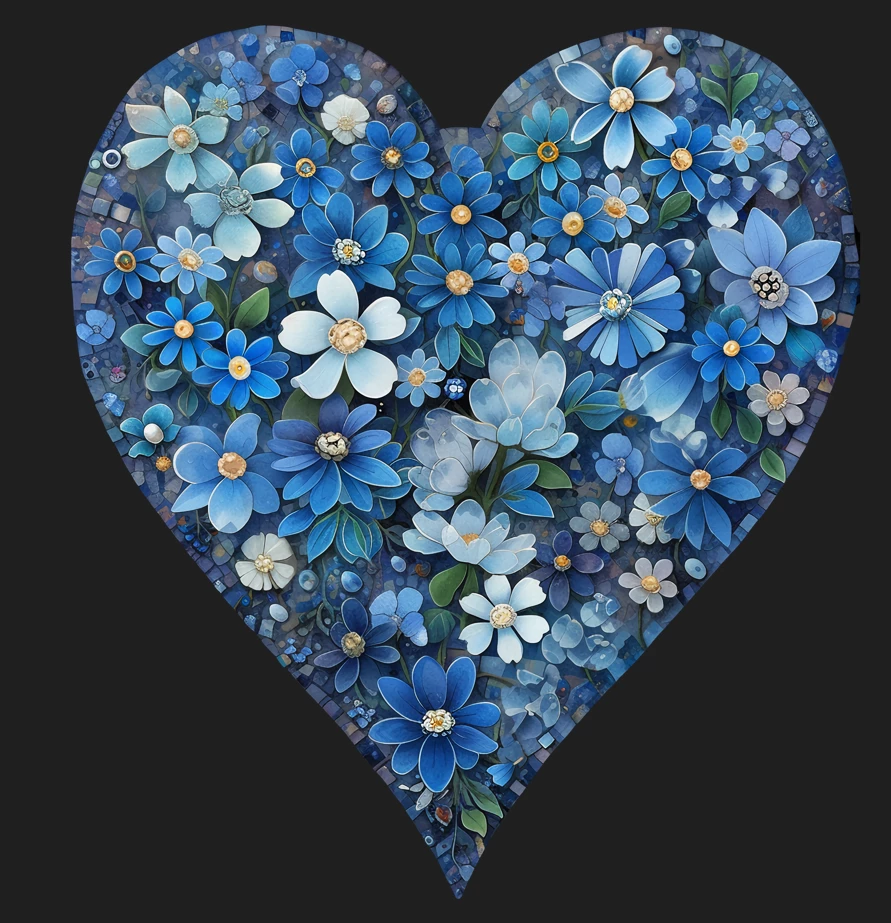
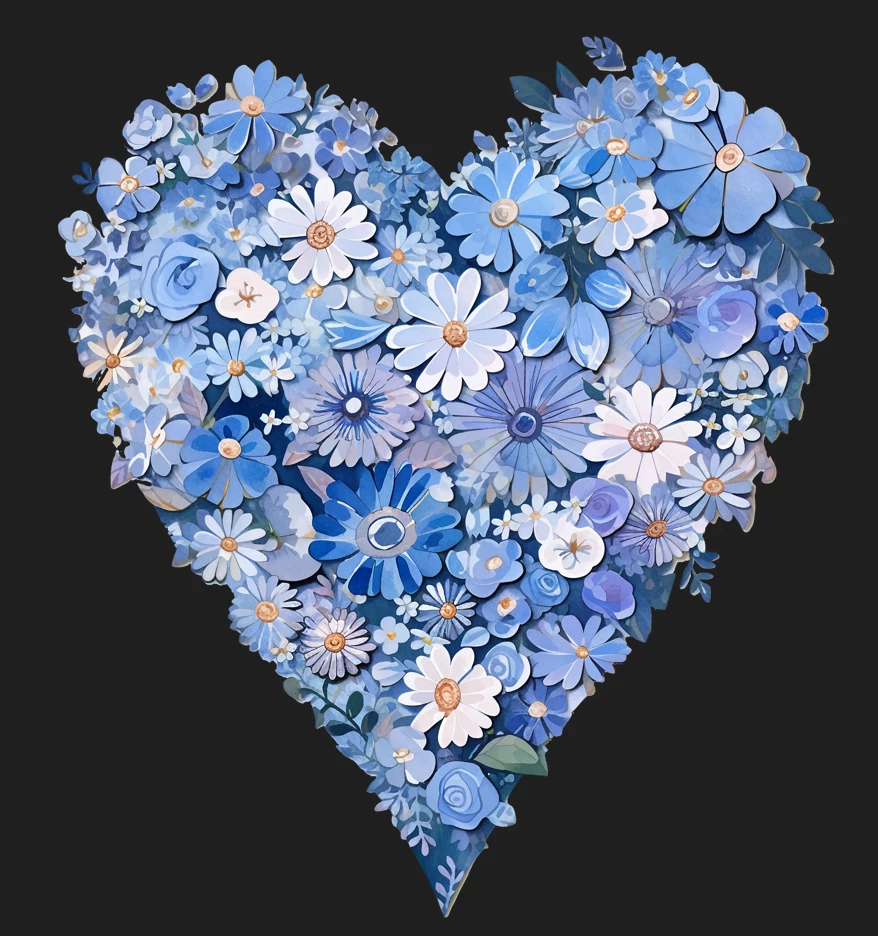
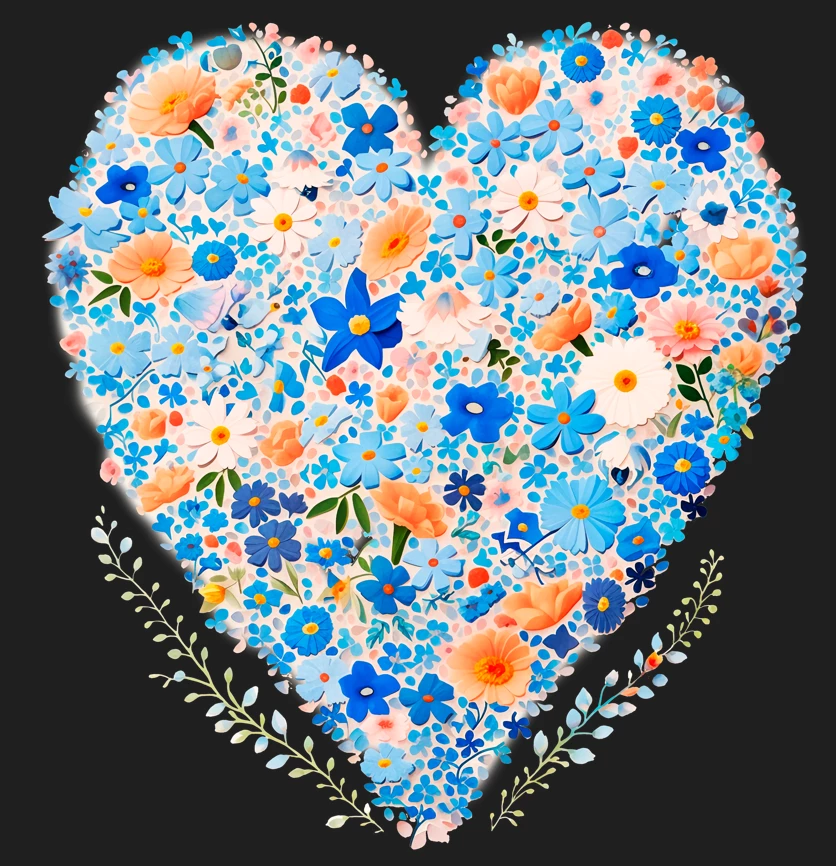
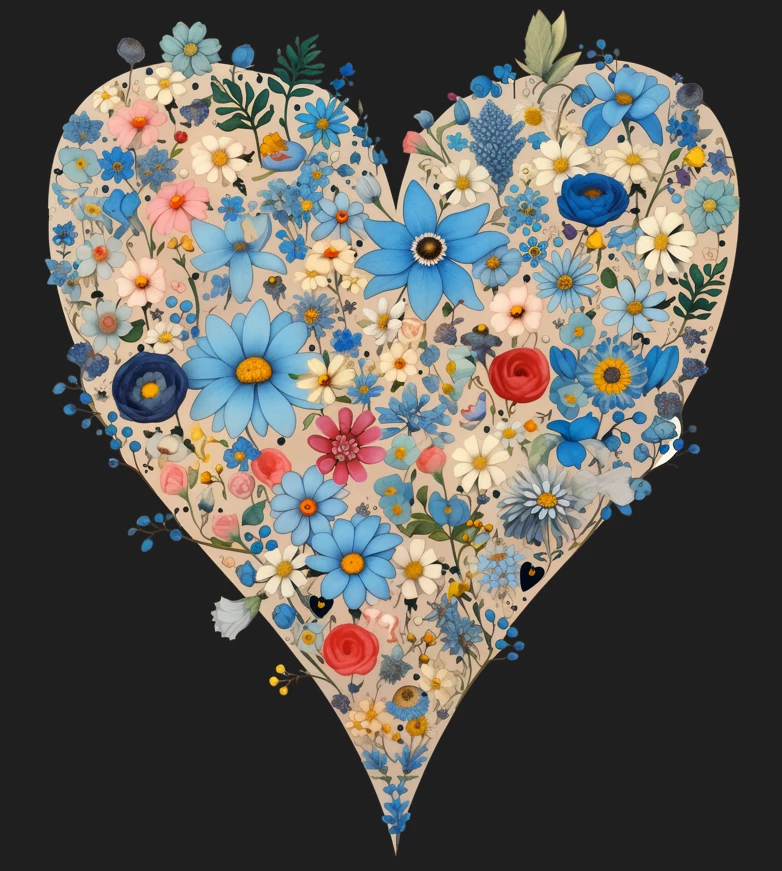
ai works in png format were not accepted

  • February 20, 2024
  • 4 replies
  • 513 views

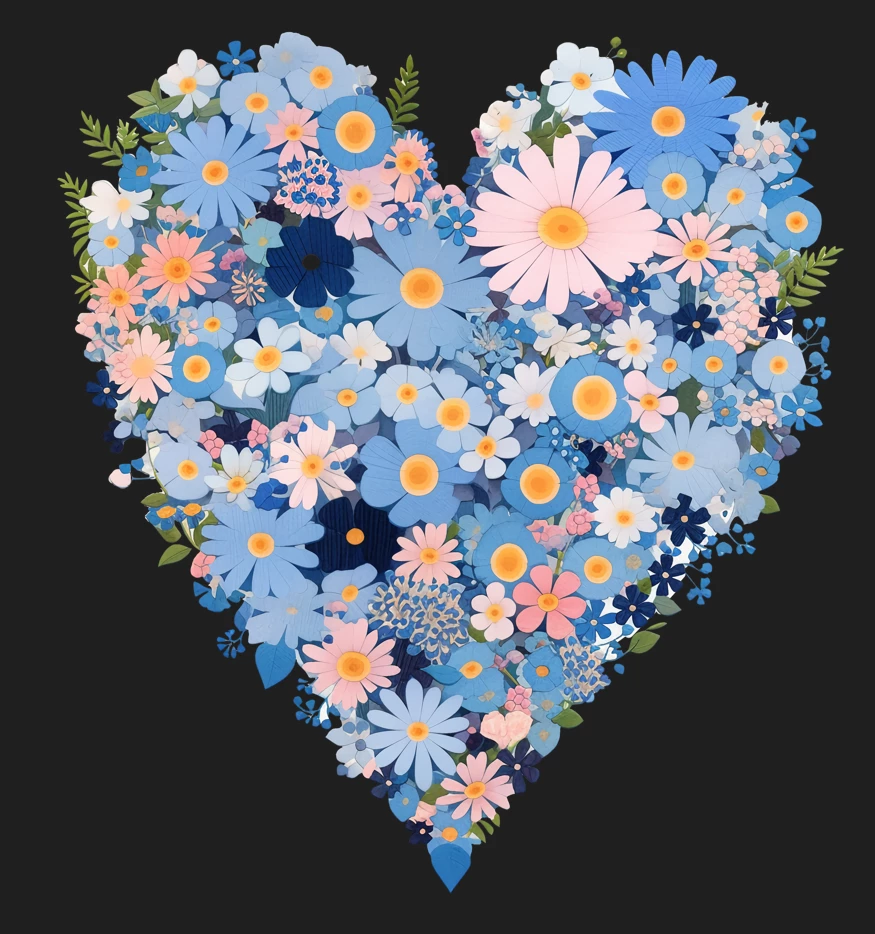
Hello. Please comment why ai works in png format were not accepted. Resolution 5k. Noise seems to be removed everywhere. What is the problem?
This topic has been closed for replies.

4 replies

Jill_C
Community Expert
Community Expert
February 20, 2024

I looked at just the first one, in which the edge cutout work is very inconsistent resulting in some very blurry areas.

Jill C., Forum Volunteer
Abambo
Community Expert
Community Expert
February 20, 2024

Who did the cutout work? There are many opportunities to get the wrong, too. All have very probably cutout issues. But on the screenshot, I can only do guesswork.


You should post the original files as submitted if you want a correct assessment. When you are doing a screenshot, we do not see what the moderator saw.


But even on these stamp sized screenshots, I see major issues and probable cutout errors.


etc...

ABAMBO | Hard- and Software Engineer | Photographer
RALPH_L
Community Expert
Community Expert
February 20, 2024

First of all, are these the original? They are labeled "screenshot".

Do they have transparent backgrounds? If not, they should be .jpg.

Look at the edges and of the mutalated blossoms. There are a lot of rendering errors.

Participating Frequently
February 20, 2024

There was a transparent background. These are screenshots.

daniellei4510
Community Expert
Community Expert
February 20, 2024

Images without transparent backgrounds need to be submitted as JPEGs, nor PNGs That said, were you given a specific reason why they were rejected? Quality issues, for example? There are dozens of rendering issues involved if so.

Adobe Community Expert | If you can't fix it, hide it; if you can't hide it, delete it.