Participant
August 6, 2026
Question

Approved Adobe Stock assets show "Page not found" (404) and are not publicly listed

  • August 6, 2026
  • 4 replies
  • 33 views

Hello everyone,

I am a new Adobe Stock contributor, and this is my first upload.

My assets were approved about two days ago and appear in my Contributor portfolio. However, when I click on any approved asset, I get a "Page not found" (404) error.

The assets are approved, but they are still not publicly visible or searchable on Adobe Stock.


Asset IDs:

4 replies

Nancy OShea
Community Expert
Community Expert
August 6, 2026

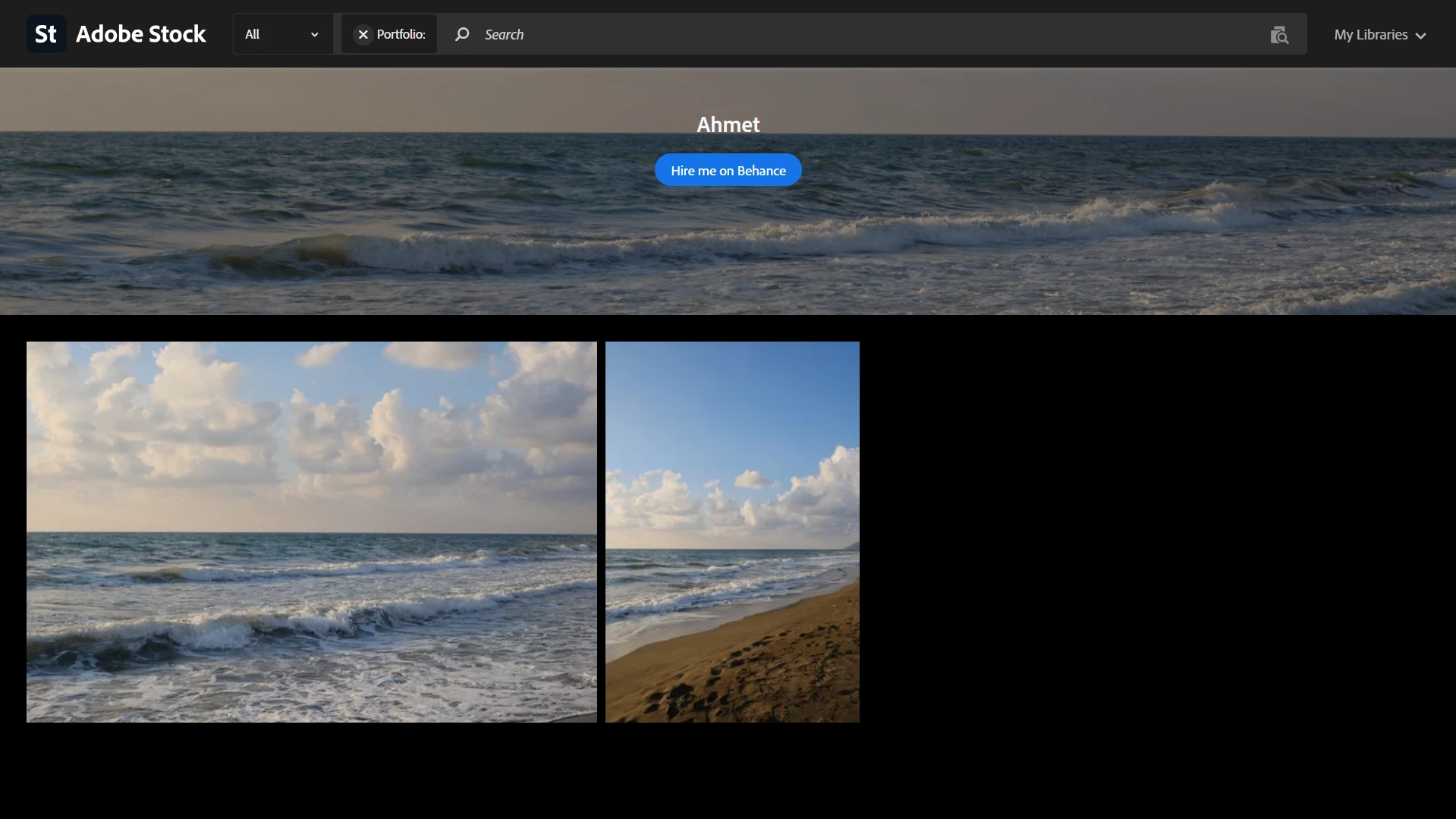
This is what people in non-restricted countries see.


Nancy O'Shea— Product User & Community Expert
Nancy OShea
Community Expert
Community Expert
August 6, 2026

Change the country code in your browser’s address bar from xx/ to an unrestricted country like Canada ca/, France fr/ or Australia au/.


Hope that helps.


Nancy O'Shea— Product User & Community Expert
RALPH_L
Community Expert
Community Expert
August 6, 2026

You are from a region that requires further vetting. They are available in other regions. Change your region to double check.

kglad
Community Expert
Community Expert
August 6, 2026

post this in the stock contributor forum, https://community.adobe.com/stock-contributors-36


p.s. change your title to avoid a duplicate message problem.