Participating Frequently
November 17, 2019
Answered

Artifacts Clarification

  • November 17, 2019
  • 1 reply
  • 327 views

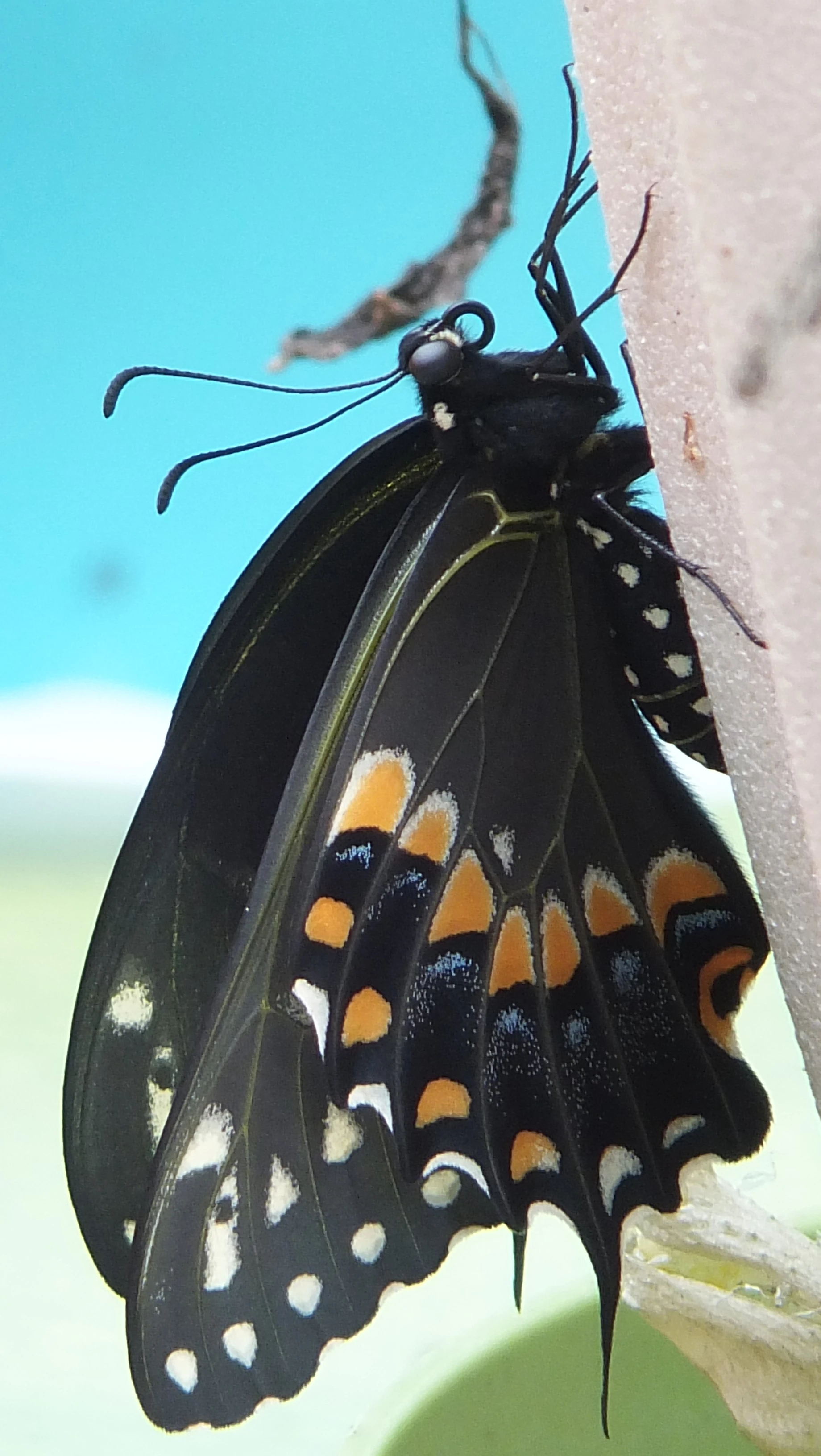
It's been a while but recently submitted an image that got an artifacts reject. There was no editing of any kind but got curious about how artifacts are determined when reviewing photos. My question: Is it possible for textured surfaces to be seen as artifacts?


Image attached below. Sorry but somehow the image flipped on me.
This topic has been closed for replies.
Correct answer Ricky336

Unfortunately, your post image is of a too low resolution to give any advice and to point out any possible artifacts. Is it possible to post a link here for a full resolution image?

However, look for noise issues in the blue background and in the shadow details of the butterfly.

Be sure to look at a 100% or even a bit more.

1 reply

Ricky336
Community Expert
Ricky336Community ExpertCorrect answer
Community Expert
November 17, 2019

Unfortunately, your post image is of a too low resolution to give any advice and to point out any possible artifacts. Is it possible to post a link here for a full resolution image?

However, look for noise issues in the blue background and in the shadow details of the butterfly.

Be sure to look at a 100% or even a bit more.

BluTopazAuthor
Participating Frequently
November 24, 2019

That's one of the steps I missed. I got so excited about the hatching butterfly I failed to adjust my camera accordingly. Thanks for the assist.