karenc15458199
Participant
November 5, 2019
Question

Artifacts rejection

  • November 5, 2019
  • 2 replies
  • 245 views

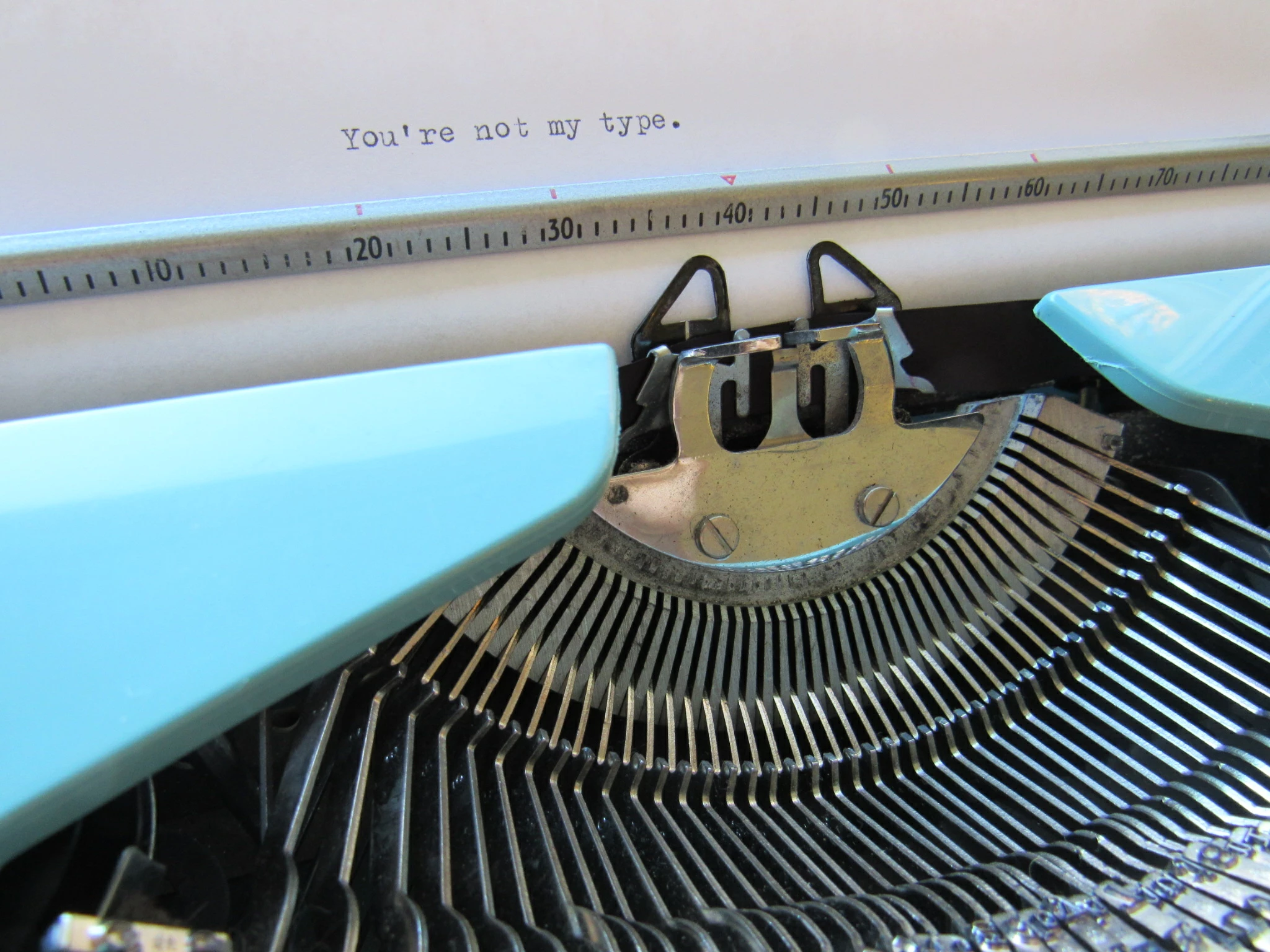
Any info on why this was rejected for artifacts problem would be appreciated. New to this.
This topic has been closed for replies.

2 replies

jacquelingphoto2017
Community Expert
Community Expert
January 20, 2020

Hi Karen,

Zoom the image to between 100 and 200%. Take a close look at the typewriter's text hammers. You will notice they are not smooth black. There are a lot of colored spots. You will need to use the noise reduction tool of a photo editor such as Photoshop, or Lightroom to clean those spots away leaving smooth black color.


Best wishes

JG 

Ricky336
Community Expert
Community Expert
November 6, 2019

Unfortunately, the image posted is too small to point out the artifacts. However, most likely you either have signs of noise in the shadow areas and or, JPEG compression artifacts - pixels become more 'blocky' as a result of compression.. Especially noticeable when zoomed in and taken with a smartphone.
