
Black&White image - color component issue
Hi everyone
I've stumbled across an issue i've never had before. It is about a Black&White image. For some reason, it was originally written as a "pure" Black&White image, i.e. the color components value is 1. This image was accepted by Adobe Stock. But it is rendered too bright on the Adobe Stock website, much different from the original image file:
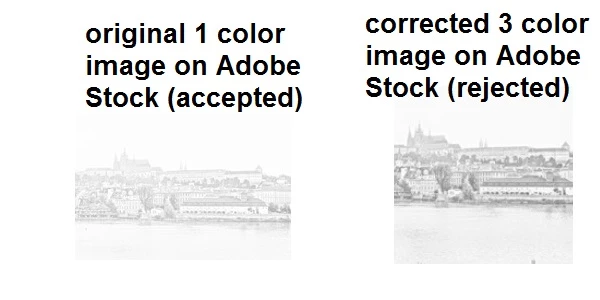
On the other hand, if i upload the original image to this forum post, its brightness is correct:
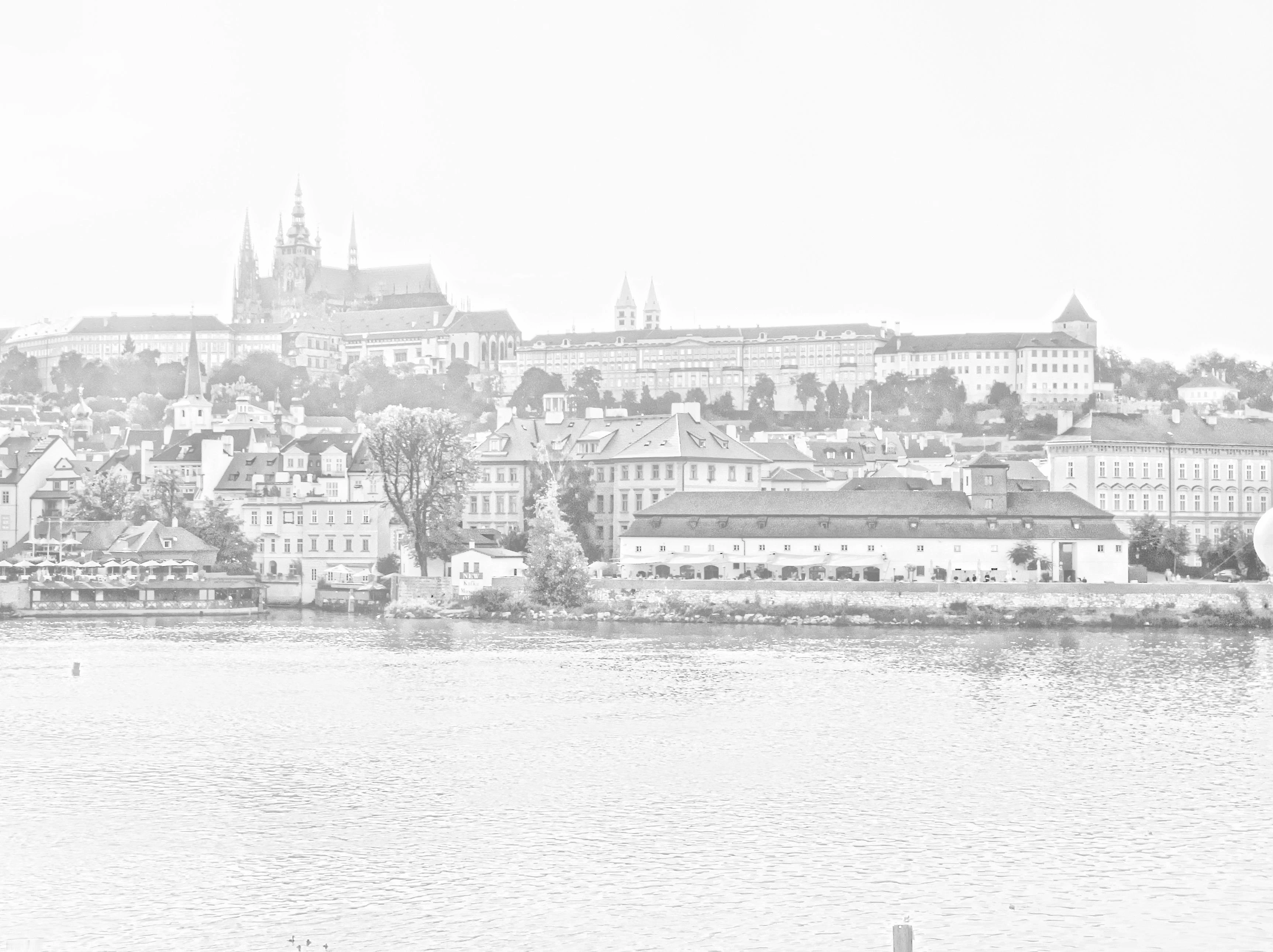
So, this seems to be a special issue of the Adobe Stock website.
Then, i re-saved the image to reset the color compoents value to 3. I didn't change anything about the images content! However, some minor differences may result from jpg recompression. As the corrected image is about the size of the original image, jpg loss (set to high quality) should not be an issue. This image was then rejected due to artifacts.
Note: The original 1 color component image renders correctly on any other medium (local image viewer, editing software, other stock sites). It is only rendered too bright on Adobe Stock. Of course i cannot know if this issue is only on the website. Maybe the software used by the reviewers renders the image in its correct brightness so they didn't notice.
I would appreciate help in this issue. Thanks.
Regards
fb1701


 AdChoices