
Participant
May 10, 2026
Question

can't link payoneer to adobe

  • May 10, 2026
  • 3 replies
  • 24 views

Hi, 

Since 2 weeks ago I can’t connect my payoneer account tp adobe, I was receiving payment in the past normaly switched to Paypal and linked payoneer again but here comes the probleme I kept receiving this message you can see the attachement two
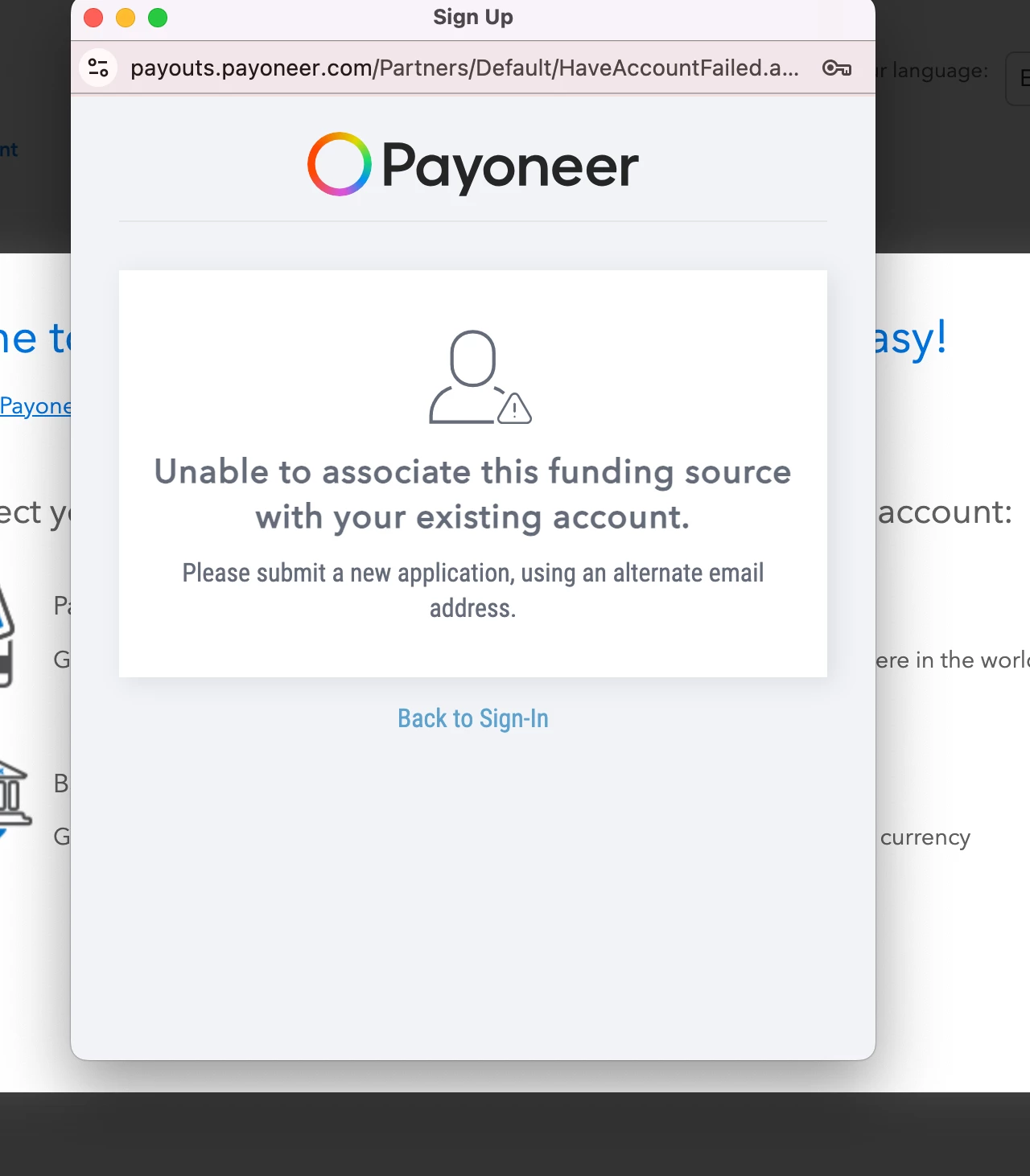
Unable to associate this funding source with your existing account.


Please submit a new application, using an alternate email address.

How I can solve this problem I contacted the adobe support but they just told me to follow the routine steps, I followed and kepts receiving the some error.

Thanks you

    3 replies

    Participant
    May 12, 2026

    I did all the previous steps I even used a new browser Microsoft Edge my payoneer acoount is working fine, when i contacted the Adobe support they told me that i did many attempt on a short time to lonk the accounts. but today after many hours and using the new browser i was enable to link my payoneer account to adobe I can use Paypal but I prefer Payoneer because its more stable and i can withraw money to my bank faster.

    jacquelingphoto2017
    Community Expert
    Community Expert
    May 10, 2026

    Hi ​@skillful_enthusiast0D45 

    Clear your browser cache and cookies.

    Match email address to make sure you are entering the correct address for the payment request.

    Failing that, you need to sign in to Payoneer to find out if your Payoneer account is active and if there’s indication that it is linked to Adobe.

    Sign in to Payoneer.
    Go to “Manage” on the left menu bar.
    elect “Companies you work with” to see if Adobe is listed there.
    Check the notification to find out if any correspondence was sent to you that you did not receive. 
    Check the funding type for your region. It might be that Payoneer require for you to have a Business account rather than a personal account to receive payments from Adobe.
    Depending on what you see (Re Adobe), contact Payoneer about the issue. You might need to ask Payoneer support if they can Authorize Adobe as a Funding source for your Account.

    Here are a few possibilities for the error

    Your Payoneer account is not active
    Your Adobe account is not linked to Payoneer, but need specific time to expire before you are able to relink.
    Your Adobe account is not linked to Payoneer but there is an issue on the Payoneer side that will not allow you to relink the usual way from Adobe platform - possibly require some form of ID confirmation.
    Payoneer blocked the link to the funding source for security or policy reason.
    Your Adobe account is linked to Payoneer but need your attention from the Payoneer end.

    As an existing Adobe contributor, it is not recommended that you submit a different application with a new email address.

    If it is not resolved from the Payoneer side, armed with the information you get from Payoneer, reach out to Adobe once again.

    I hope this helps. Please keep us posted.

    Best wishes
    Jacquelin


    Nancy OShea
    Community Expert
    Community Expert
    May 10, 2026

    Did you contact your regional Payoneer bank to find out if your account is able to receive royalty payments from Adobe?


    Nancy O'Shea— Product User & Community Expert