



Bas_Leroy
Inspiring
July 5, 2023
Answered

Can't upload csv file: 'The upload of your CSV file failed'

  • July 5, 2023
  • 1 reply
  • 1261 views

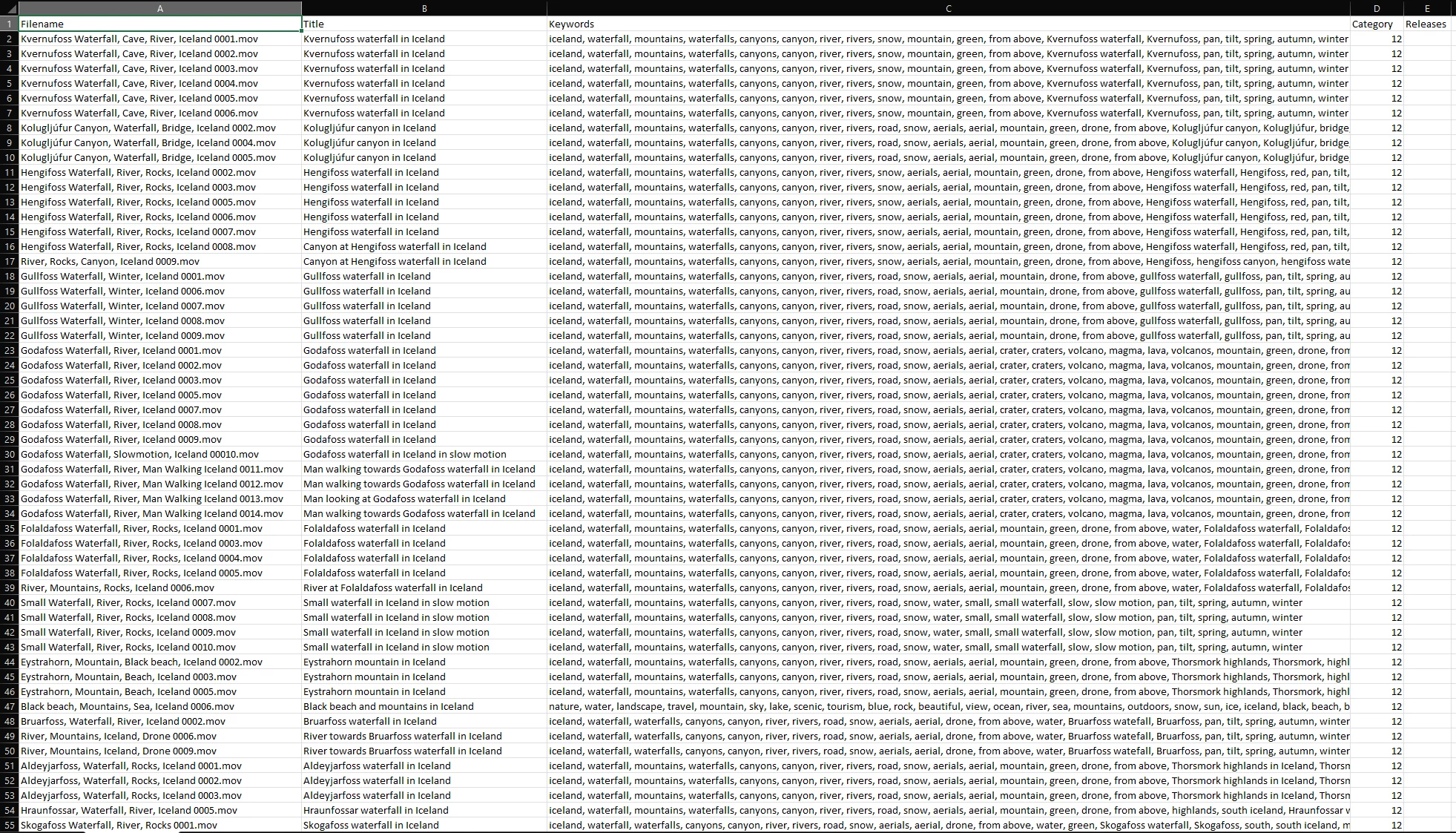
Hi, I am trying to upload CSV file with all the information for my stock footage but it gives me the error 'The upload of your CSV file failed'. What am I doing wrong?


See image, and I have also added the file.
Thanks.

This topic has been closed for replies.
Correct answer Bas_Leroy

You're welcome! 


Did you change the filenames or did you put them up in quotes?


I changed the filenames

1 reply

Abambo
Community Expert
Community Expert
July 30, 2023

You are using the “;” as separator, Adobe uses the “,” as separator. You will have problems, as your filename also contains comas. It is best to avoid special characters for filenames. You may try to embed the filenames in quote marks in your CSV file. Your keywords need to have quotes to embed the field. Have a look at the model CSV file, and then stick to its format exactly.

ABAMBO | Hard- and Software Engineer | Photographer
Bas_Leroy
Bas_LeroyAuthor
Inspiring
August 1, 2023

Yes, that worked. Thanks!

Abambo
Community Expert
Community Expert
August 1, 2023

You're welcome! 


Did you change the filenames or did you put them up in quotes?

ABAMBO | Hard- and Software Engineer | Photographer