KatrinaSid
Participant
July 23, 2018
Answered

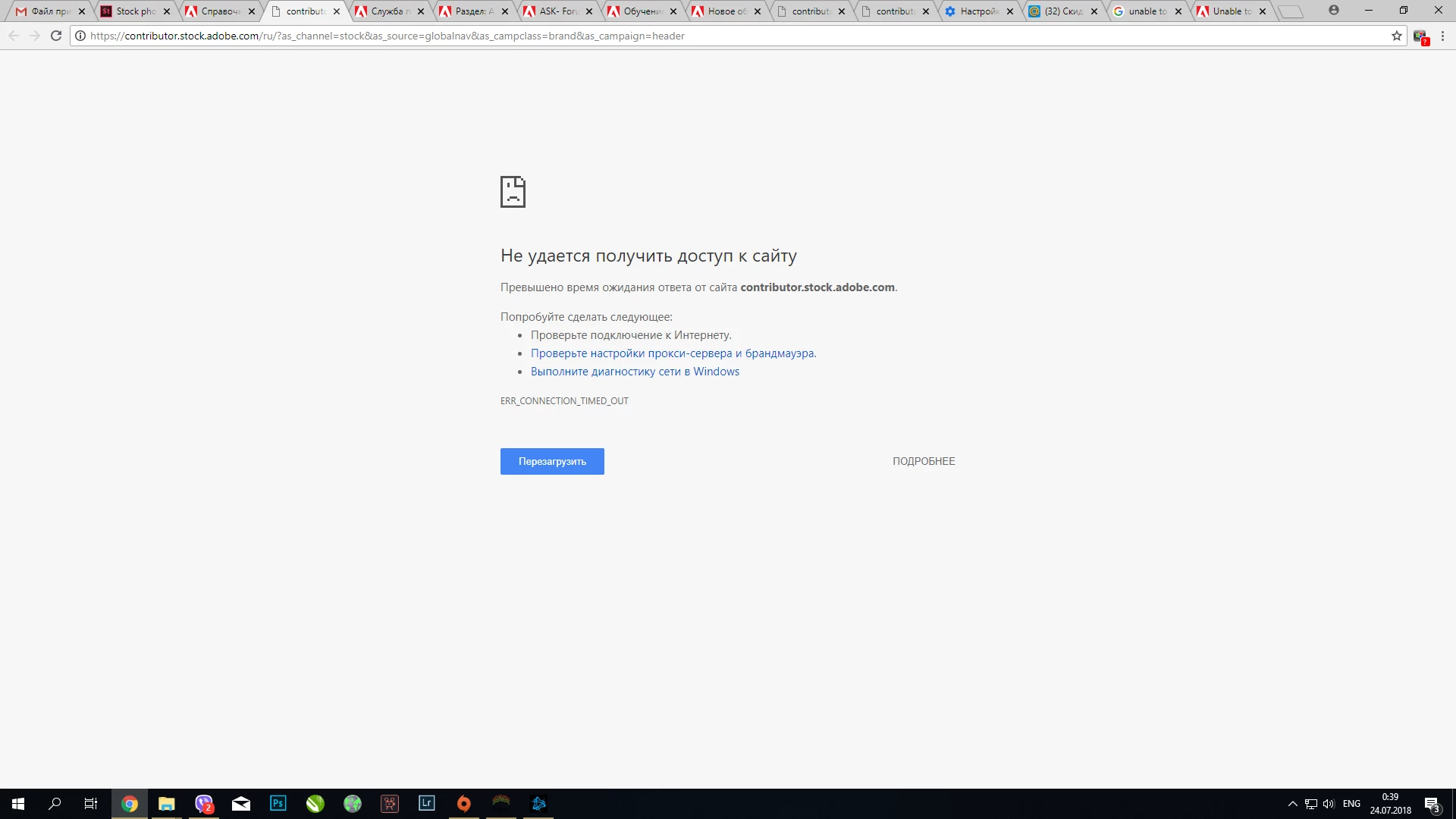
Can't upload my pics "ERR_CONNECTION_TIMED_OUT"

  • July 23, 2018
  • 2 replies
  • 397 views

Hey everybody

I am new at Adobe Stock but not new at photo stocs in general.

So several days ago I had tried to upload about 100 pics. I had succesfully upload them to the first page. After that I had tagged and discribed abou 50 of them.

Than I have left my browther open for a day. After that I wanted to continue uploading but I couldnt open any page of Adode Stck exept general ( I am able ti log in). I have been waiting for several days and have been trying everi day to upload. But I saw the same situation all the time. I use Google  Chrome last version and cleaned history and cache. I have tried to used my phone and different PCs for uploading and still saw the same error. Could you pls advise me smth?

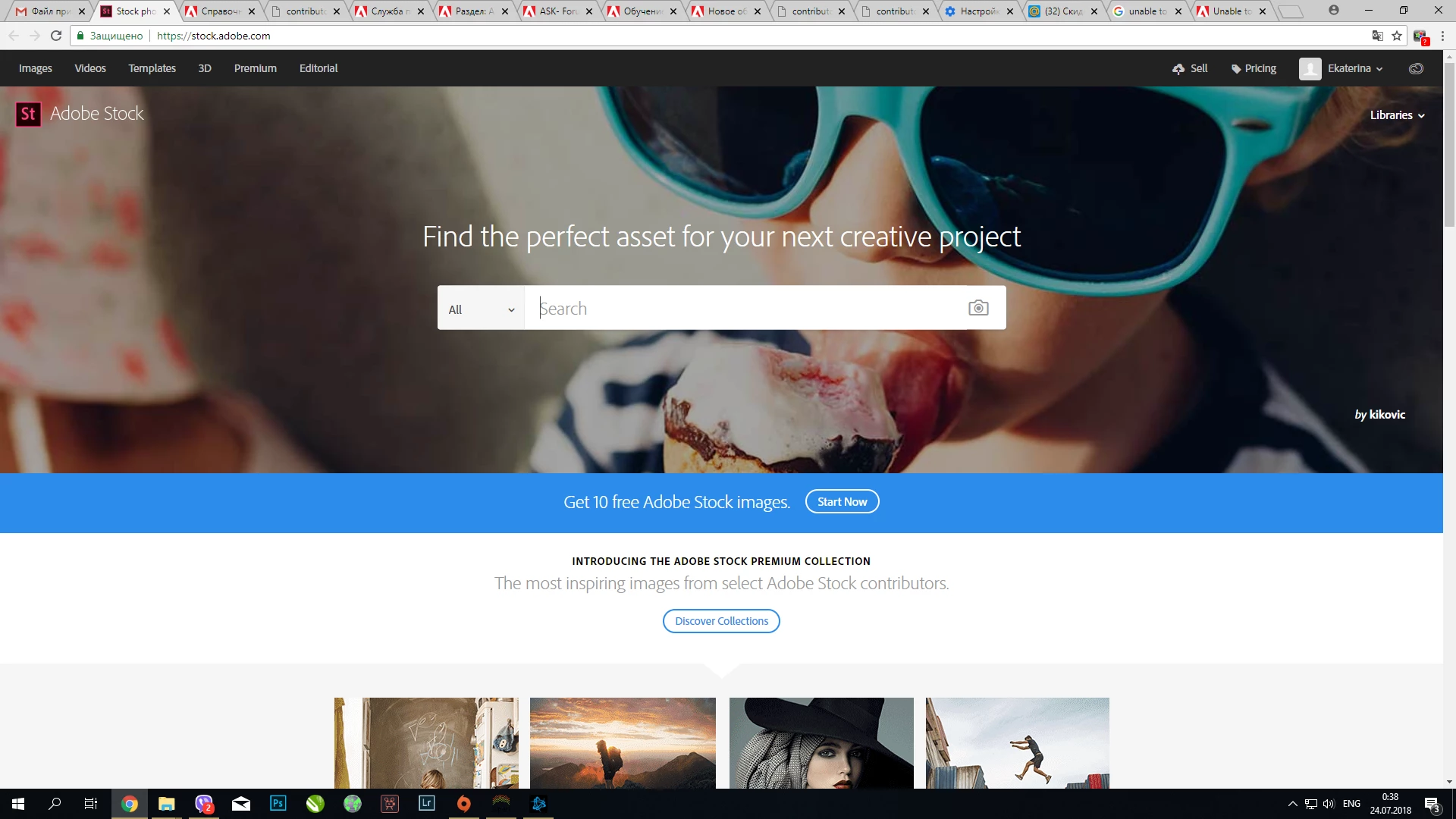
The page I can open
The pages I can't open
This topic has been closed for replies.
Correct answer MatHayward

Some contributors in your country have reported a similar experience and found success by logging in using a VPN through a different country. If you have the ability to do this, please try and let us know if that works for you.

-Mat

2 replies

MatHayward
MatHaywardCorrect answer
Legend
July 24, 2018

Some contributors in your country have reported a similar experience and found success by logging in using a VPN through a different country. If you have the ability to do this, please try and let us know if that works for you.

-Mat

Irinn
Participant
July 23, 2018

Yes, I have the same error, tried different browsers.

KatrinaSid
Participant
July 24, 2018

I have chatted with Adobe support and they answered me that they are not technicals and can't sole my problem...