
blackb52992348
Participating Frequently
October 28, 2018
Answered

Cannot connect account Fotolia.

  • October 28, 2018
  • 1 reply
  • 1055 views

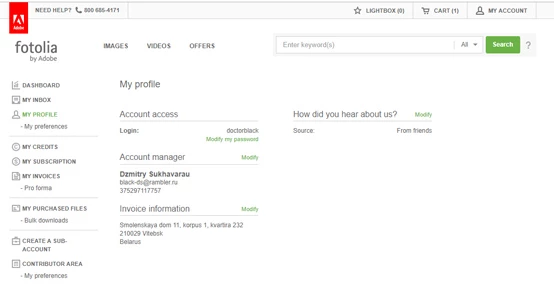
After reinstalling the Windows, the connected account Fotolia. has stopped being displayed. Sales to AdobeStock does not stop, but the message “The selected account is already in use” appears at the entrance.

I tried to change passwords to Fotolia and AdobeStock. It does not help.

What can I do?
This topic has been closed for replies.
Correct answer MatHayward


The screen shot showing your account is in use is an indicator you have already synced your Fotolia account with Adobe Stock. You need to log into the Adobe Stock Contributor portal using the Adobe ID that you used to originally sync with Fotolia. You cannot sync again with a different email address.

Be sure you are clicking "sign in" as opposed to attempting to create a new account.

-Mat

1 reply

Abambo
Community Expert
Community Expert
October 28, 2018

Are you able to log in to your contributor account for Adobe stocks? If so, contact support at the contributor's page footer:

If not, post again here.

ABAMBO | Hard- and Software Engineer | Photographer
blackb52992348
Participating Frequently
October 28, 2018

When I enter Adobe, I am asked to connect my Fotolia entry, with my name field already entered. But my Fotolia account password is not accepted.
There are no links below for support.

Abambo
Community Expert
Community Expert
October 28, 2018

Did you do that prior to reinstalling your Windows?

Syncing your account has nothing to do with Windows OS but is done inside of the Fotolia/Adobe databases.

ABAMBO | Hard- and Software Engineer | Photographer