
Participant
October 27, 2021
Answered

Change displayed name on Adobe Stock page

  • October 27, 2021
  • 1 reply
  • 802 views

Hello guys,

I would like to know if it's possible to change the name displayed on Adobe Stock page ?
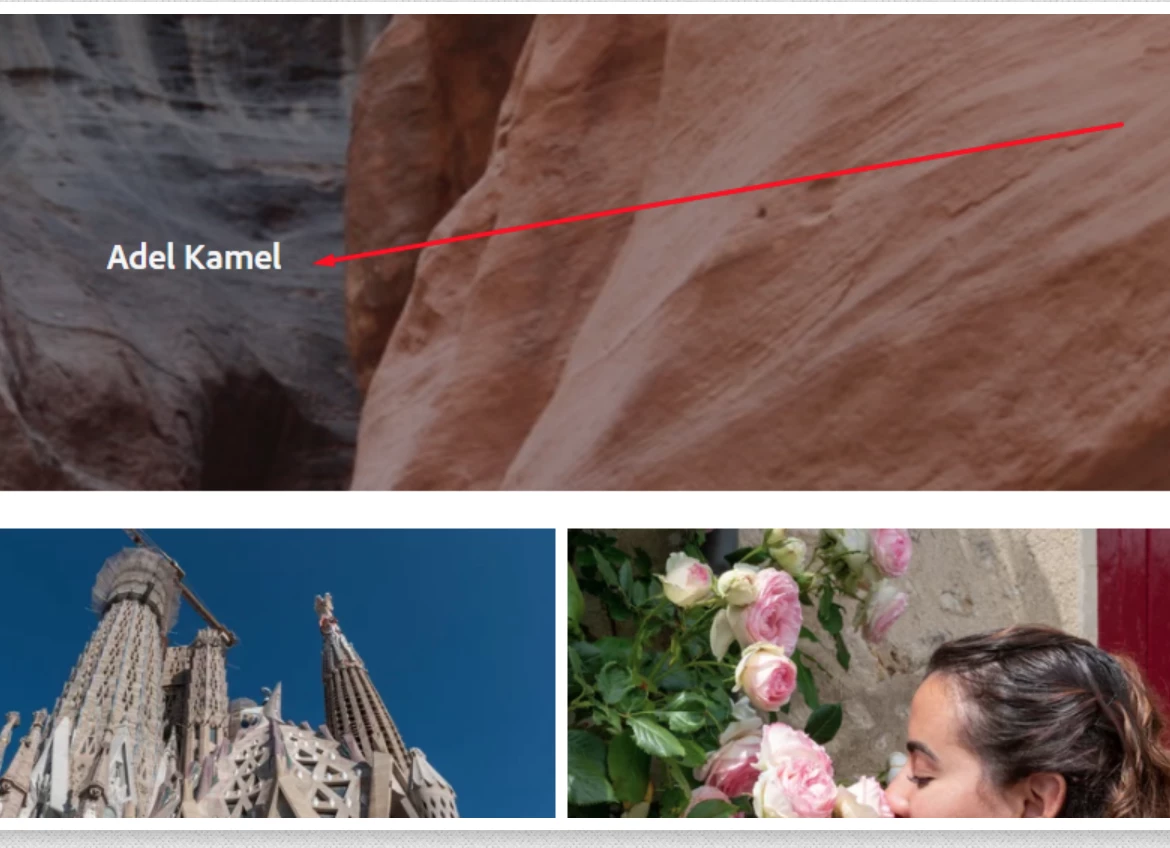
 

Thanks for your help


[moderator exchanged a link to the screenshot with the actual screenshot and corrected the topics]

This topic has been closed for replies.
Correct answer Jill_C

In the upper right corner on your Dashboard screen, select "Manage My Adobe ID", then select "Edit Profile", then "Change Profile Name".

1 reply

Jill_C
Community Expert
Jill_CCommunity ExpertCorrect answer
Community Expert
October 27, 2021

In the upper right corner on your Dashboard screen, select "Manage My Adobe ID", then select "Edit Profile", then "Change Profile Name".

Jill C., Forum Volunteer
Participant
November 10, 2022

I did this several weeks ago but the displayed has not updated name. The profile name under edit profile displays correctly but my listings still show the old name. 

Jill_C
Community Expert
Community Expert
November 10, 2022

What "listings" are you referring to?

Jill C., Forum Volunteer