
Participant
May 25, 2024
Answered

Could anyone give me specific feedback about why my photo wasn't accepted please?

  • May 25, 2024
  • 8 replies
  • 905 views

For me they look like in focus. And could be used commercially. 


Thank you.

This topic has been closed for replies.
Correct answer daniellei4510

First, I'm assuming these are AI, not "photos."


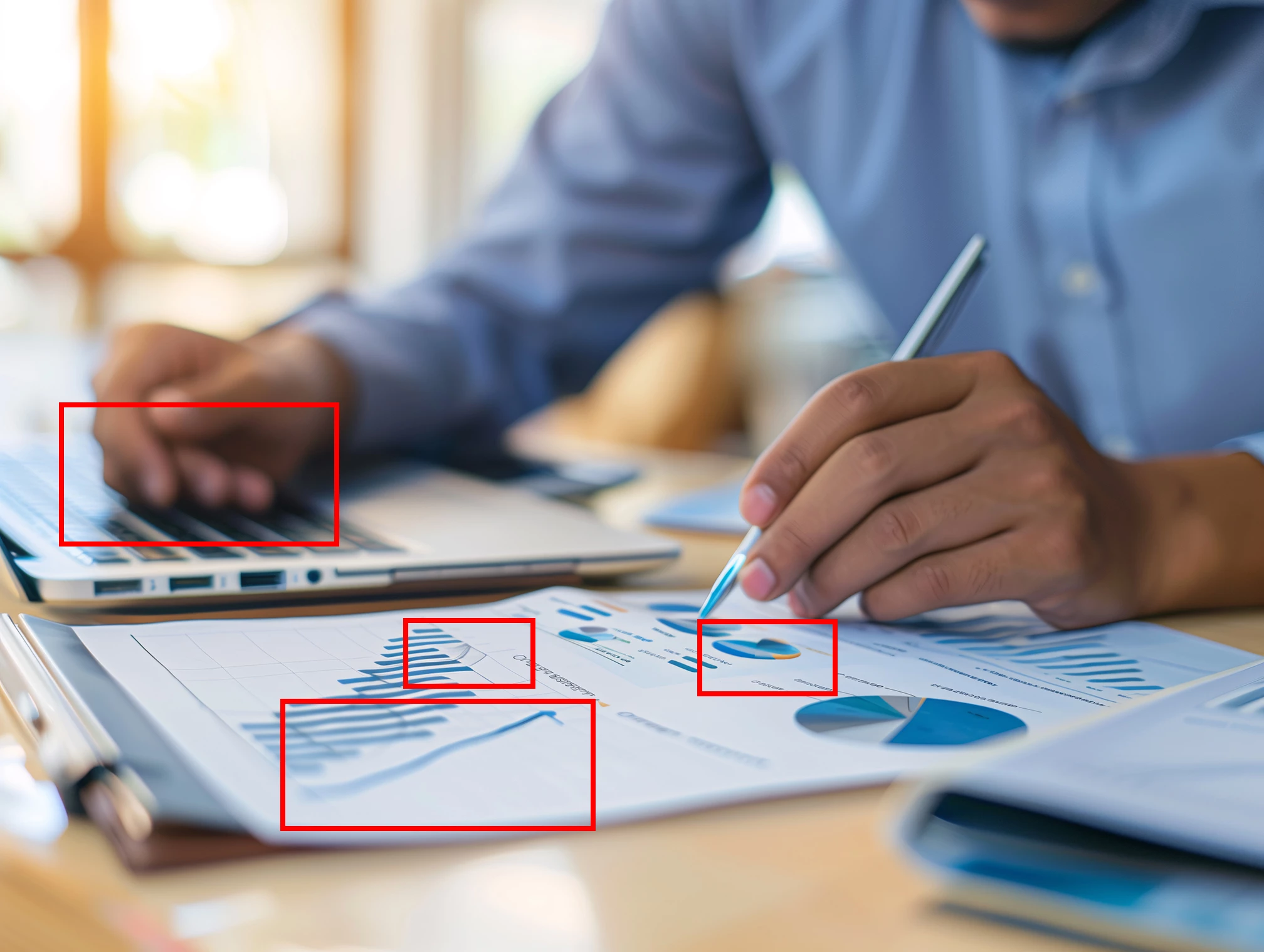
Here he's missing a pinky finger and the charts on the paper are poorly drawn.


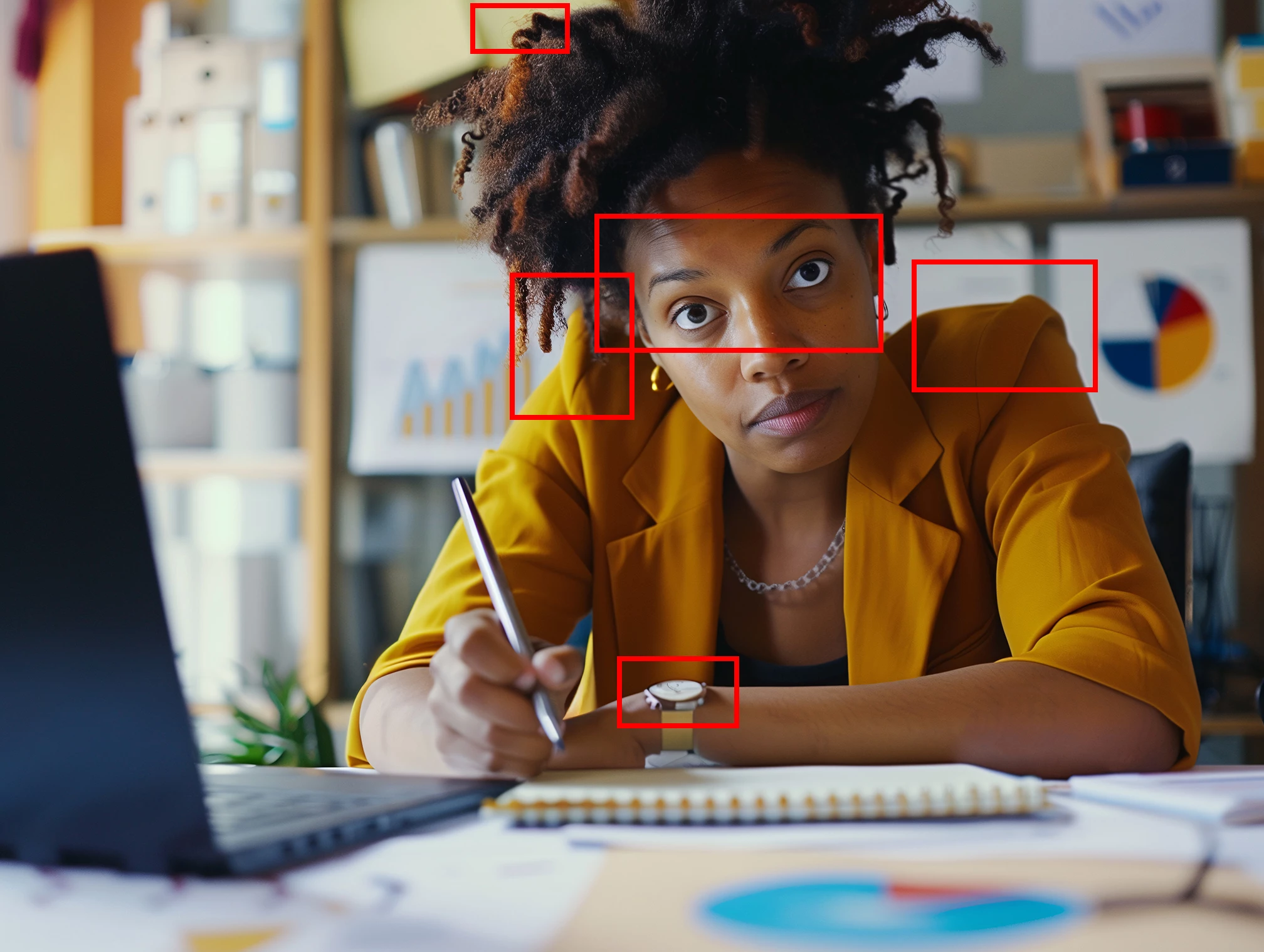
Her irises are messed up, particularly the one on the left. Her shoulder pads are exaggerated. The wristwatch is poorly drawn. Hair could be cleaned up in spots.


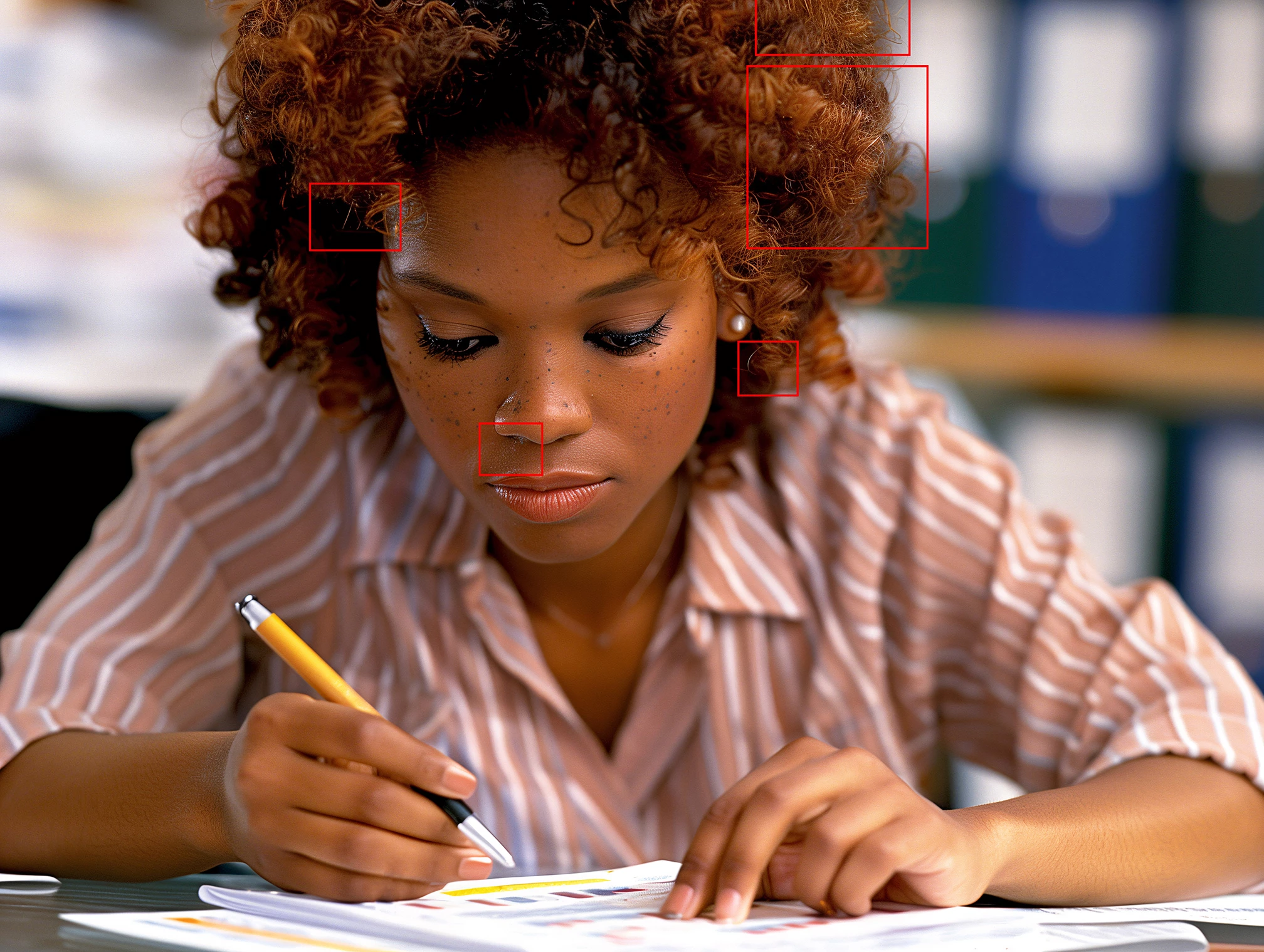
Hair could be cleaned up. Spots under nose. At 100%, her freckles don't look realistic. Eyelashes appear to be over-sharpened. This is the closest of the three, but it only takes one error to get a rejection.
 

8 replies

daniellei4510
Community Expert
Community Expert
May 26, 2024

Every now and then, AI will create perfect irises and pupils. Brown ones, blue ones, green ones, grey ones, etc. You might have to center the pupils and duplicate the catchlights. Copy them and save them to your library. When AI gives you less than perfect irises in future renderings, replace them with the ones you've saved to your library. If the lighting is coming from the left, the catchlights should be on the left and vice versa. If one eye is in shadow and the other is in light, make one slightly darker or ligher as needed. If you're going for photorealistic images, keep is real. Being close to photorealism is not close enough. It has to BE photorealistic.

Adobe Community Expert | If you can't fix it, hide it; if you can't hide it, delete it.
RALPH_L
Community Expert
Community Expert
May 26, 2024

First of all, these are not photos. They are images. You need to label them correctly when submitting. I only looked at the first image and I saw an obvious mistake in the bottom of the pencil she is holding. The pencil is bent! I did not need to look further. Check your images for rendering errors. We constantly report that AI makes these errors and they need to be checked and corrected.

daniellei4510
Community Expert
Community Expert
May 25, 2024

@Nancy OShea @Has a point about the use of name like Kodak. Personally, I think most AI apps ignore such prompts in any case. The longer and more specific the prompt, the more that gets ignored. At least for now. 

Adobe Community Expert | If you can't fix it, hide it; if you can't hide it, delete it.
Nancy OShea
Community Expert
Community Expert
May 25, 2024
Participant
May 25, 2024

Thanks all, now I see what I need to work on next time. Thanks!

daniellei4510
Community Expert
Community Expert
May 25, 2024

Happy to be of help!

Adobe Community Expert | If you can't fix it, hide it; if you can't hide it, delete it.
daniellei4510
Community Expert
daniellei4510Community ExpertCorrect answer
Community Expert
May 25, 2024

First, I'm assuming these are AI, not "photos."


Here he's missing a pinky finger and the charts on the paper are poorly drawn.


Her irises are messed up, particularly the one on the left. Her shoulder pads are exaggerated. The wristwatch is poorly drawn. Hair could be cleaned up in spots.


Hair could be cleaned up. Spots under nose. At 100%, her freckles don't look realistic. Eyelashes appear to be over-sharpened. This is the closest of the three, but it only takes one error to get a rejection.


Adobe Community Expert | If you can't fix it, hide it; if you can't hide it, delete it.
Jill_C
Community Expert
Community Expert
May 25, 2024

Eyes are drawn incorrectly, skin texture is odd, spots are unrealistic.


pupils are drawn incorrectly.


Gibberish text. Unrealistic graph.

Jill C., Forum Volunteer