
Known Participant
May 14, 2018
Answered

Editing Options

  • May 14, 2018
  • 2 replies
  • 555 views

Good Morning,

I've been using Adobe Stock since last year as a contributor, and I see no options to re-edit keywords, or correct categories.
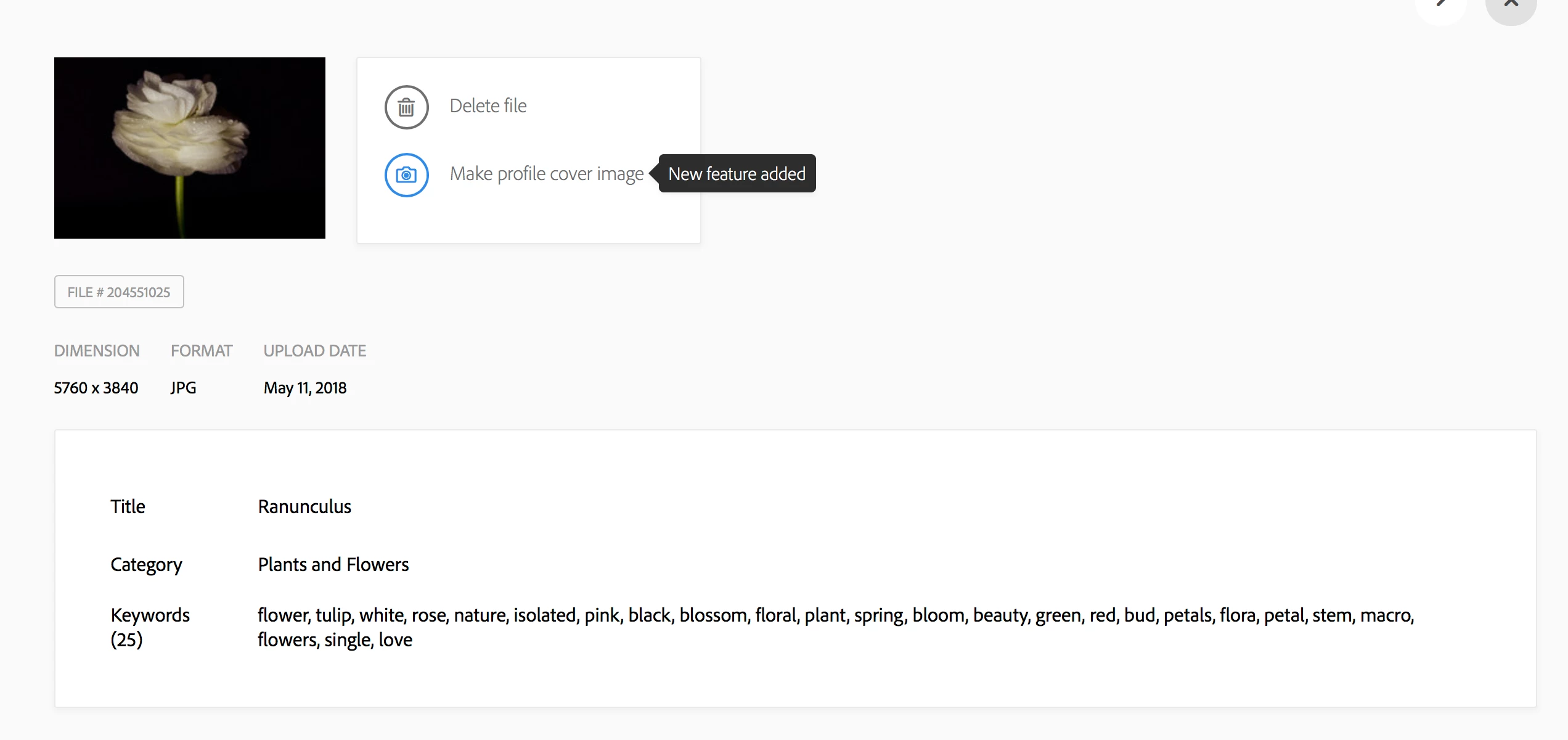
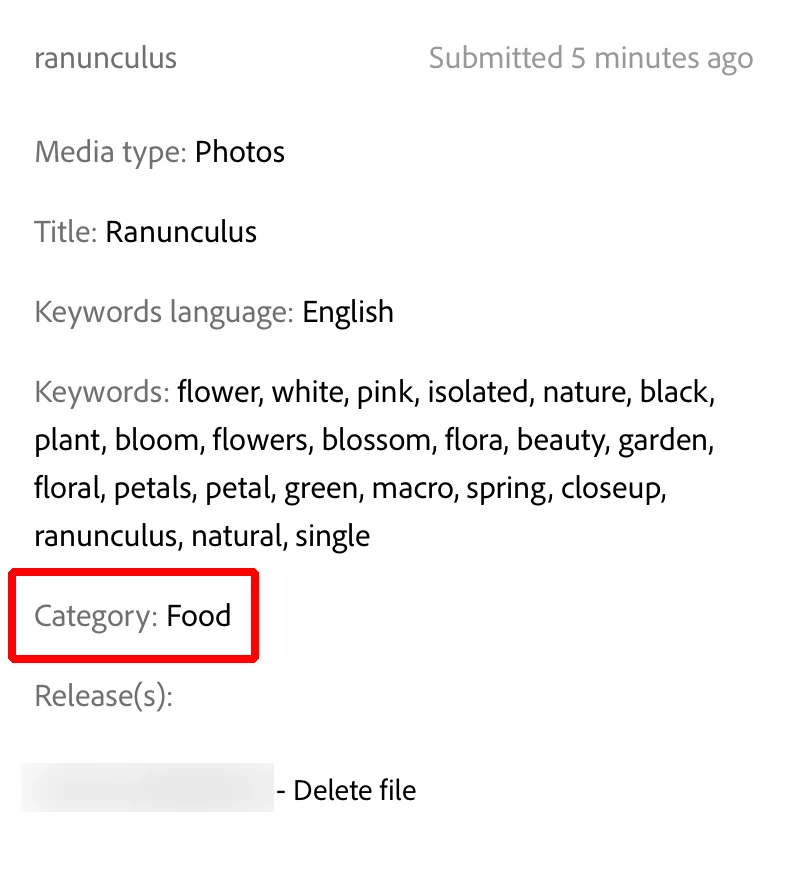
So, if I missed the "auto-category" I have no way to go back and fix it before or after it was submitted.

For some reason it thought this was "food", and i can't change the category. TerryWhite

Thanks,

A.

This topic has been closed for replies.
Correct answer Ricky336

On the page you have shown - screen shot, hover with your mouse over the title for example, the section will be highlighted and you will see a pencil icon - click on it - and you will be able to edit! You can do this with all the options.

2 replies

Ricky336
Community Expert
Ricky336Community ExpertCorrect answer
Community Expert
May 14, 2018

On the page you have shown - screen shot, hover with your mouse over the title for example, the section will be highlighted and you will see a pencil icon - click on it - and you will be able to edit! You can do this with all the options.

Known Participant
May 14, 2018

Ok. Thank you. Wish that was more obvious. I cannot do this unless the images have been approved though. For those "submitted for review" this doesn't work.

Ricky336
Community Expert
Community Expert
May 14, 2018

That would be correct - just wait until the image is approved, then you can make the changes.

Sheena Kaul
Legend
May 14, 2018

Moving to Adobe Stock Contributors​ and looping in MatHayward

Known Participant
May 14, 2018

Thank you.