Participant
April 7, 2024
Answered

Feedback about my rejectes Photos

  • April 7, 2024
  • 5 replies
  • 988 views

Hello everyone,

I would like to receive feedback on the photos I uploaded to Adobe Stock, but they were rejected due to quality issues. I welcome any criticism, correction, and comment since I am new to this and it serves as a learning experience.

Thank you in advance!
 

This topic has been closed for replies.
Correct answer jacquelingphoto2017

Hi @VaJuBuMe ,

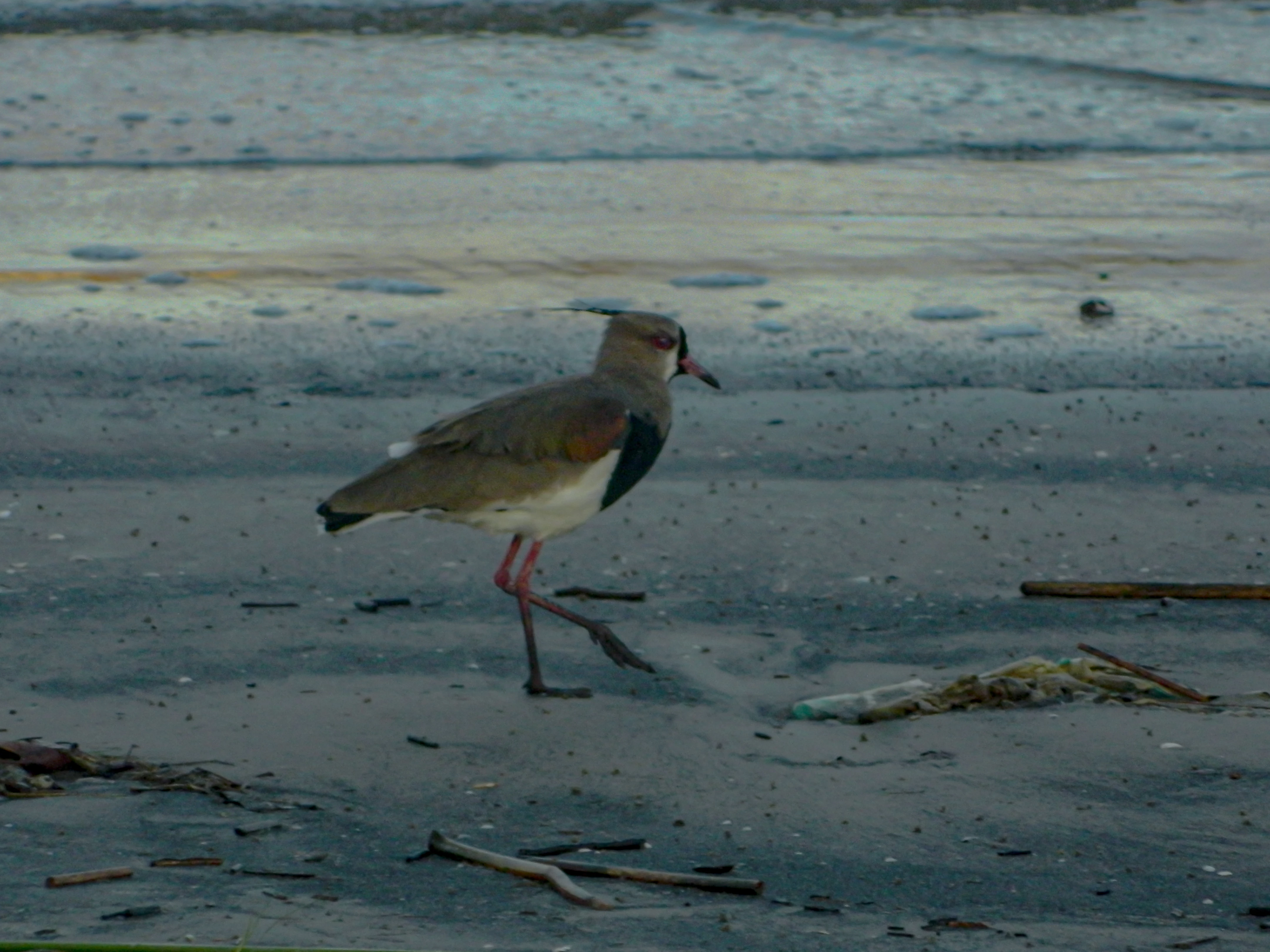
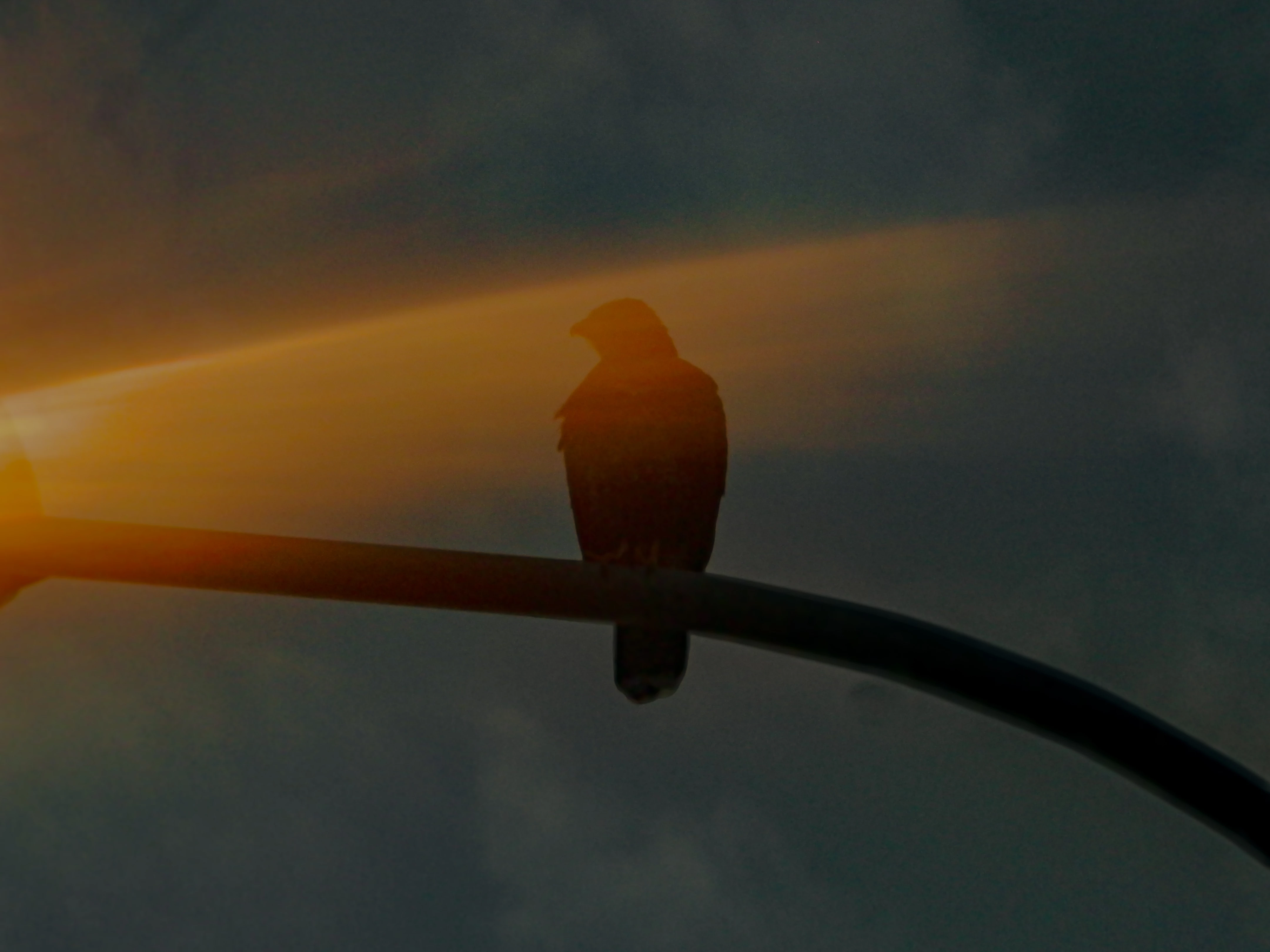
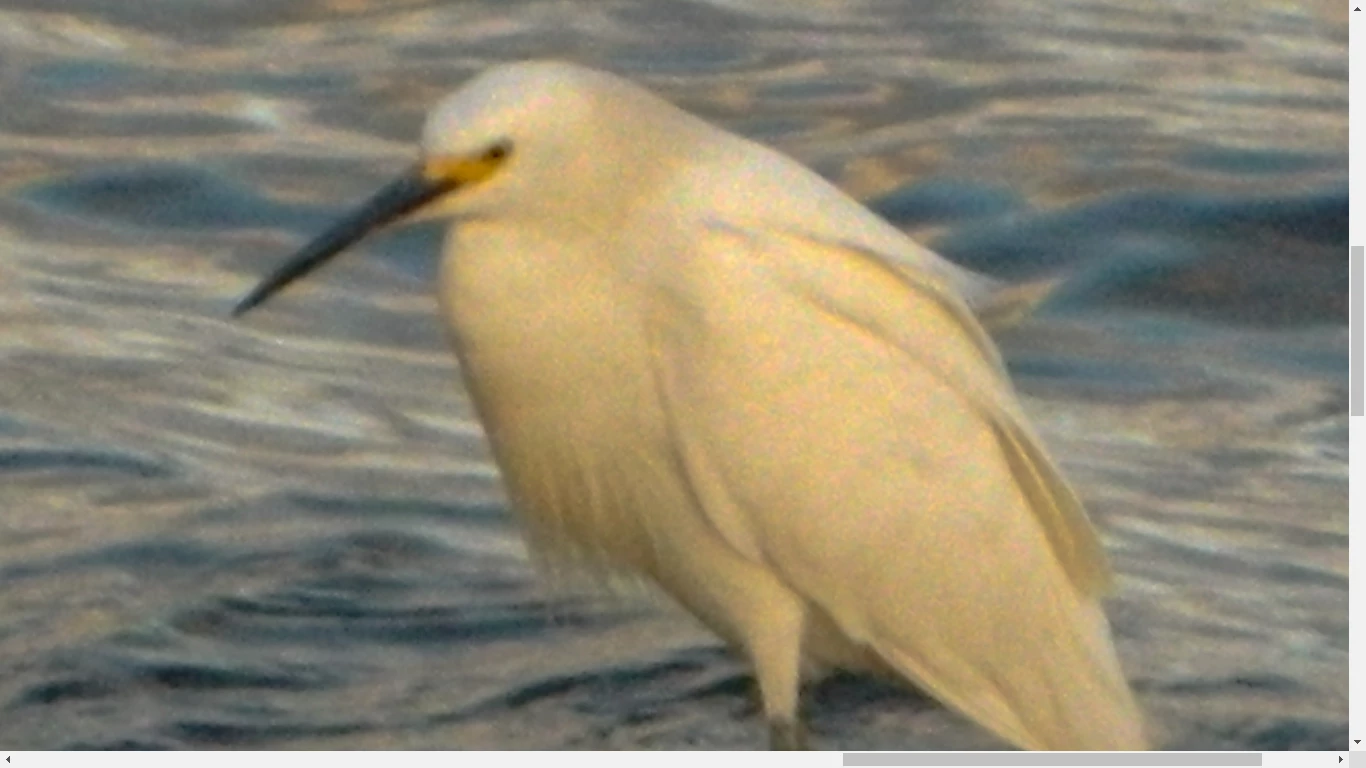
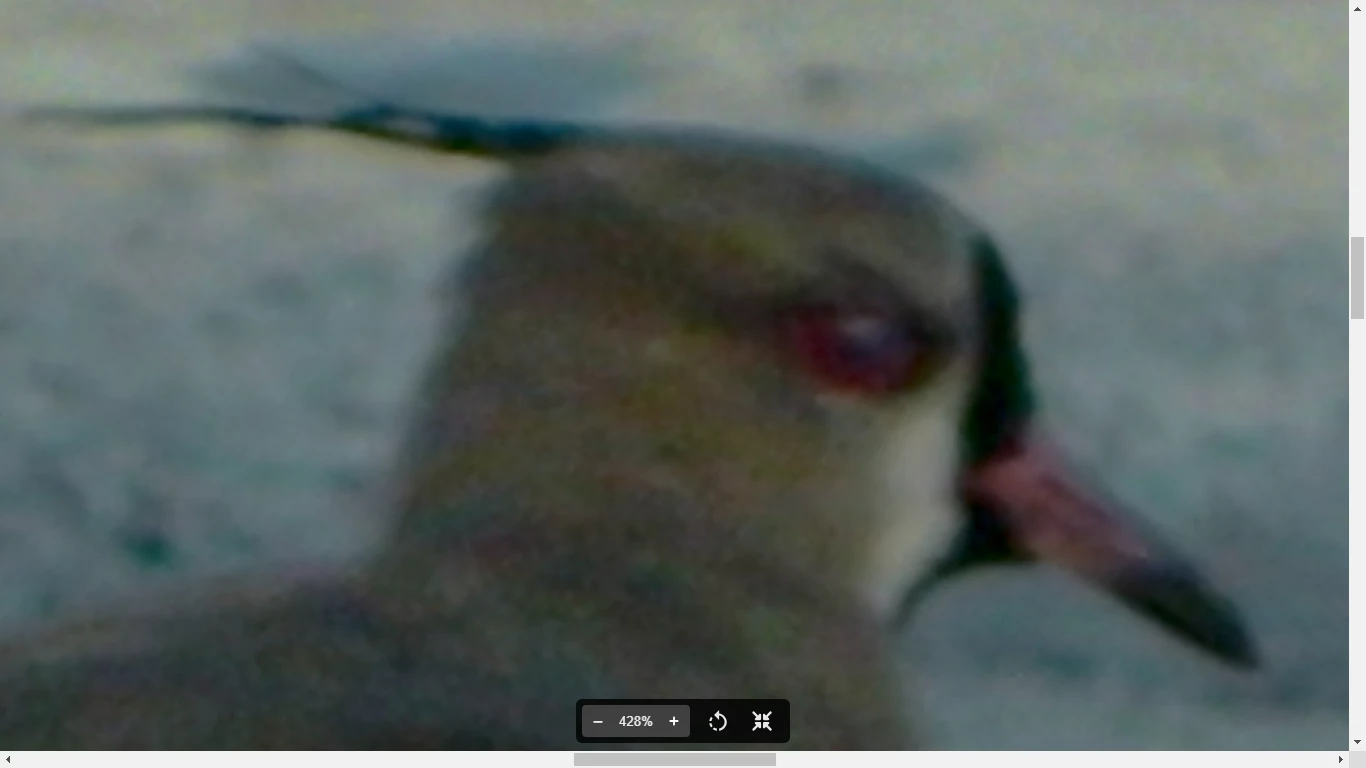
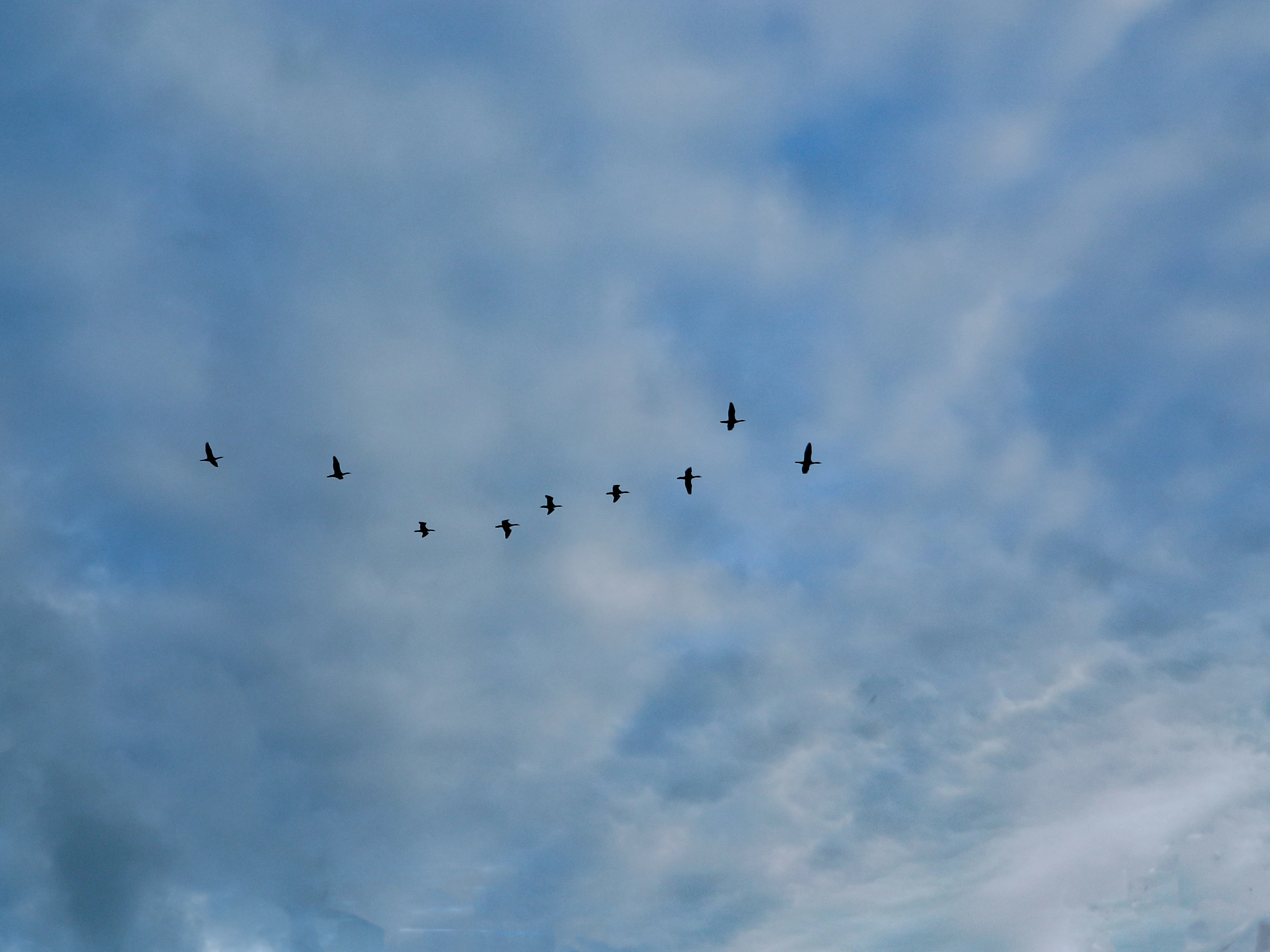
The first and second files are not sharp and have artifacts. The multicolor grains (artifacts or color noise) is not permitted.

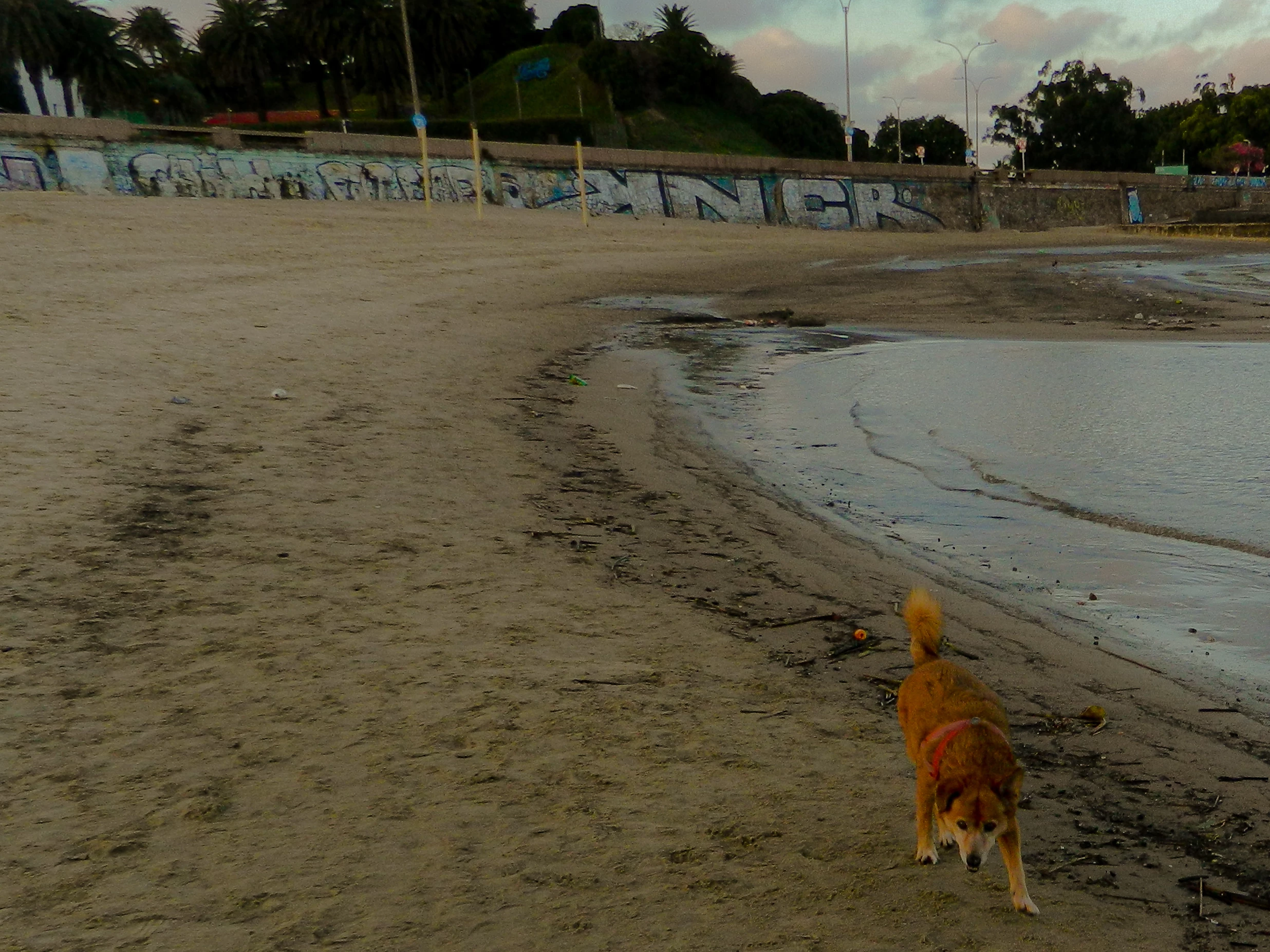
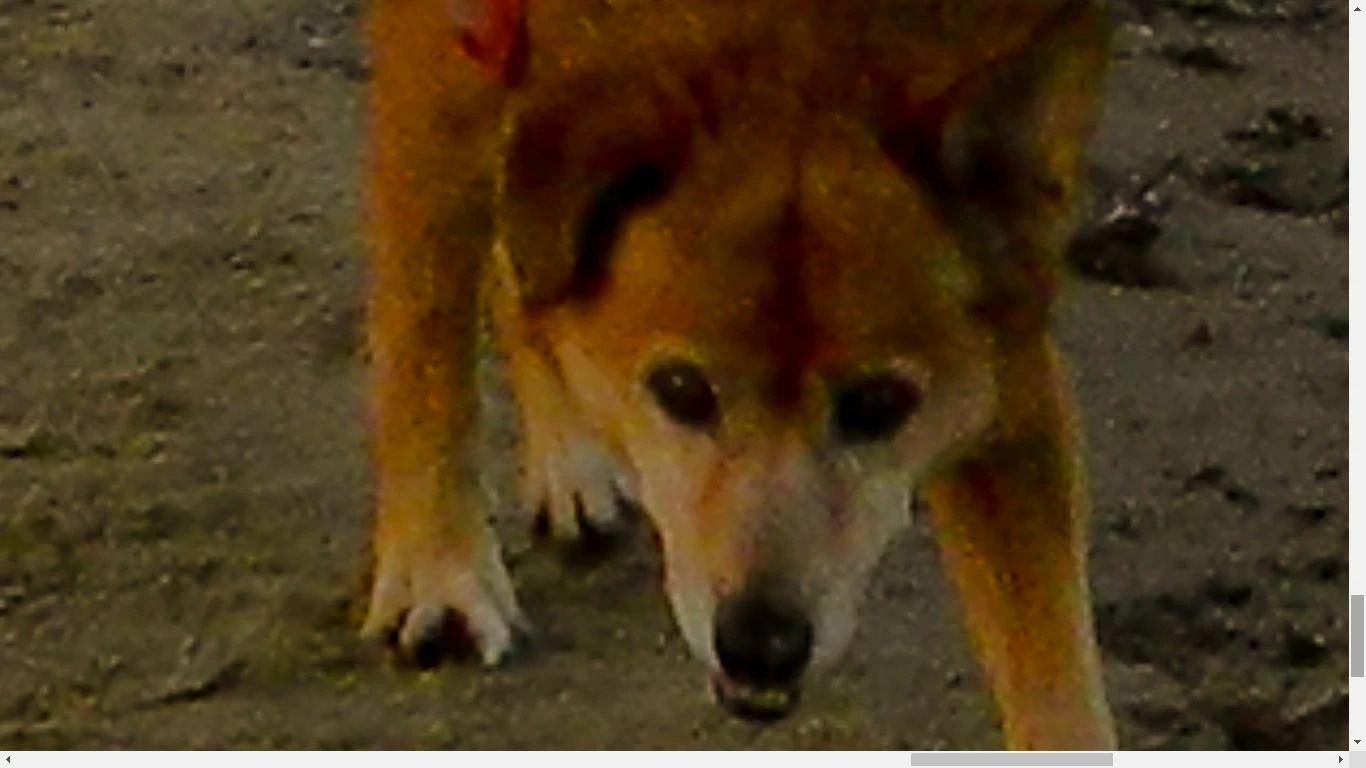
I get the impression that this file was taken in JPG format. The color blotch in the dog's face is not normal.

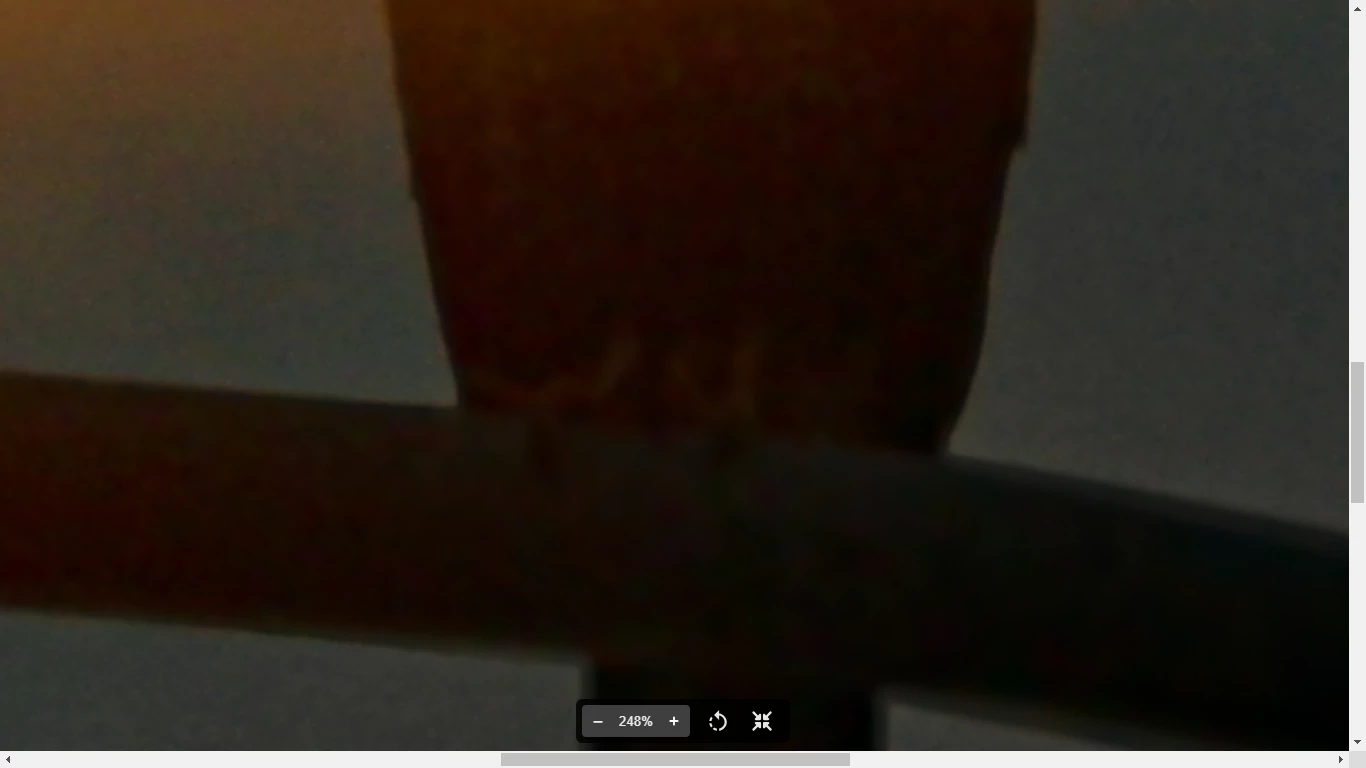
The third file is out of focus, underexposed and with artifacts.


The fourth is with artifacts also, out of focus

The fifth photo is noisy.

Best wishes

Jacquelin


5 replies

VaJuBuMeAuthor
Participant
April 24, 2024

Thank you all for your contributions and the learning given, my nikon coolpix l310 is limited in functions and I try to get the most out of it. With this I can know what their limits are and what I have to take into account when uploading a stock photo. Greetings to all

Abambo
Community Expert
Community Expert
April 24, 2024

It's not only the camera. Looking at the first, I see an ill exposed asset:

besides all the other issues:

and the noise…


Looking at the histogram of the last one, the histogram shows an underexposed asset:

II see exposure problems in all of your assets.

ABAMBO | Hard- and Software Engineer | Photographer
Nancy OShea
Community Expert
Community Expert
April 7, 2024

Low light conditions and rushed snapshots are not good Stock photos.  Good photos begin with proper lighting, good focus and careful planning.  Take your time.  Don't chase after moving subjects. You won't learn anything that way.  Set-up your shot.  Is it visually interesting?  Take several photos from different angles and distances until you find the most pleasing one. 


Make corrections in Photoshop or Lightroom.  Submit only your best work to Stock.


Read these links for more tips.

Hope that helps.


Nancy O'Shea— Product User & Community Expert
jacquelingphoto2017
Community Expert
jacquelingphoto2017Community ExpertCorrect answer
Community Expert
April 7, 2024

Hi @VaJuBuMe ,

The first and second files are not sharp and have artifacts. The multicolor grains (artifacts or color noise) is not permitted.

I get the impression that this file was taken in JPG format. The color blotch in the dog's face is not normal.

The third file is out of focus, underexposed and with artifacts.


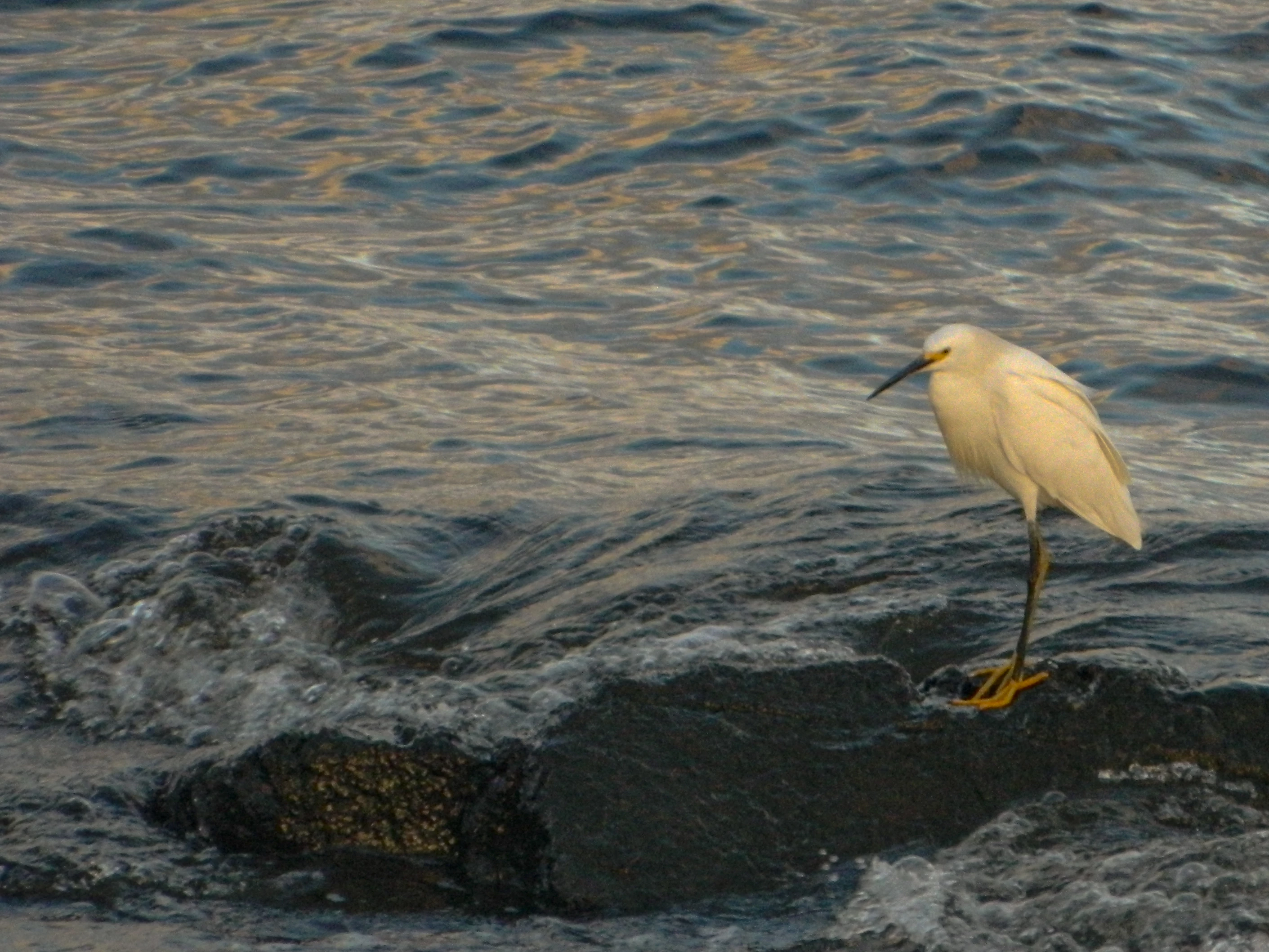
The fourth is with artifacts also, out of focus

The fifth photo is noisy.

Best wishes

Jacquelin


daniellei4510
Community Expert
Community Expert
April 7, 2024

Mostly focusing issues on 8, 10, and 9.

Adobe Community Expert | If you can't fix it, hide it; if you can't hide it, delete it.
Jill_C
Community Expert
Community Expert
April 7, 2024

Zoom in to inspect your images at 100% and you will be able to see that all have noise and blur. The image with the dog is also not well composed.

Jill C., Forum Volunteer