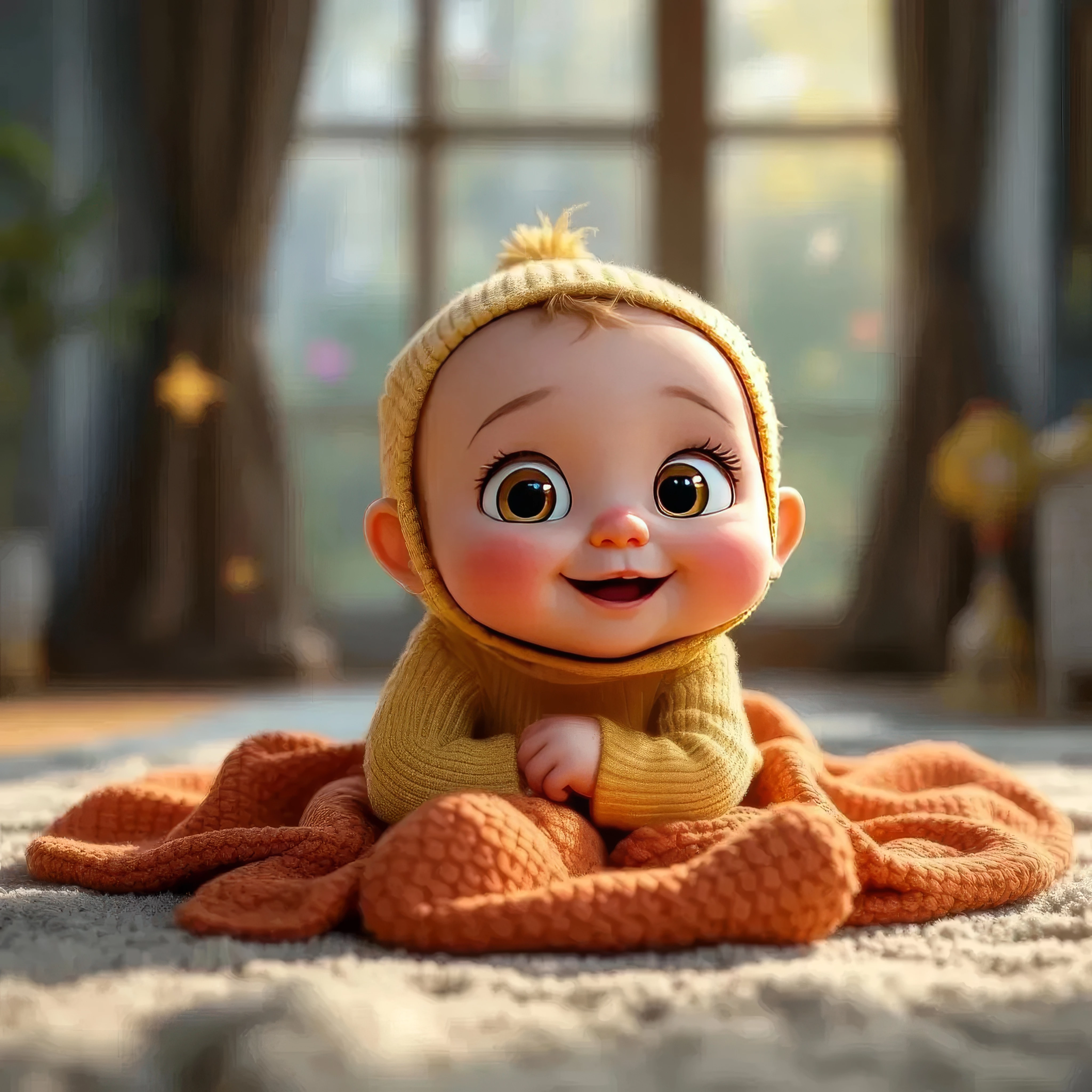
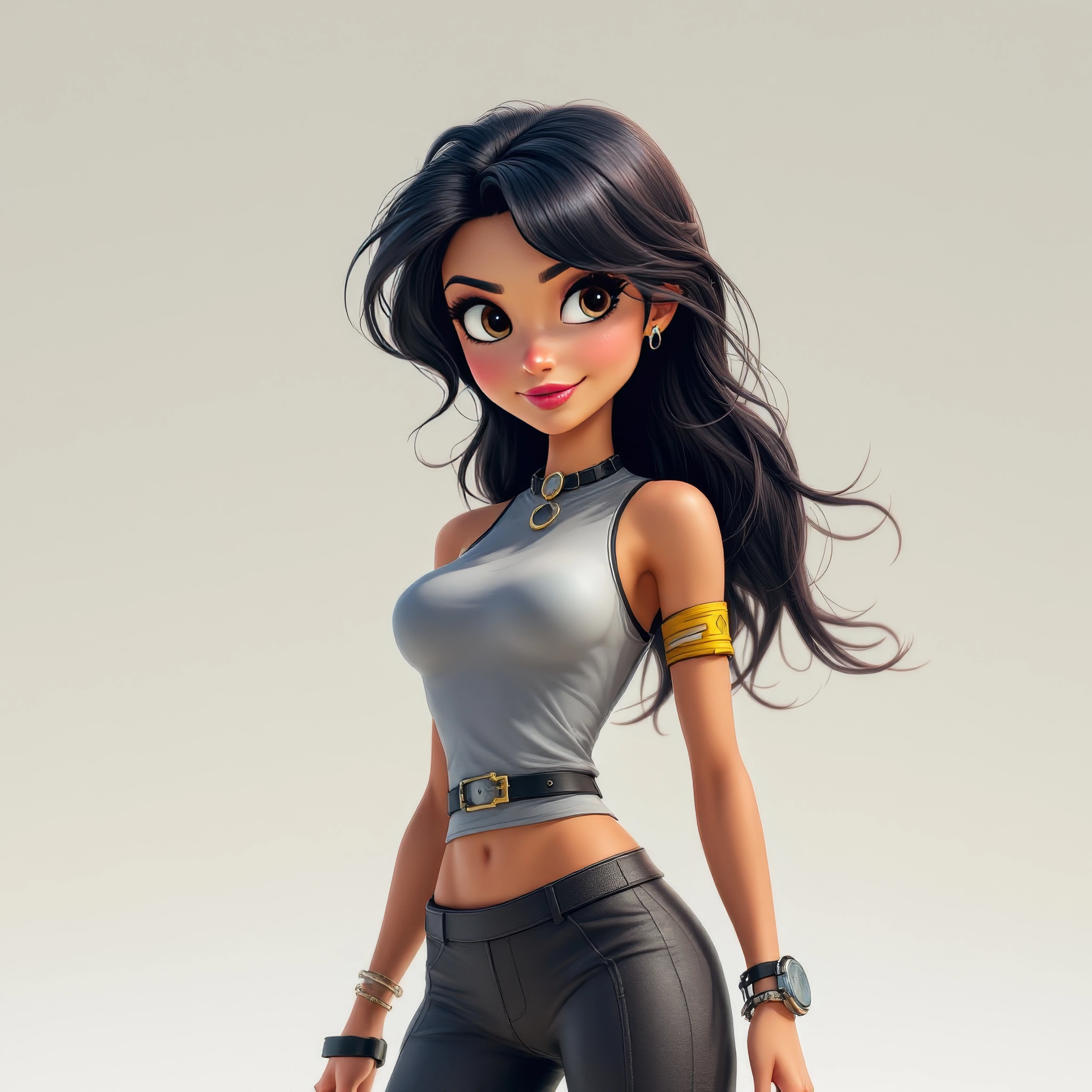
This topic has been closed for replies.

2 replies

daniellei4510
Community Expert
Community Expert
December 6, 2024

@Jill_C has the issues well covered. But you should also avoid using the default square format of AI. Consider your buyer and allow for copy space or cropping.

Adobe Community Expert | If you can't fix it, hide it; if you can't hide it, delete it.
Inspiring
December 6, 2024

I can change the aspect ratio afterward. I usually do after upscaling. My upscaled images are too large to upload here. Thanks for the input

daniellei4510
Community Expert
Community Expert
December 6, 2024

Hm. I don't know how large you upscale to change the dimensions AFTER upscaling, but the problem is that AI generates at 1024x1024, which very low resolution compared to your upscaled version. Potentially, at least, since I don't now how large you upscale.

Adobe Community Expert | If you can't fix it, hide it; if you can't hide it, delete it.
Jill_C
Community Expert
Community Expert
December 6, 2024

Zoom in and inspect images carefully. The drawing errors are easy to find.

Jill C., Forum Volunteer
Inspiring
December 6, 2024

Thanks Jill for the feedback. You definitely have a trained eye. Even zoomed in, I didn't see those errors. Maybe wishful thinking got in the way