Participant
November 18, 2024
Answered

File rejected due to quality issues

  • November 18, 2024
  • 6 replies
  • 379 views

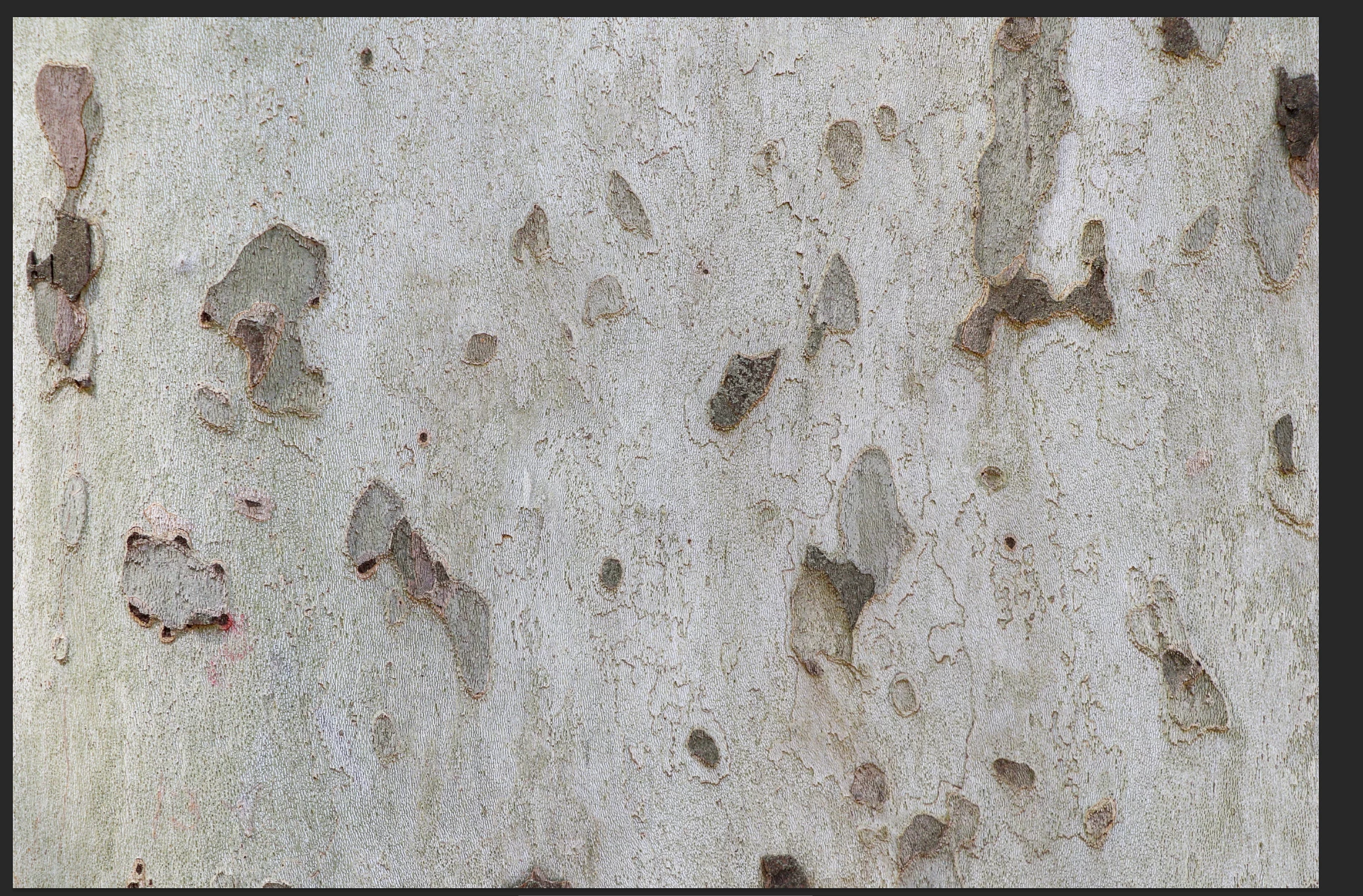
The file below was rejected due to quality issues. Why was this file rejected? How can I improve?

 

This topic has been closed for replies.
Correct answer Ricky336

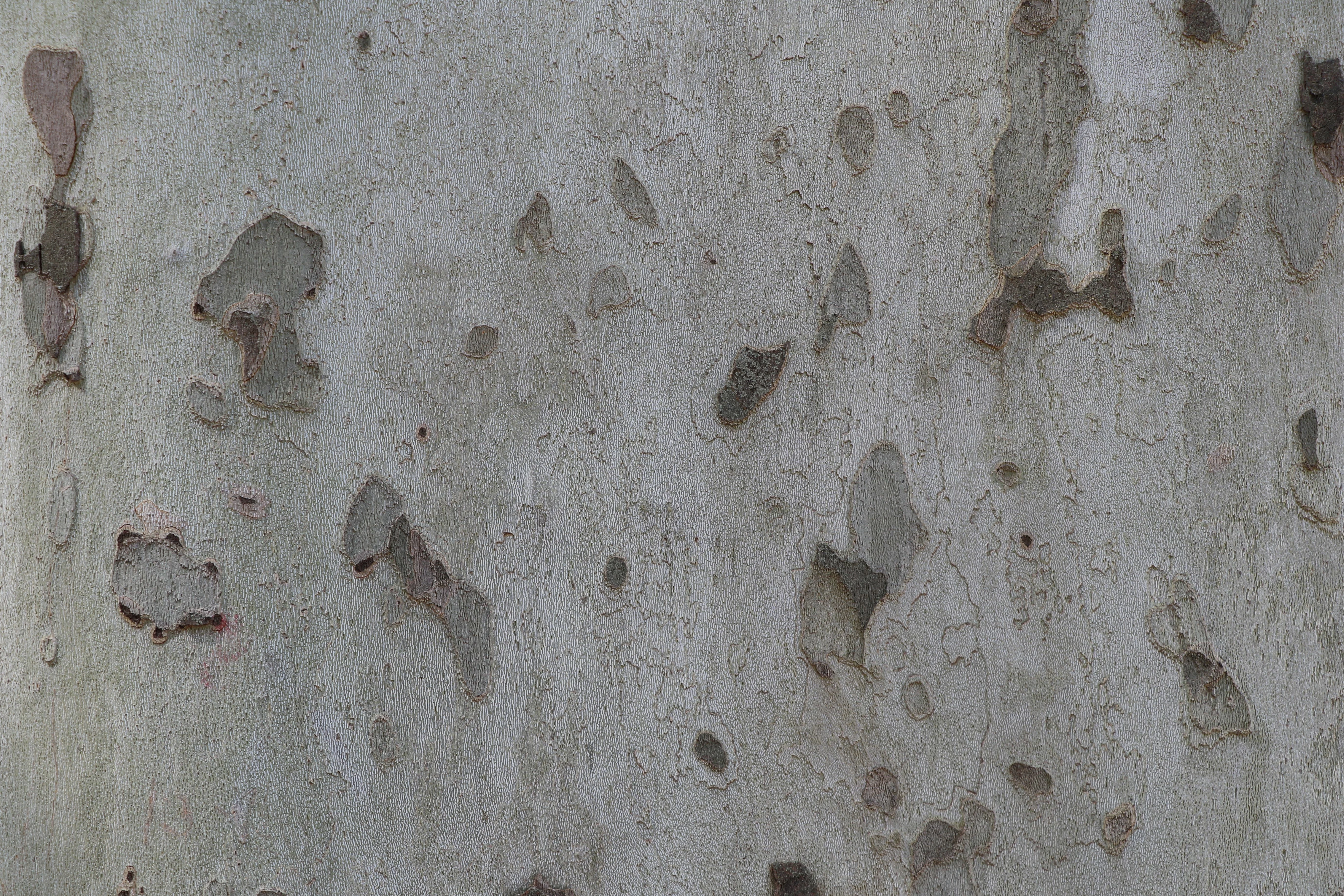
For example after a quick edit:

A slight increase in exposure makes the image a bit brighter, and a slight adjustment in the white balance makes it a bit warmer.


6 replies

Participant
November 20, 2024

Thank you for all your responses

Ricky336
Community Expert
Ricky336Community ExpertCorrect answer
Community Expert
November 18, 2024

For example after a quick edit:

A slight increase in exposure makes the image a bit brighter, and a slight adjustment in the white balance makes it a bit warmer.


RALPH_L
Community Expert
Community Expert
November 18, 2024

exposure and needs some post processing.

daniellei4510
Community Expert
Community Expert
November 18, 2024

Increase the exposure and lower the shadows to increase contrast.

Adobe Community Expert | If you can't fix it, hide it; if you can't hide it, delete it.
Jill_C
Community Expert
Community Expert
November 18, 2024

Underexposed was my immediate reaction also.

Jill C., Forum Volunteer
jacquelingphoto2017
Community Expert
Community Expert
November 18, 2024

Hi @Stephan7000 ,

I suggest you improve the exposure. it seem a bit underexposed.

Best wishes

Jacquelin