Known Participant
March 11, 2025
Answered

Generative Tag for Edited Oil Paint Version Image
  • March 11, 2025
  • 2 replies
  • 369 views
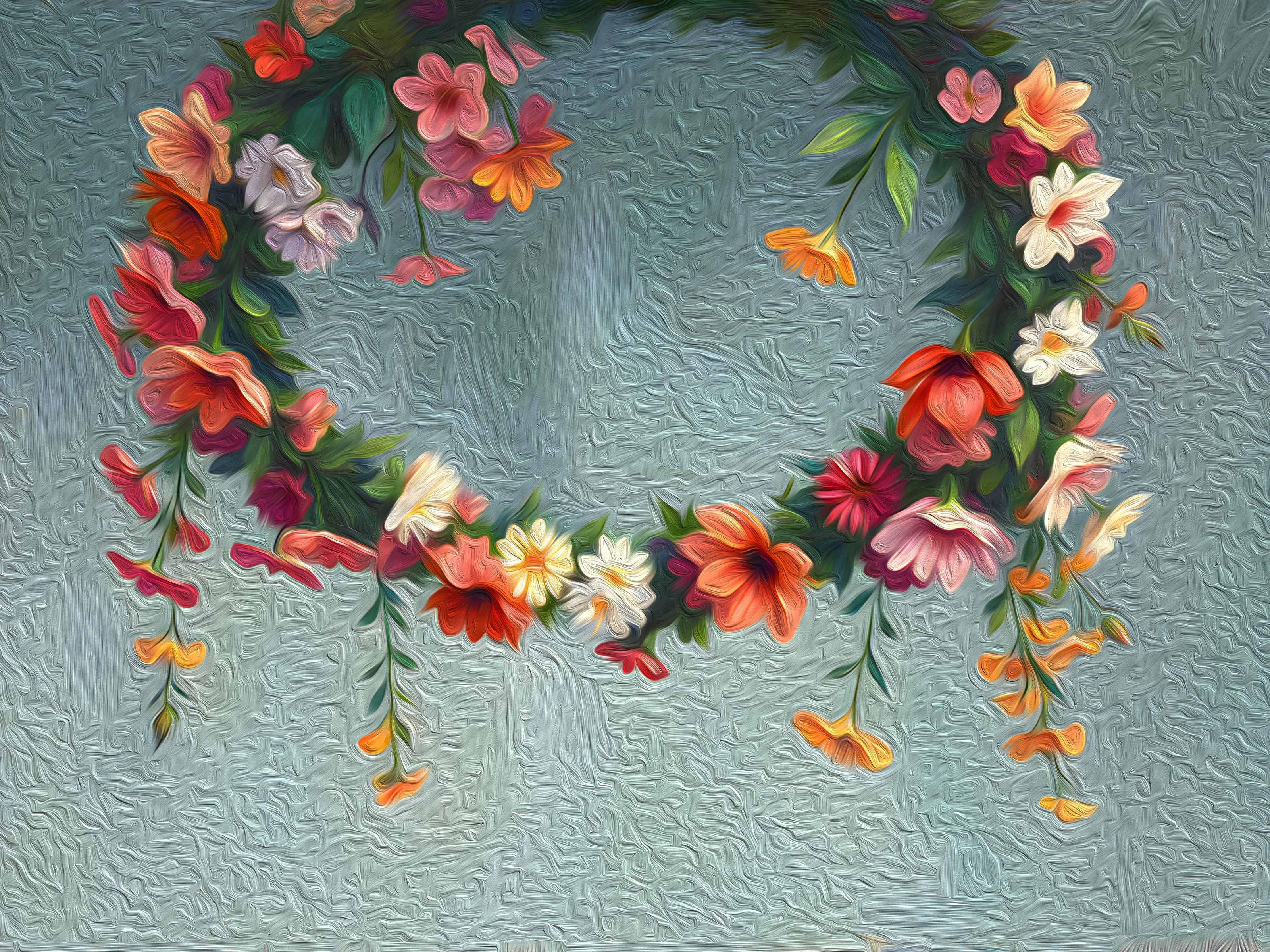
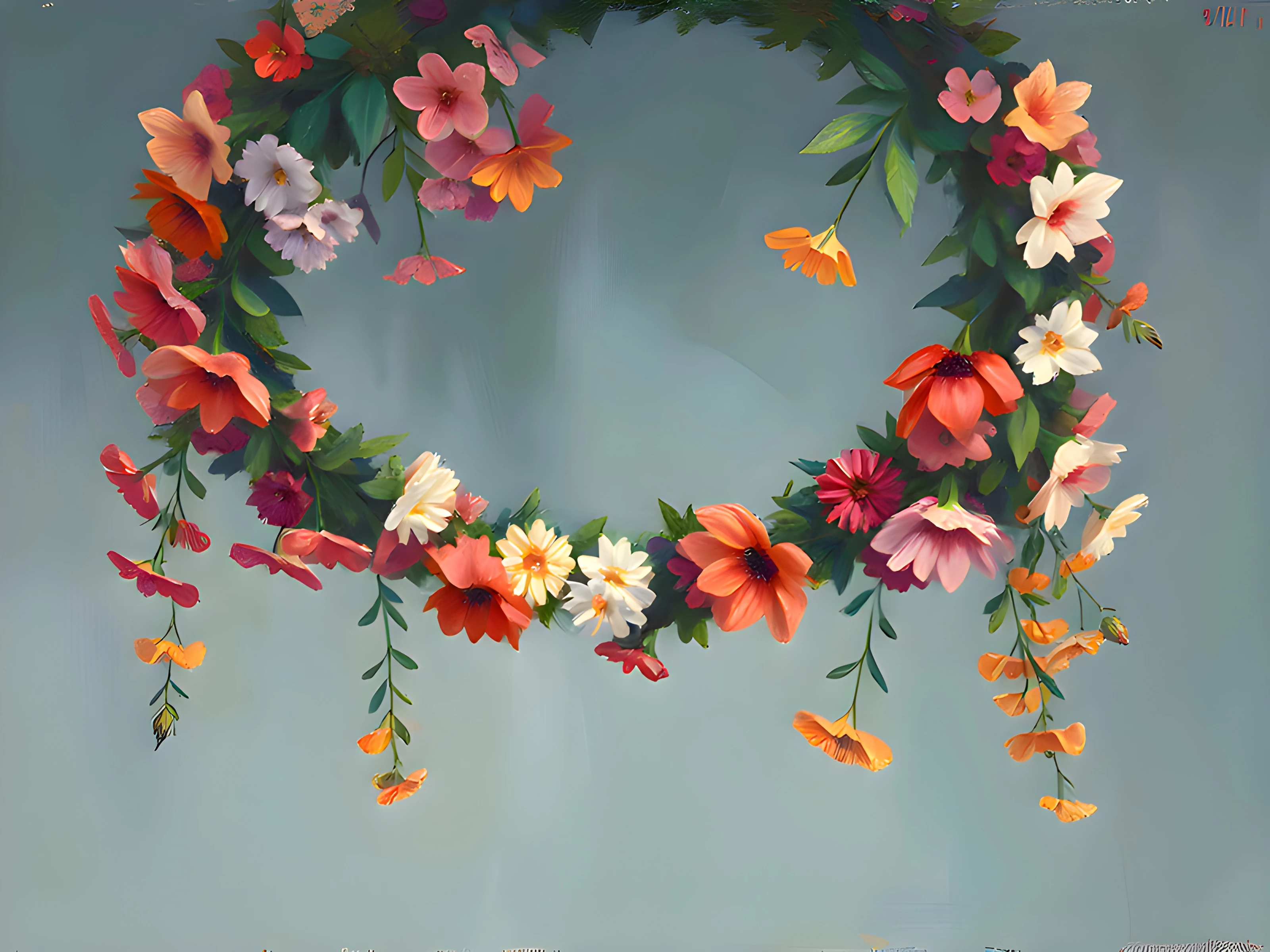
  • The two images you see here—first one is the original ai image, and the second one is an edited version of the first ai image using Photoshop. My question is, since this oil paint version is created through editing, do I need to mark it as Generative ai when uploading it as a contributor?

     

Correct answer Abambo

Sure, generative AI assets stay generative AI assets, but according to the rules, you should only submit the first image. The oil paint filter can be applied by the buyer, if needed, but can not be removed.

2 replies

Abambo
Community Expert
AbamboCommunity ExpertCorrect answer
Community Expert
March 11, 2025

Sure, generative AI assets stay generative AI assets, but according to the rules, you should only submit the first image. The oil paint filter can be applied by the buyer, if needed, but can not be removed.

ABAMBO | Hard- and Software Engineer | Photographer
ovik_9899Author
Known Participant
March 14, 2025

If using Photoshop filters or effects is prohibited, then how did that contributor sell more than 25,000 assets? 

I can clearly see that they have used noise effects with a filter!


Jill_C
Community Expert
Community Expert
March 11, 2025

If any part of the image was created using AI tools, you must declare it as an AI image. Applying Photoshop editing does not negate the fact that it was originally created with AI software.

Jill C., Forum Volunteer
daniellei4510
Community Expert
Community Expert
March 11, 2025

Go with the first one in any case. Photoshop's "oil paint" filter looks nothing like actual oil paint, and images with applied filters are generally not accepted. However, the top one has watermarks and white spots that need to be removed. 

Adobe Community Expert | If you can't fix it, hide it; if you can't hide it, delete it.