
christyh41182825
Participant
February 10, 2018
Answered

Grain/Noise Problem

  • February 10, 2018
  • 3 replies
  • 584 views

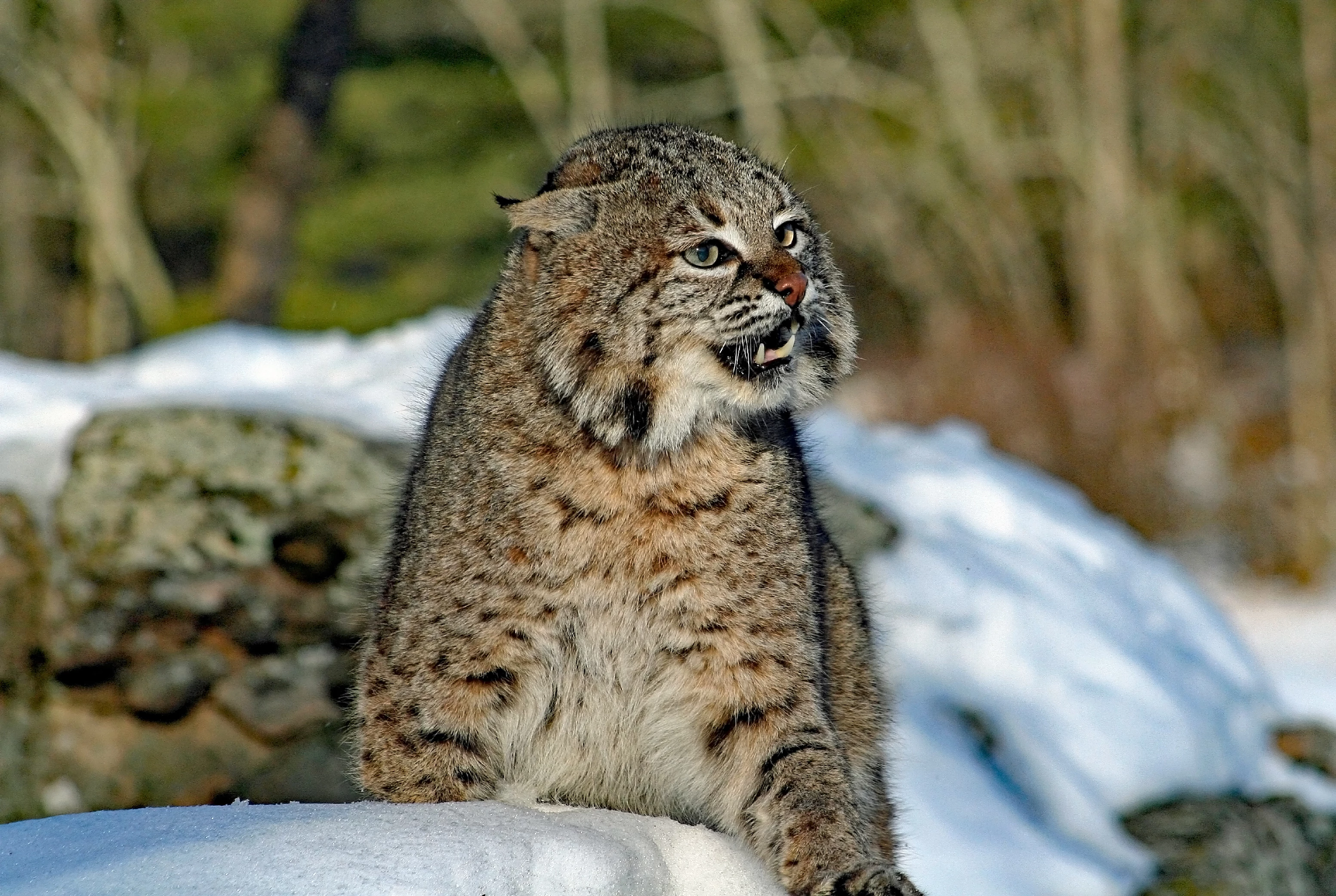
Want some feedback re this please - was declined due to grain/noise problem.  I know that there is "blur" in the background content as a result of the depth of field, but I wanted to get some input re  the noise issue?  Thanks!
This topic has been closed for replies.
Correct answer joanH

This is a great photo except - The background does have blur, lots of objects and noise. The foreground of snow might also have grain or noise problems. Cat looks very good - some hairs on left might need sharpening. Tough one for me. Good luck. JH

3 replies

FastFlash
Participant
February 12, 2018

I use Topaz DeNoise6 on images where I have that problem. It works sometimes and sometimes not. I used it on your image and it looks 100% better. I am not sure if Adobe has a problem if someone is using DeNoise or not. But here ya go

christyh41182825
Participant
February 13, 2018

Thank you for the suggestion - I will definitely check it out!!

v.poth
Inspiring
February 10, 2018

Hi,

Blurred image background is generally a means of creating an image, which is correct. But here you should make sure that the effect is not technically destroyed by excessive sharpening and increased noise.

Here is a section from the background of your picture:

This is what a correct blurred background in the magnification should look like:

I hope this could help you.

Greets,

v.poth

joanH
joanHCorrect answer
Inspiring
February 10, 2018

This is a great photo except - The background does have blur, lots of objects and noise. The foreground of snow might also have grain or noise problems. Cat looks very good - some hairs on left might need sharpening. Tough one for me. Good luck. JH