Participating Frequently
October 7, 2023
Answered

Guidance on Rejection reason for the below AI Generated images - 3

  • October 7, 2023
  • 2 replies
  • 274 views

Hi!


I uploaded two images approximately a month and 15 days ago, one of them was JPEG version and other one was PNG Transparent background version. JPEG was approved after around 28 days. However, PNG today was "Not accepted". The given reason for rejection is "Quality Issues". Could someone provide insights or guidance on the specific quality problems with this picture?


Although I'm confused why JPEG was accepted and PNG was not. I'd like to understand and correct any mistakes.
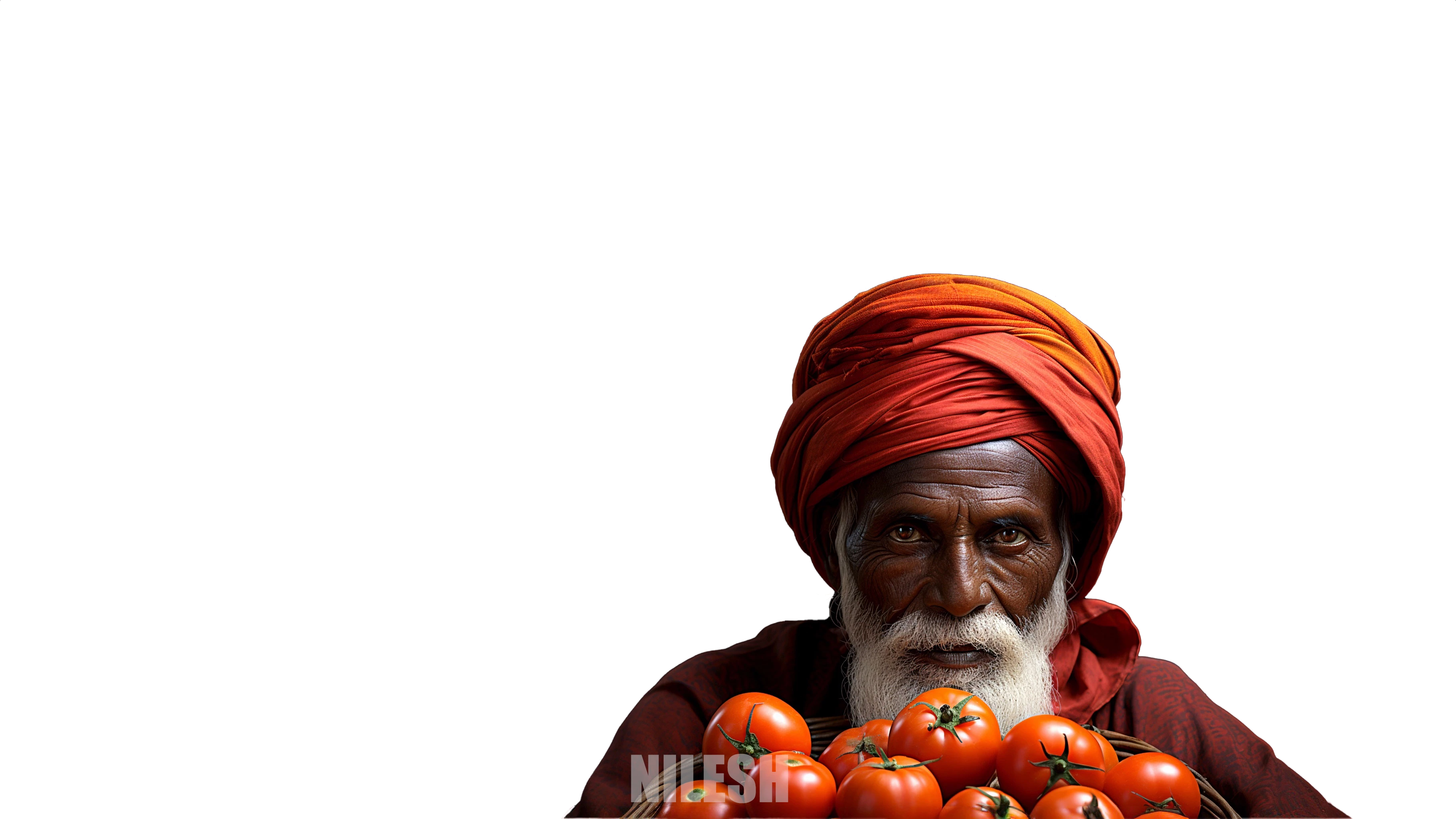
Thanks in advance!


Note: Added Watermark today at the bottom


Best,

Nilesh Reddy

This topic has been closed for replies.
Correct answer Abambo

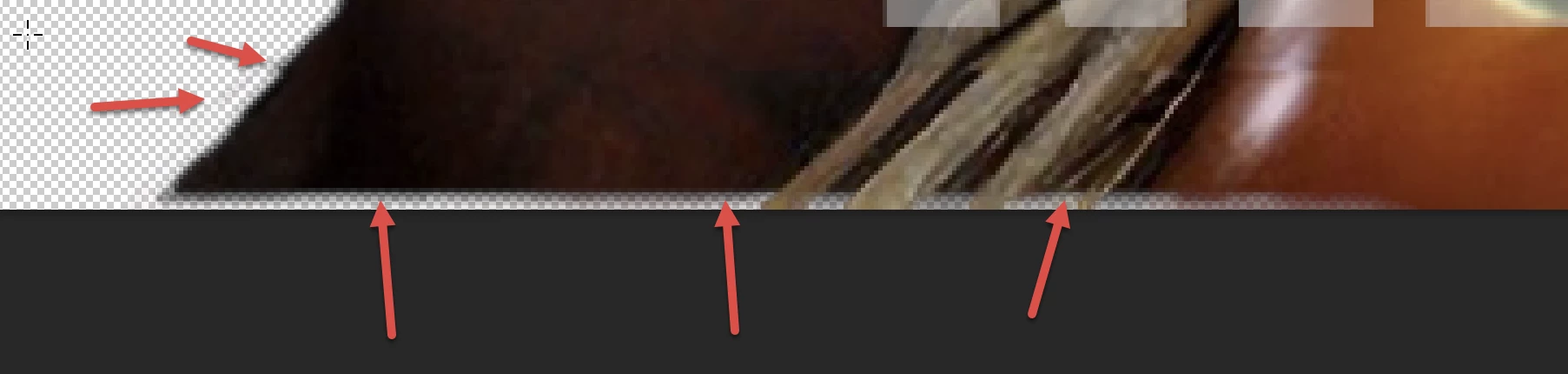
You should rework your cutout indeed. Just looking 2 minutes at your asset, I did find multiple cutout problems, like those described by @Jill_C.

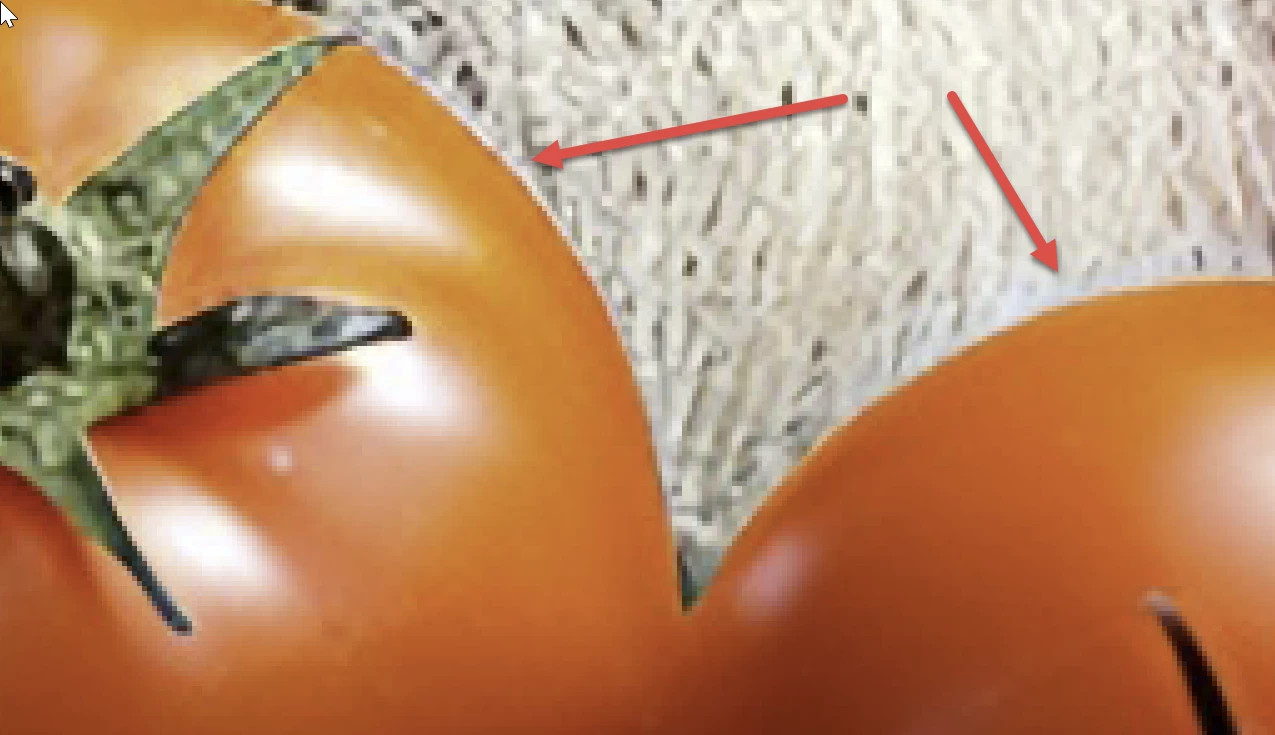
But your tomatoes are also cutout-work, and they do not blend well with their background.

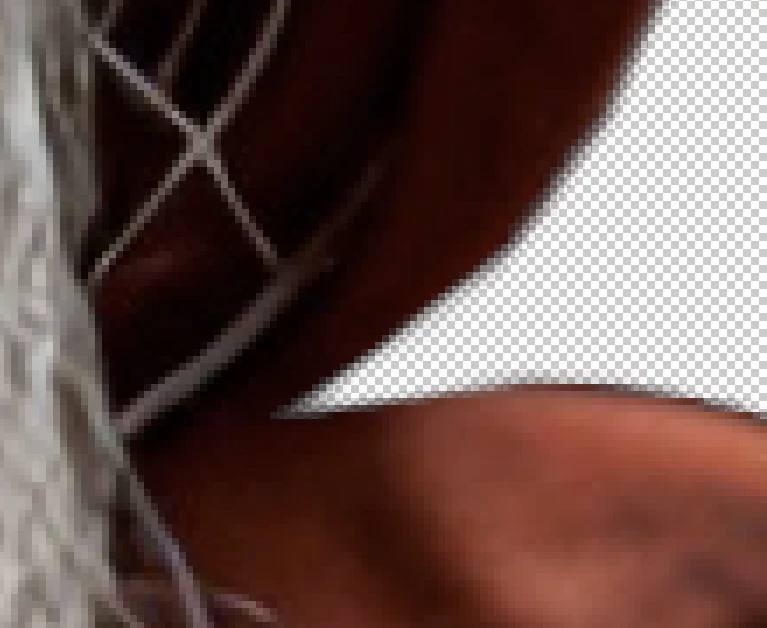
Corners like this need to get corrected.

You do that by over-cutting out:

and the by restoring what has been cut out too much:


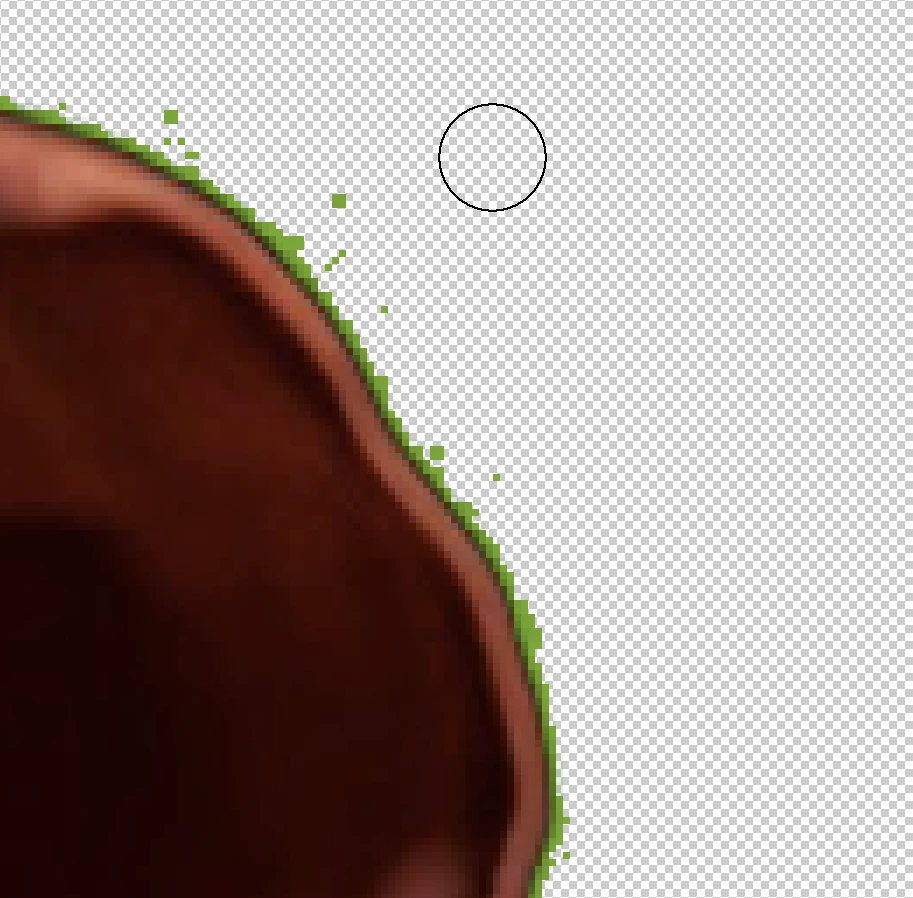
Tip: if you have Photoshop, use the special effects to overlay a thin line (stroke) on the object:

The green points scattered around are cutout errors that are not easily detected otherwise.


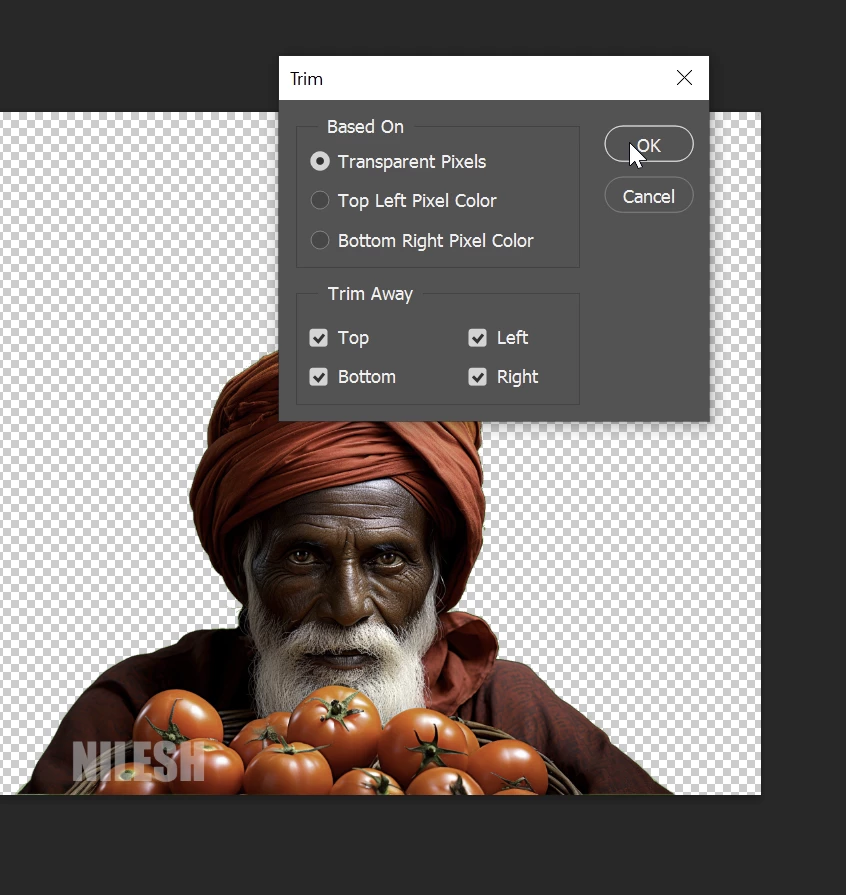
Different point: you do not need to add (and you should not add) negative space to your cutout object. Trim it to the essential borders:

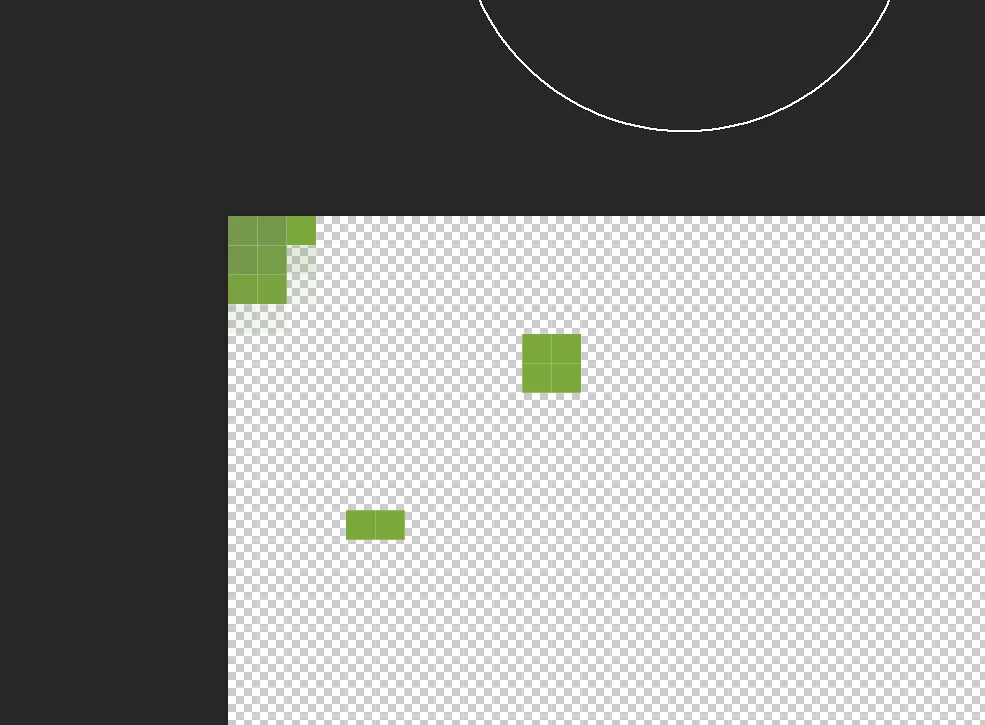
In the upper-left corner, there are non-transparent elements:

Trimming will fail in your image because of those leftovers…

2 replies

Abambo
Community Expert
AbamboCommunity ExpertCorrect answer
Community Expert
October 7, 2023

You should rework your cutout indeed. Just looking 2 minutes at your asset, I did find multiple cutout problems, like those described by @Jill_C.

But your tomatoes are also cutout-work, and they do not blend well with their background.

Corners like this need to get corrected.

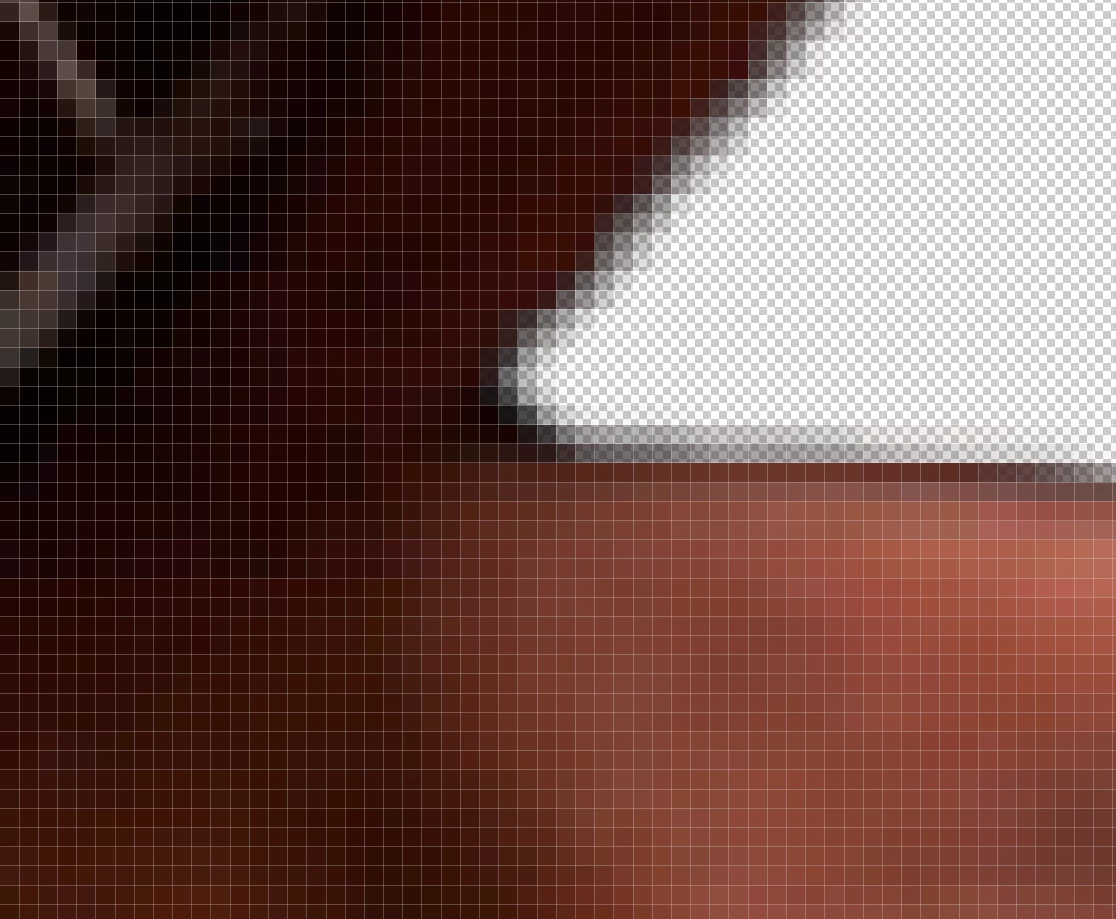
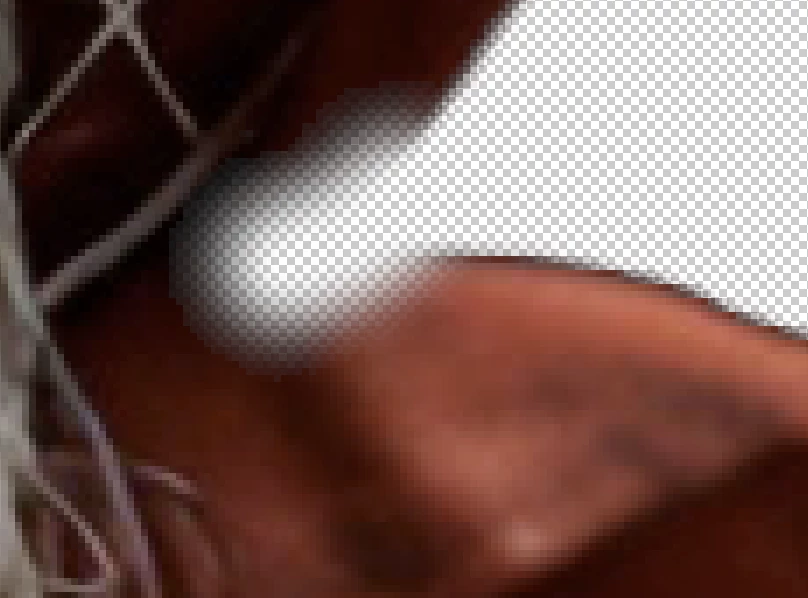
You do that by over-cutting out:

and the by restoring what has been cut out too much:


Tip: if you have Photoshop, use the special effects to overlay a thin line (stroke) on the object:

The green points scattered around are cutout errors that are not easily detected otherwise.


Different point: you do not need to add (and you should not add) negative space to your cutout object. Trim it to the essential borders:

In the upper-left corner, there are non-transparent elements:

Trimming will fail in your image because of those leftovers…

ABAMBO | Hard- and Software Engineer | Photographer
Jill_C
Community Expert
Community Expert
October 7, 2023

The cut out work is not quite proficient enough. There's a black line along the top of the turban, and on the right shoulder (the right side of the frame - his left shoulder). There's also a white border along the bottom edge of the frame.

Jill C., Forum Volunteer