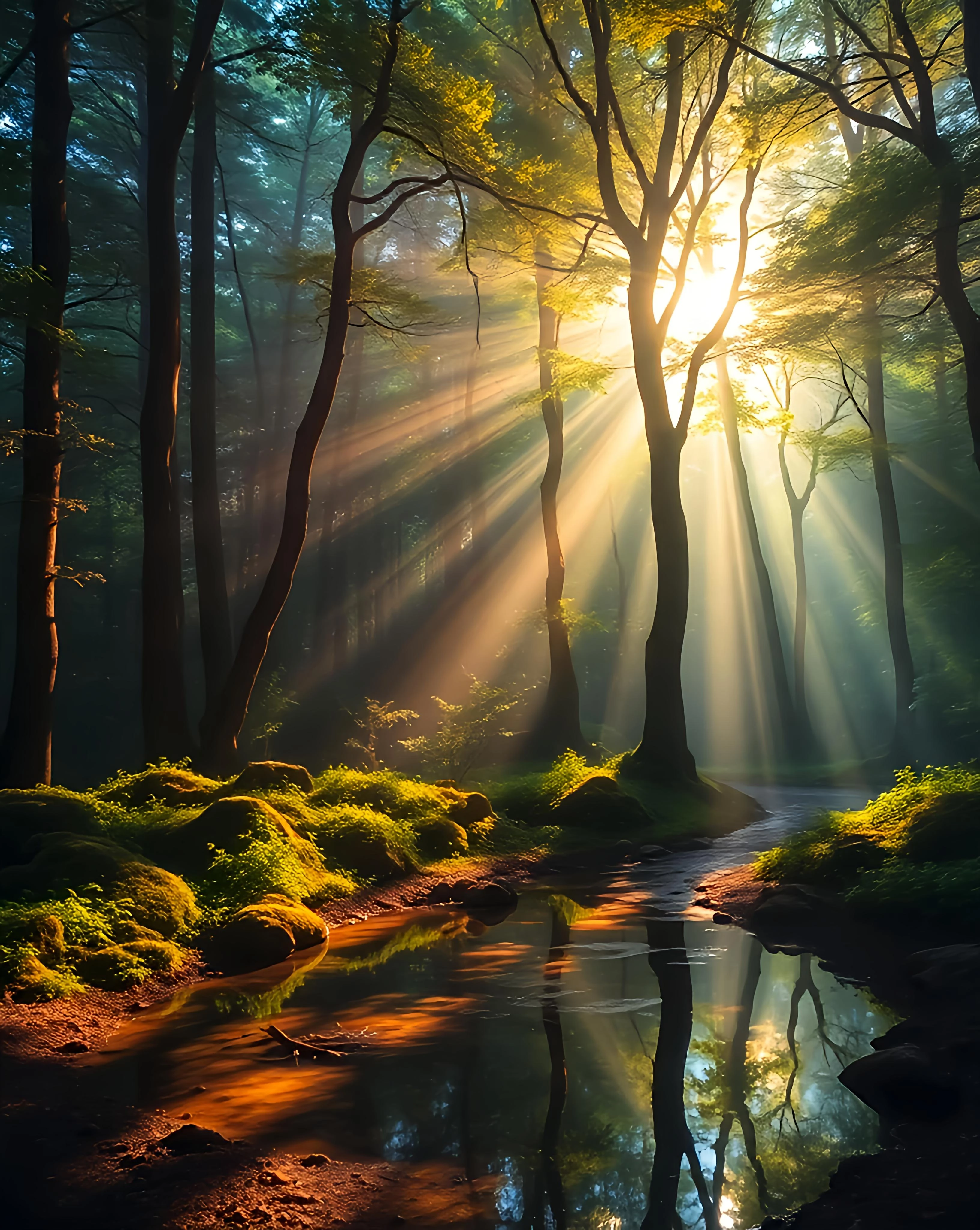
In general it's underexposed. The highlights are too high. Details are lost in the highlights. There is a technique in photography that compensate for the highlights so that you get all the details and good exposure. I believe it's the same expectation for all images. Also, normally, it's not recommended to shoot in the sun.
It looks a bit oversaturated. And it can't seem to decide whether it's an illustration or a photograph. If you tagged it as a photo, you might try lowering the saturation and submit it as an illustration.
Translate
Adobe Community Expert | I have miles to go before I sleep, but I'm all done on this end.
Thankyou for your reply it is very helpful. It was supposed to be set under illustration so this may be why. It was also upscaled from 4mp to 17mp. Thankyou for the insight. daniellei4510
Thankyou for your reply it is very helpful. It was supposed to be set under illustration so this may be why. It was also upscaled from 4mp to 17mp. Thankyou for the insight. daniellei4510
Aggressive upscaling is not enhancing the quality of an image. You should keep your image size at the minimum. When checking the image at 100% you will detect a lot of artefacts here, that get "enhanced" by the upscaling operation.
Translate
ABAMBO | Hard- and Software Engineer | Photographer



 AdChoices