Known Participant
January 12, 2025
Answered

Help me to find out my improvement points

  • January 12, 2025
  • 4 replies
  • 2094 views

Hello,

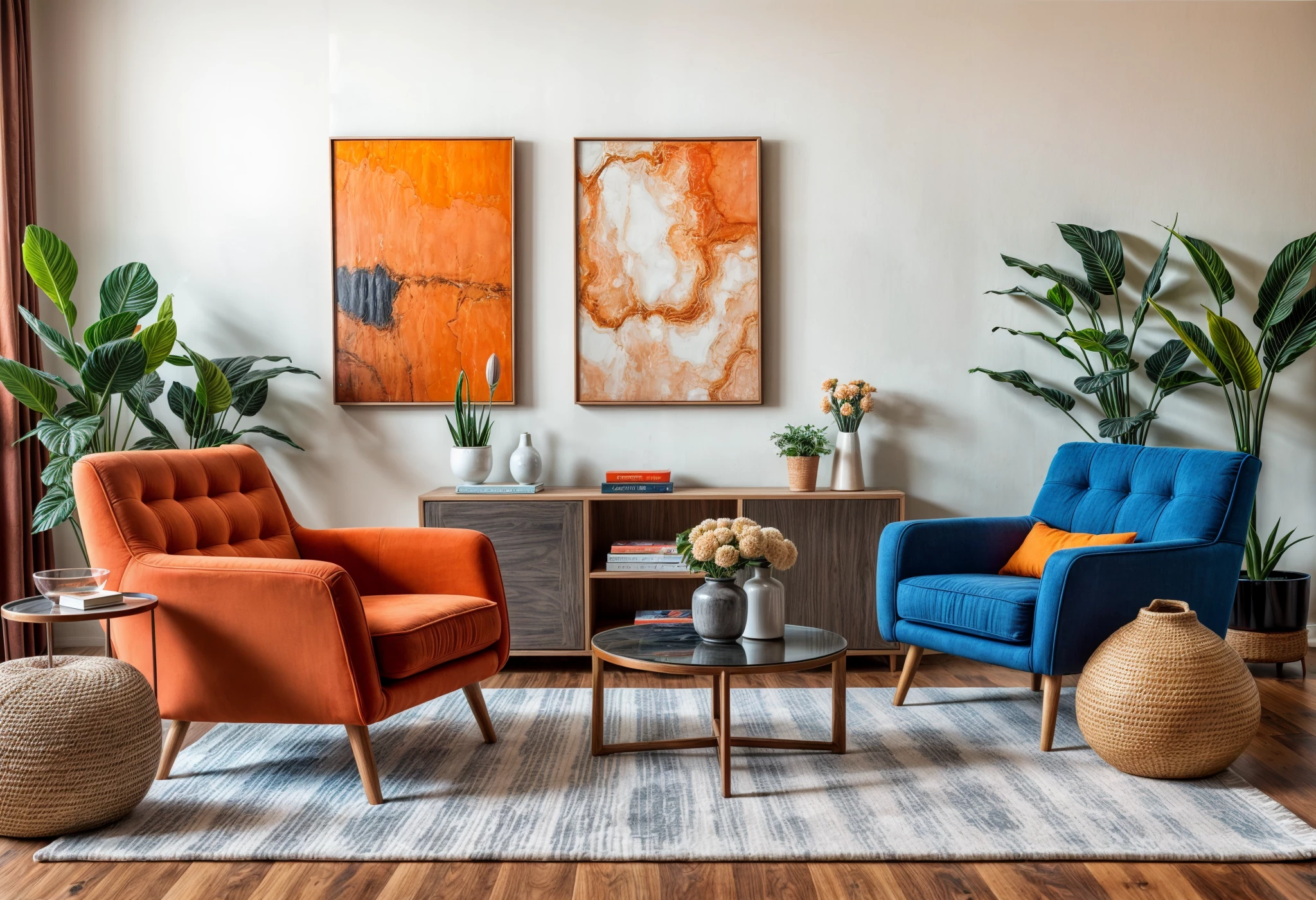
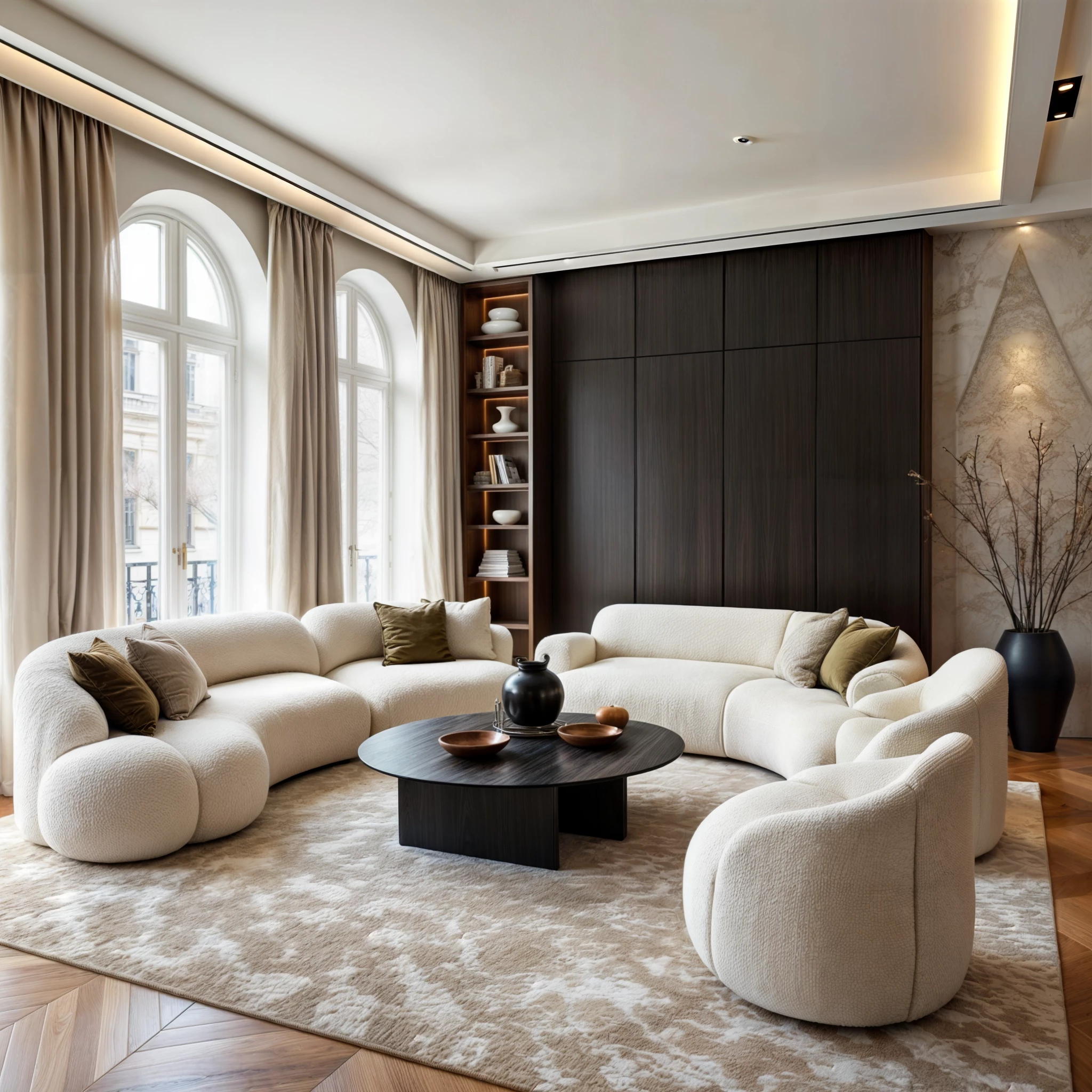
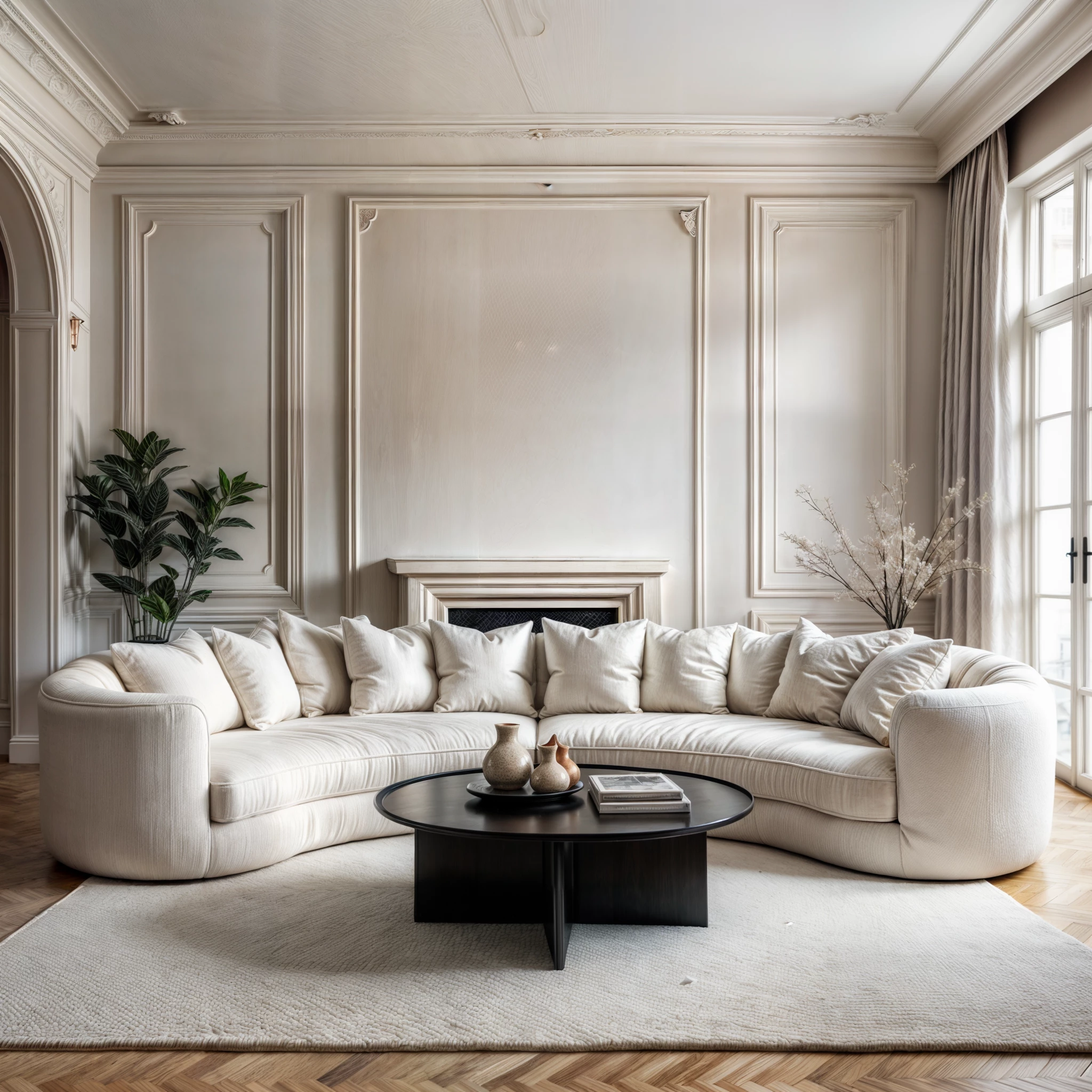
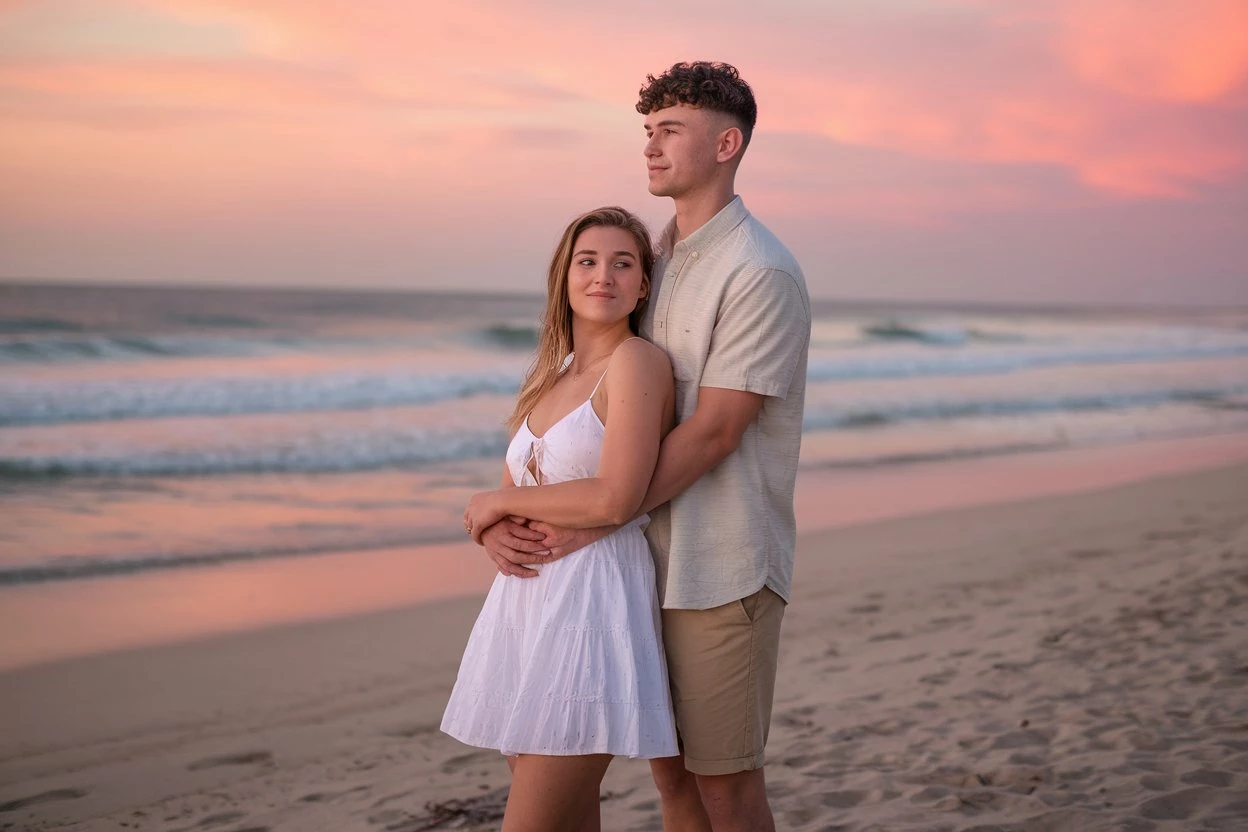
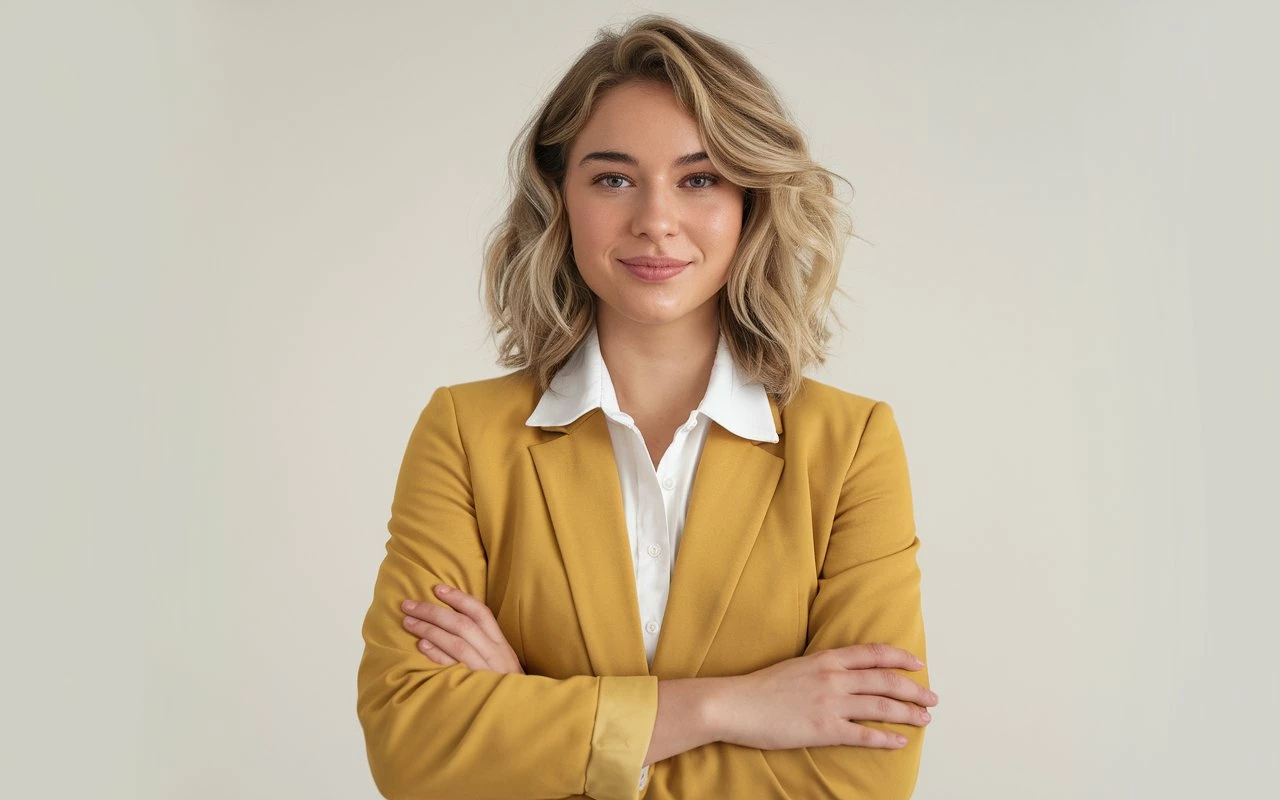
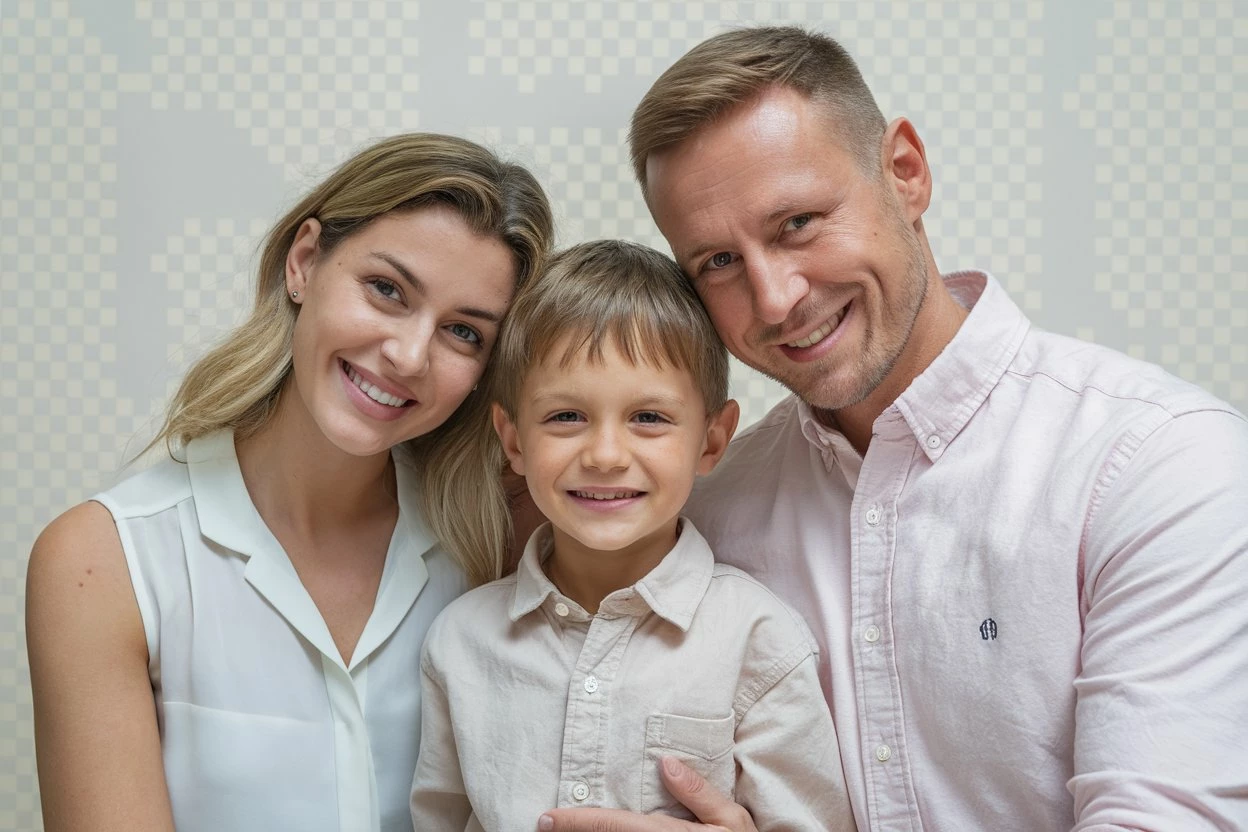
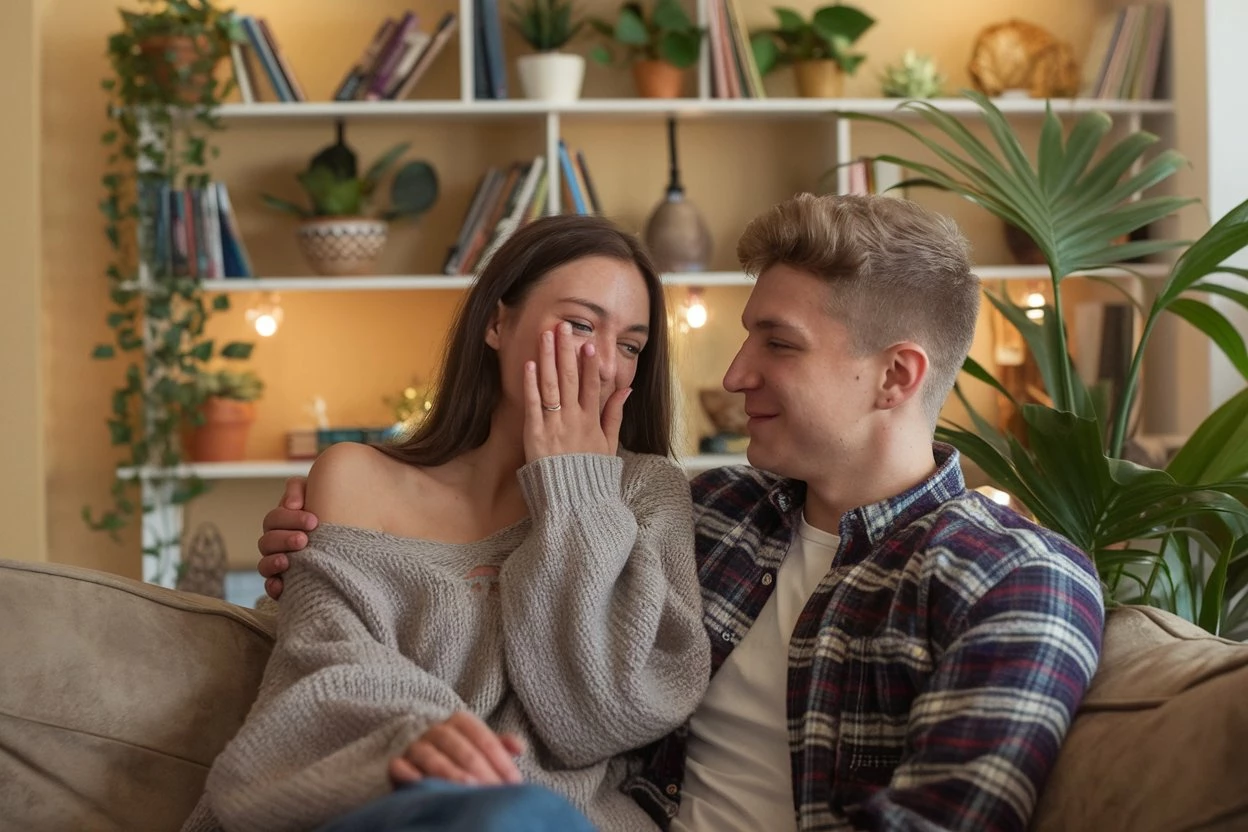
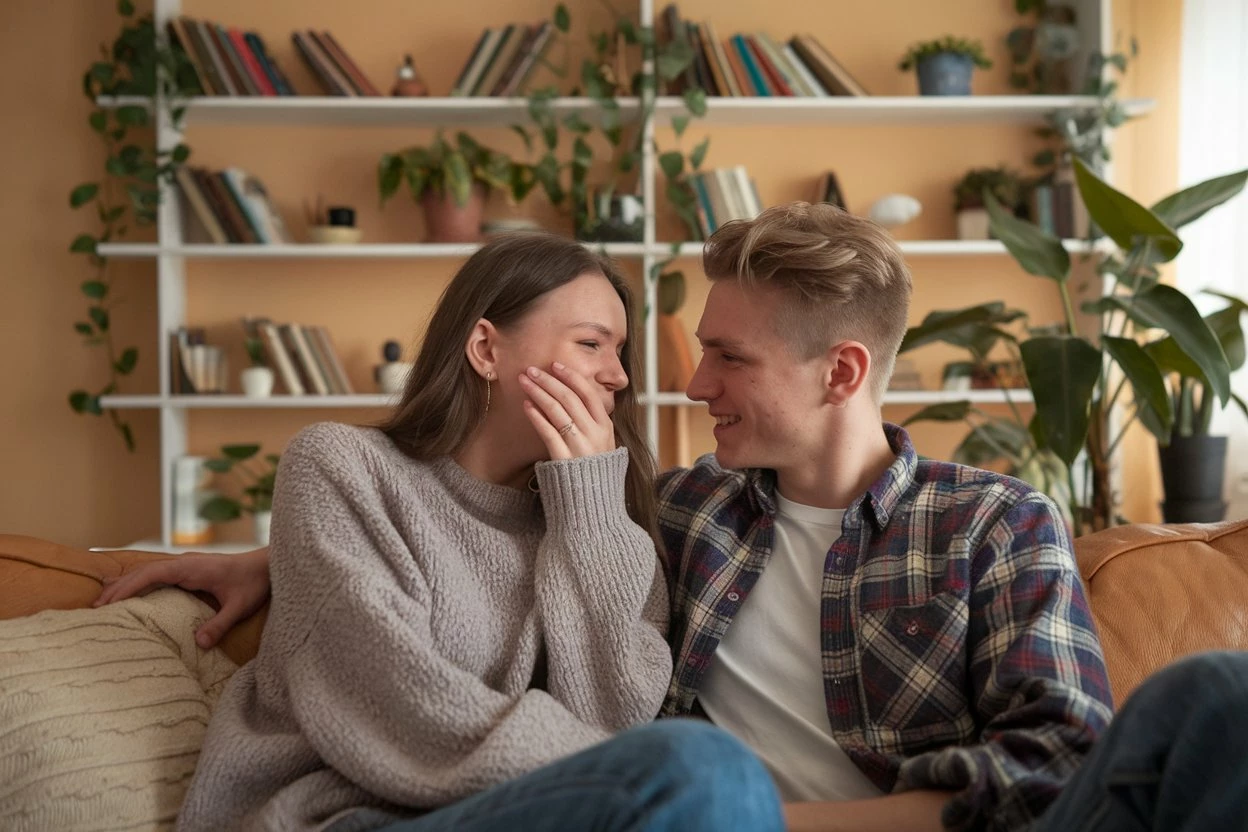
 Could you please point out my rejected points from attached images ?


Correct answer Jill_C

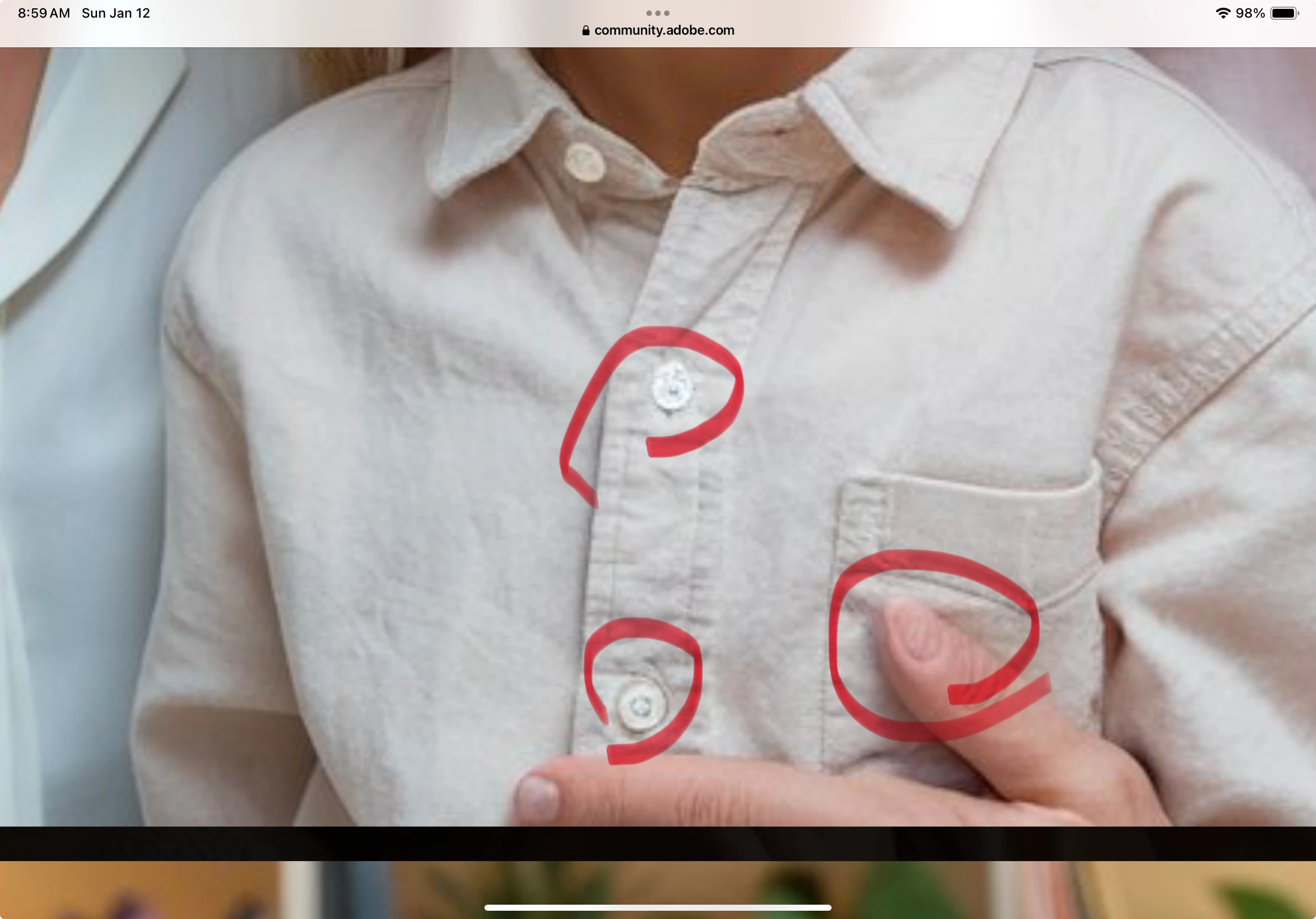
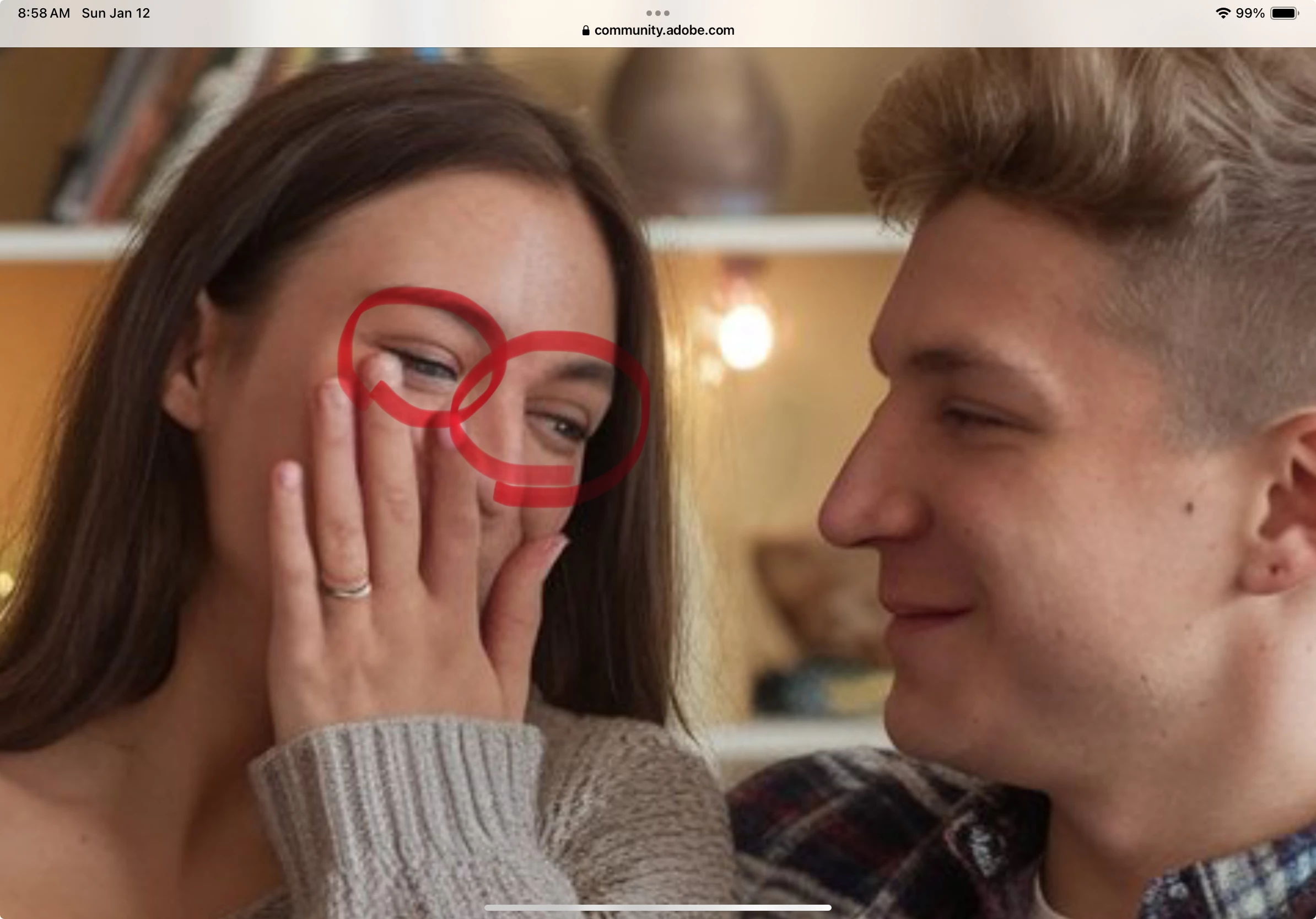
There are many drawing errors in these images. Here are a few

4 replies

daniellei4510
Community Expert
Community Expert
January 13, 2025

One more thing. Her shoulder needs to be lowered.


Adobe Community Expert | If you can't fix it, hide it; if you can't hide it, delete it.
Abambo
Community Expert
Community Expert
January 16, 2025
quote

One more thing. Her shoulder needs to be lowered.


By @daniellei4510

But not the quick and dirty way you did to show the effect: 

The background should not move with that, so some background reconstruction is needed too, for such operations. 


(I know that @daniellei4510 is aware of that, but other readers may not)

ABAMBO | Hard- and Software Engineer | Photographer
daniellei4510
Community Expert
Community Expert
January 16, 2025

Yes, admittedly, it was quick and dirty. 🙂

Adobe Community Expert | If you can't fix it, hide it; if you can't hide it, delete it.
Jill_C
Community Expert
Jill_CCommunity ExpertCorrect answer
Community Expert
January 12, 2025

There are many drawing errors in these images. Here are a few

Jill C., Forum Volunteer
KaweeraAuthor
Known Participant
January 13, 2025

Thanks for your indications. Could you please suggest me any prompt points or other techniquest to reduce this type of low quality outputs ? Because I'm generate all these images using free AI image tools. Those are not enough to improve quality of images point by point. Further I've gound Upscayl software. But it also not support to my PC due to very old one.

daniellei4510
Community Expert
Community Expert
January 13, 2025

Again...your results, as they are, are about as good as AI can get. No prompt is going to produce results that have 0 errors except on the most rare of occasions. Most of my submitted AI assets have required a minimum of 15 to 1 hour to fix, and up to three hours on assets I'm especially fond of despite a variety of issues. Editing results with image editing software is an absolute must.

Adobe Community Expert | If you can't fix it, hide it; if you can't hide it, delete it.
Abambo
Community Expert
Community Expert
January 12, 2025

Do not post many assets here, but one or two, but those in the correct size as submitted. Please give us also the refusal reason, as indicated by the moderator.


Despite the small size, I have detected immediately two errors on one of your assets:

The knob and the finger are crooked. In addition, you have that fake transparency grid in the background.


Another picture of yours also has problems with the hands:

You should also check for any symmetric objects. Generative AI is bad on those issues:


ABAMBO | Hard- and Software Engineer | Photographer
KaweeraAuthor
Known Participant
January 12, 2025

Thanks for your valuable comments. I've got some important points. I will mentioned moderators comments. This was a common comment for my all of rejected images.


Thanks for giving us the chance to consider your image. Unfortunately, this image doesn't meet our quality standards so we can’t accept it into our collection.

Common issues that can impact the technical quality of images include exposure issues, soft focus, excessive filtering or artifacts/noise.

daniellei4510
Community Expert
Community Expert
January 12, 2025

You should post assets that are of the original size as submitted in the future.


Adobe Community Expert | If you can't fix it, hide it; if you can't hide it, delete it.
RALPH_L
Community Expert
Community Expert
January 12, 2025

Again, view images at 200% and look for rendering errors.


KaweeraAuthor
Known Participant
January 13, 2025

Thanks for the indications. I've got the points. Could you please give me a clues to imporve these points as beginner ? I'm doing all these using free AI generators. When upscale images my daily credits vanish. Any prompt suggetions to get high details output from the prompt ?

daniellei4510
Community Expert
Community Expert
January 13, 2025

Most of my prompts are 10 words or less. Better prompting is no guarantee of better results. You MUST learn how to edit AI results using an application like Photoshop or other image editing software. There is nothing wrong with your assets as posted here in terms of their subject matter. In fact, the quality in general is fine. But if you can't find the errors and fix them, there is nothing else to be done.

Adobe Community Expert | If you can't fix it, hide it; if you can't hide it, delete it.