Here is a screen shot of your one image at 100% magnification in Photoshop.

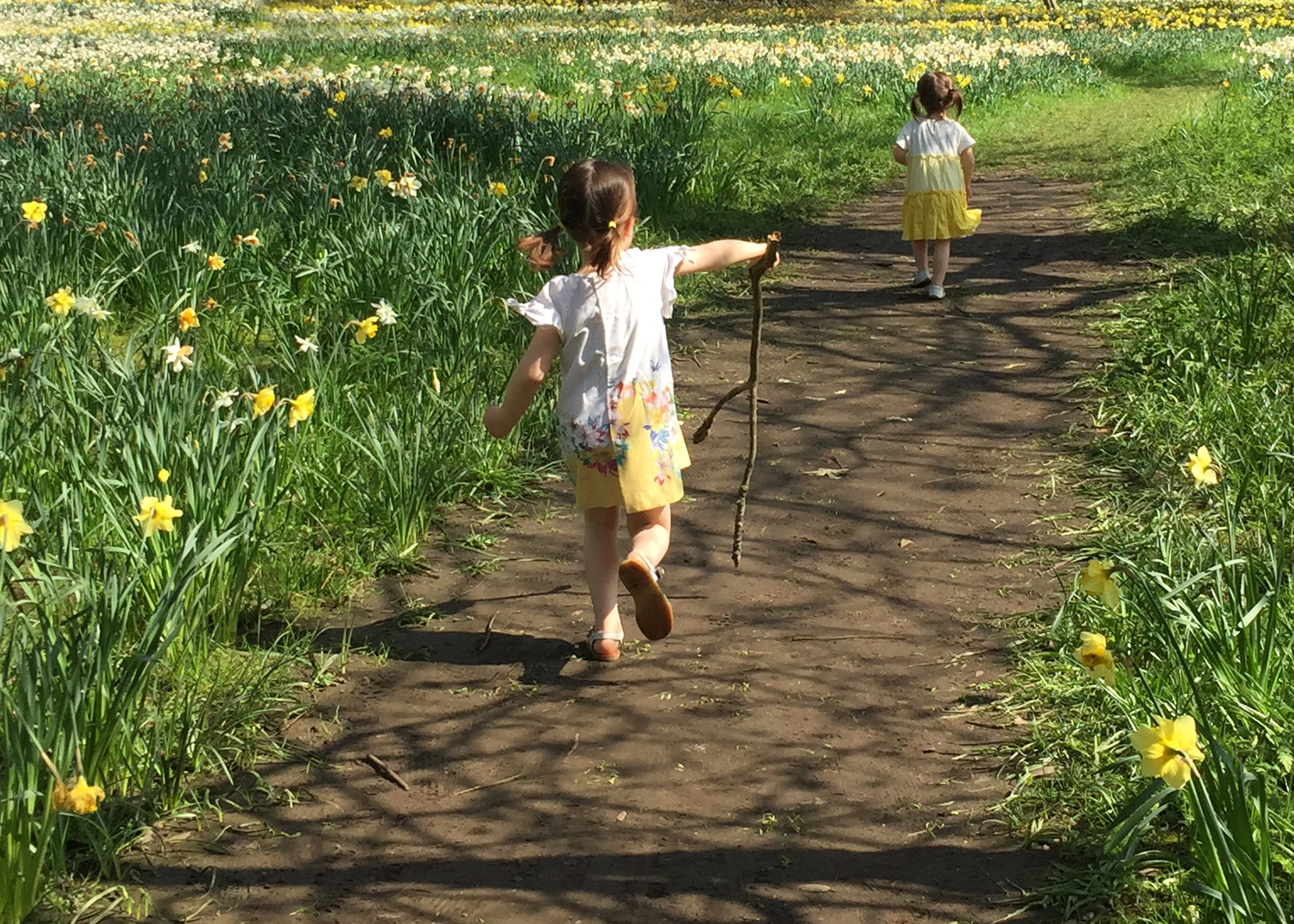
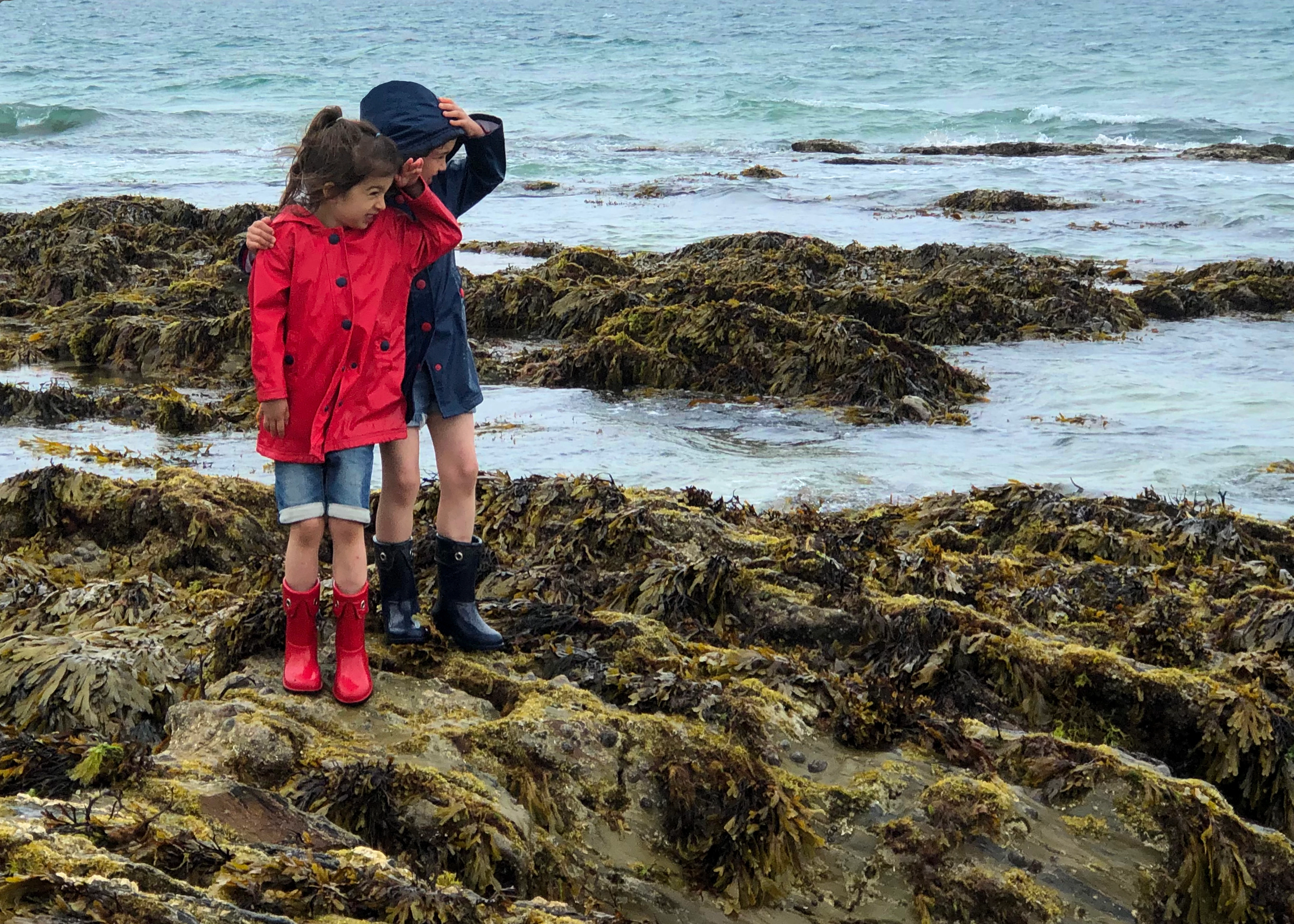
You can see how the children are no longer in sharp focus and and their faces and clothes don't have smooth surfaces or colours. This is what @George_F was referring to with the noise / artifacts.
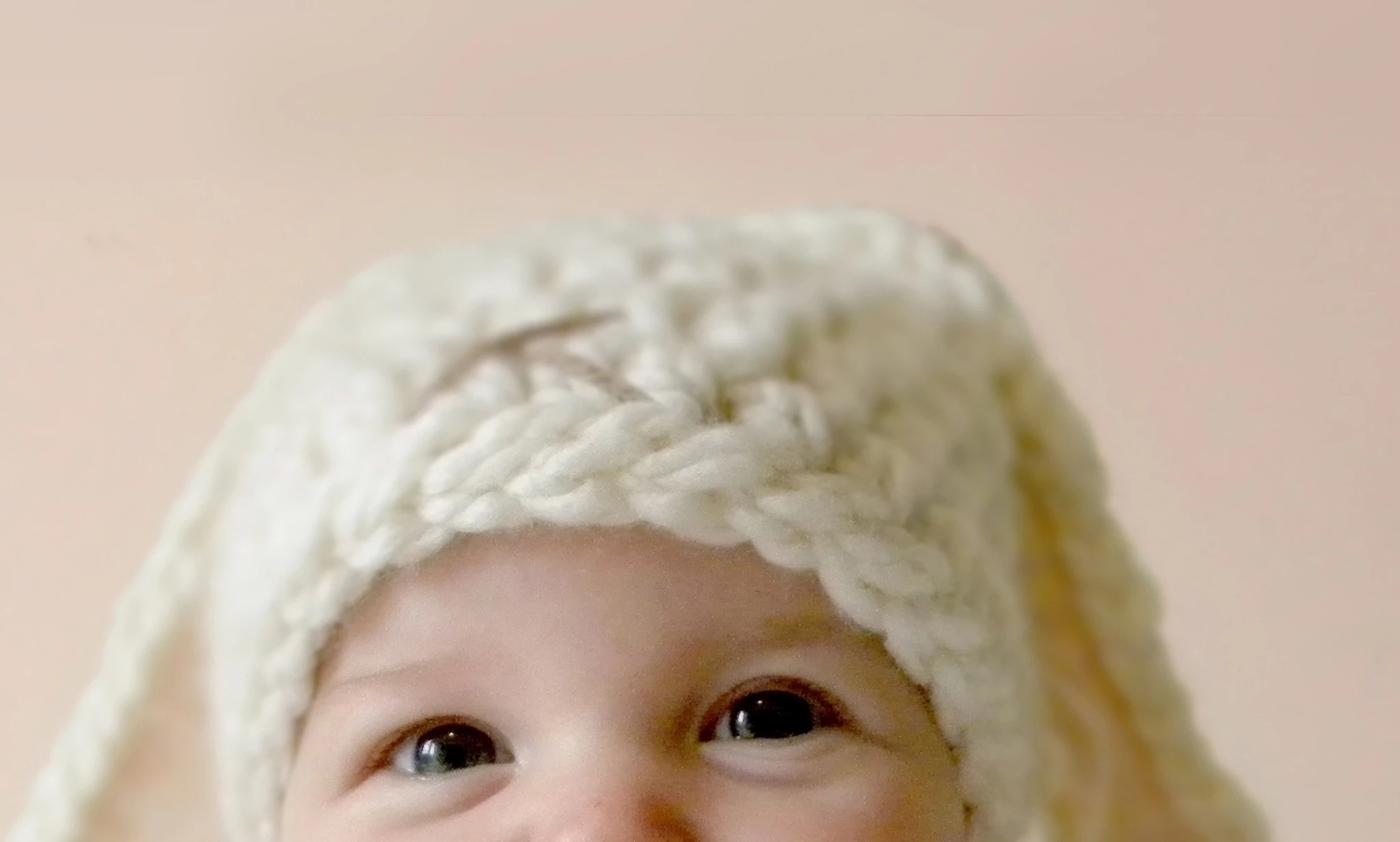
In the photo with the baby, there is a black horizontal line (artifacts) above its head. It sort of looks like something was being cloned out, but that portion was missed. You can also see the grain / noise around the eyes. This portion was only zoomed to about 66% and it was more noticeable.
It looks like several of your photos were taken with your phone's camera. While it is possible to take stock quality photos with your phone, you are going to have more challenges due to the small sensor size and automatic processing of photos by the phone. Ideally, if you can shoot in RAW format and you should be able to do that with your Coolpix, you will get a lot more flexibility and control in making corrections in post processing.
They all look like great images with the children, I am not sure if they are salvageable or not. Try doing some light edits again, but if it doesn't seem to be working out for you don't spend a lot of time on them. Keep on zooming in at 100%-200% magnification to check for issues. I heard a phrase once that entertained me "Everyone looks better as a thumbnail." The small screen makes a lot of photos look much better than they actually are.
Here are some resources it might be worth reviewing:


 Thanks for your help!
 AdChoices