This topic is closed to new replies. Start a new post to keep the conversation going.
@MNiessenPhoto
@MNiessenPhotoCorrect answer
Legend
Nov 23, 2021 7:16 AM UTC

Hi,

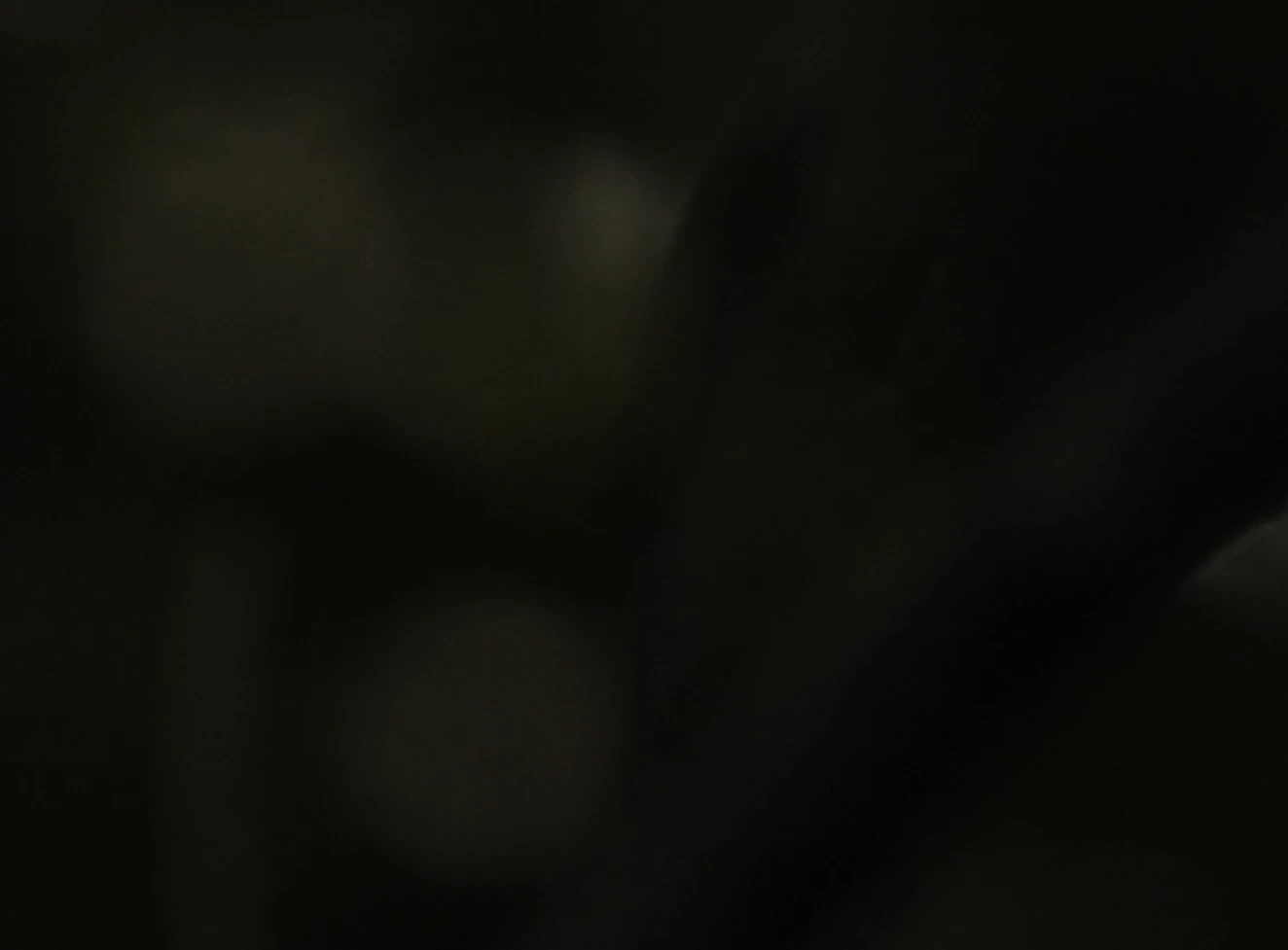
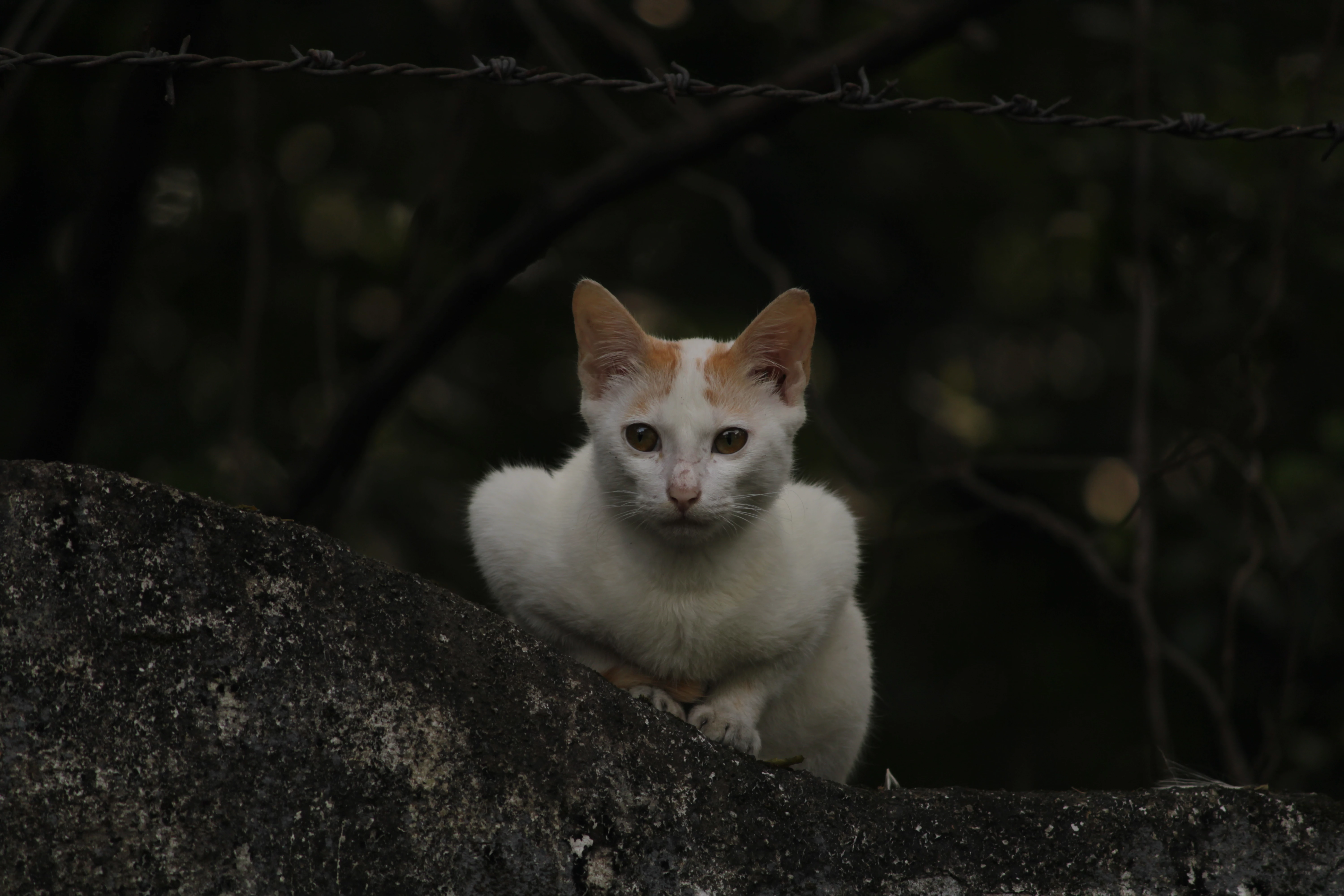
It is very dark and the cat could use some sharpening.

There are also artifacts and banding in the background:
For more details about "technical issues" and the other rejection reasons, take a look at this article from the Adobe Stock help:

Reasons content is rejected at Adobe Stock


Hope that helps,

Michael

_____________

Michael Niessen - Photographer, photo-editor, educator

Photo-editing (Ps/Lr/LrC) and photography workshops & one-on-one training (off- and online)
2 replies

Ricky336
Community Expert
Community Expert
Nov 23, 2021 9:21 AM UTC

Look at the histogram - it's way underexposed. Take note of the graph that the pixels are all on the left. This shows that it is underexposed.


Read about histograms from Adobe help files:

View histograms and pixel values in Photoshop (adobe.com)

or

Histogram in photography | Adobe


Translate
@MNiessenPhoto
@MNiessenPhotoCorrect answer
Legend
Nov 23, 2021 7:16 AM UTC

Hi,

It is very dark and the cat could use some sharpening.

There are also artifacts and banding in the background:

For more details about "technical issues" and the other rejection reasons, take a look at this article from the Adobe Stock help:

Reasons content is rejected at Adobe Stock


Hope that helps,

Michael

_____________

Michael Niessen - Photographer, photo-editor, educator

Translate
Photo-editing (Ps/Lr/LrC) and photography workshops & one-on-one training (off- and online)