Open images in Photoshop.
1. Go to Image > Image Rotation. Adjust orientation as required.
2. Go to File > Export > Export As...
3. Select JPG.
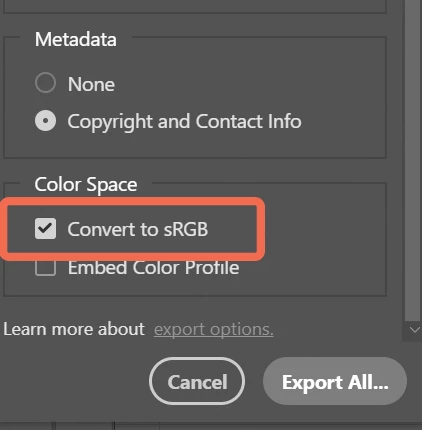
4. Scroll down to Metadata: Select NONE.
5. Color Space: Convert to sRGB.
6. Click on Export All.
That should take care of your rotation problem.
Next time, hold your camera the proper way. Consult your camera's documentation for details.





 AdChoices