


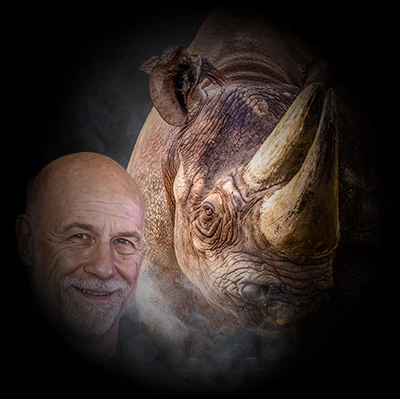


How to appeal a false rejection of "Missing Generative AI Flag."
Here is the proper way to appeal a rejection if your submitted asset has been falsely tagged as "Missing Generative AI Flag."
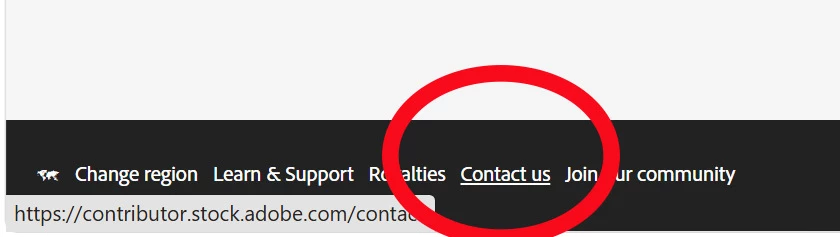
Click on the “Contact us” link on the bottom of your contributor dashboard page.
On the shown form choose the category “Content”.
Choose the “Rejection reasons” as the subcategory.
Click on one of the shown links and check the check box.
Enter your appeal text.
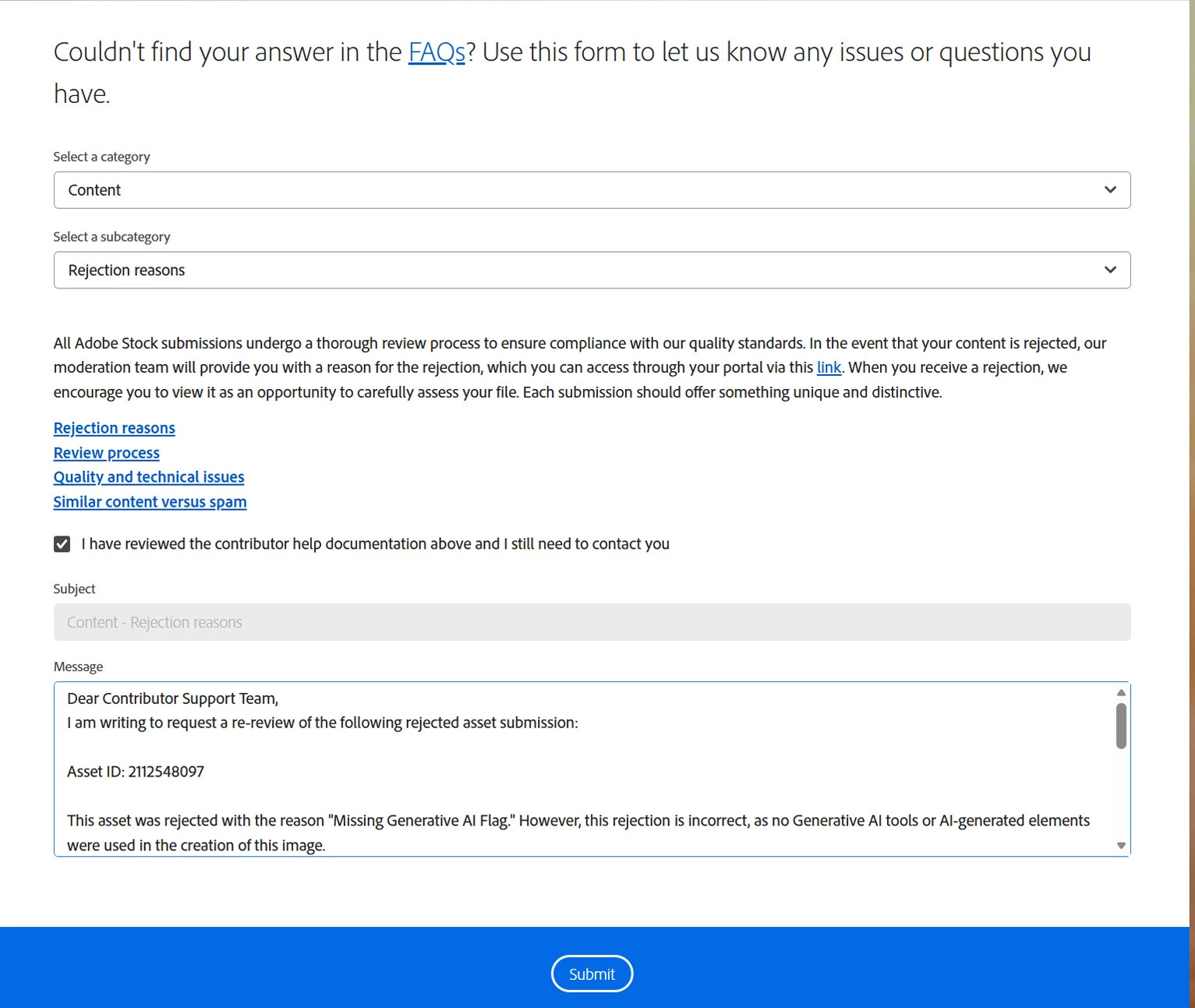
Here is an example text:
----------------------------------------------------------------------------------------------------------------------
Subject: Appeal Request: Asset wrongly rejected for "Missing Generative AI Flag"
Dear Contributor Support Team,
I am writing to request a re-review of the following rejected asset submission:
-
Asset ID: [Insert Asset ID]
This asset was rejected with the reason "Missing Generative AI Flag." However, this rejection is incorrect, as no Generative AI tools or AI-generated elements were used in the creation of this image.
This submission is a real digital photograph—either a direct single exposure or a photo composite created entirely from my own original source photographs—and processed using standard photo editing techniques.
Because this is entirely my own original photography work and contains zero AI-generated content, the Generative AI flag does not apply. Could you please manually re-review this asset for acceptance as a standard photograph submission?
Thank you for your time and assistance.
Best regards,
[Insert Name]
 AdChoices