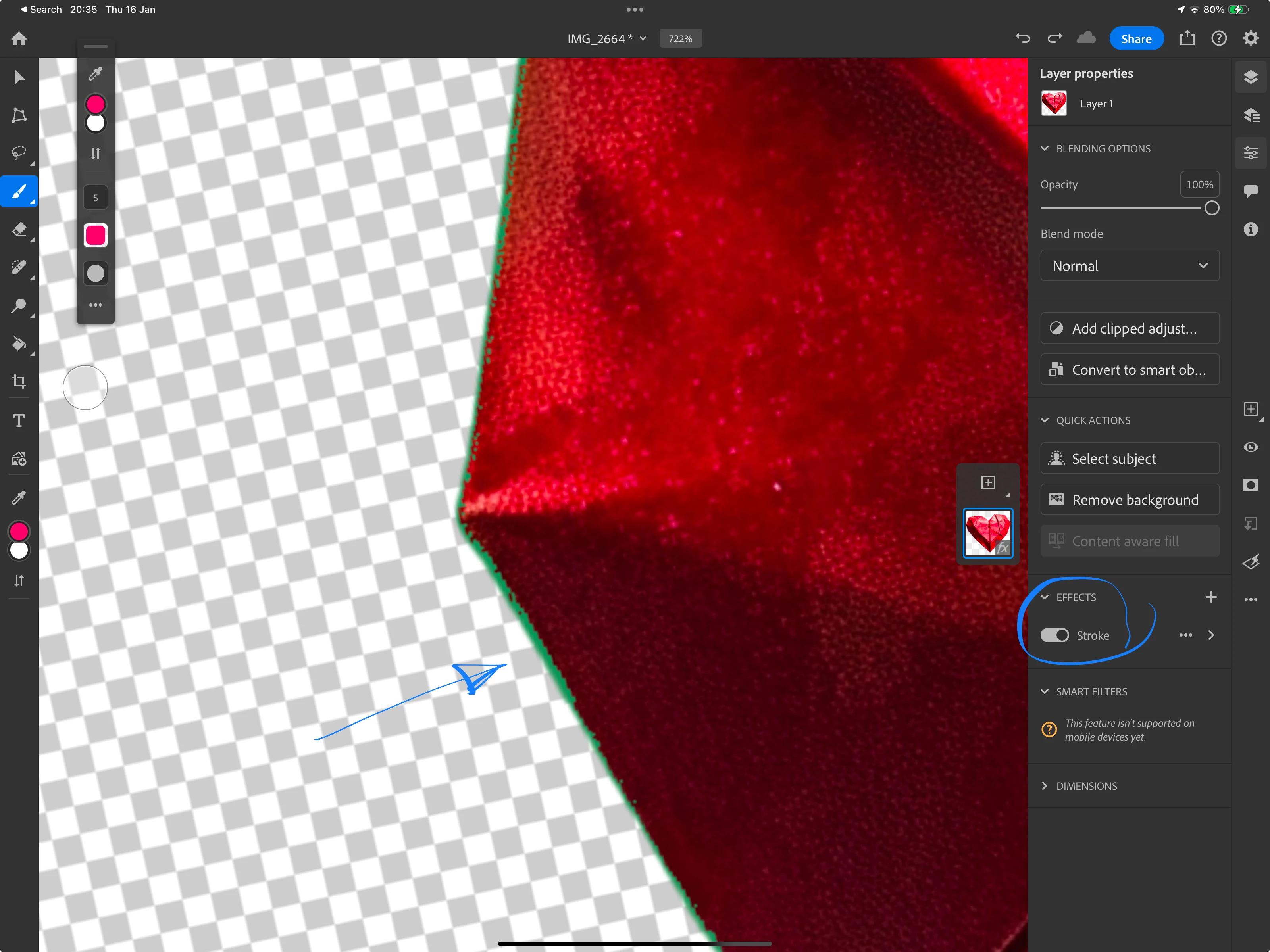
As @Jill_C pointed out, you need to improve your cutout work. To check my cutout work, I use the "stroke" effect in Photoshop. That effect shows you even the thiniest error on your asset, and that during your working on the cutout.
BTW: it looks to me that you used an automated background remover. They are not perfect. You should do that manually.
ABAMBO | Hard- and Software Engineer | Photographer
As @Jill_C pointed out, you need to improve your cutout work. To check my cutout work, I use the "stroke" effect in Photoshop. That effect shows you even the thiniest error on your asset, and that during your working on the cutout.
BTW: it looks to me that you used an automated background remover. They are not perfect. You should do that manually.
Translate
ABAMBO | Hard- and Software Engineer | Photographer





 AdChoices