Maryam.B
Participating Frequently
June 24, 2026
解決済み

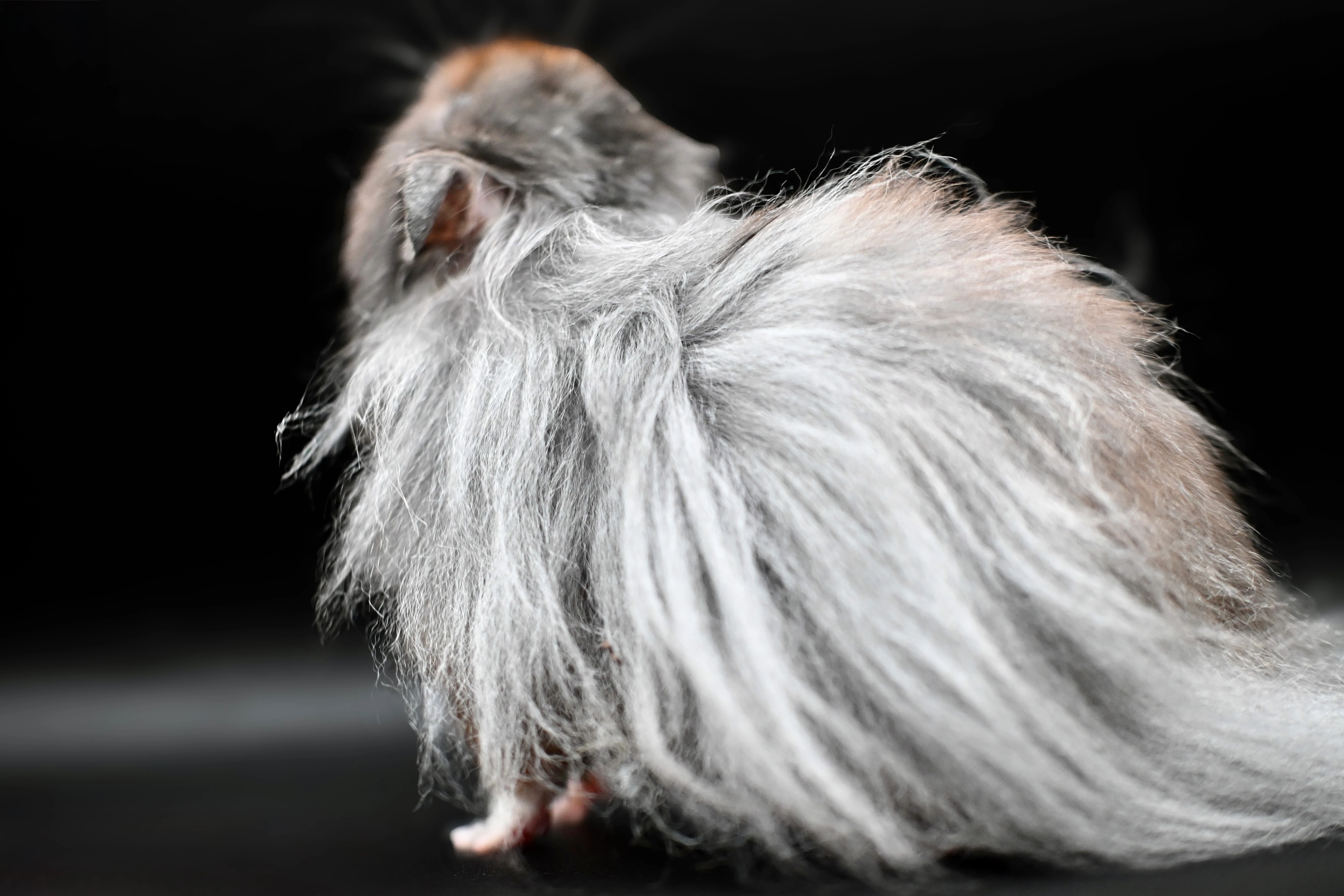
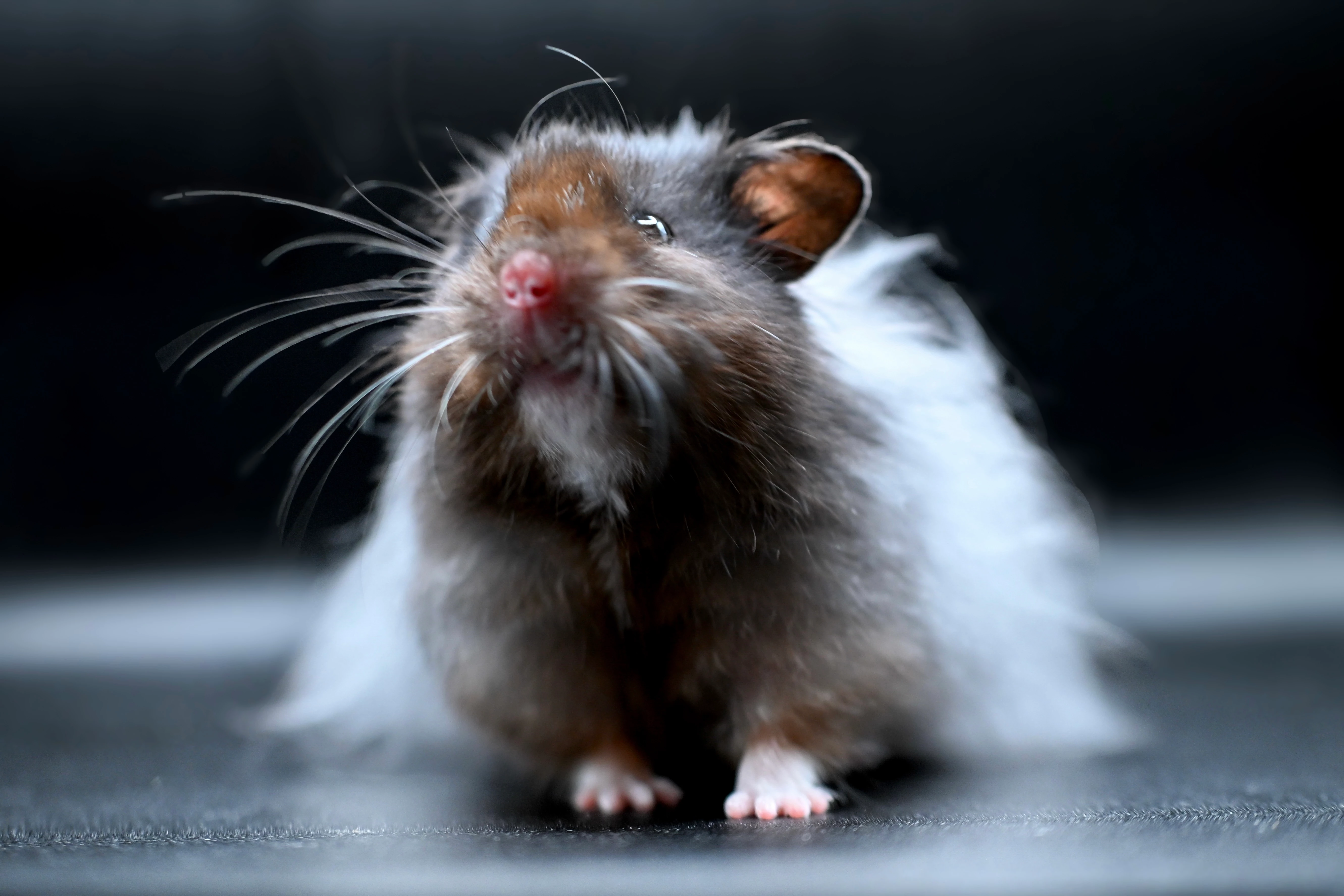
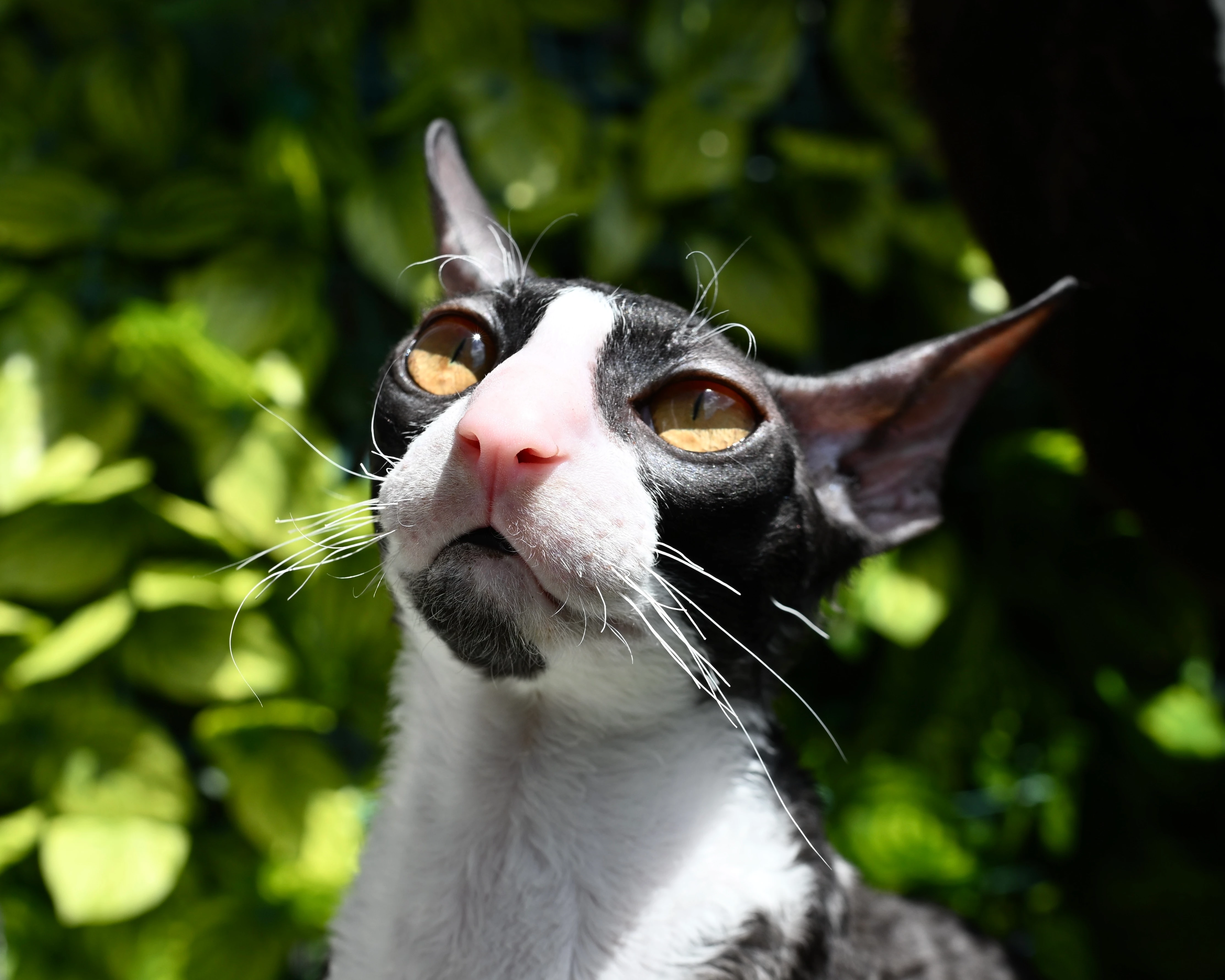
I bought an expensive camera only for adobe stock, then all my photo were refused

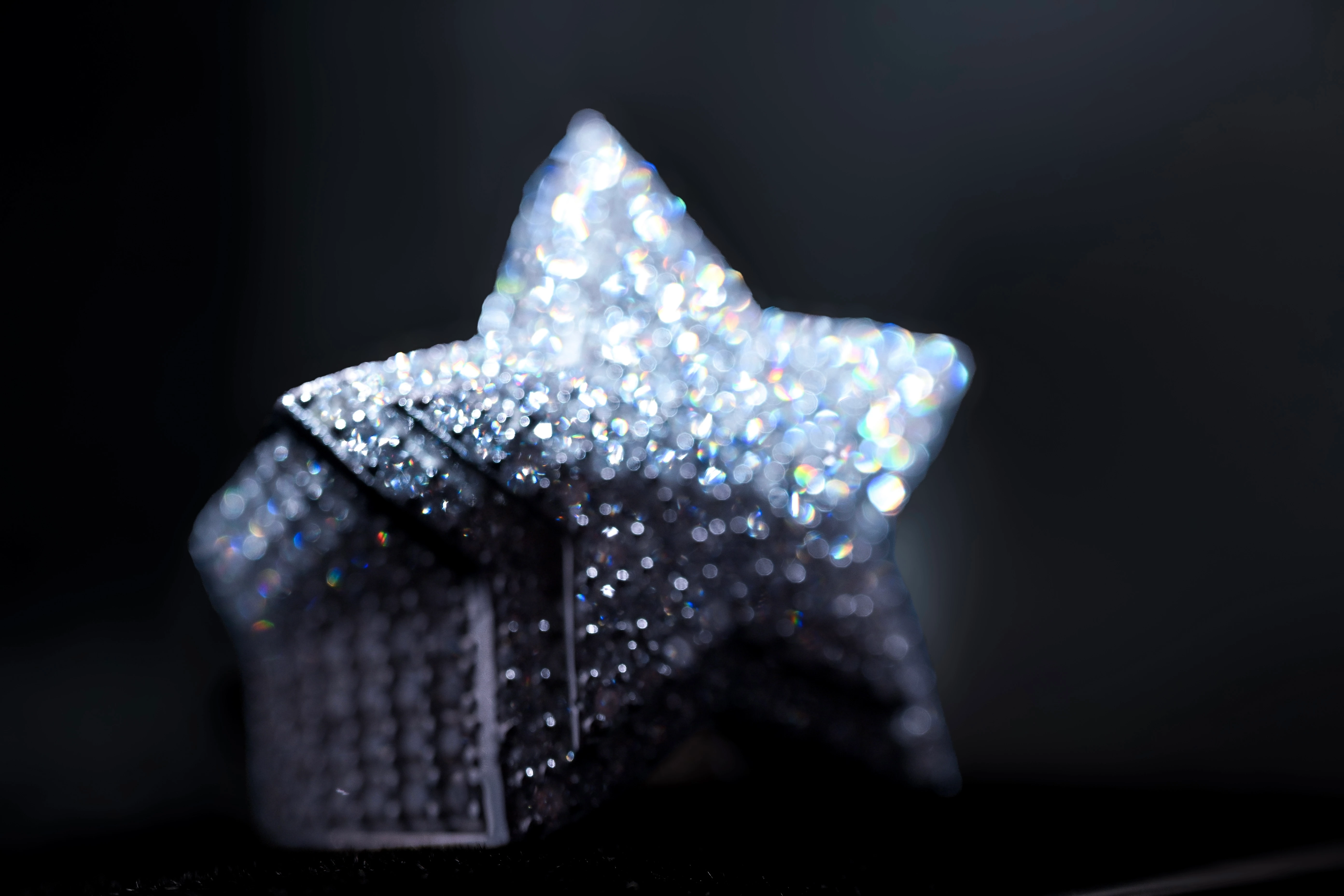
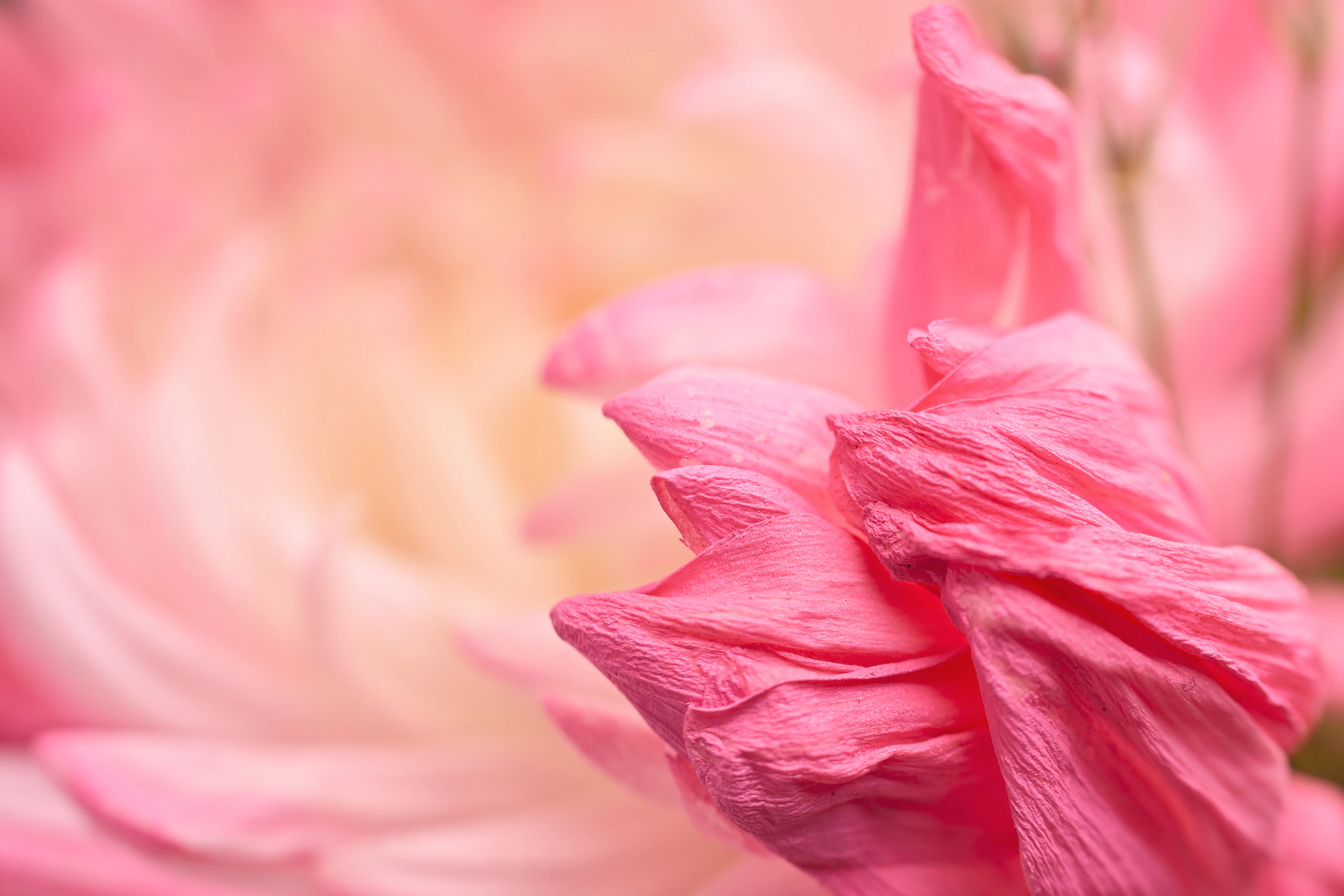
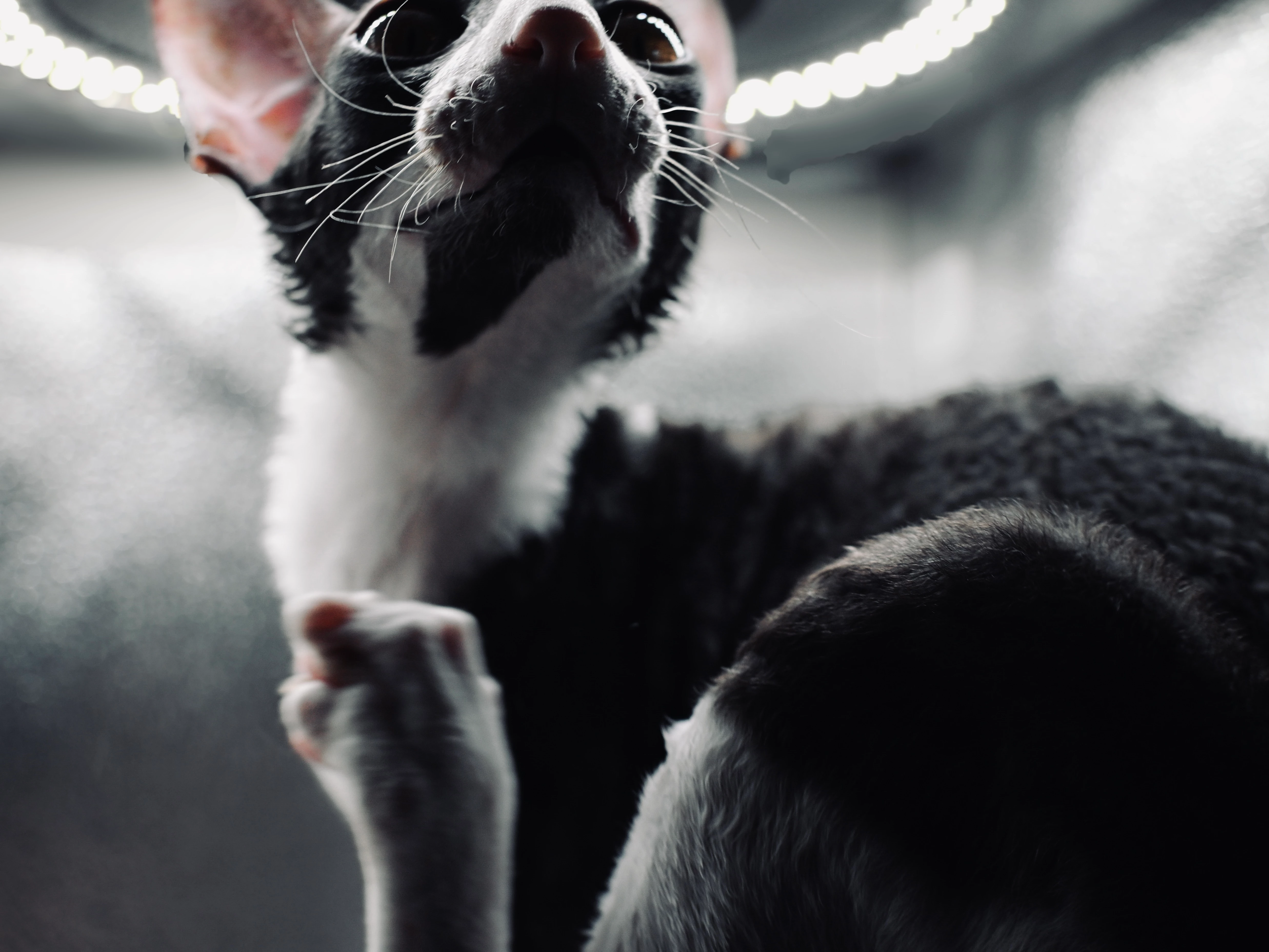
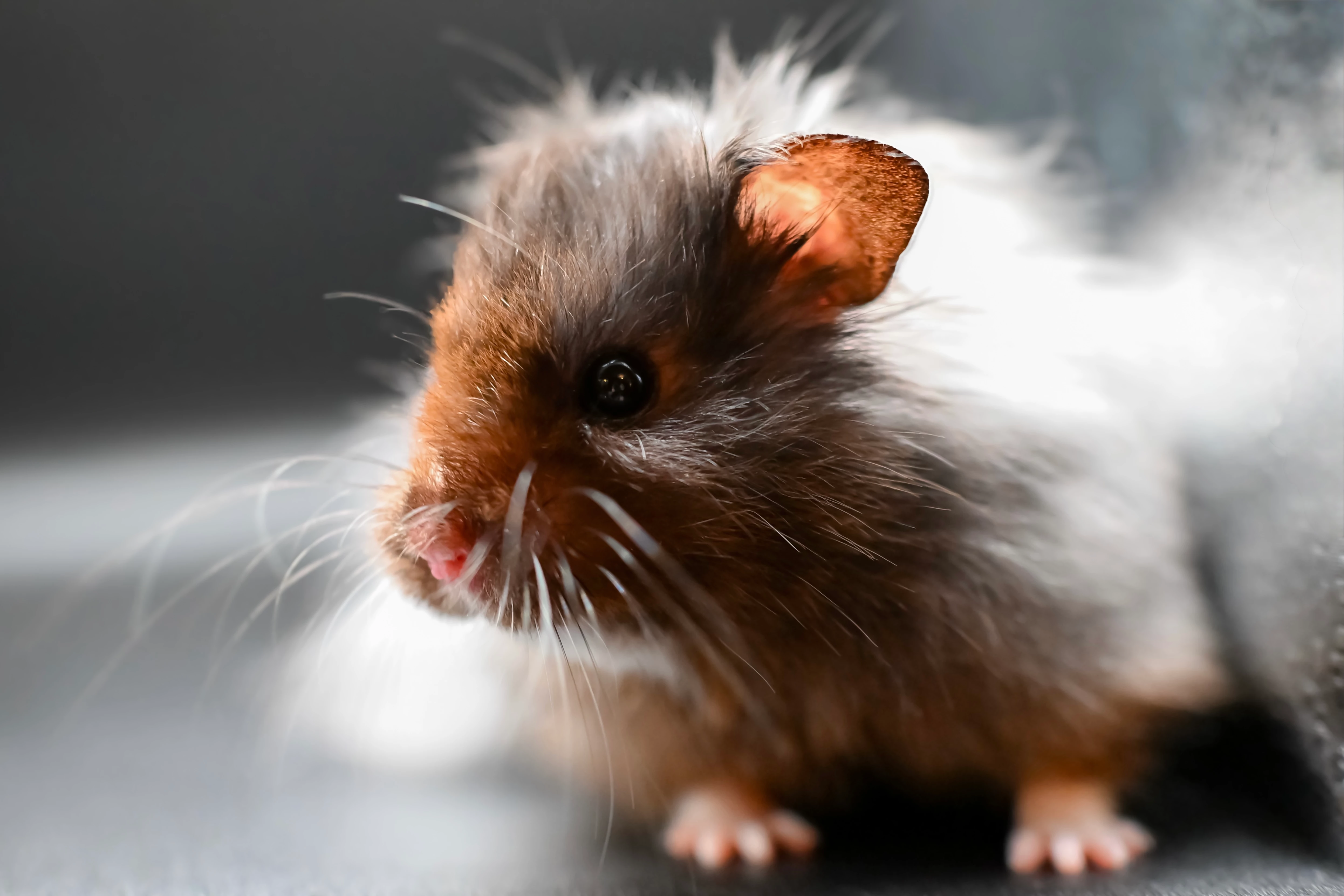
I’ve been working hard to create original, high-quality content for Adobe Stock. Tired of relying on AI images, I invested in a new camera and dedicated many hours to shooting and editing real photographs myself. I was proud of the results  the quality was excellent, with strong composition, lighting, and detail that I believe surpassed many similar submissions already accepted in the same categories.

Unfortunately, all of my submissions were rejected. I’m genuinely confused and a bit discouraged, as I put significant effort into creating authentic, meaningful work. Could anyone please provide specific feedback on why these images were declined? Any guidance on what I can improve would be greatly appreciated so I can meet Adobe Stock’s standards moving forward.

Thank you for your time and support.


    解決に役立った回答 daniellei4510

    Poor focusing and too shallow depth of field in all. Cropping and composition need work. 

    返信数 5

    Maryam.B
    Maryam.B作成者
    Participating Frequently
    June 24, 2026

    Thank you all for the feedback. I now understand the issues with these photos.

    daniellei4510
    Community Expert
    Community Expert
    June 24, 2026

    “The shallow depth of field is an intentional artistic choice made using a 35mm f/1.7 macro lens to isolate the subject with strong background bokeh, not a lack of technical skill.”

    Shallow depth of field has its place, but not in these examples, especially with respect to what Adobe expects in terms of sharp, high-quality assets. There are also some clipping issues in the cat photo (which, by the way, are well represented in the existing database with well over 10 million images of cats). You should also be submitting your images with a color space of sRGB.


    Adobe Community Expert | If you aren't submitting your assets in sRGB, you probably didn't read the rules.
    Maryam.B
    Maryam.B作成者
    Participating Frequently
    June 24, 2026

    Thank you, the information you provided was highly appreciated and helpful.

    Nancy OShea
    Community Expert
    Community Expert
    June 24, 2026

    Cameras don’t take great photos, people do. 

    Blurry images have no commercial value.

    Enroll in some intro photography courses to learn camera basics-- proper lighting, focal distance, shutter speed, ISO & composition. 


    Nancy O'Shea— Product User & Community Expert
    Maryam.B
    Maryam.B作成者
    Participating Frequently
    June 24, 2026

    You are totally right and we can always improve our skills, but I am not new to photography. The shallow depth of field is an intentional artistic choice using a 35mm f/1.7 macro lens, not a technical error.


     I understand the issue with the hamster given its fast movement, but the flower and cat photos appear properly focused and well-composed.

    Could you clarify the exact issues with the cat and flower photos, and let me know if I should avoid shallow depth of field close-ups entirely for Adobe Stock?
     

    Nancy OShea
    Community Expert
    Community Expert
    June 24, 2026

    Stock is not an art gallery.  It’s a global assets service that caters to professional product users.

    Blur is simple to add in Photoshop. But it’s not simple to remove. To reach more Stock customers, skip the artsy-smartsy stuff. Customers will add their own visual fx filters and color grading after purchase, if their project calls for it. 


    Nancy O'Shea— Product User & Community Expert
    daniellei4510
    Community Expert
    daniellei4510Community Expert解決!
    Community Expert
    June 24, 2026

    Poor focusing and too shallow depth of field in all. Cropping and composition need work. 

    Adobe Community Expert | If you aren't submitting your assets in sRGB, you probably didn't read the rules.
    Maryam.B
    Maryam.B作成者
    Participating Frequently
    June 24, 2026

    Thank you, i will work on improving this. Is there any way to fix and resubmit these specific photos, or are they beyond repair?🙂

    daniellei4510
    Community Expert
    Community Expert
    June 24, 2026

    They could be fixed with AI if used as reference images perhaps, but bringing them up to Adobe’s standards with traditional editing tools, I suspect not much can be done.

    Adobe Community Expert | If you aren't submitting your assets in sRGB, you probably didn't read the rules.