VipinGoudArt
Participant
February 6, 2026
Question

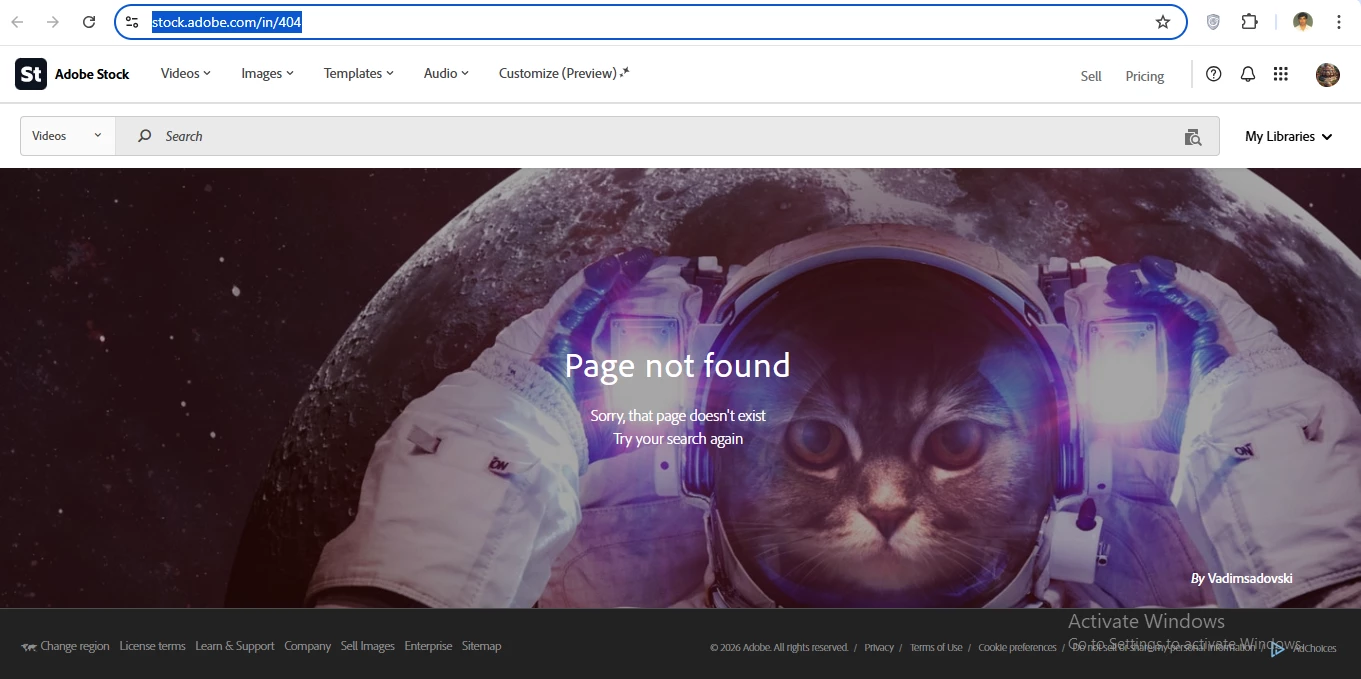
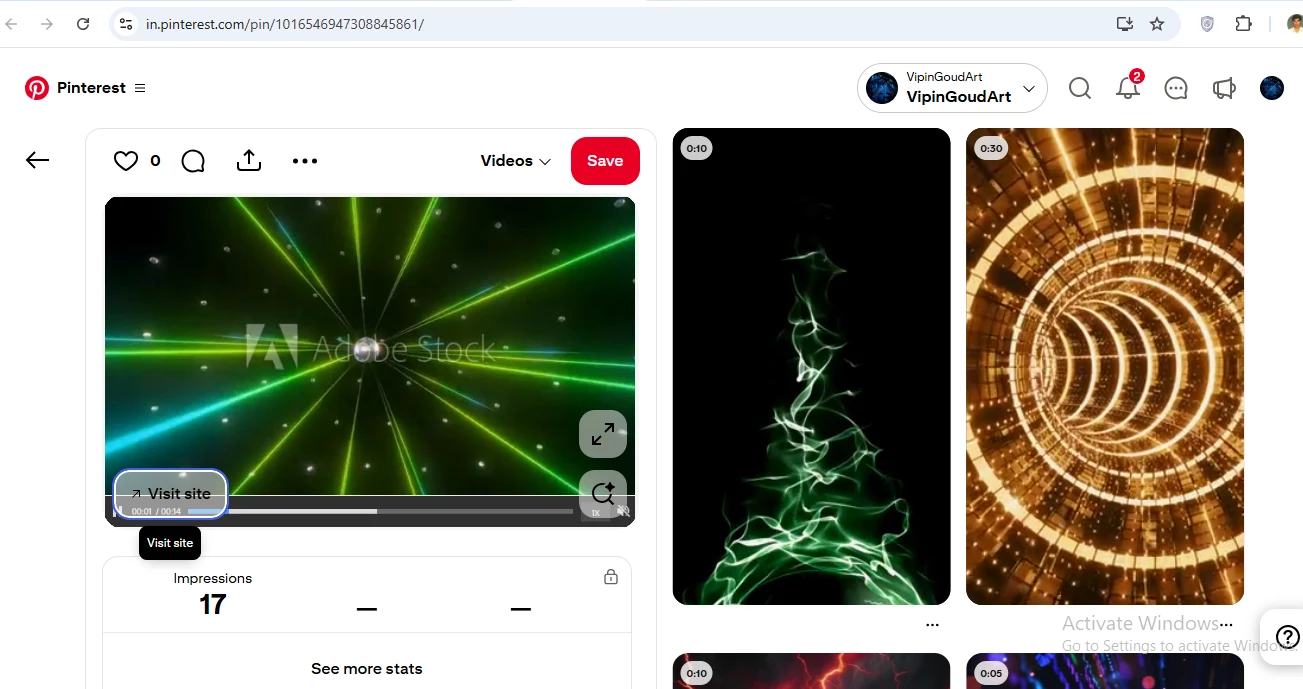
I found one of my previously approved videos still indexed on Pinterest, but its Adobe Stock link now returns a 404 error, which indicates the asset was removed after approval.

  • February 6, 2026
  • 3 replies
  • 38 views

Hello,
I had approximately 330 approved videos in my Adobe Stock contributor account. Recently, my total dropped to around 30 without any notification.

I found one of my previously approved videos still indexed on Pinterest, but its Adobe Stock link now returns a 404 error, which indicates the asset was removed after approval.

I request a clear explanation for the mass removal of my approved assets and confirmation whether they were deleted, hidden, or deactivated due to a policy review (especially AI-generated content).

Please provide asset IDs or the reason category for the removals.

Thank you.
 

    3 replies

    Nancy OShea
    Community Expert
    Community Expert
    February 6, 2026

    Periodically, Stock looks at & purges inventory that no longer meets their acceptance standards. Sounds like you were on the receiving end of such a purge. 


    Sorry, but there’s nothing fellow users here can do to help you. As ​@Jill_C said, you’ll find removed assets in your Contributor Portal. Also, you should have received a communication from Adobe Stock about it. Check your email spam folder. 


    Nancy O'Shea— Product User & Community Expert
    Jill_C
    Community Expert
    Community Expert
    February 6, 2026

    Look in the “not accepted” tab in your account, where you should find the removed assets.

    Jill C., Forum Volunteer
    daniellei4510
    Community Expert
    Community Expert
    February 6, 2026

    You are not addressing Adobe here but contributors like yourself and we cannot be of assistance. You should contact contributor support with your concerns via the link at the bottom of your Dashboard.

    Adobe Community Expert | If you can't fix it, hide it; if you can't hide it, delete it.