Participant
March 15, 2025
Answered

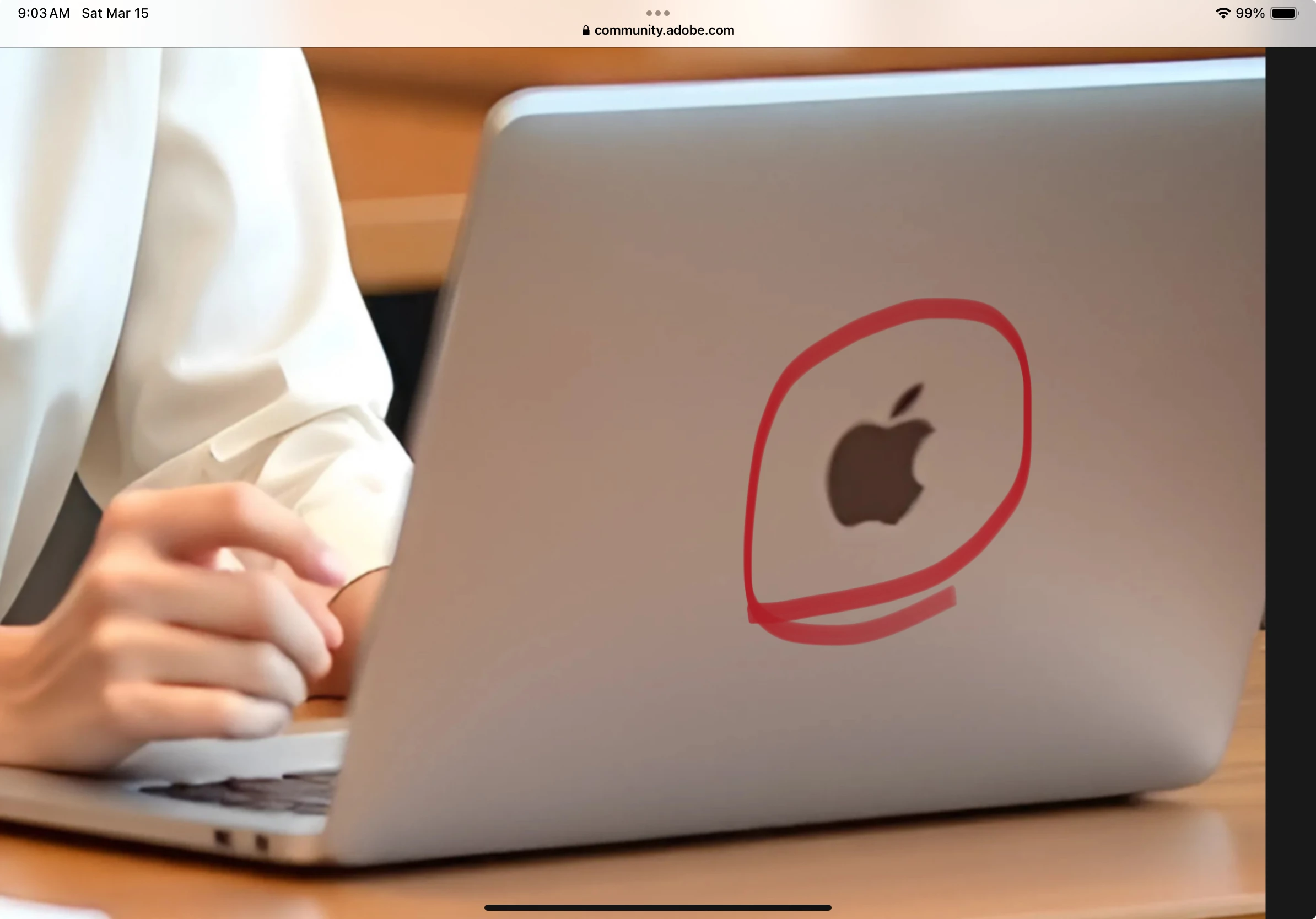
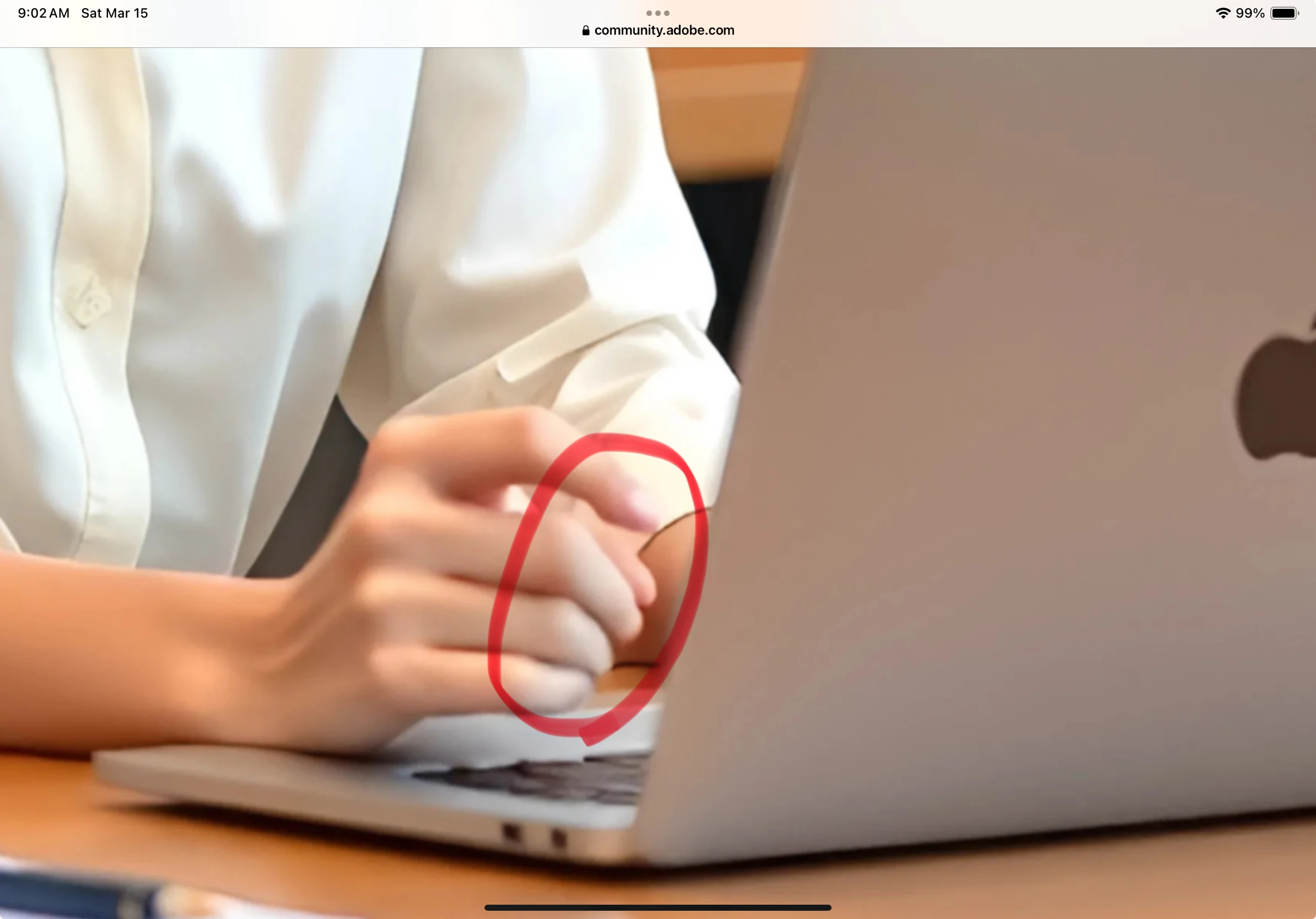
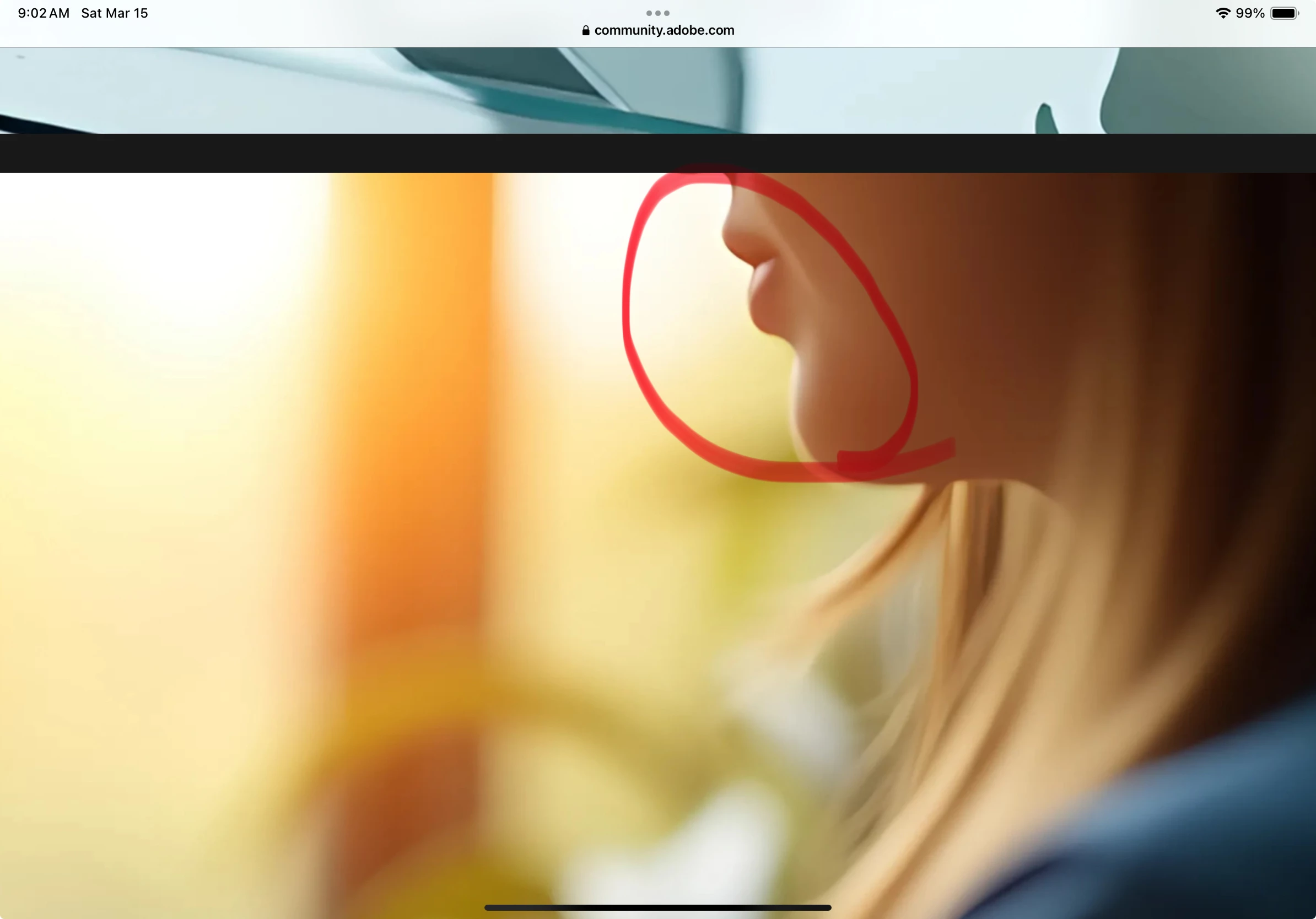
I uploaded these images. But show quality issue .Why?

  • March 15, 2025
  • 4 replies
  • 377 views


Correct answer Jill_C

Moderators are always going to zoom in and look at hands first, then facial features, then other anatomy, then the surroundings. Most of the people in these images have unrealistically soft skin, and don't seem to have any pupils in their eyes.


4 replies

jacquelingphoto2017
Community Expert
Community Expert
March 16, 2025

Hi @menura_5709 ,

There are a number of errors with the rendering.

The first model hair ends are fussy. Between the finger of her right hand is not correctly formed. Basically none on the fingers are looking good including the left hand thumb.

For the second image there are poor rendering of the cuff link, ring and fingers.

The third model left hand also has rendering error and the bent joint. Also there might be a problem with the blur hand.

Best wishes

Jacquelin

Jill_C
Community Expert
Jill_CCommunity ExpertCorrect answer
Community Expert
March 15, 2025

Moderators are always going to zoom in and look at hands first, then facial features, then other anatomy, then the surroundings. Most of the people in these images have unrealistically soft skin, and don't seem to have any pupils in their eyes.

Jill C., Forum Volunteer
daniellei4510
Community Expert
Community Expert
March 15, 2025

Adobe Community Expert | If you can't fix it, hide it; if you can't hide it, delete it.
yamato713108855
Community Expert
Community Expert
March 15, 2025

If you zoom in to 100% you can see something odd.


daniellei4510
Community Expert
Community Expert
March 15, 2025

Also, images without transparency must be uplaoded as jpgs., not pngs.


Adobe Community Expert | If you can't fix it, hide it; if you can't hide it, delete it.