Espartana
Participant
May 25, 2026
Question

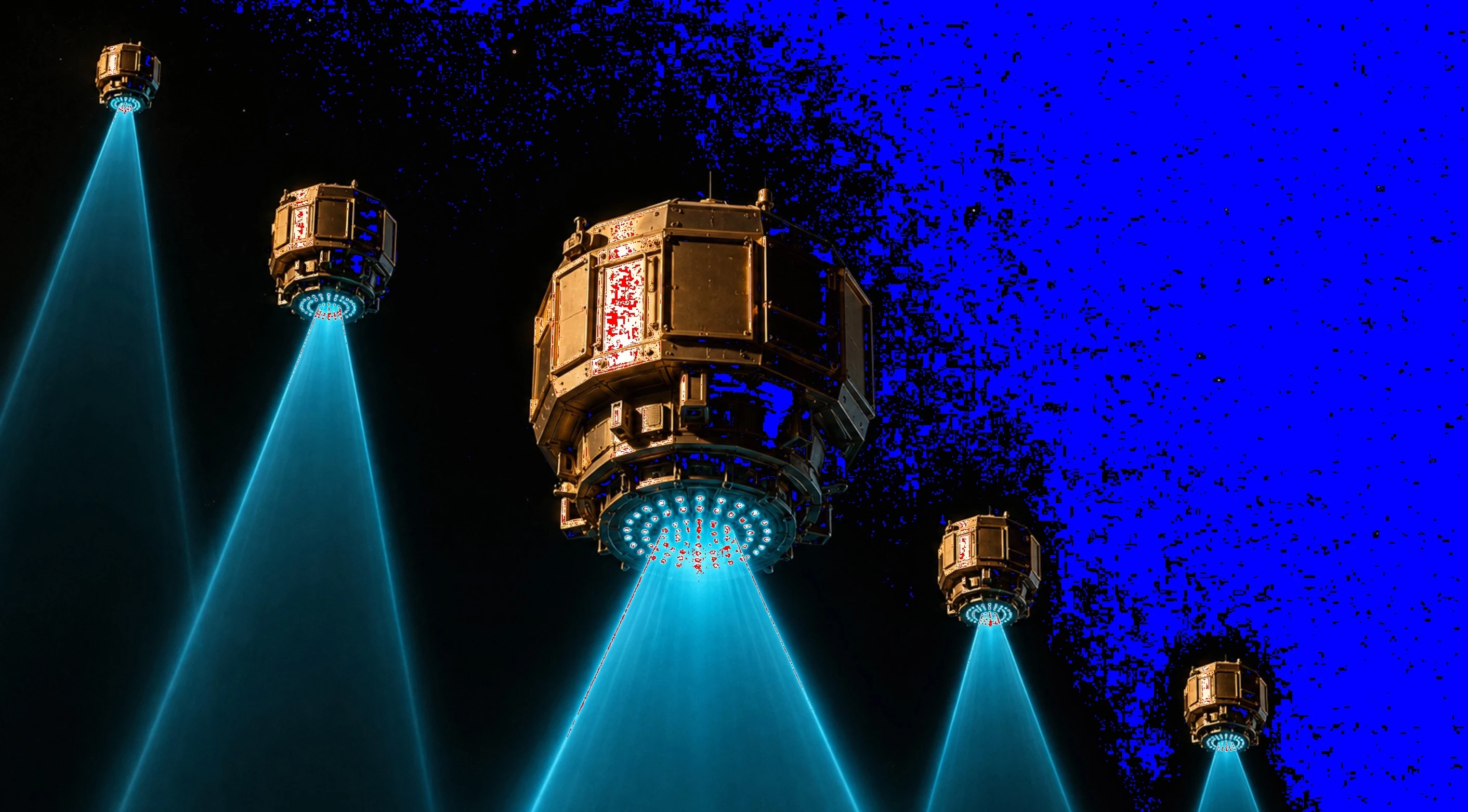
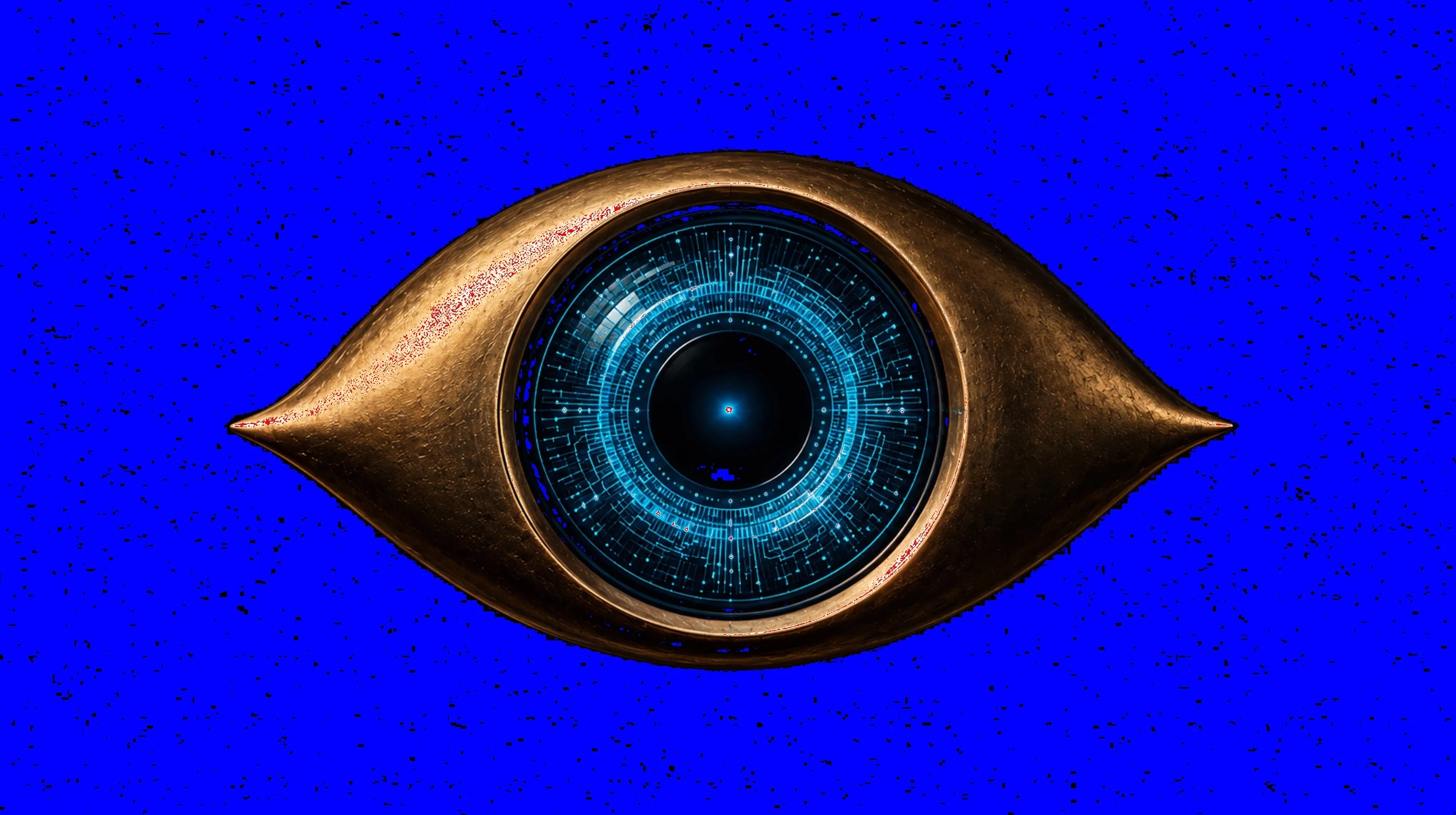
I would like to know why Adobe has rejected these two photos.

  • May 25, 2026
  • 4 replies
  • 53 views

I would like to know why Adobe rejected these two photos.

On my first attempt, they were rejected for lack of quality. After that, I processed them digitally, removed noise and artifacts, adjusted the lighting and color, and did an upscaling. To my surprise, Adobe rejected them a second time.

I would like to know the reason to avoid making the same mistakes in the future and working in vain.

Thank you very much to anyone who can help me.

    4 replies

    Nancy OShea
    Community Expert
    Community Expert
    May 25, 2026

    Although assets may contain multiple reasons for refusal, Stock Reviewers are not permitted to check more than one box per submission. So the review ends at problem #1. 


    Before resubmitting, every issue must be addressed & corrected. After two refusals, you should move to other content or risk a strike for spamming.


    Hope that helps.


    Nancy O'Shea— Product User & Community Expert
    Espartana
    EspartanaAuthor
    Participant
    May 25, 2026

    Thank you very much for the clarification. I didn’t realize that reviewers can only select one refusal reason per submission. That helps me understand why a rejected image may still have several other issues that need to be fixed before resubmitting.

    I will be careful not to resubmit the same asset repeatedly, especially after two refusals. I think I will move on to new content or regenerate the image completely instead of trying to make minor corrections.

    Thanks again for your advice. It is very helpful.

    Espartana
    EspartanaAuthor
    Participant
    May 25, 2026

    Thank you very much for taking the time to review my images and for your honest feedback. I really appreciate it.

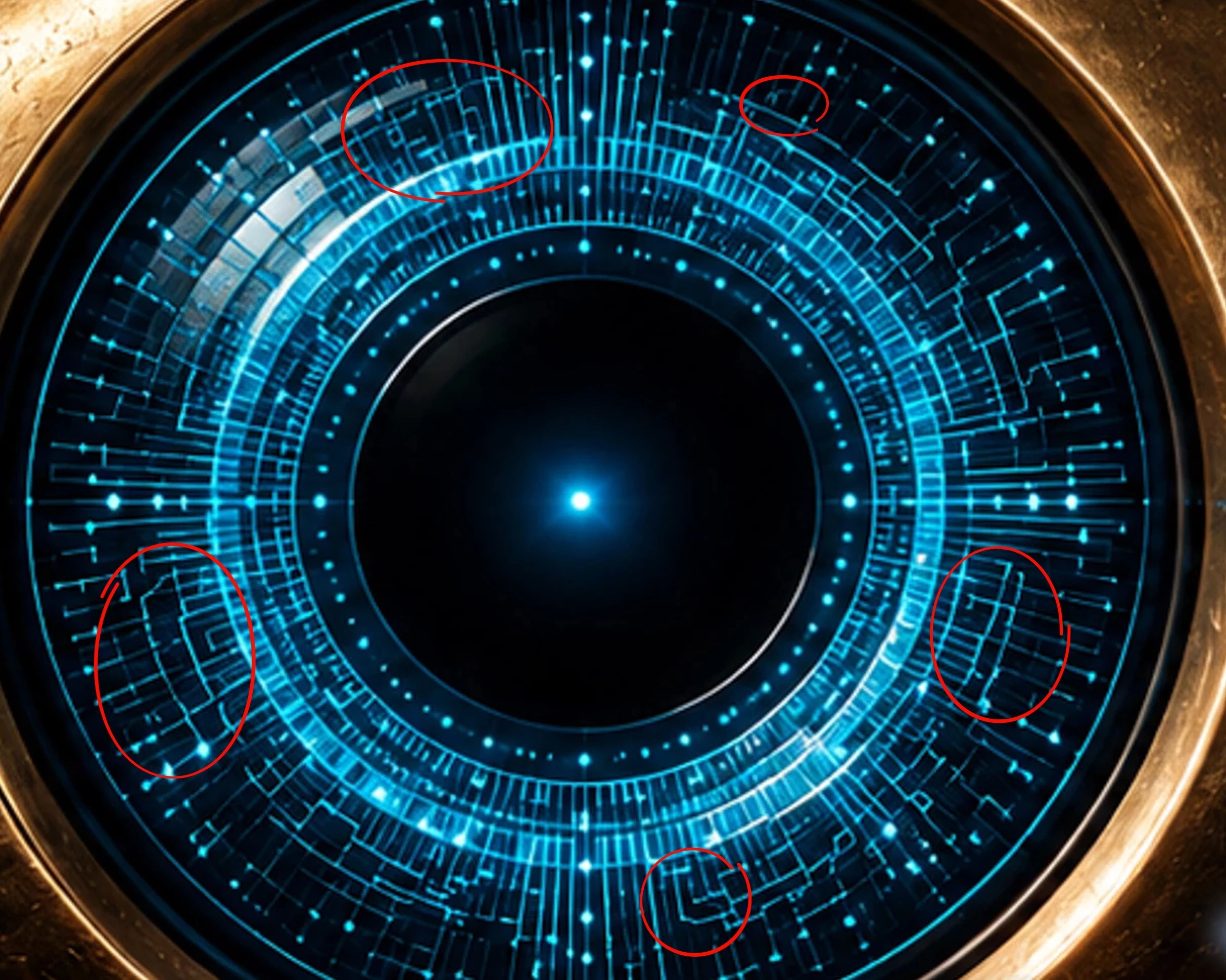
    I now understand that these should be submitted as AI illustrations rather than photos, and that I need to pay much closer attention to inconsistent edges, muddy details, clipping and imperfect line work.

    I also noticed the blue clipping warning in the screenshots. I will check the histogram more carefully in Lightroom and review the files at 100% before submitting them again.

    Do you have any specific workflow, Lightroom settings, or practical tricks that you usually recommend for checking AI-generated illustrations before submitting them to Adobe Stock? For example, do you normally use clipping warnings, 100% inspection, threshold/levels checks, or any other method to detect hidden artifacts?

    Thanks again for your help. Your comments are very useful for improving my future submissions.

    daniellei4510
    Community Expert
    Community Expert
    May 25, 2026

    Inspect at 200% when it comes to AI. See my post here:


    Adobe Community Expert | If you aren't submitting your assets in sRGB, you probably didn't read the rules.
    Espartana
    EspartanaAuthor
    Participant
    May 25, 2026

    With the changes made, would you consider the photo has improved enough to be accepted on Adobe Stock?

    Thanks again!

    daniellei4510
    Community Expert
    Community Expert
    May 25, 2026

    Muddy details in both. The blue lines are less than perfect. Check your histogram. 


    Adobe Community Expert | If you aren't submitting your assets in sRGB, you probably didn't read the rules.
    Jill_C
    Community Expert
    Community Expert
    May 25, 2026

    They’re not photos - they’re AI illustrations. The bottom edge of the eyeball illustration is poorly drawn and inconsistent.

    Jill C., Forum Volunteer