This topic has been closed for replies.

4 replies

Abambo
Community Expert
Community Expert
July 15, 2024

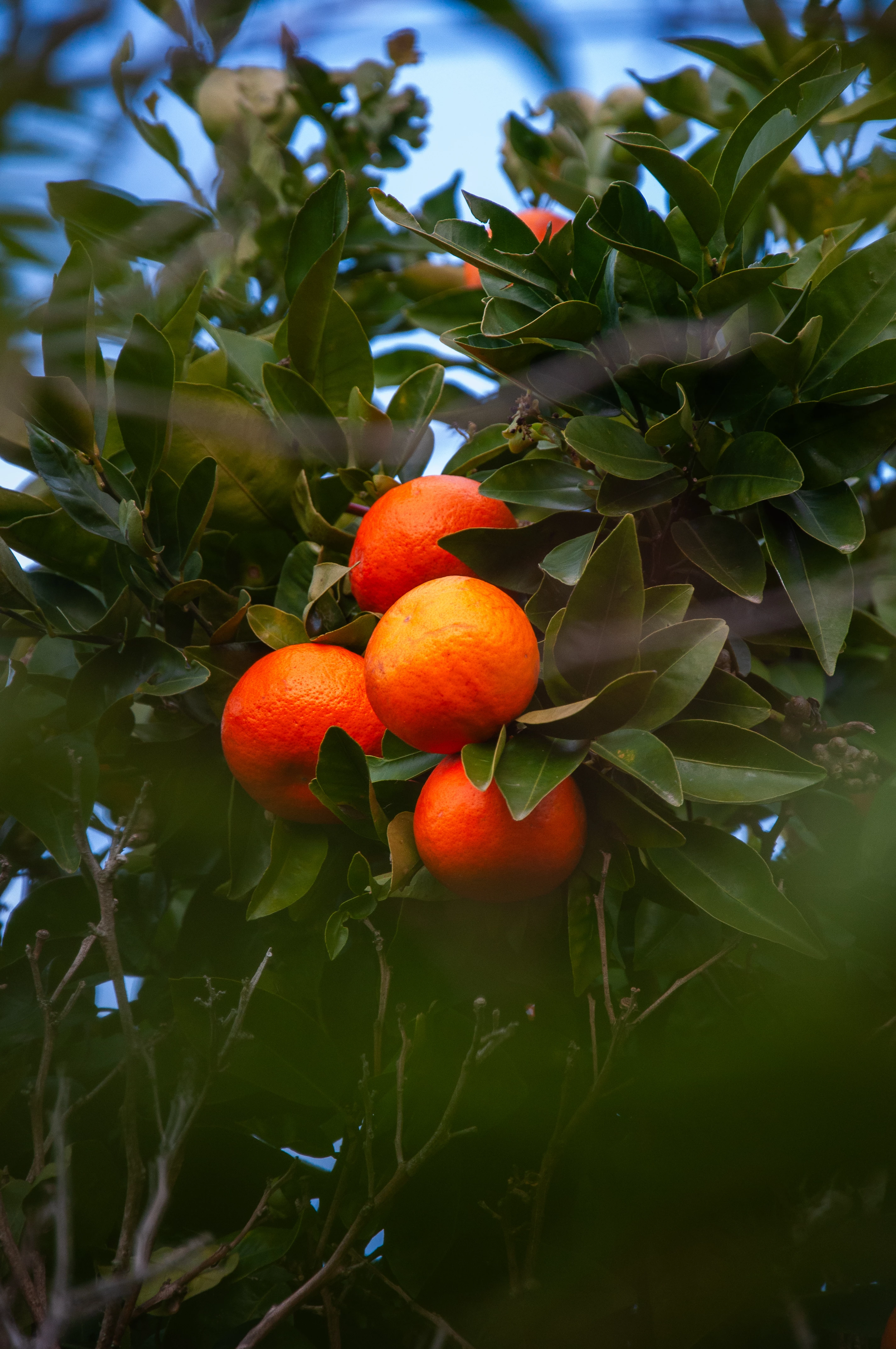
You overprocessed the asset. It has too much saturation and there is noise in the green. The out of focus parts are disturbing. The lower orangers suffer from the out of focus greens. Even that I think that there are optical reasons for this, they look like you would have applied a flattening filter. 

ABAMBO | Hard- and Software Engineer | Photographer

daniellei4510
Community Expert
Community Expert
July 15, 2024

Looking just below the oranges, the green looks washed out, like you overprocessed to correct for under exposure.

Adobe Community Expert | If you can't fix it, hide it; if you can't hide it, delete it.
Jill_C
Community Expert
Community Expert
July 15, 2024

It's oversaturated abd poorly composed, with those blurry branches obscuring parts of the frame.

Jill C., Forum Volunteer
Ricky336
Community Expert
Community Expert
July 15, 2024

Hello,

The out-of-focus branches I think are distracting. Especially, the one above the oranges.