


Answered

RALPH_LCorrect answer
Community Expert
May 26, 2023
Adobe already describes in its guidelines what you need to watch out for.
Special emphasis is always given to "view your image at 100%"!
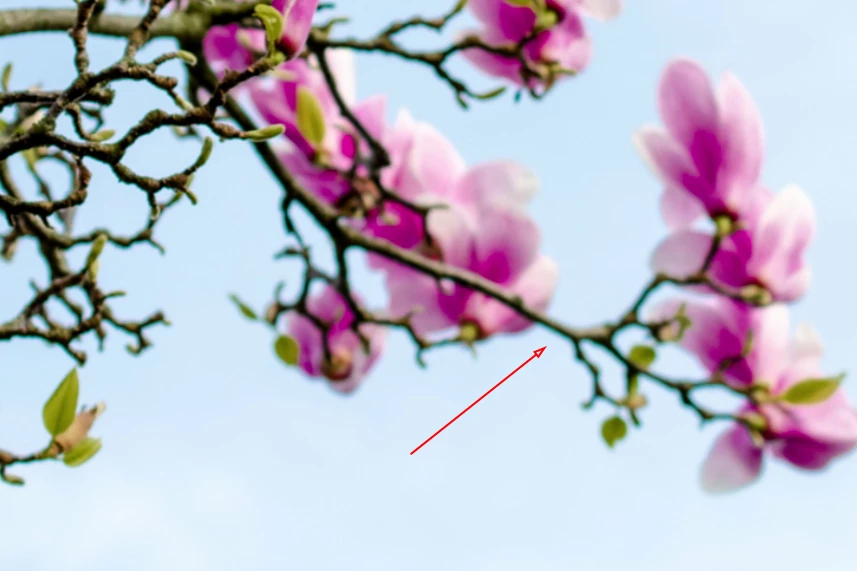
Here is a portion your first photo at 100%.
Notice that almost nothing is in focus? Notice the green fringe around the branches?
Also, I believe the shadows should be a little lighter and the blossoms that are cut off at the top are a distraction.
Please, view your images at 100%. I even suggest up to 300%.
 AdChoices