Inspiring
January 1, 2024
Question

Image quality

  • January 1, 2024
  • 4 replies
  • 516 views

I'm not sure if I'm in the right place. I clicked the link for image quality and this is what popped up, but nothing indicates I'm in the right place. I'm going to continue and if I'm not in the right place please provide a link for me to post for image quality critique.


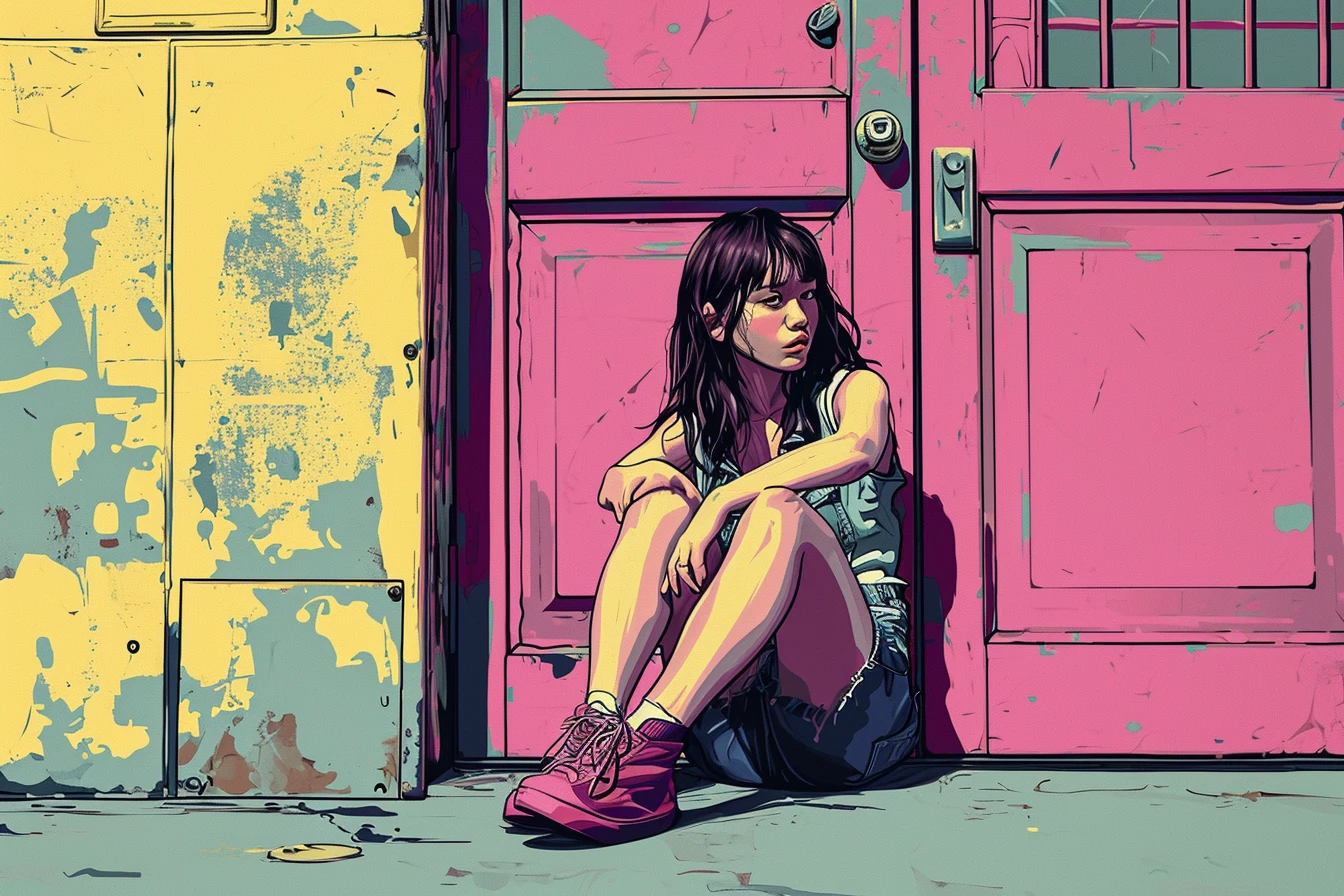
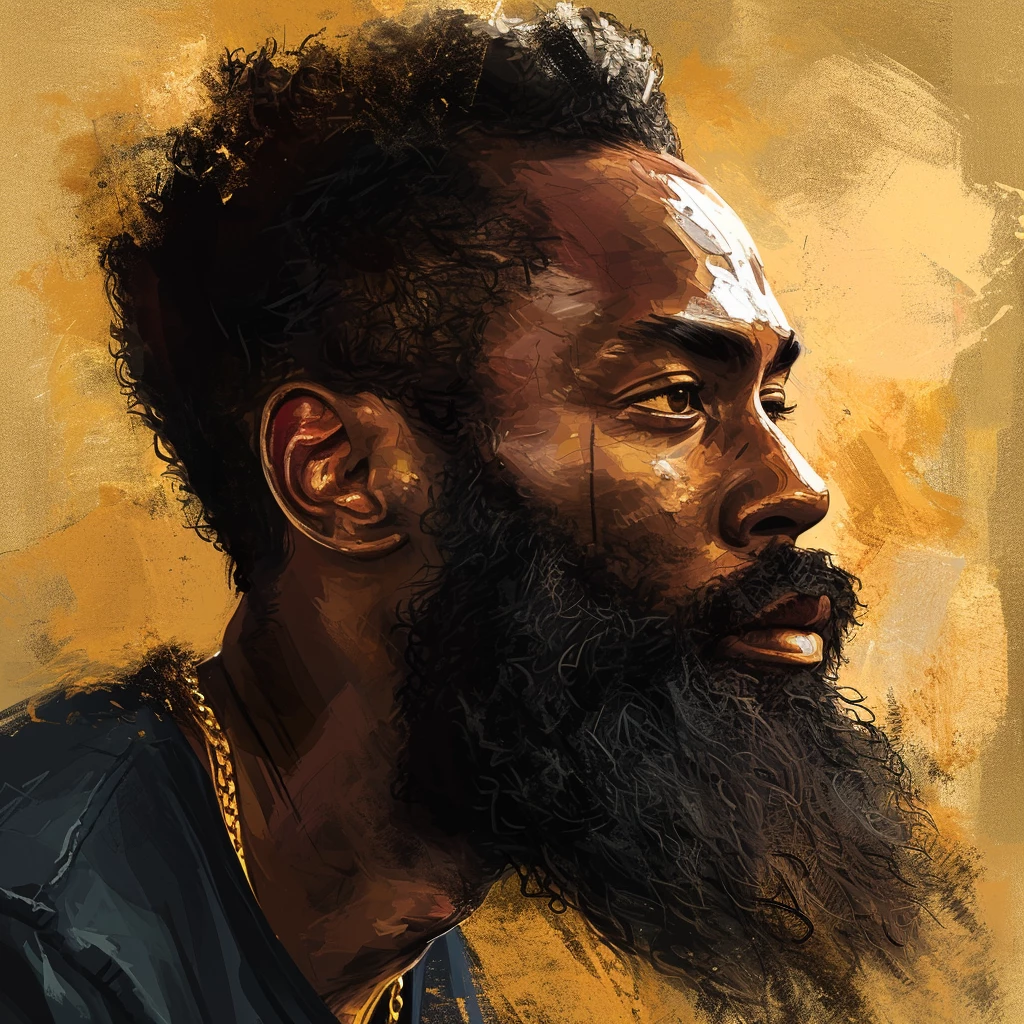
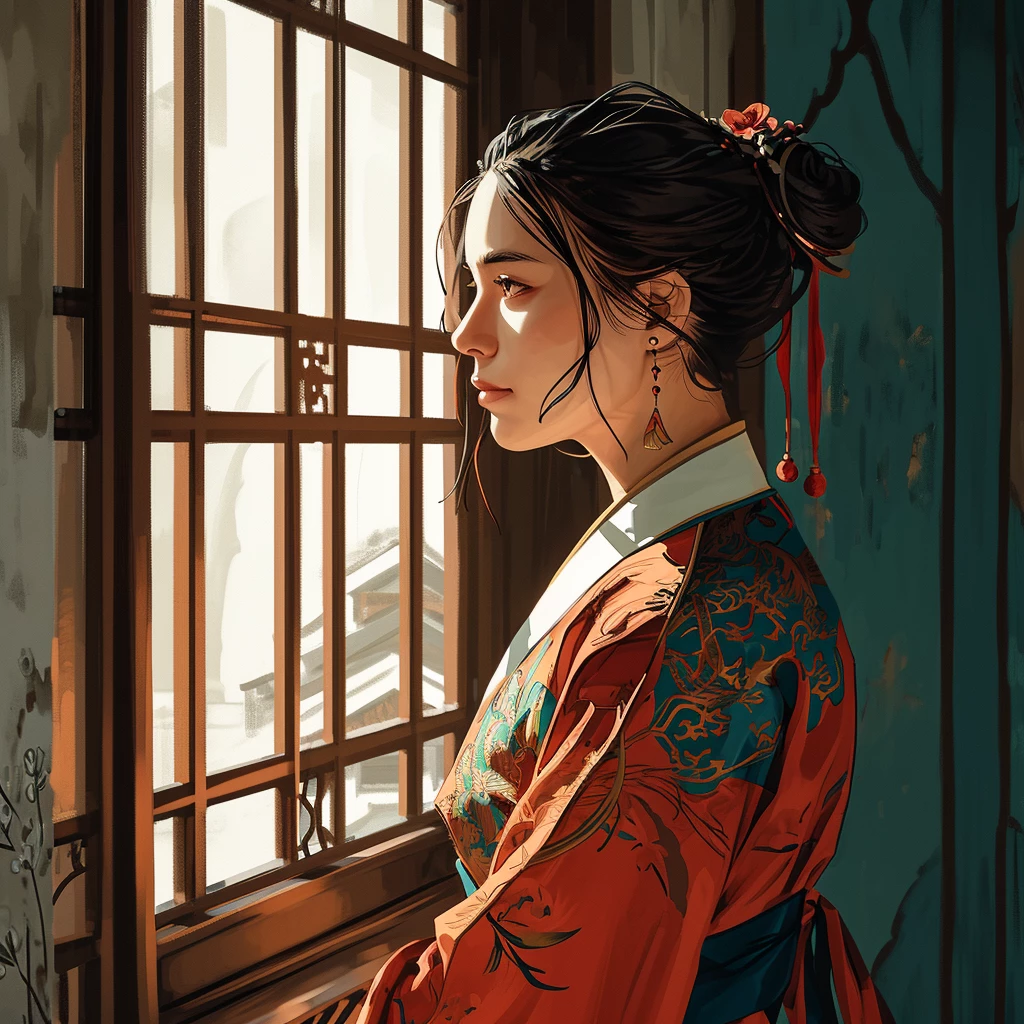
I use AI to create my images. I just uploaded images and had 10 images rejected. The reason was for Image Quality, but it doesn't tell you what the quality issues are. Before posting here, I spent a good day and half trying to find the issues with the images. I even used an image analyzes tool to find the problem areas, but it indicated there were none. For upscaling images, I use TOPAZ Gigapixels.


Sometimes I wonder if it isn't more about uploading the right subject vs. quality issues. I wish I had a clue what is and is not accepted, but unfortunately I don't.  One reason for the confusion, I've had images accepted that were the same style as images rejected.  Topaz has a De-noise, and Blur fix, etc...all done with AI.
 

This topic has been closed for replies.

4 replies

Nancy OShea
Community Expert
Community Expert
January 2, 2024

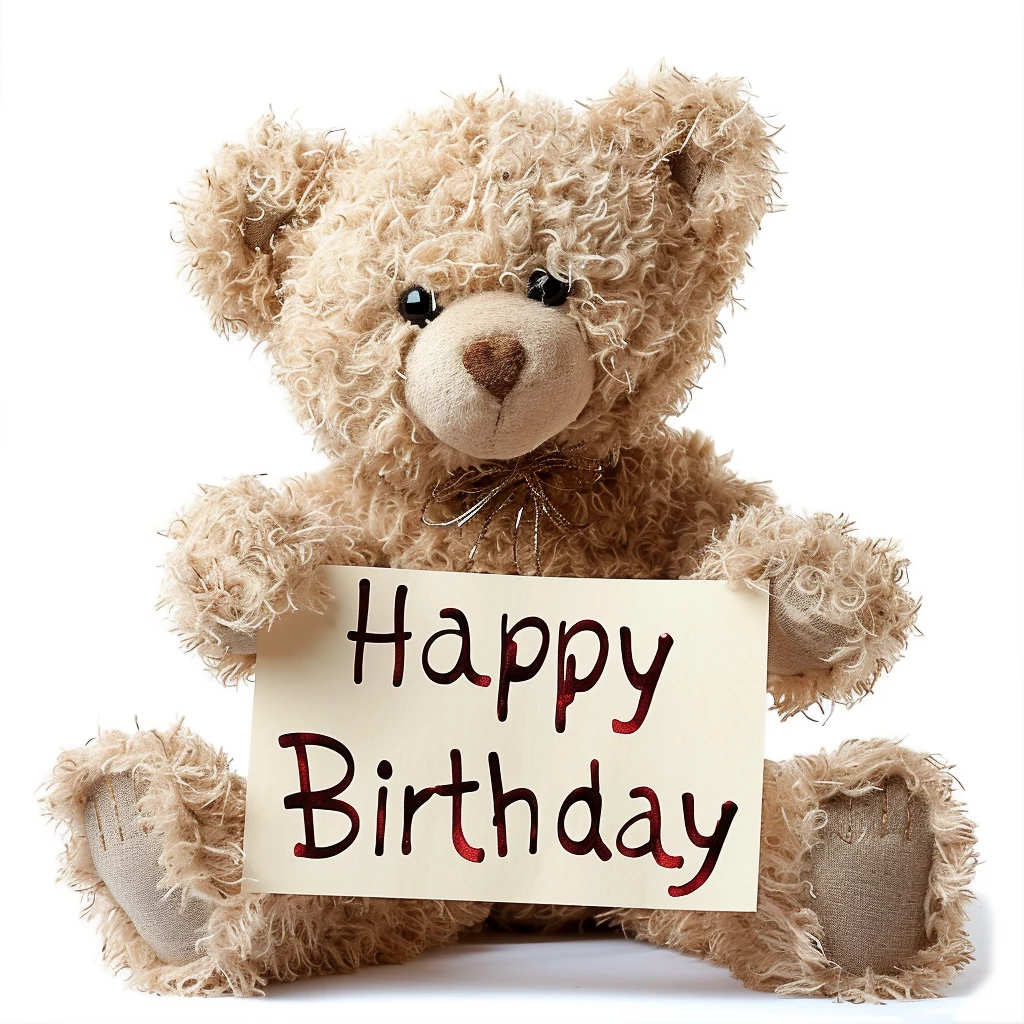
The Happy Birthday text should be removed. It's too specific and limits the asset's sales potential.  Allow customers to add their own text.  Compare your teddy bear with available Stock inventory.  Is it as good or better than what Stock has?  Would you buy it for commercial use?

https://stock.adobe.com/search?k=%22teddy%20bear%22


AI makes many mistakes and it's too ignorant to know what mistakes it makes to fix them.  That's the contributor's job.   Closely examine every quadrant of every image and simplify by removing  random lines and other artifacts that don't belong.  Fix the ones you can, discard the ones you can't.


Hope that helps.


Nancy O'Shea— Product User & Community Expert
Inspiring
January 2, 2024

Nancy...I did scrutinize the images before submitting and tried my best to pick the best ones from the lot. My only explanation is, it takes a trained eye that I may not have yet, to find these faults.  Yet, I do see an improvement (me) from when I first started. Maybe I lack the skill set but I can say that it isn't from a lack of effort. I printed out and read everything I could on being an Adobe contributor. I'll keep trying to do my best. Thanks for the feedback.

Jill_C
Community Expert
Community Expert
January 2, 2024

Our standard advice here in the forum has been to submit small batches at a time, and carefully review each rejection to try and understand what is rejectable/acceptable. Sometimes rejects can be reworked to remove the flaws, after which you can re-submit.

Jill C., Forum Volunteer
Inspiring
January 1, 2024

Thanks for the input.  Jill you used the term inconsistencies  and I assume where you circled is where you notice an issue. May I ask what you mean by inconsistencies. Is it an exposure problem, a rendering problem, noise, blurring, etc. If I have an idea what these inconsistencies mean, it may help me before uploaded more images. One thing that I can't do here is upload the upscaled images because they are too large (I use topazI). I was trying to compre the images I uploaded here to the images upscaled by topaz. Topaz will fix issues automatically using AI. But still your feedback could be invaluable to me. Any thought on images being rejected not because of quality, but because it is not the type of image Adobe is looking for? Thanks Again for everyone's input

Jill_C
Community Expert
Community Expert
January 1, 2024

Honestly, I'm just guessing here, since none of us knows precisely what the Moderators are looking for in these types of "artistic" images. But the areas I circled jumped out at me when inspecting  the images.
In the first example, the black spots on the girls skin are off and inconsistent with the rest of her face. 

In the second image, the girls right eye is wonky and doesn't match the other eye. Her right arm is also lumpy and misshapen.

In the third image, the bright white, unblended splotches of paint on his forehead are a jarring contrast to the rest of the image.

In the fourth image, the eye is poorly drawn.

In the fifth image, both the eye and the chin are poorly drawn. The ear is peculiar, the neck color is off, and there's something hanging from her neck...but I don't know what it is.


Hope this helps.


Jill C., Forum Volunteer
Inspiring
January 1, 2024

Thanks Jill I appreciate it.


daniellei4510
Community Expert
Community Expert
January 1, 2024

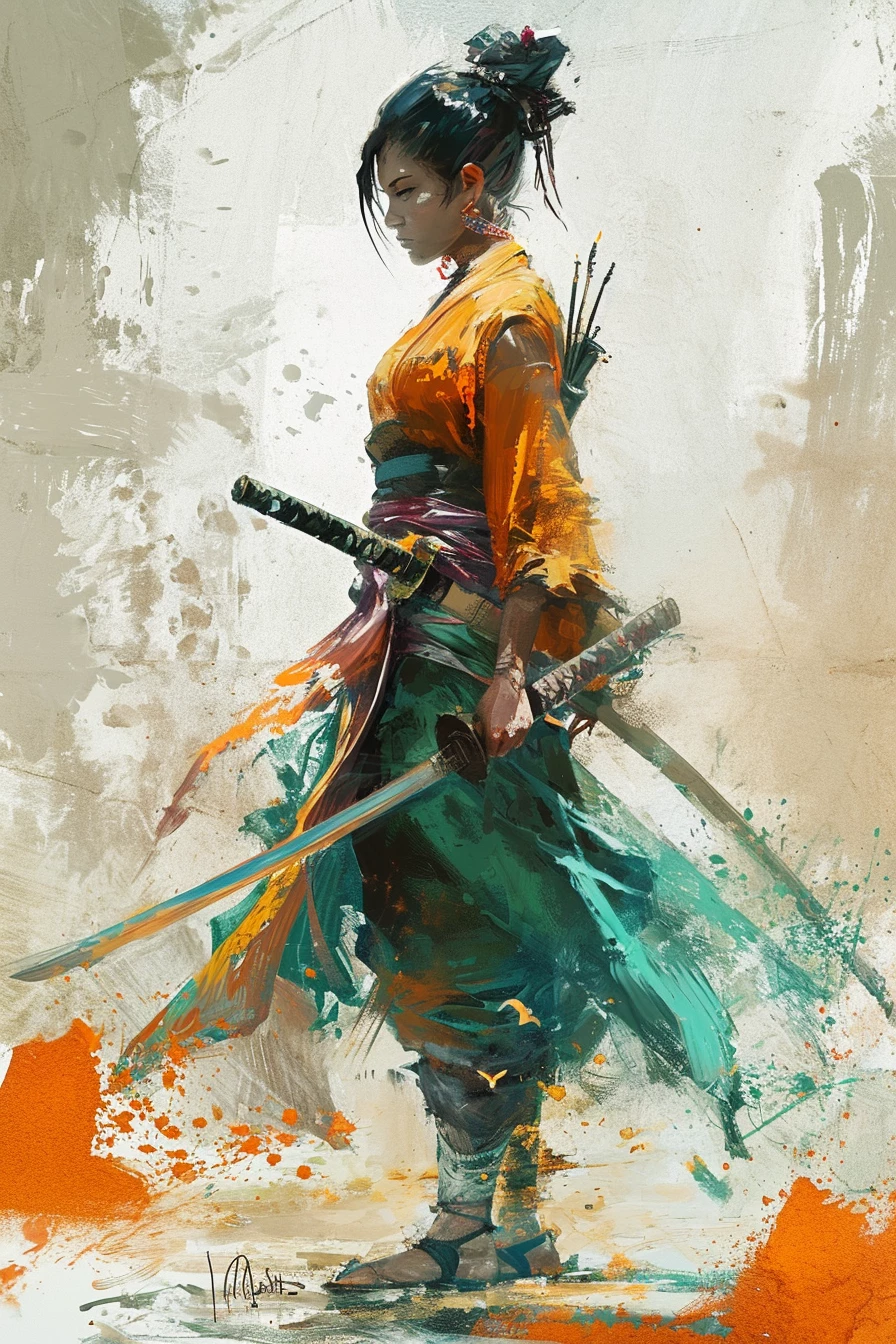
I don't think there's much to add to what @Jill_C said. These are nice illustrations, but not up to par with Adobe's strict approach to reviewing AI images by the standards they are using today. Also, the samuri image. It appears there is a "signature" at the bottom of the image near the subject's foot. This would get an instant rejection.

Adobe Community Expert | If you can't fix it, hide it; if you can't hide it, delete it.
Jill_C
Community Expert
Community Expert
January 1, 2024

It's difficult to know what constitutes a quality issue in such highly stylized images that are full of artifacts; however I have indicated a few drawing inconsistencies in some of the images.

Jill C., Forum Volunteer