kallen1979
Participating Frequently
April 13, 2019
Answered

Image rejected due to "Grain/Noise Problem"- I don't see the problem

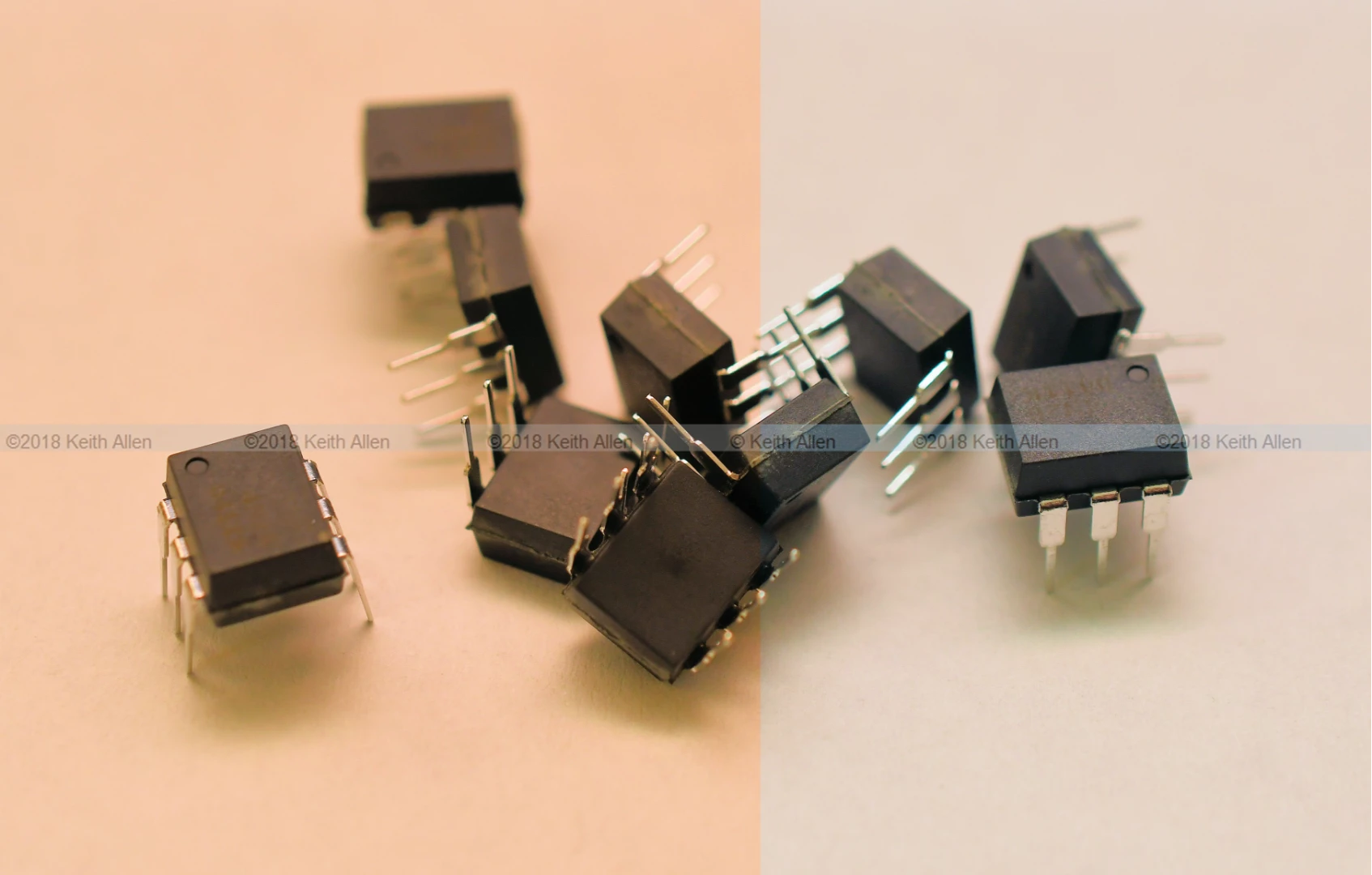
So this image was rejected by Adobestock due to a "Grain/Noise Problem" but I don't see the issue with this image. Can someone enlighten me to what they may be talking about? The devices do have a texture on their surface, but I don't see any grain or noise. The image was taken with a Nikon D7500 with a Micro Nikkor 40mm lens. Settings were ISO 640 with a shutter speed of 1/60 and f stop of 7.1. Original image size was  4830x3080 pixels (about 14.9 MP). BTW- the submitted image did not have the watermark, of course.
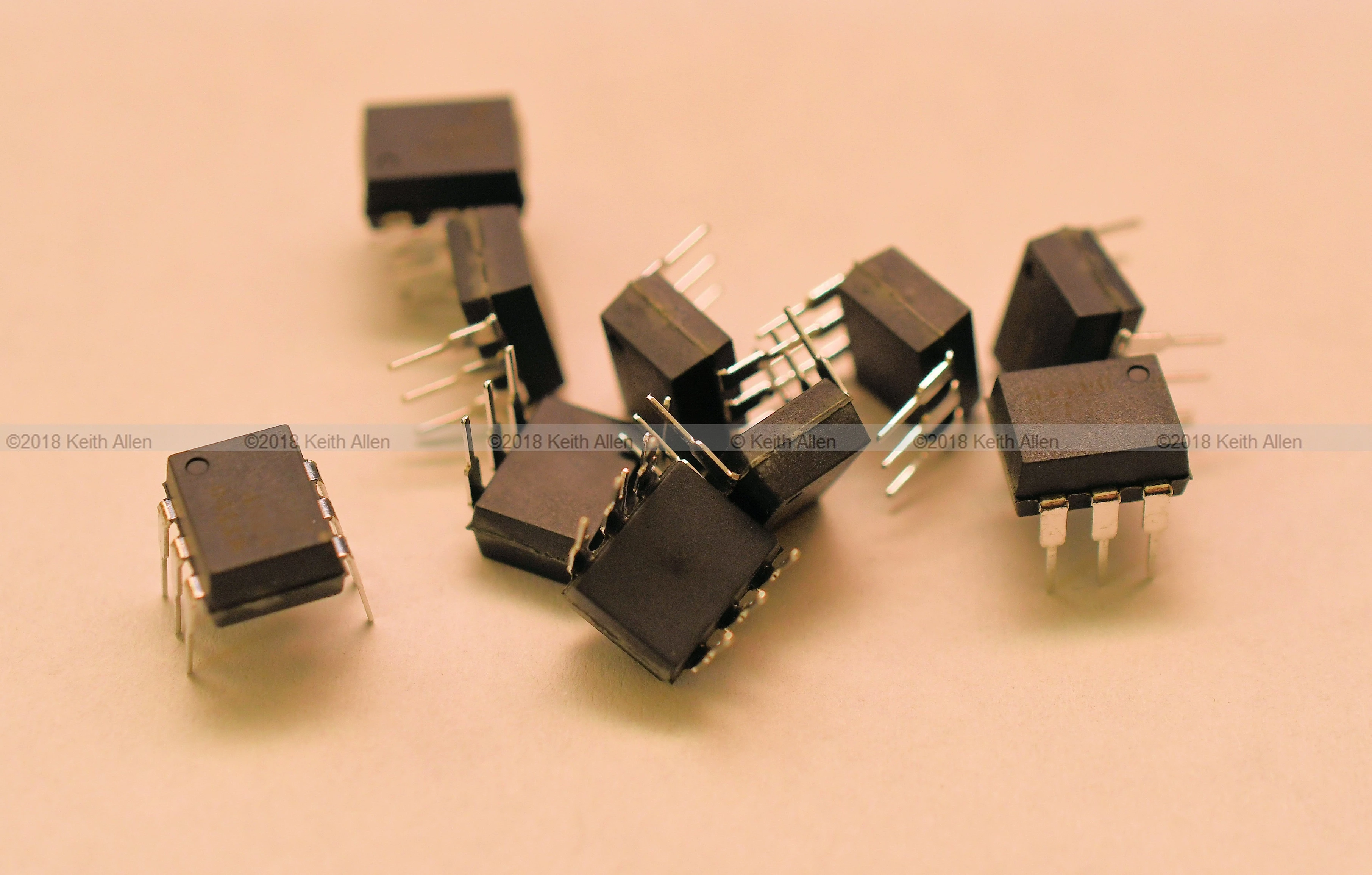
Any feedback would be helpful.

This topic is closed to new replies. Start a new post to keep the conversation going.
Abambo
AbamboCorrect answer
Community Expert
April 15, 2019

If that doesn't qualify for noise...

Pictures like that need to be taken at Iso 100 (or the lowest your camera supports) and as RAW (you don't specify that).

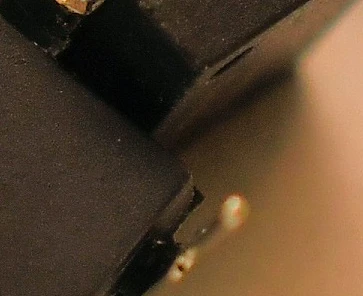
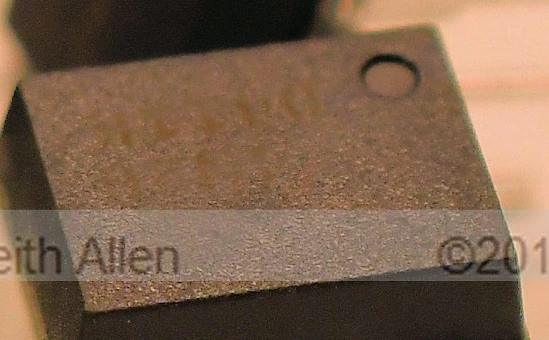
The picture not only exposes heavy noise, but also other artifacts, where you probably stamped out the logos:

And your white balance is way off...

ICs like this are black and not brownish. Your underground was probably white, but your lightning was not natural sunlight or something like that.

I really didn't now invest a lot of time in this picture. I think best is to retake it with correct lightning, a tripod and in raw. It will be a great picture then...

ABAMBO | Hard- and Software Engineer | Photographer

10 replies

Abambo
Community Expert
AbamboCommunity ExpertCorrect answer
Community Expert
April 15, 2019

If that doesn't qualify for noise...

Pictures like that need to be taken at Iso 100 (or the lowest your camera supports) and as RAW (you don't specify that).

The picture not only exposes heavy noise, but also other artifacts, where you probably stamped out the logos:

And your white balance is way off...

ICs like this are black and not brownish. Your underground was probably white, but your lightning was not natural sunlight or something like that.

I really didn't now invest a lot of time in this picture. I think best is to retake it with correct lightning, a tripod and in raw. It will be a great picture then...

Translate
ABAMBO | Hard- and Software Engineer | Photographer
kallen1979
Participating Frequently
April 16, 2019

The photo was taken intentionally with colored flash lighting. Plastic IC cases are somewhat boring and I was attempting to add in some interest. I've had exactly zero success rate producing a decent image using RAW (.NEF) files in Photoshop, so I gave up on using RAW. I still believe that the image was mainly rejected due to the textured surface of the IC's.

Maybe I will reshoot it and make it more "vanilla" for Adobestock's taste. Though I really don't know how to remove that texture without destroying detail in the rest of the shot.

Translate
jacquelingphoto2017
Community Expert
Community Expert
April 16, 2019

Hi kallen

Your comment:"I've had exactly zero success rate producing a decent image using RAW (.NEF) files in Photoshop, so I gave up on using RAW."

I do not understand. Once you shoot in raw the image opens in "Camera Raw". Camera Raw produces non-destructible corrections to these photos. I started out to shoot in JPG and now shooting in RAW and I have seen the difference. You may probably find the following links useful.

How to make non-destructive edits in Camera Raw |

View all Photoshop CC tutorials

For better approval results, it is best to avoid all forms of special effects. Your white balance has to be good. Please note it is not necessarily what you like, but what will sell that matters.

You could post a couple of your RAW photos here and the reason for rejection

Regard

JG

Translate
jacquelingphoto2017
Community Expert
Community Expert
April 15, 2019

Hi kallen

It would appear you did not do any post processing, but upload the image as was taken. If this is the case you need to do post processing to correct errors. Zoom your image to 100% magnification. You will see that there are small spots all over. That is grain/noise. You need to use an editor such as photoshop to correct this issue.

Please read the following articles that will give you guidelines you need to follow.

tagproducts_SG_STOCK-CONTRIBUTOR_i18nKeyHelppagetitle You need to read the information of all the links, and sub-link. There is also the pdf guideline you need to carefully go through.

Create better photos for Adobe Stock with 7 tips for success | This also you need to read all the links and sub-links

Do's and don'ts for selecting and editing photos for Adobe Stock

I hope you find this helpful

Best wishes

JG

Translate