

Participant
July 3, 2023
Answered

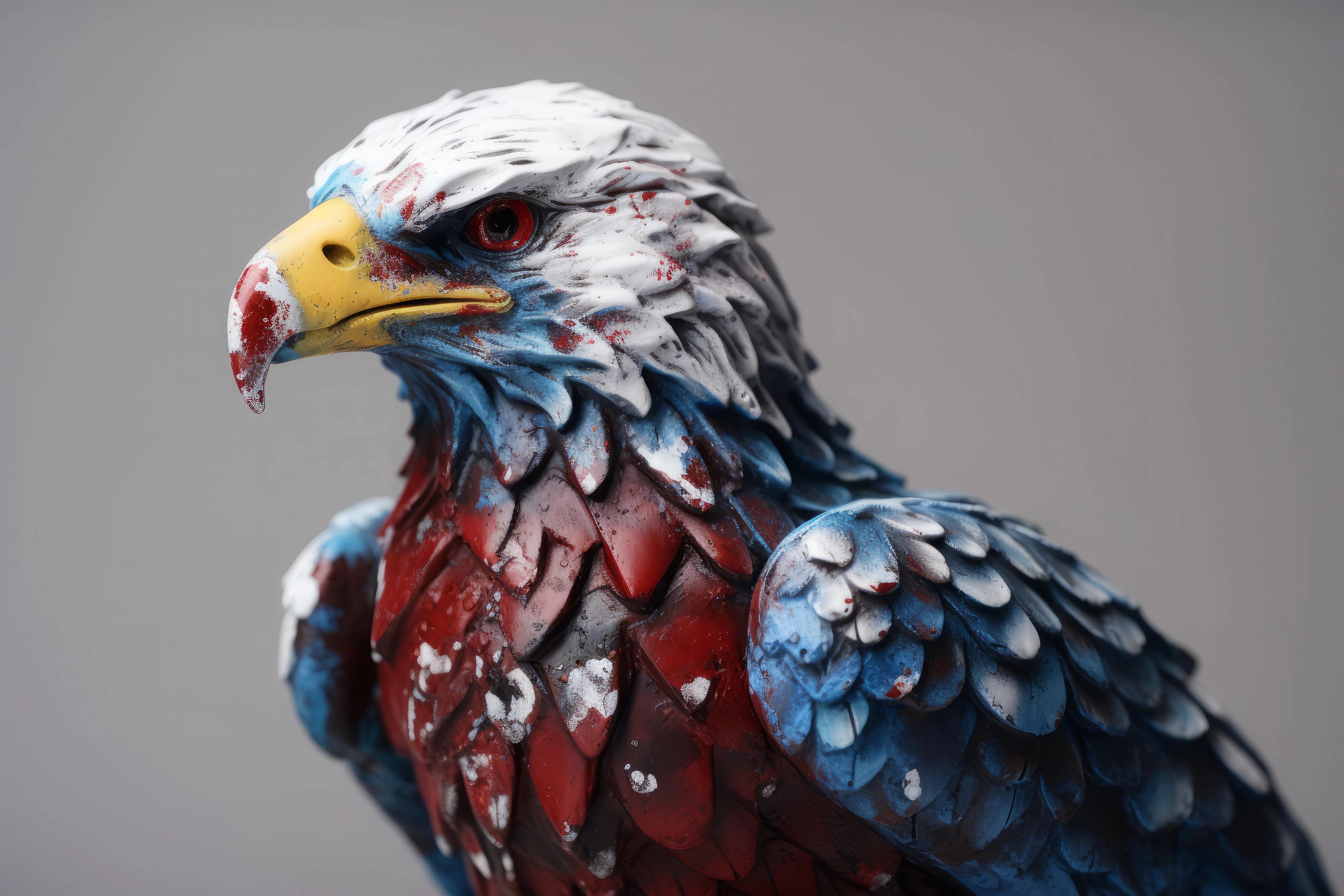
Image rejected for quality issues...i have no idea why

  • July 3, 2023
  • 3 replies
  • 189 views

Also is there a good way to check for issues before submitting. Most of my images are accepted, but in my last batch alot were rejected and my process didn't change.

This topic has been closed for replies.
Correct answer Abambo

Look at them at 100% and if you see something at 200 or 300%. That's what moderators do. 


There is a one pixel border around the asset and an inconcistancy in the lens blur (I suppose this is not a photo of a sculpture). That's all I can find. 

3 replies

Jill_C
Community Expert
Community Expert
July 3, 2023

Many images look ok on a small screen, though I can easily see the focus problems on this one on my iPad screen. However, when you zoom in between 100-200% and scroll around to every part of your image, problems become much more apparent. Make that a part of your standard review process, which is exactky when the Moderators do.

Jill C., Forum Volunteer
Nancy OShea
Community Expert
Community Expert
July 3, 2023

Looks like this bald eagle had a bad encounter with an angry grafitti artist. 🙂


Examine image at 100-300% magnification.

Edges are not sharp.

Lighting is uneven as shown on Histogram panel.

The eagle's eye is in dark shadow.


Hope that helps.


Nancy O'Shea— Product User & Community Expert
Abambo
Community Expert
AbamboCommunity ExpertCorrect answer
Community Expert
July 3, 2023

Look at them at 100% and if you see something at 200 or 300%. That's what moderators do. 


There is a one pixel border around the asset and an inconcistancy in the lens blur (I suppose this is not a photo of a sculpture). That's all I can find. 

ABAMBO | Hard- and Software Engineer | Photographer
