Technical reasons include white balance, contrast, and saturation, composition etc.
This appears to be a good photograph composition is simple, which leaves white balance and sat/contrast.
So, you perhaps need to fix your white balance. If you took this in camera raw, you can fix it in Lightroom or ACR. If it is in JPEG, the easiest way is to use the auto functions, or more manually using the adjustment layers in Photoshop or other Adobe photo fix products. One more idea, there are a few spots and damaged areas in the photo so it might be a better presentation if it is nearly perfect. Lighting could be a bit more dramatic too. If you were not asked for a property release then fix the problems and resubmit it.
Here is more information on getting your offerings accepted into Adobe Stock. Best regards, JH
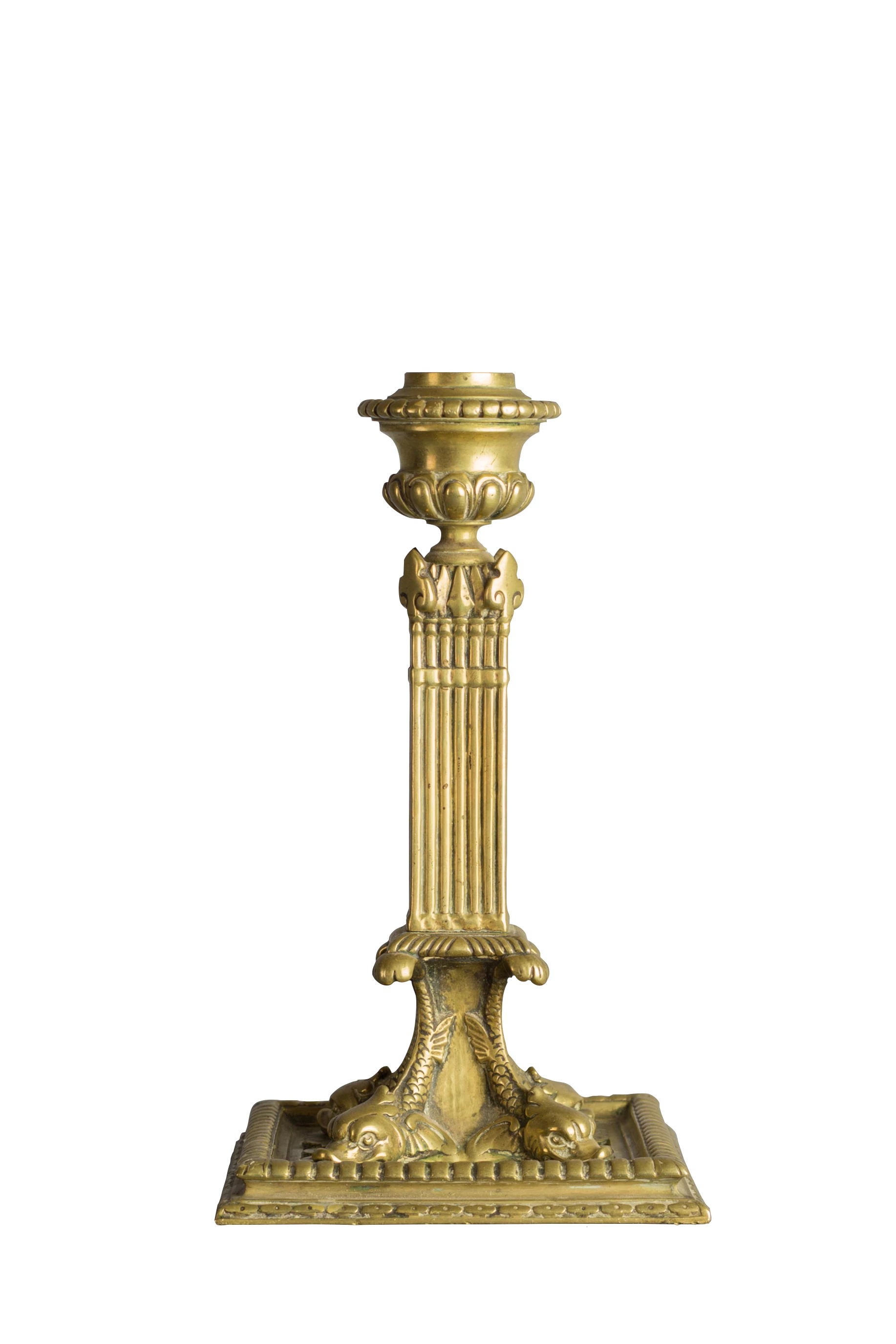
It looks like you have cut out the object, or replaced the background with white. The edges of the object seem to be too sharp. It looks like a cut-out version placed on a white background. The white balance for me is fine, so I don't think this is the issue.
Real people check the images and it isn't done by AI - not yet anyway!!
Technical issues, in this case, would come under this:
Selections: Editing must be done inconspicuously. Selecting objects out of their backgrounds (or masking) to composite into new images requires time, patience, and care. Do not submit images that have been poorly selected or look like they are not a natural part of the scene.



 AdChoices