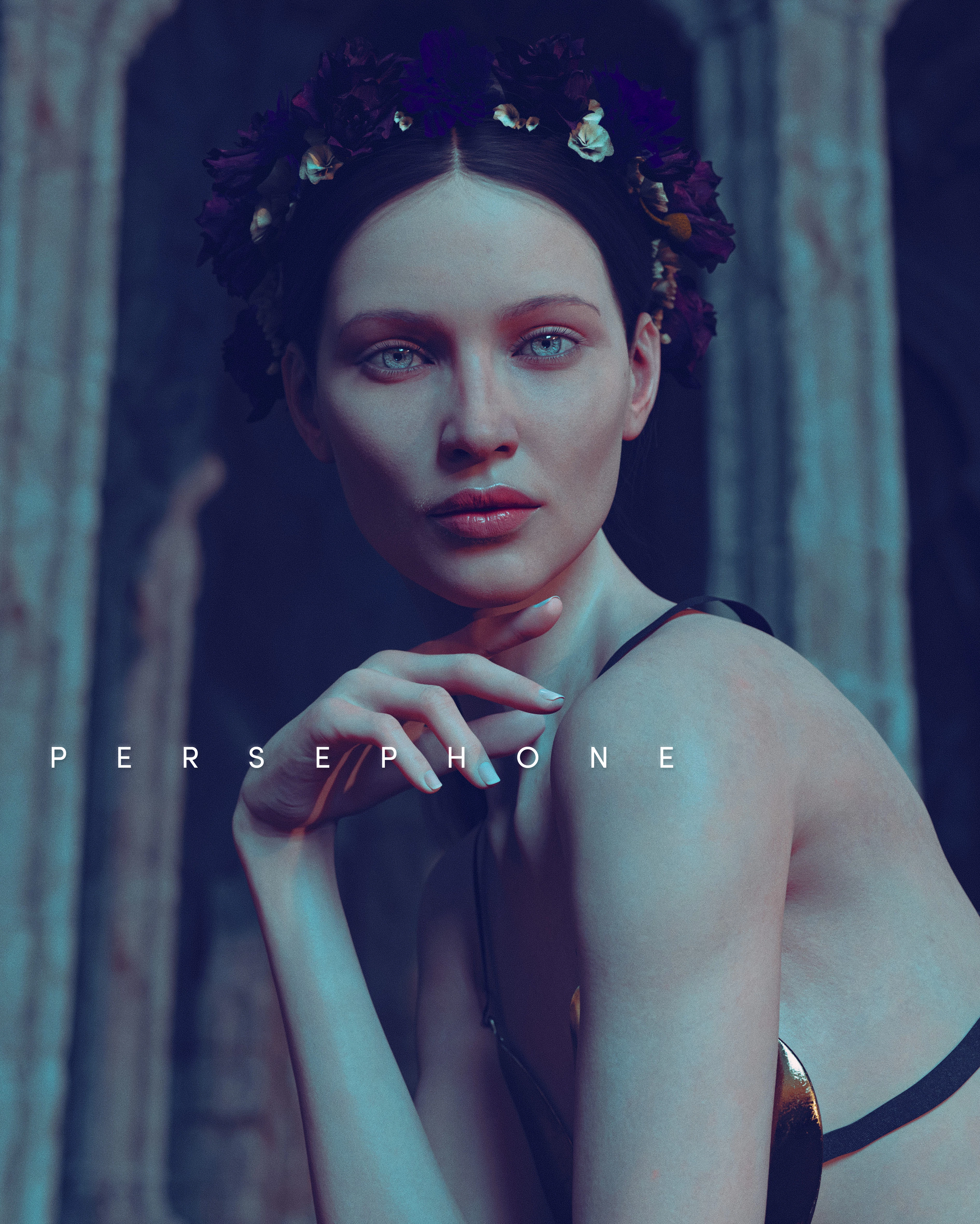
Inspiring
October 18, 2023
Answered

Images rejected for being AI content but they are in reality not ai

  • October 18, 2023
  • 3 replies
  • 827 views

Anyone know what to do about images constantly being rejected because they are mistaken for AI generated content or photography of actually people? 


Below images rejected for being ai generated, but I did not use ai to make them.
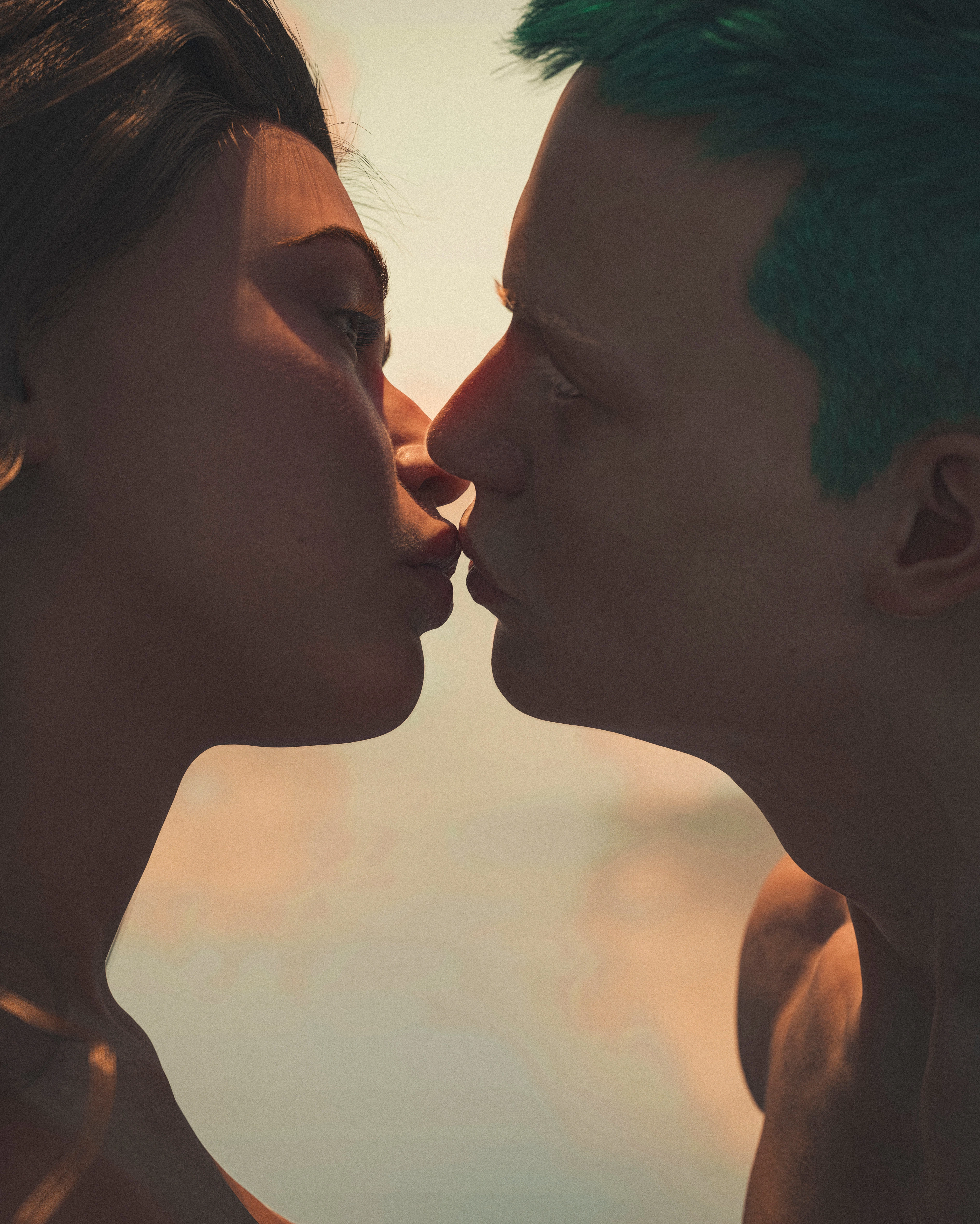
 

Below are examples of images I keep getting sent back to resubmit together with model releases, but there are no model releases of course since they aren't real people, but they aren't ai generated either but CGI renders using 3d models I made...
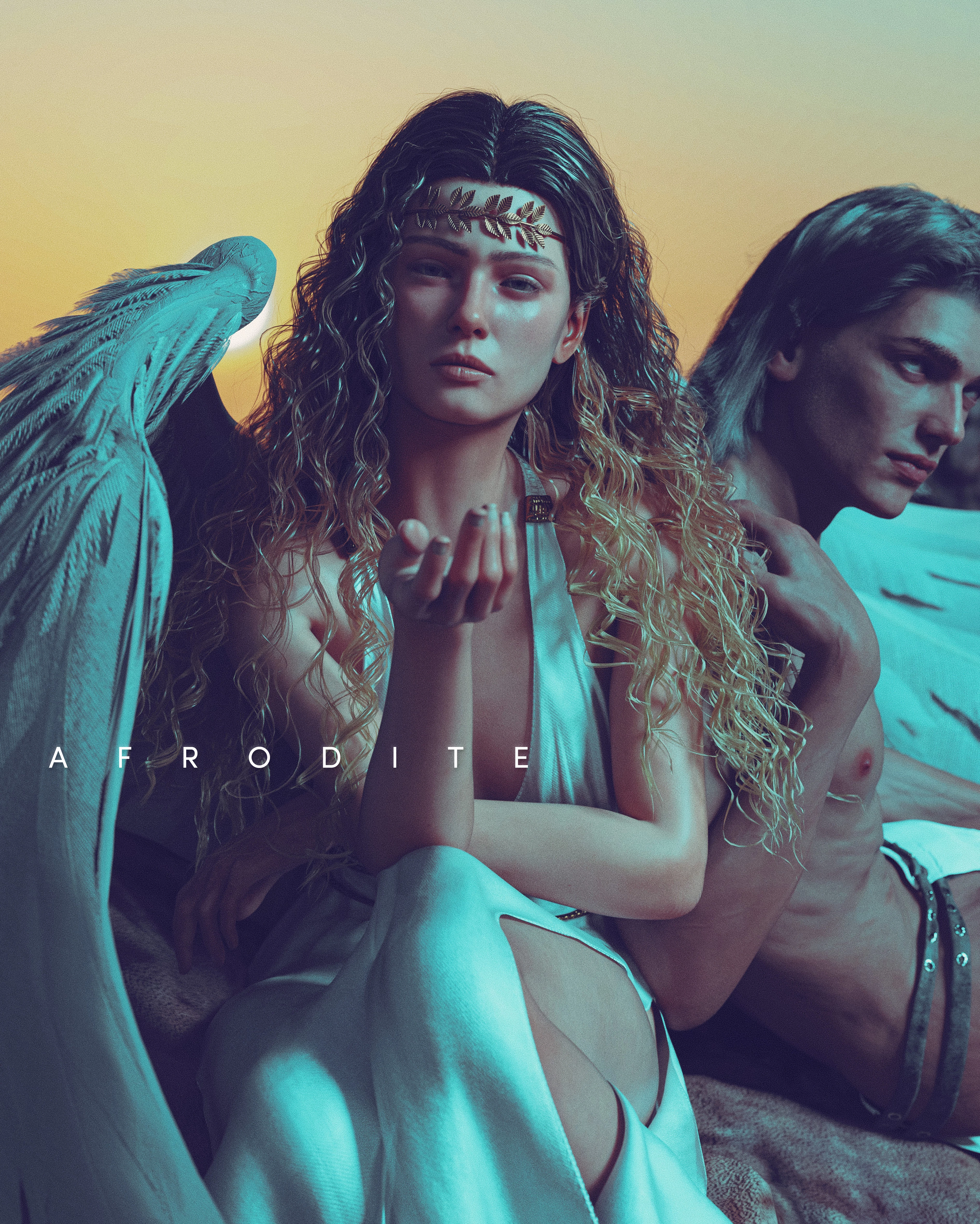
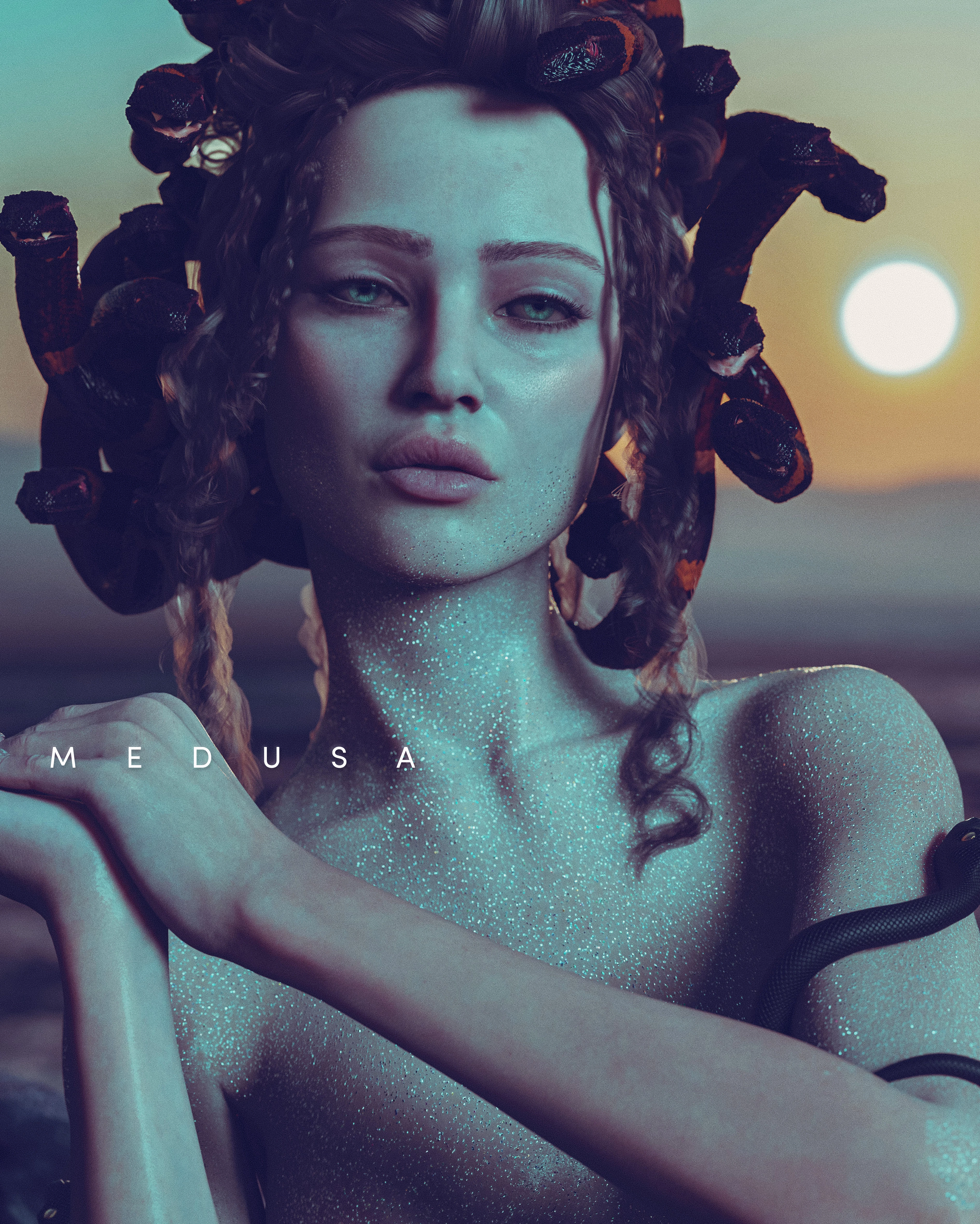
A bit confused about how to proceed since the review staff apparently either think my images are AI and that I didn't flag them correctly, or they think they are photographs that are missing model releases. I tried contact adobe for help but ofcourse no reply. This has being going on for months now.


Anyone know a workaround?

This topic has been closed for replies.
Correct answer Nancy OShea

You still need to submit a signed Property Release by you as the artist who created the 3D renders.


Artificial artwork created by you is subject to the same requirements as Generative AI.  It must be legally free & clear for commercial use.


Model/Property Releases:

Hope that helps.


3 replies

Nancy OShea
Community Expert
Nancy OSheaCommunity ExpertCorrect answer
Community Expert
October 18, 2023

You still need to submit a signed Property Release by you as the artist who created the 3D renders.


Artificial artwork created by you is subject to the same requirements as Generative AI.  It must be legally free & clear for commercial use.


Model/Property Releases:

Hope that helps.


Nancy O'Shea— Product User & Community Expert
Inspiring
October 18, 2023

Thank you, just got confused when the feedback was model release 🙂

think i understand it now.

Jill_C
Community Expert
Community Expert
October 18, 2023

 The first two images are very noisy, and would have been rejected for quality issues had they not chosen to reject them as "undeclared AI".  I'm not sure how to resolve the issue of your 3D renders being rejected because they look like AI. Adobe is so focused on accurately vetting AI assets these days that if it looks like it could be AI, they're going to want it labeled as such as in their database for the sake of their Buyers.

Jill C., Forum Volunteer
daniellei4510
Community Expert
Community Expert
October 18, 2023

While they may not be AI, I think they would still be reject to for Quality Issues. The coloring is odd, the subjects are malformed in some cases (such as the wrist on Persephone), they are took dark overall, and you shouldn't add text to your images. Let the buyer do that, if they want to add text at all. 

Adobe Community Expert | If you can't fix it, hide it; if you can't hide it, delete it.
Inspiring
October 18, 2023

Sorry to clarify the versions submitted did not have copy on them.  


And i had two issues.. the first set with kissing people rejected for not being tagged ai.


Phersephone, medusa and the rest where not rejected, im asked to submit model releases for them. And how can i submit a model release when not real people?

daniellei4510
Community Expert
Community Expert
October 18, 2023

For AI (and yes, I know they are not AI), you still need to submit a Property Release (not a Model Release). I know...confusing. There are videos on YouTube that show how to properly obtain and fill out a Property Release for "real" people, even though they aren't real. I think the moderators (at least the one who received your images for review) feels that anything not illustrated by hand or from scratch in Photoshop, or that is not an actual photograph, sees the assets as being AI. I can't think of  any way to otherwise communicate that they are not AI to the moderators (short of titleing your images "3D illustration of...". Frustrating, I know.

Adobe Community Expert | If you can't fix it, hide it; if you can't hide it, delete it.