



tHo_M@Sss
Participant
August 9, 2023
Answered

Lightroom & Adobe Stock

  • August 9, 2023
  • 2 replies
  • 578 views

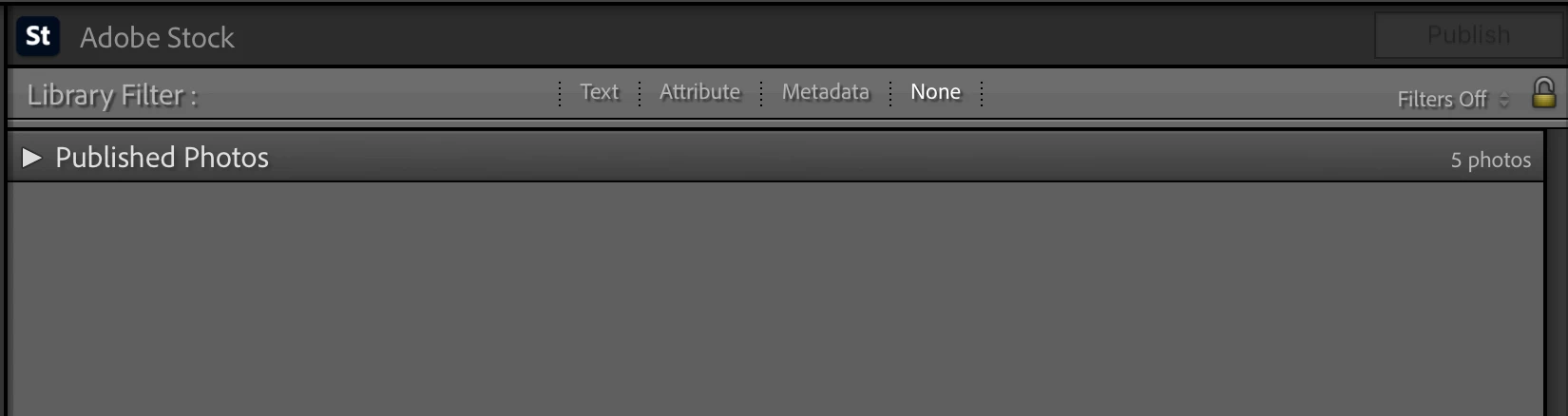
I was trying to find this answer but doesn't seem able to find it in google... if I used the "Publish Service" in lightroom to send photos to Adobe Stock, some Accepted, some doesn't. What if I delete the photo from the Published Photos? Will it be removed from Adobe Stock as well?



This topic has been closed for replies.
Correct answer daniellei4510

If you are talking about images that were rejected and now reside on the rejected page, I don't believe there is a way to remove those. If there is, I haven't been able to find it. I simply flag such images in Lightroom as 'rejected' and, if salvagable, I'll re-edit them at a later time and re-submit. But when an image is re-submitted within Lightroom, you need to change the file name or attempts to do so will be ignored.

2 replies

daniellei4510
Community Expert
daniellei4510Community ExpertCorrect answer
Community Expert
August 9, 2023

If you are talking about images that were rejected and now reside on the rejected page, I don't believe there is a way to remove those. If there is, I haven't been able to find it. I simply flag such images in Lightroom as 'rejected' and, if salvagable, I'll re-edit them at a later time and re-submit. But when an image is re-submitted within Lightroom, you need to change the file name or attempts to do so will be ignored.

Adobe Community Expert | If you aren't submitting your assets in sRGB, you probably didn't read the rules.
Jill_C
Community Expert
Community Expert
August 9, 2023

Thanks for the clarification. Yes you're correct that there is no way to delete rejected images. I also add a keyword to my rejected images in LRC so that I don't accidentally upload them again.

Jill C., Forum Volunteer
Jill_C
Community Expert
Community Expert
August 9, 2023

Deleting images from Published Photos in LRC has no effect on what has already been sent to Adobe Stock. You have to go to Adobe Stock and delete it from your account.

Jill C., Forum Volunteer
tHo_M@Sss
tHo_M@SssAuthor
Participant
August 9, 2023

I see, thanks for the clarification!

Abambo
Community Expert
Community Expert
August 10, 2023

You can, however, delete assets from the Lightroom Classic submission queue. I, however leave them in the queue, it's an easy way to keep an eye on what is submitted and what not.

ABAMBO | Hard- and Software Engineer | Photographer