This topic has been closed for replies.
Correct answer Jill_C

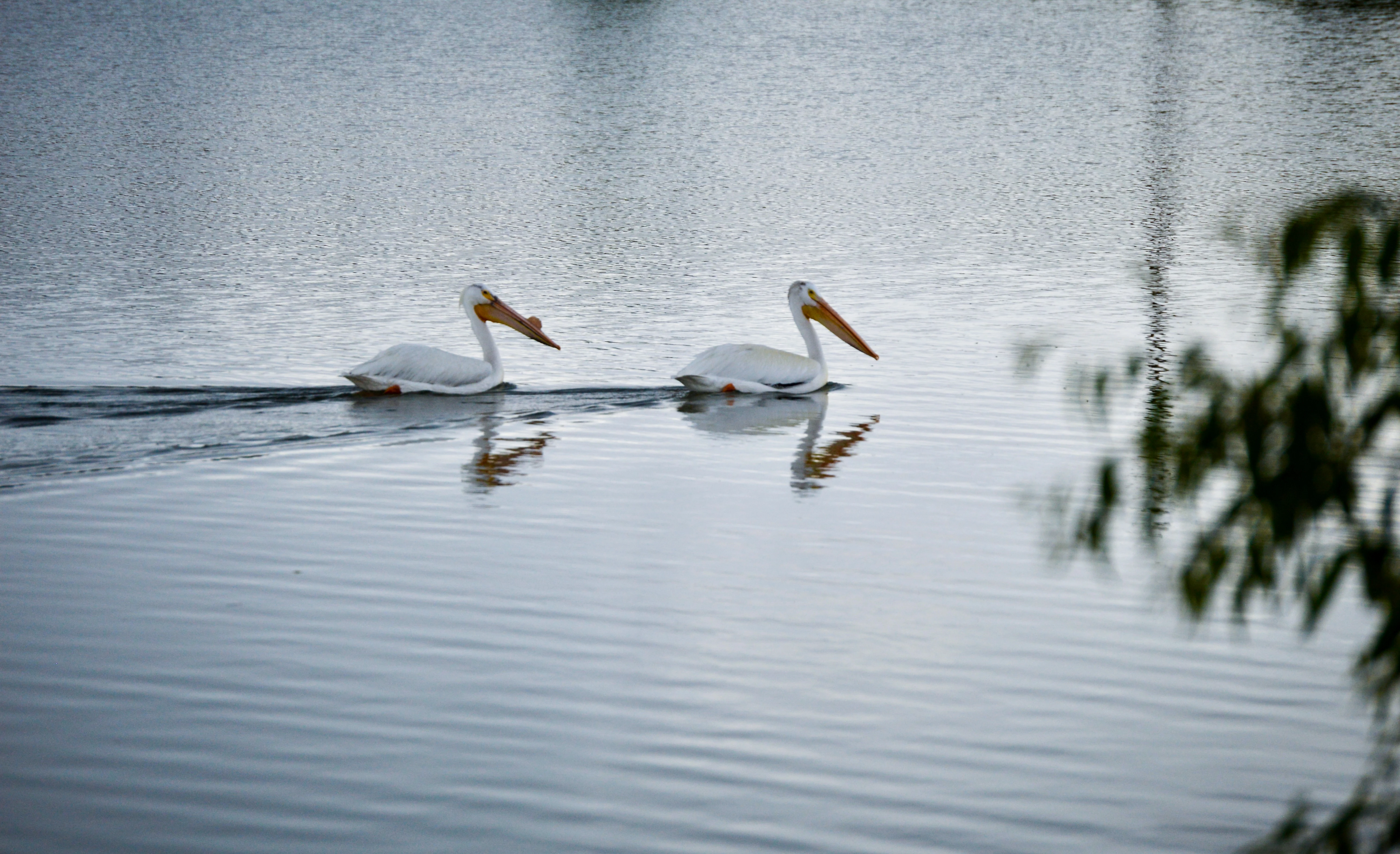
Zoom in to 100-200% and the focus and noise issues become quite apparent. Look in the shadows of the pelicans where the chroma noise is obvious.

4 replies

Abambo
Community Expert
Community Expert
July 1, 2023

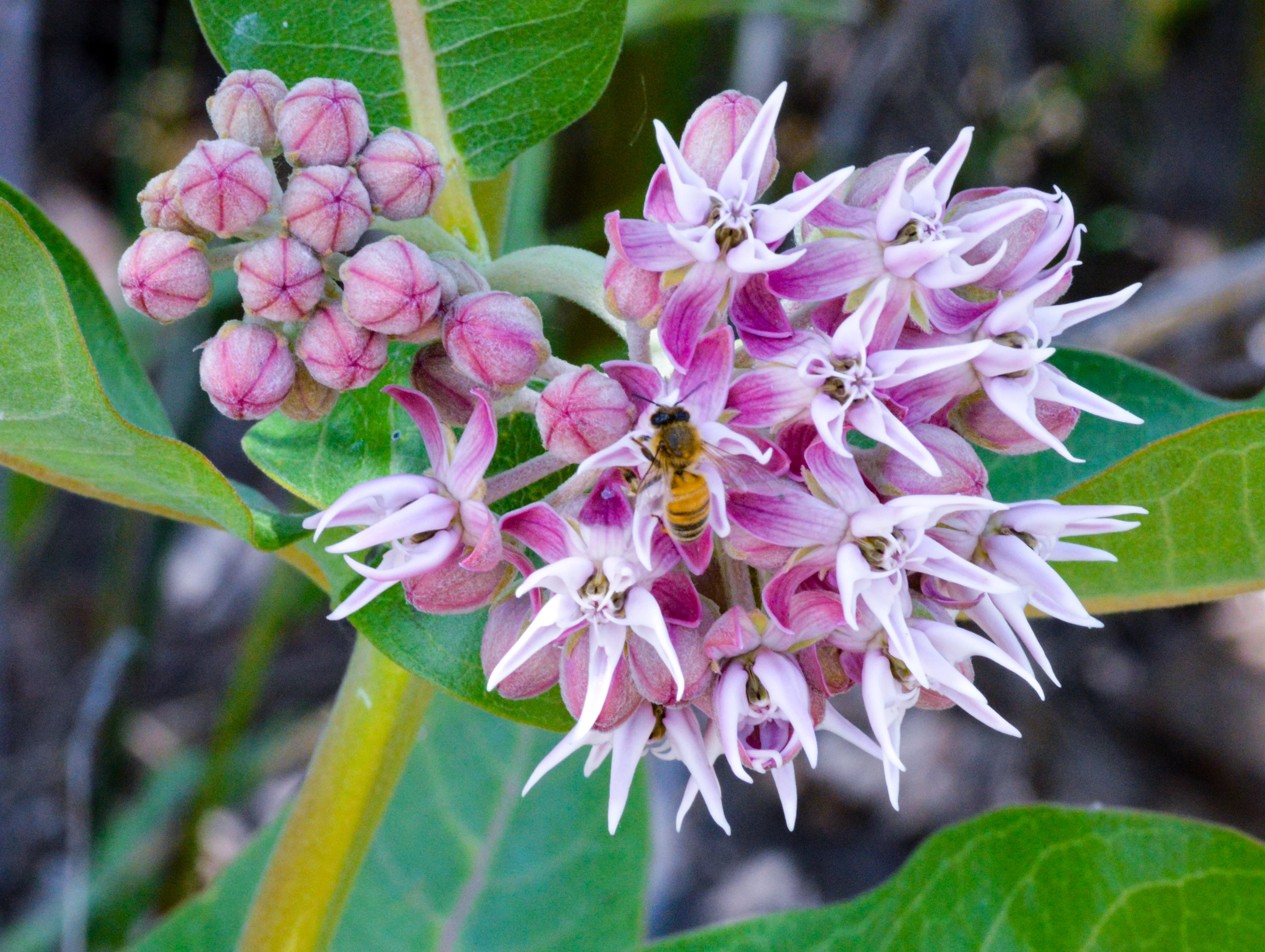
Bee:

Very noisy and the bee is out of focus:

 I don't even see anything in focus. You could have opened the aperture quite a lot, to get the ISO down.


Pelicans: out of focus and noisy:

The histogram shows missing whites:


ABAMBO | Hard- and Software Engineer | Photographer
Jill_C
Community Expert
Jill_CCommunity ExpertCorrect answer
Community Expert
June 30, 2023

Zoom in to 100-200% and the focus and noise issues become quite apparent. Look in the shadows of the pelicans where the chroma noise is obvious.

Jill C., Forum Volunteer
RALPH_L
Community Expert
Community Expert
June 30, 2023

Both photos have too much noise and are too soft. The second photo the tree should be removed.

Noise reduction and sharpening are needed. This can be done in post production.


Please remember, Adobe Stock is not there to teach us how to make a perfect photo. They are there to market our photos. We must deliver a quality product or they can not market it.  This forum is provided to assist contibutors who may need assistance.

Abambo
Community Expert
Community Expert
July 1, 2023
quote

Both photos have too much noise and are too soft. The second photo the tree should be removed.

Noise reduction and sharpening are needed. This can be done in post production.


By @RALPH_L

Noise reduction can be done in post-production, there are currently superb tools available. As for the focus or sharpening, that can't be corrected a lot. A picture needs to be sharp and can then be enhanced with carefully sharpening.

ABAMBO | Hard- and Software Engineer | Photographer
Nancy OShea
Community Expert
Community Expert
July 1, 2023

Sharpening is a mixed bag of tricks.  It can help as well as hurt a photo. 

You never get something for nothing.


Nancy O'Shea— Product User & Community Expert
EzyRider_II
Inspiring
June 30, 2023

Well yes. I was getting the same "umbrella" rejections lately too, until I stopped uploading : ). Problem solved!(?). I tend to believe Thai it means not so much the quality (technical) of my/your photo but Adobe hinting that there are already a million of this subject posted (,better ones than yours or mine) and no point in adding more. But this is just a hunch. To me your pelicans are a bit underexposed. And what is that bump on the beaks? The bee one is all right, just millions of better ones up there. (More details, etc.). And I do t think this is a commercially very lucrative subject. Just my 2 cents worth. But I agree! The "quality issues" is just way to vague and annoying "reason" to bump you off. 

Participant
June 30, 2023

thank you.  the bump is part of the beak. it develops during mating season and falls off after they have mated and laid eggs. I appreciate your feedback