January 14, 2026
Question

Looking for Feedback: Rejected for Quality Issues

  • January 14, 2026
  • 5 replies
  • 309 views

Hi!  I am new to Adobe Stock, submitted around 20 images, and they were all rejected mostly for quality issues (feeling a bit discouraged).  In addition to welcomed feedback with intentions to get better, I have a couple more questions I am hoping to get answered. Thank you for your time and expertise!

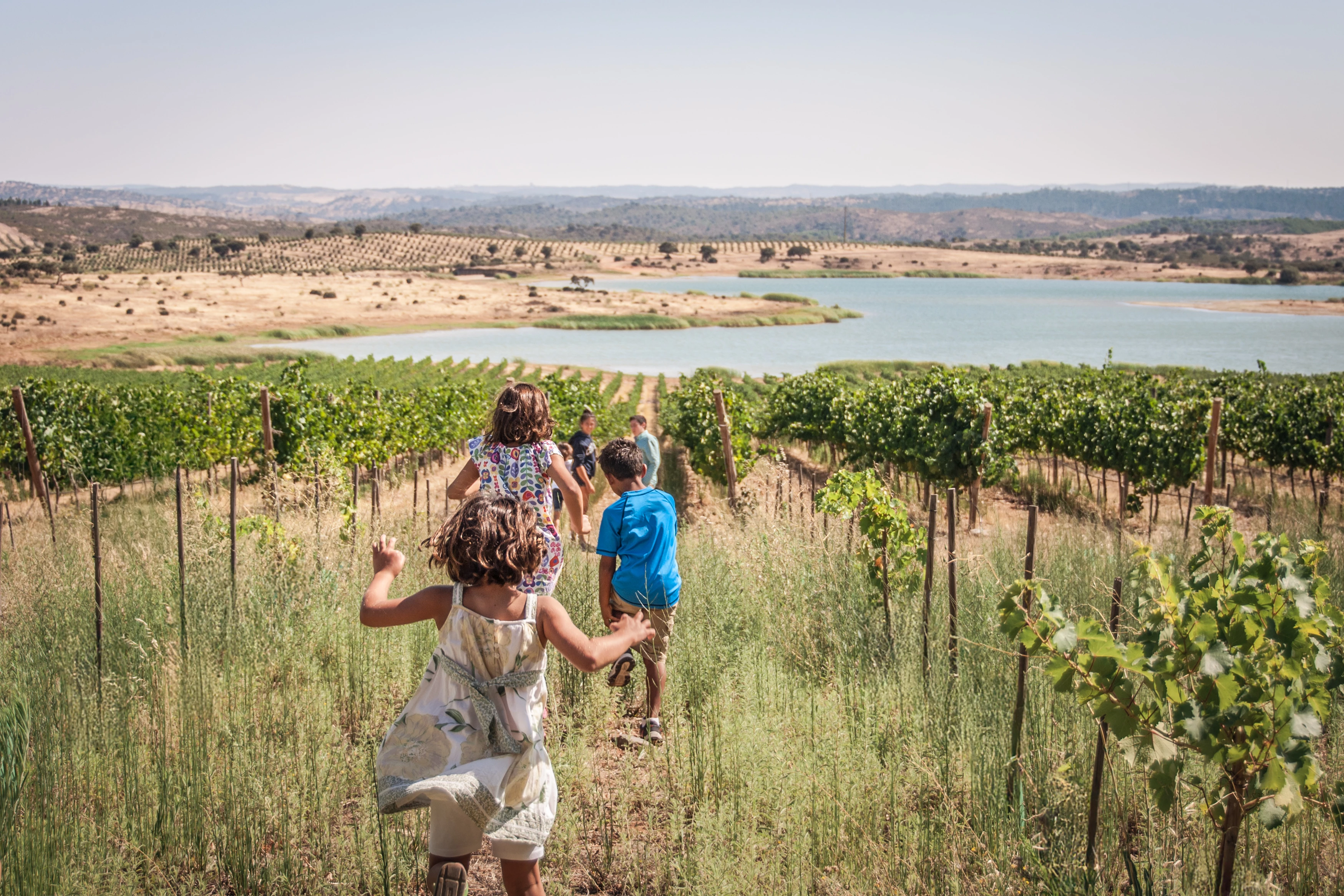
1.  For the images that were rejected for intellectual property refusal (likely because people were in the photo), is it acceptable to have the back of a person photographed, or no people at all?  To me, they are unrecognizable, but would love to understand this more so I can do better moving forward.

2.  I love a shallow depth of field and will often (intentially) welcome it into my photos.  For stock photography, is this less desired in images?
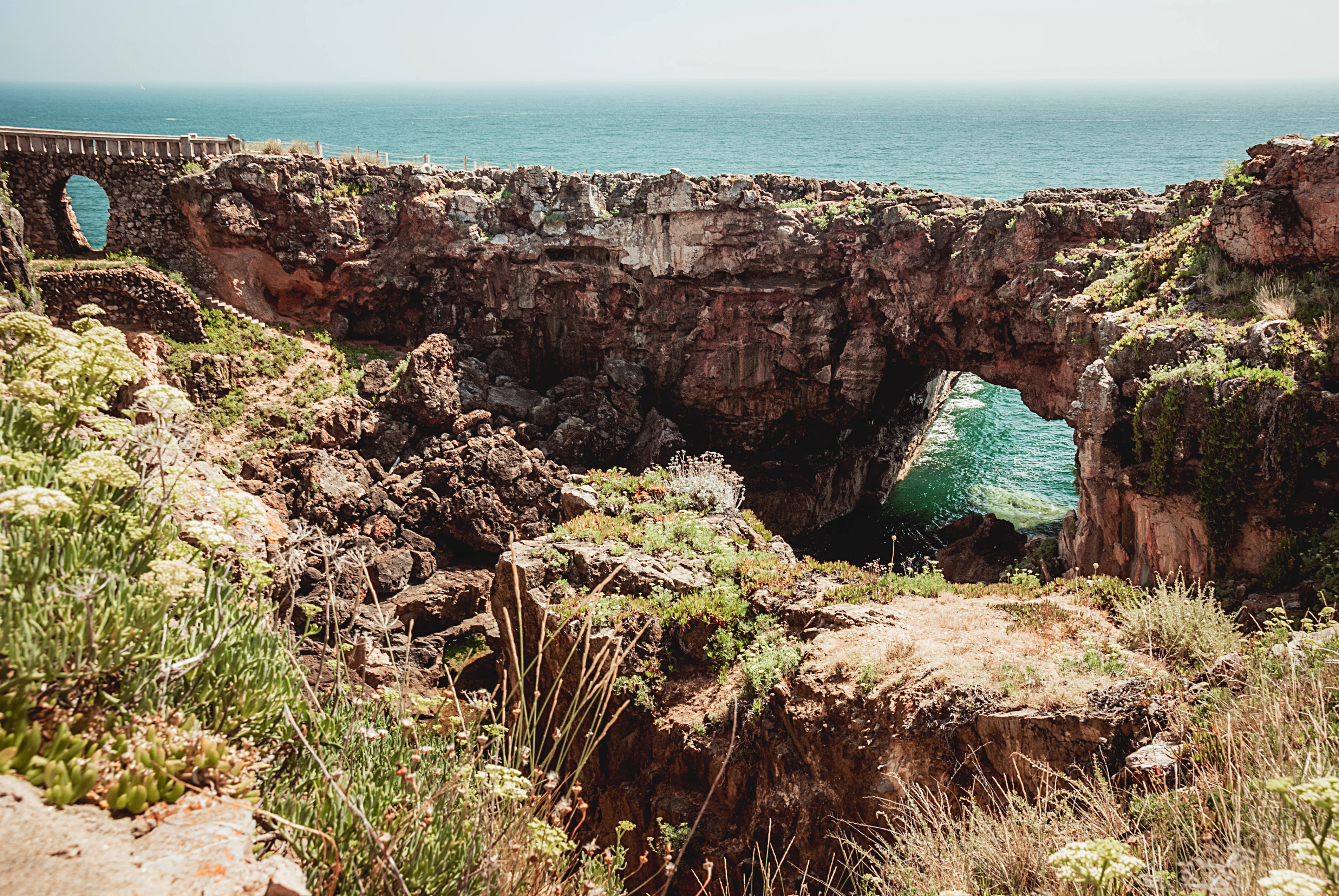
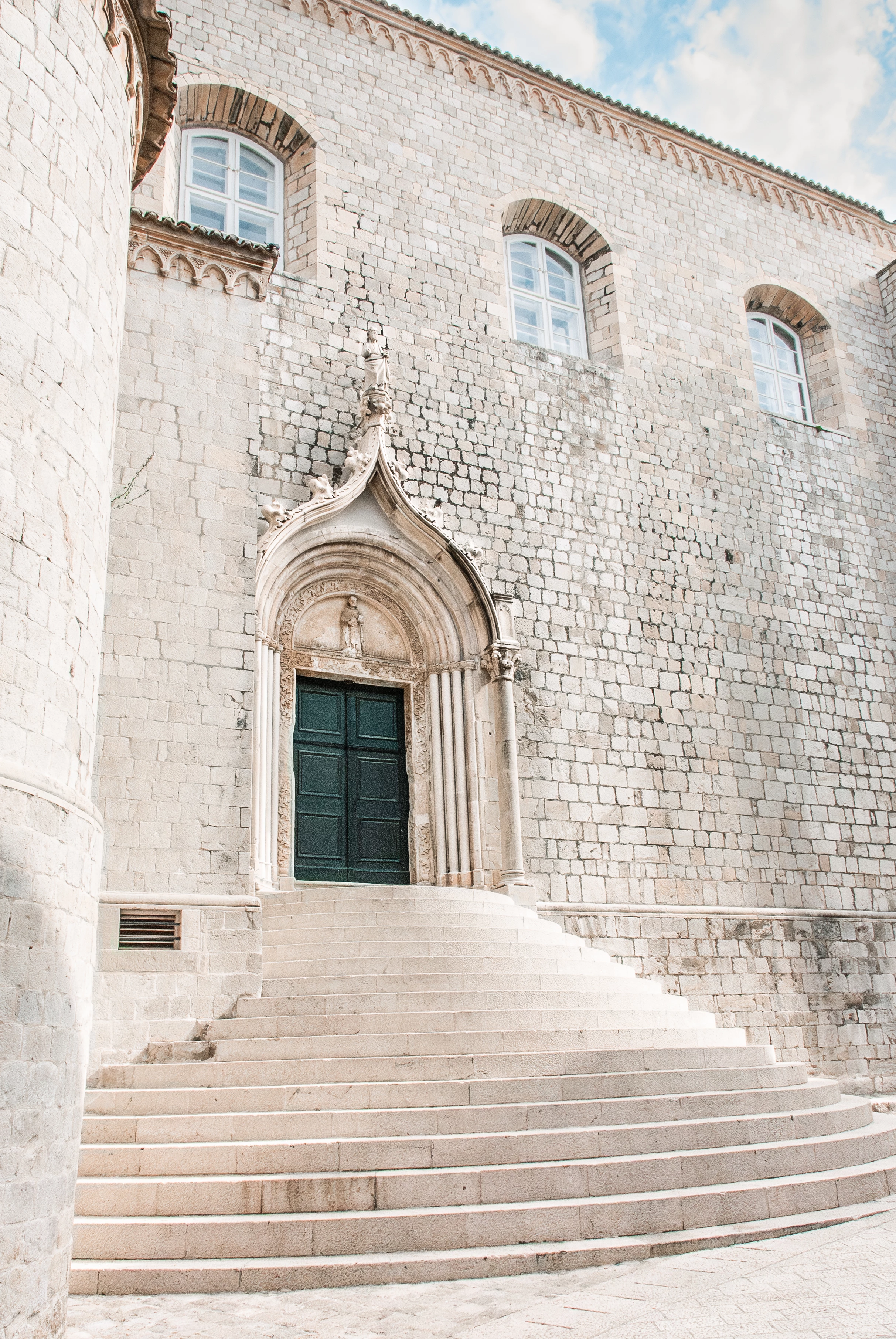
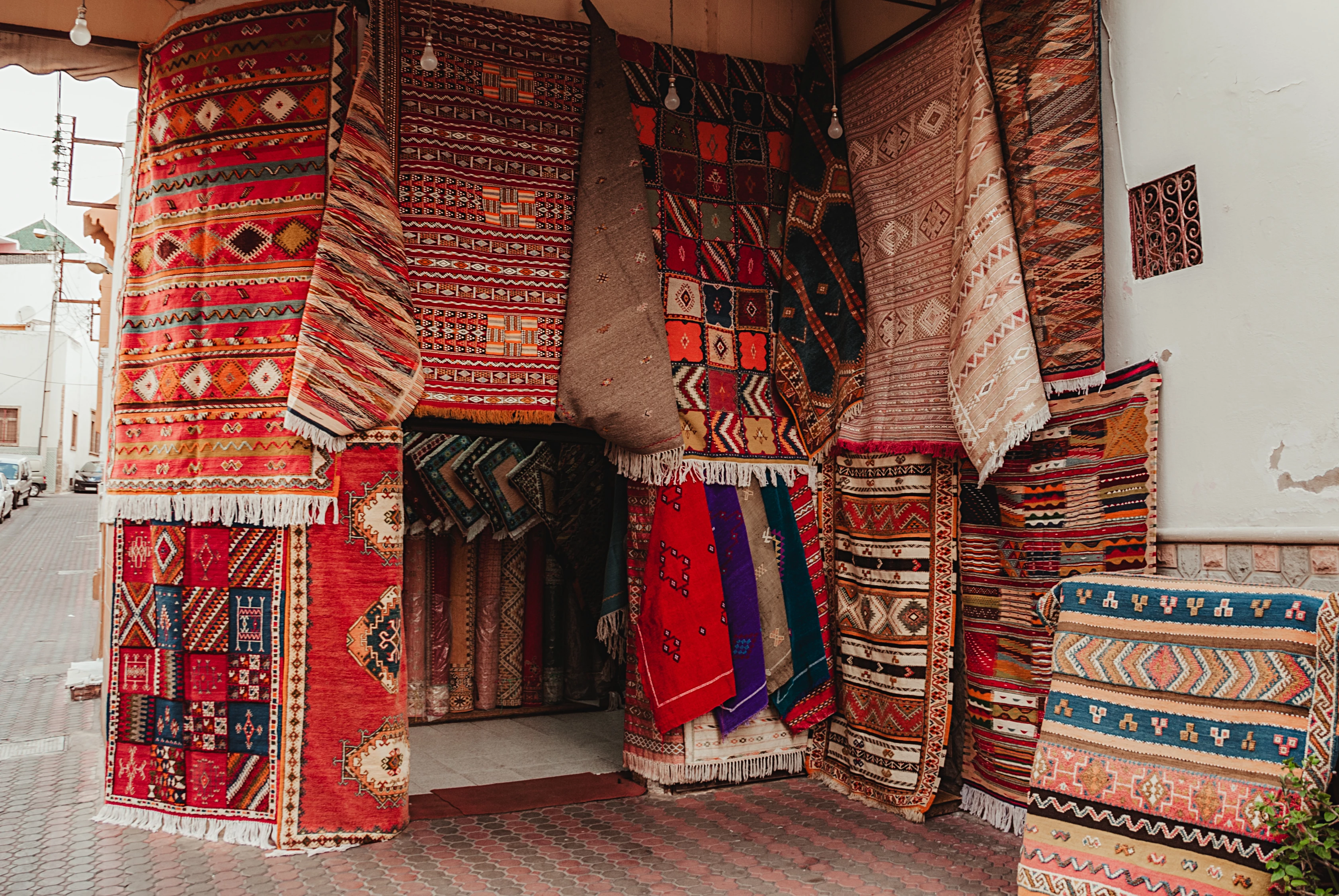
Boca Do Inferno-1.jpgAncient Green Dubrovnik Door-1.jpgAgave Mood-1.jpgVineyard Play-1.jpgIceCream_WEB-1.jpgHideout in Moroccan Rugs-1.jpg

5 replies

Ricky336
Community Expert
Community Expert
January 20, 2026

Hello,

Think about your composition. You can have all the correct settings, exposure, depth of field, etc., but if the composition isn't good, the photo isn't good!


Composition:
https://www.adobe.com/creativecloud/photography/discover/photo-composition.html


jacquelingphoto2017
Community Expert
Community Expert
January 16, 2026

Hi @AL_88 ,

I get the feeling these pictures were taken with either a mobile phone camera or a compact camera with small sensors. The overall quality of the files I looked at are poor. plus displaying chromatic noise. Otherwise it would be a case that the files are extremely compressed or otherwise over-processed.


Showing poor quality

jacquelingphoto2017_0-1768530539839.png

Showing chromatic noise

jacquelingphoto2017_1-1768530724050.png

Best wishes

Jacquelin


AL_88Author
January 16, 2026

Thank you, @jacquelingphoto2017 !  These photos were taken on one of my first DSLR's when my photography journey started somewhere around 2014, so it's very likely that my settings weren't exactly correct or my editing skills were still being learned (they still are!! :-)) Feedback noted, appreciate you!

jacquelingphoto2017
Community Expert
Community Expert
January 20, 2026

Hi @AL_88 ,

You are welcome. I can relate to that.

Best wishes

Jacquelin

January 15, 2026
I'm a New here so I accepted Sorry 😔😔
daniellei4510
Community Expert
Community Expert
January 14, 2026

Leaning verticals can usually be corrected in Photoshop,  but it's always a good idea to give the subject some extra room, since some information will end up being cropped out.


Ancient Green Dubrovnik Door-1 copy.jpg

Adobe Community Expert | If you aren't submitting your assets in sRGB, you probably didn't read the rules.
AL_88Author
January 15, 2026

Great tip.  Noted for moving forward, thank you!

Jill_C
Community Expert
Community Expert
January 14, 2026

The first image is underexposed in the shadows and overexposed in the highlights.
The second image is overexposed and not well composed. The verticals shouldn't be leaning.

The children in the fourth image are definitely recognizable by their parents, and you would need model releases for each person in this frame.

DOF is too shallow in the next image, and the final image was obviously taken in someone's shop, so you would need a property release from the owner.


Shallow DOF should be employed carefully in stock images. It's okay to blur out a background to draw attention to the subject, but in general if parts of the main subject are also too blurry, Adobe will reject it.


Jill C., Forum Volunteer
AL_88Author
January 14, 2026

I appreciate your feedback, Jill.  All noted and hope to do better moving forward!

Jill_C
Community Expert
Community Expert
January 14, 2026

Good luck in your adobe stock journey !


Jill C., Forum Volunteer