Correct answer daniellei4510

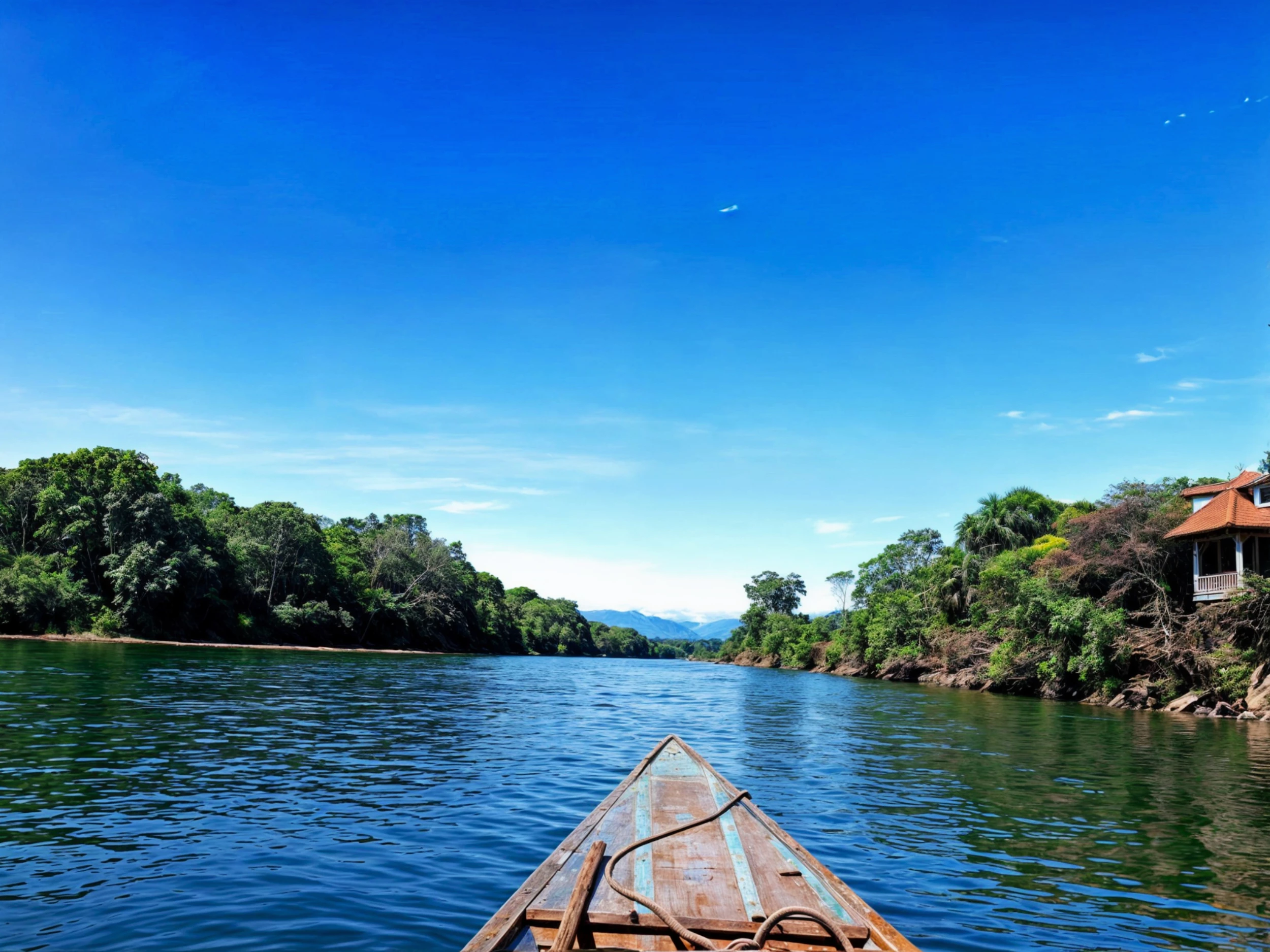
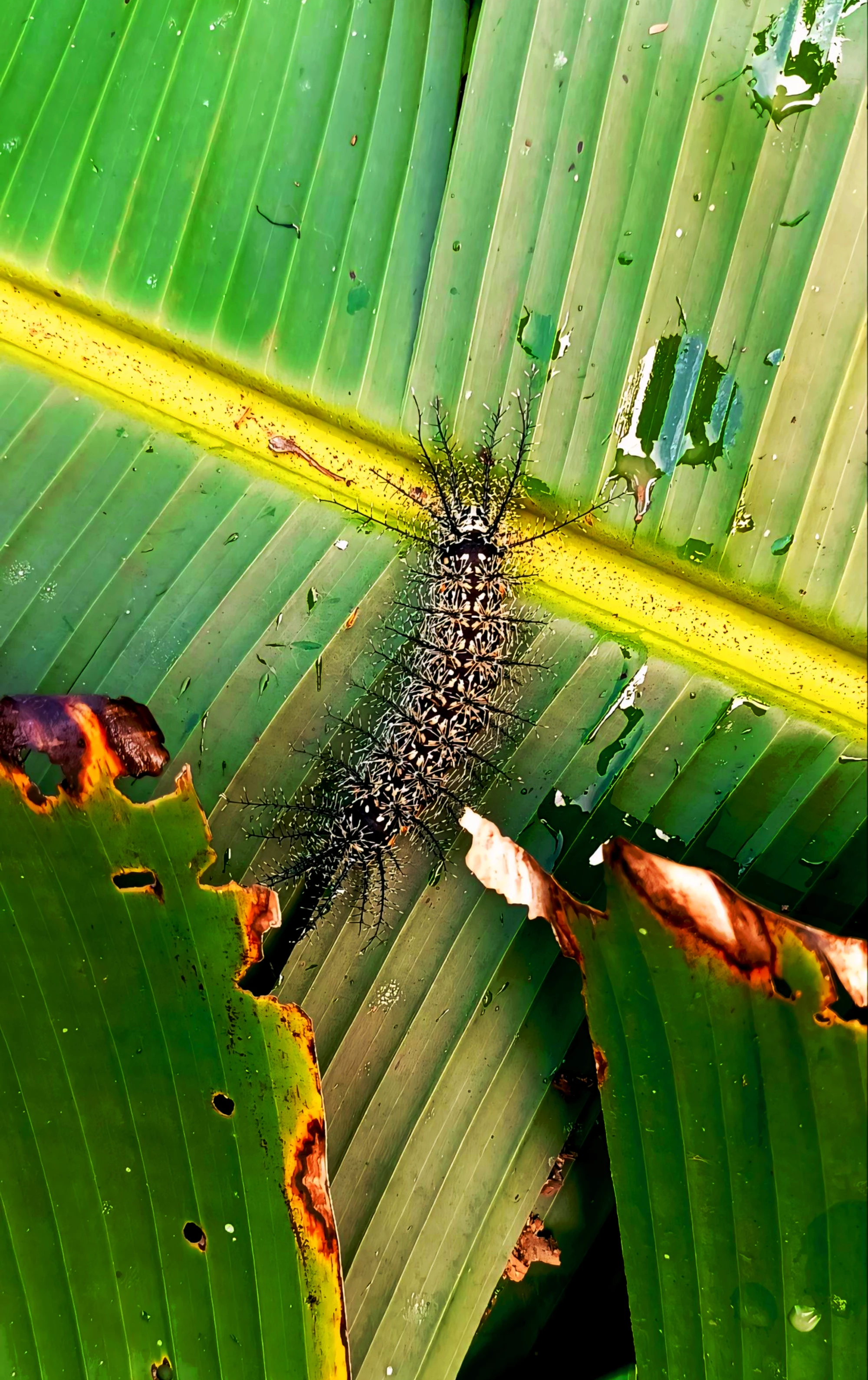
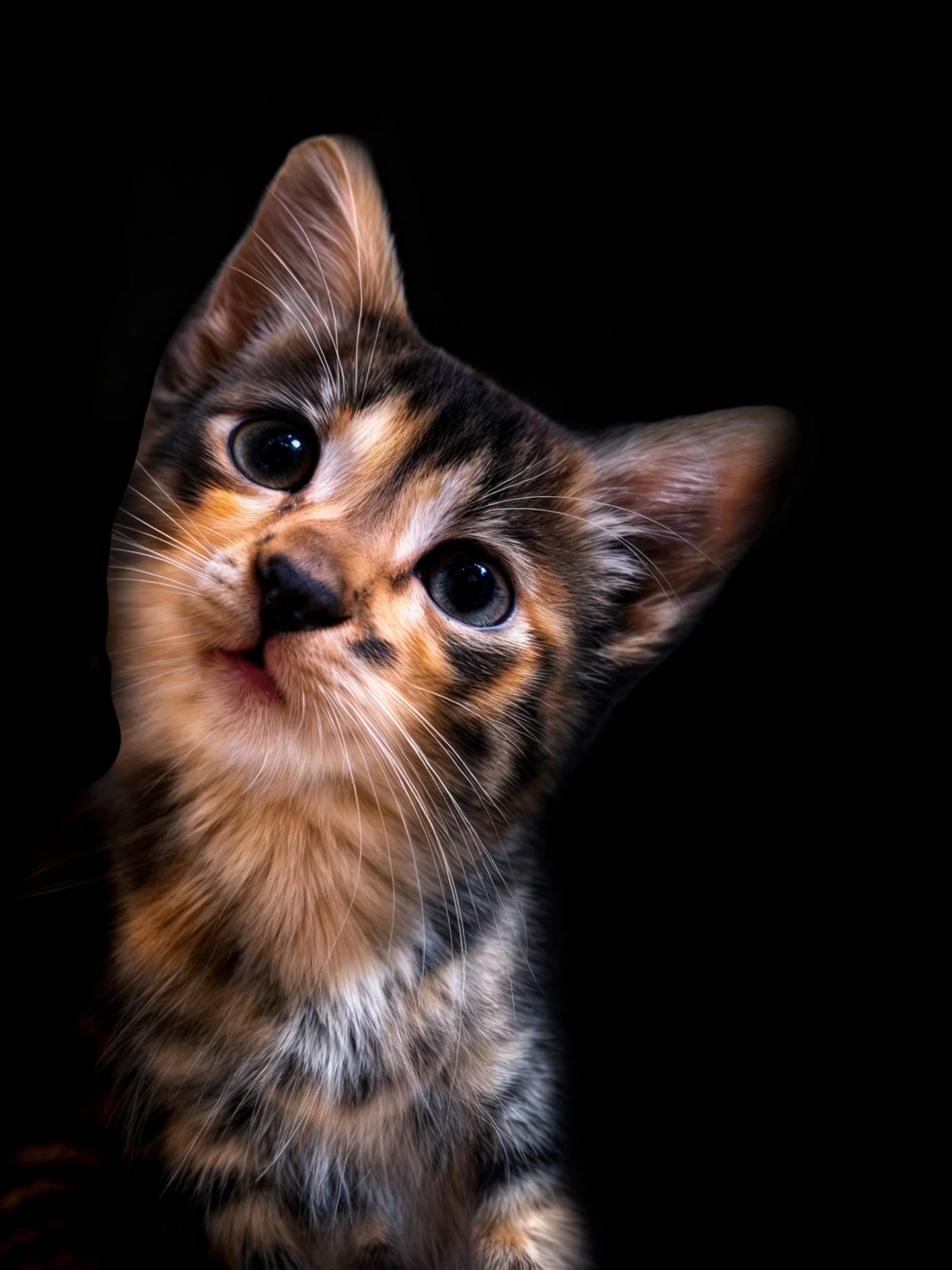
First one with the boat: slanted horizon line. The cat looks like a poor copy and paste against a black background.


5 replies

Abambo
Community Expert
Community Expert
March 12, 2025

What did you do to this poor cat?

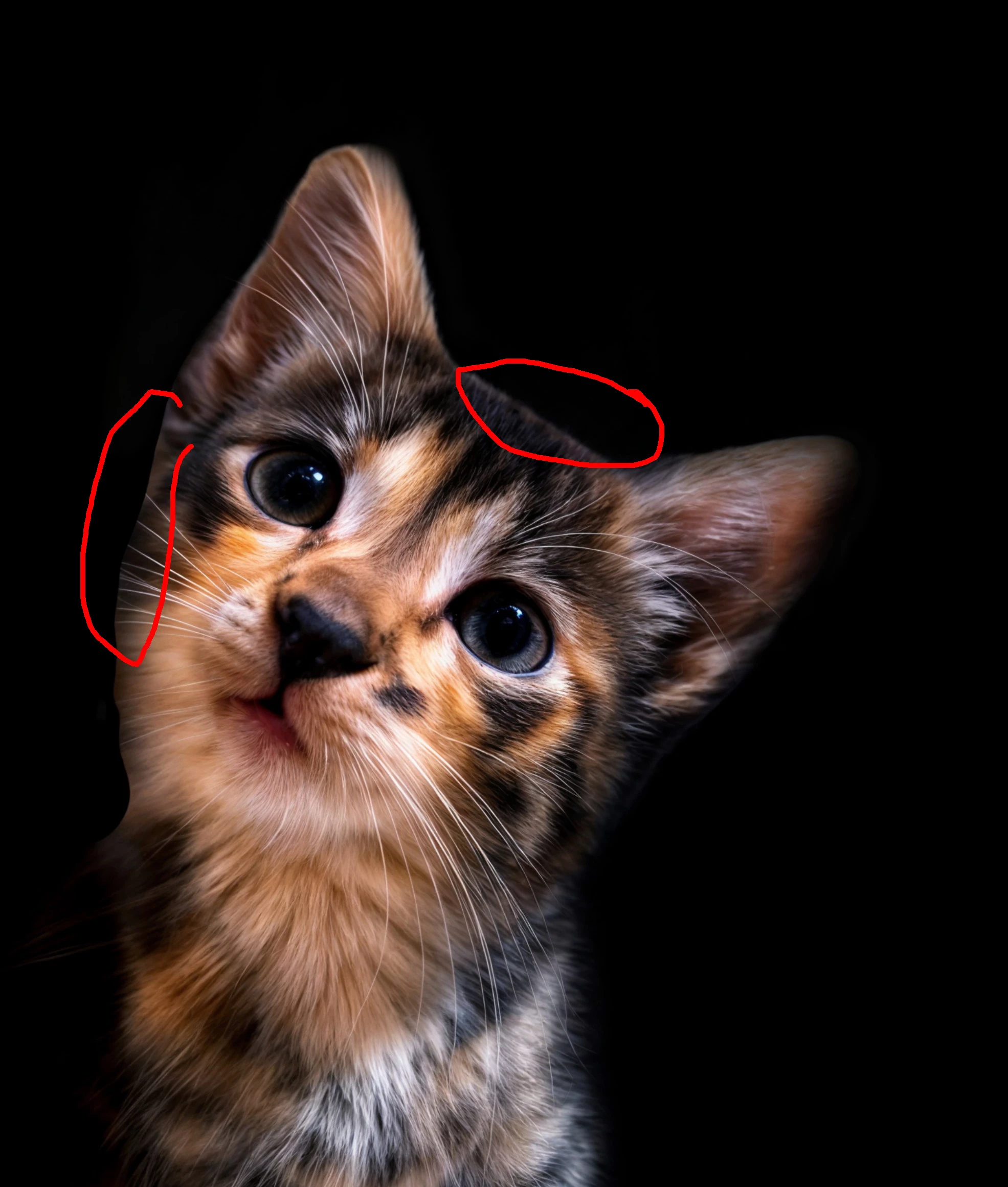
A lot of artefacts:

You should not change the colours into something unnatural.

Blue: clipping the blacks,

Red: clipping the whites.

This image has basically clipped away all useful information. You need to modify your post-processing.


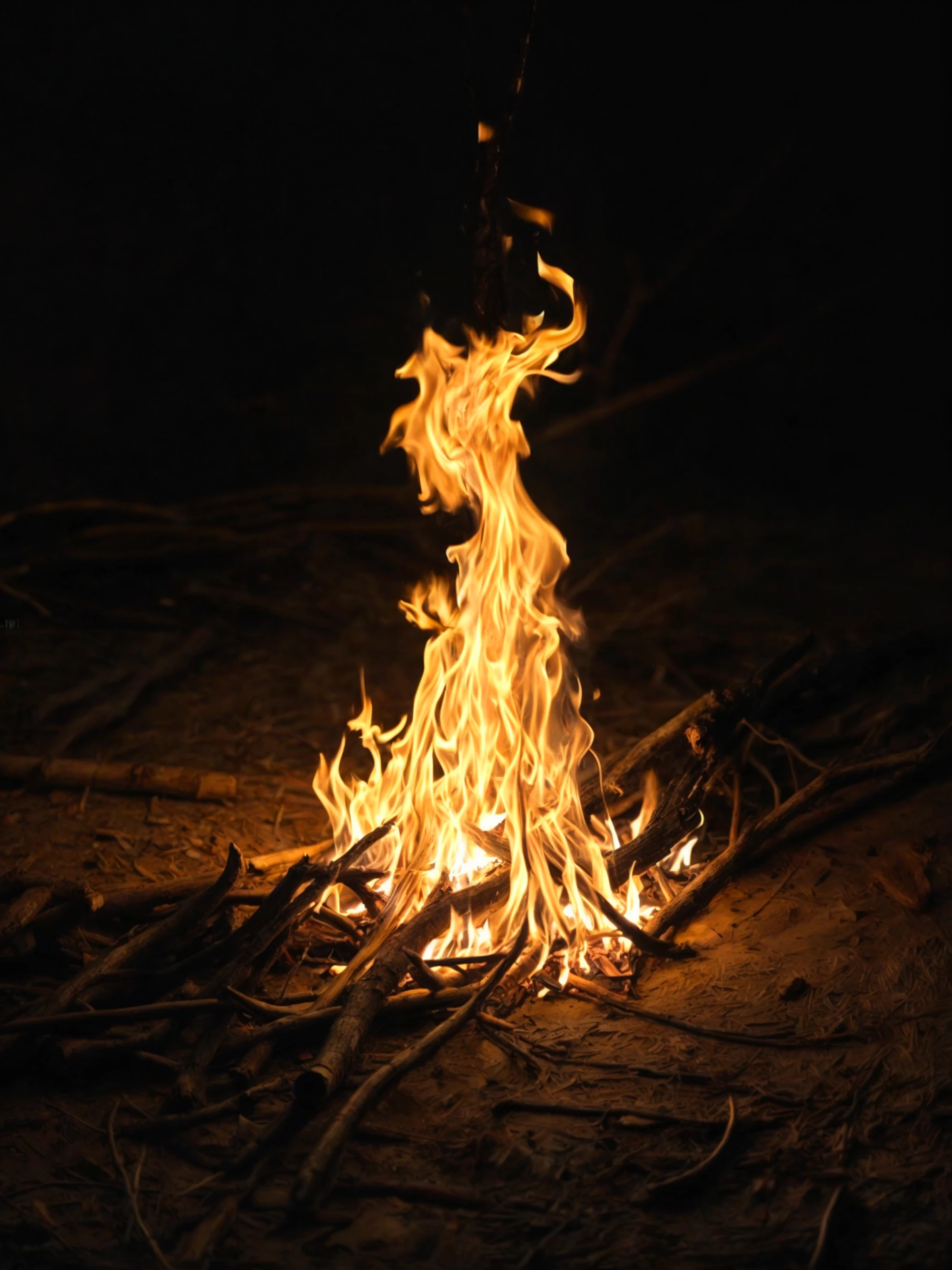
With the campfire, you will need to enhance the contrasts and sharpness. With careful editing, this one could pass.


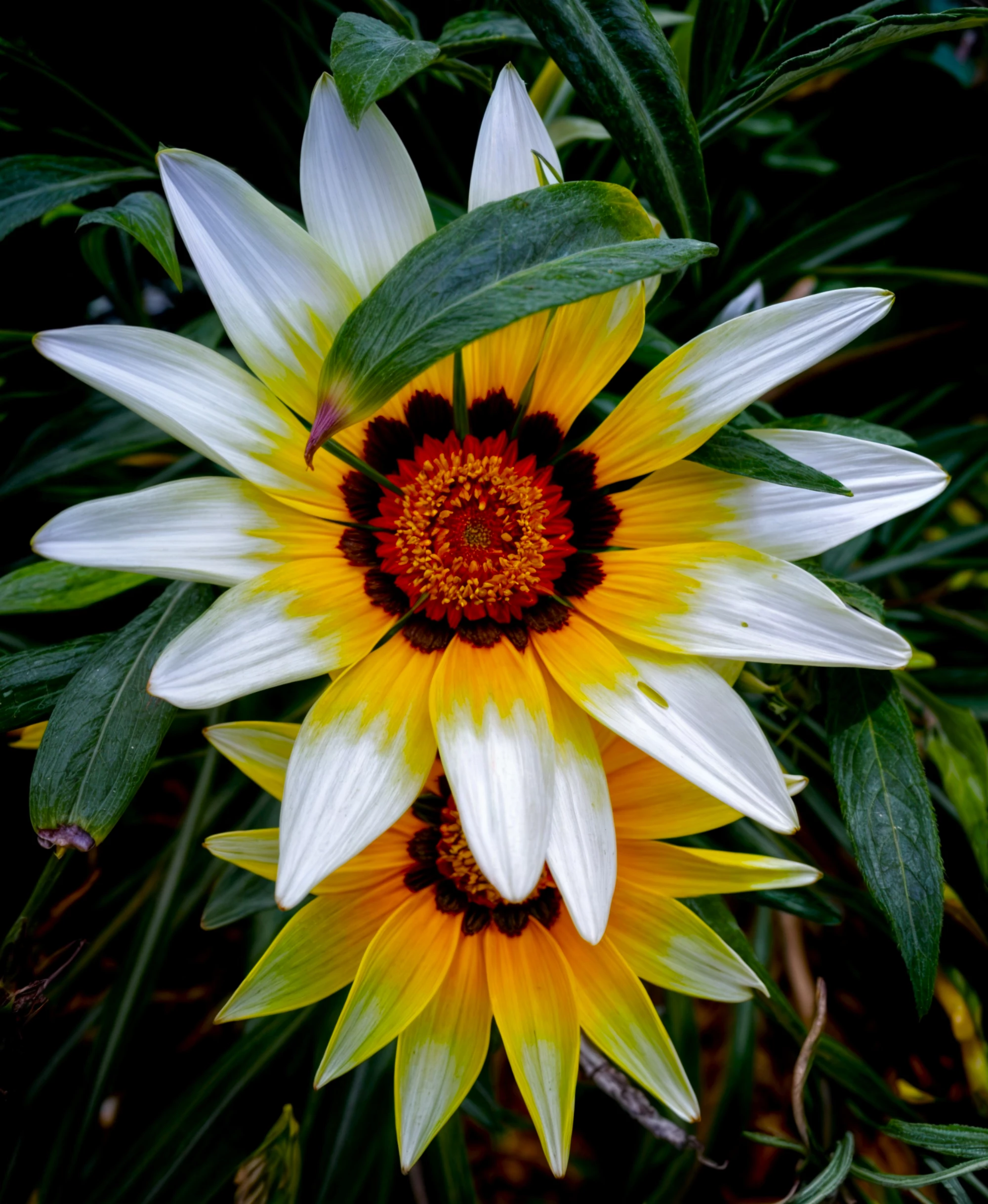
The flower has to have some sharpening applied, and the background is quite dark. This leaf is disturbing:

oruga con espinas (1) is a bit soft. I have the impression that there was quite some noise reduction going on.


Your first one has, in addition to the leaning horizon, which is an easy fix, some bad artefacts in the sky. You have clipping in the blues (arrow) and I would edit out that undefined something (cloud).


ABAMBO | Hard- and Software Engineer | Photographer

RALPH_L
Community Expert
Community Expert
March 12, 2025

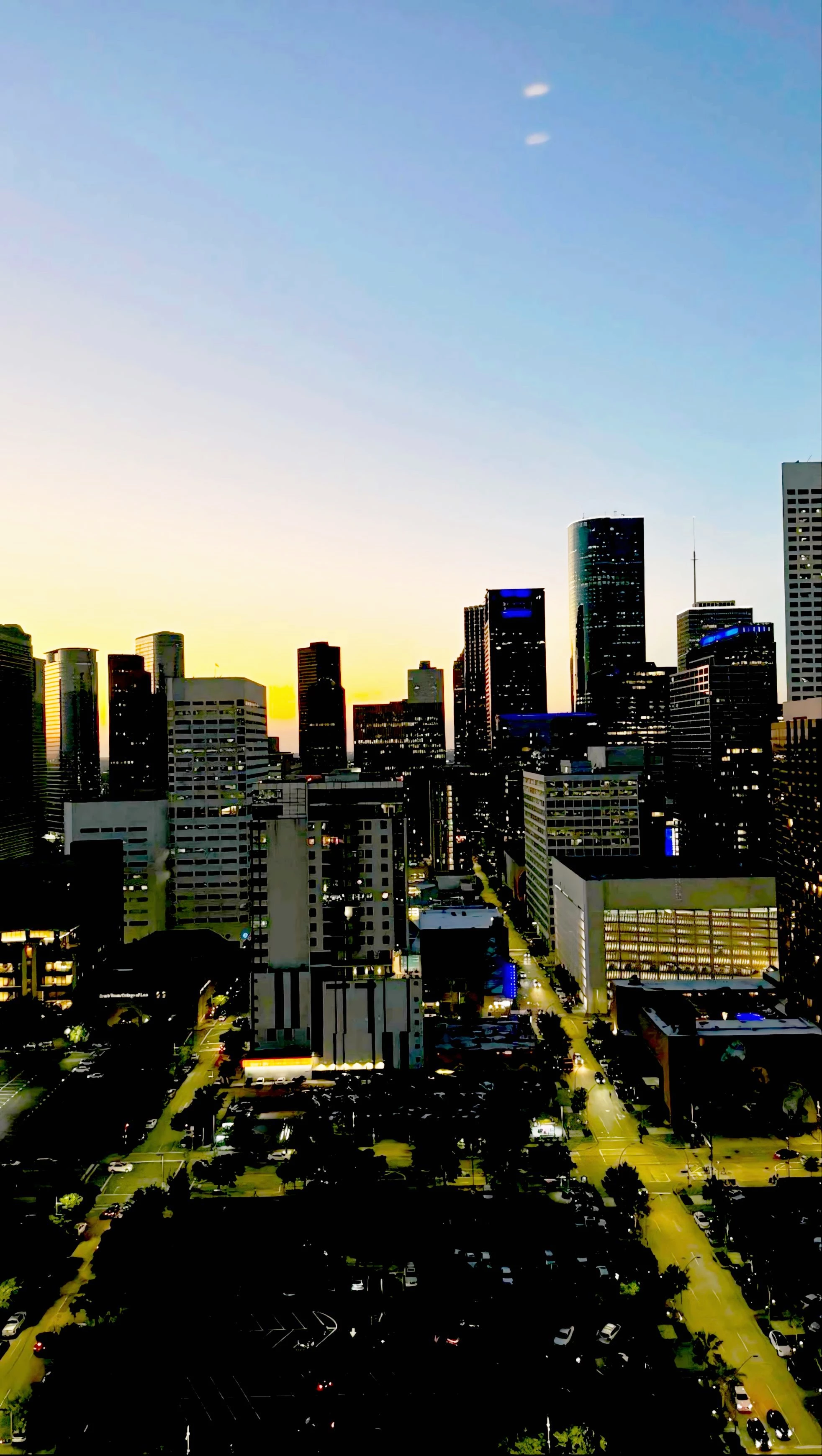
all are too dark.

Jill_C
Community Expert
Community Expert
March 12, 2025

The flower image is not well-composed - you should have removed that extra lead.

The fire pit image is blurry.

Jill C., Forum Volunteer
Jill_C
Community Expert
Community Expert
March 12, 2025

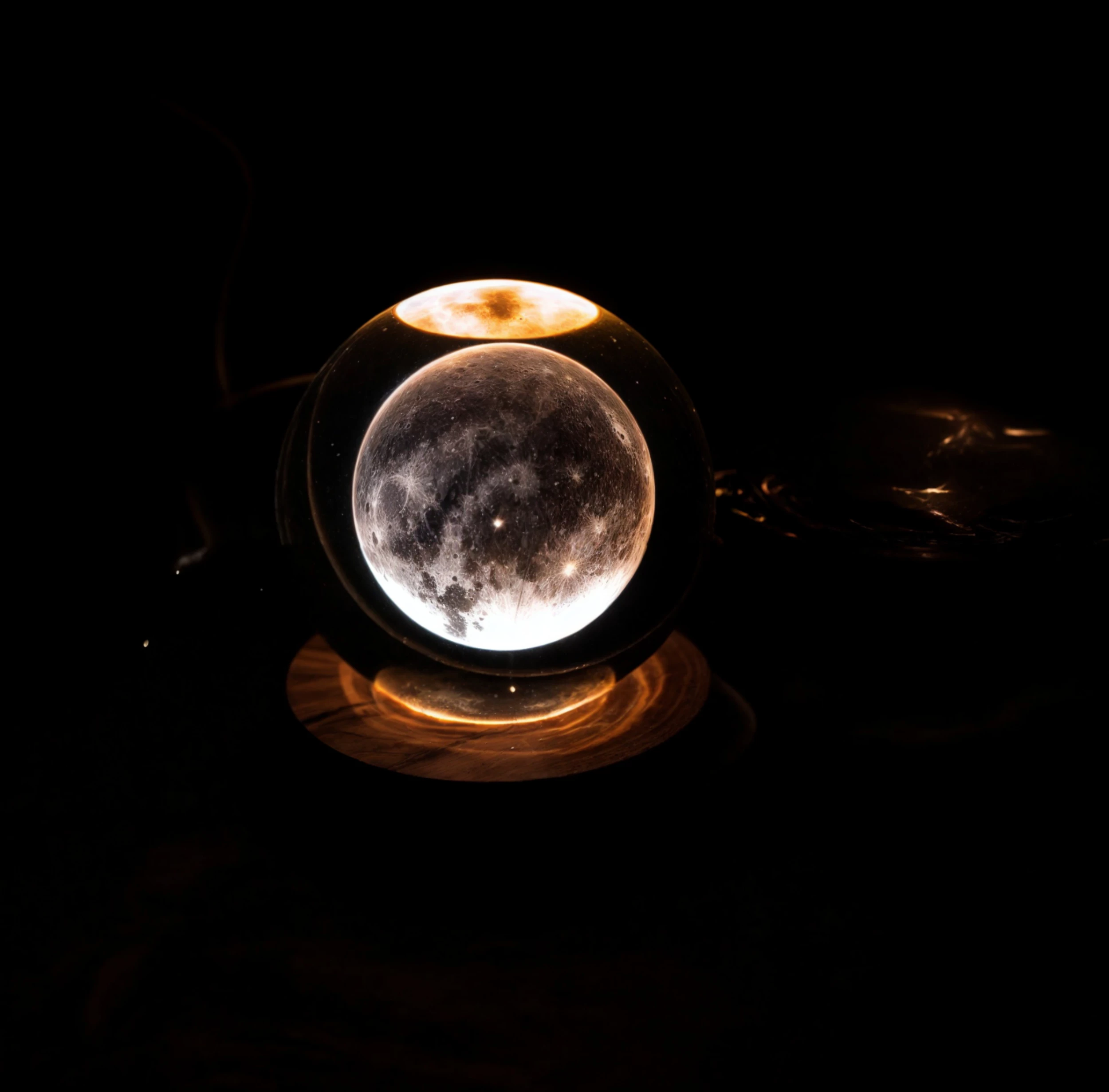
Leaning horizon in the first image and chromatic aberration in the second image.

Jill C., Forum Volunteer
daniellei4510
Community Expert
daniellei4510Community ExpertCorrect answer
Community Expert
March 12, 2025

First one with the boat: slanted horizon line. The cat looks like a poor copy and paste against a black background.


Adobe Community Expert | If you can't fix it, hide it; if you can't hide it, delete it.