Participant
September 1, 2021
Answered

Missing files

  • September 1, 2021
  • 4 replies
  • 530 views

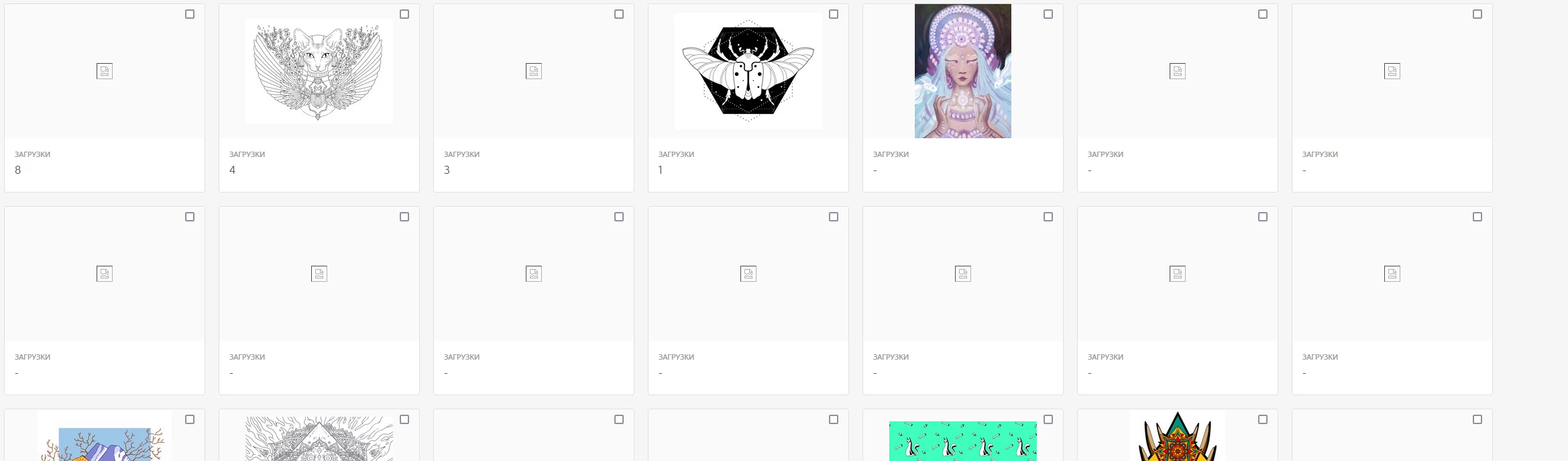
Good day! Some works in my portfolio are missing. How to fix it?
This topic is closed to new replies. Start a new post to keep the conversation going.
Correct answer MatHayward

Correct, this is a browser or connectivity issue, not an Adobe Stock issue. In an abundance of caution, I checked your portfolio to make sure everything was working properly on our end...spoiler alert...it was. You are all set, I recommend you follow the recommendations made by Jill and Contributor1 and you should be in good shape.


Good luck,


Mat Hayuward 

4 replies

Abambo
Community Expert
Community Expert
September 2, 2021

When you have still problems after having followed @Contributor1's recommendations, look into your firewall settings. If you are behind a company firewall check with your IT.  IT departments tend to disable nodes when they consider them dangerous or suspect. (And as a side note: they never admit blocking your most important sites*… 🙂 )


*Please consider this as ironic, based on my experience. I always need to put their nose in the mud to get them admitting (or even only silently correcting) their actions…

ABAMBO | Hard- and Software Engineer | Photographer
Jill_C
Community Expert
Community Expert
September 1, 2021

I don't think this display means that the images are "missing", only that they cannot be displayed due to some technical constraints with your computer configuration, wifi strength, browser settings, etc. If this happened to me, I think I would first reboot my computer, and perhaps my wifi router also.

Jill C., Forum Volunteer
MatHayward
MatHaywardCorrect answer
Legend
September 2, 2021

Correct, this is a browser or connectivity issue, not an Adobe Stock issue. In an abundance of caution, I checked your portfolio to make sure everything was working properly on our end...spoiler alert...it was. You are all set, I recommend you follow the recommendations made by Jill and Contributor1 and you should be in good shape.


Good luck,


Mat Hayuward 

Community Manager
September 1, 2021

Hello! Could you try:

  1. Clearing all browser cache
  2. Close all browser windows
  3. Sign back into the website and see if the images appear now

    If that fails I would try a different browser.
    If that fails also I would try to VPN to a different region.
