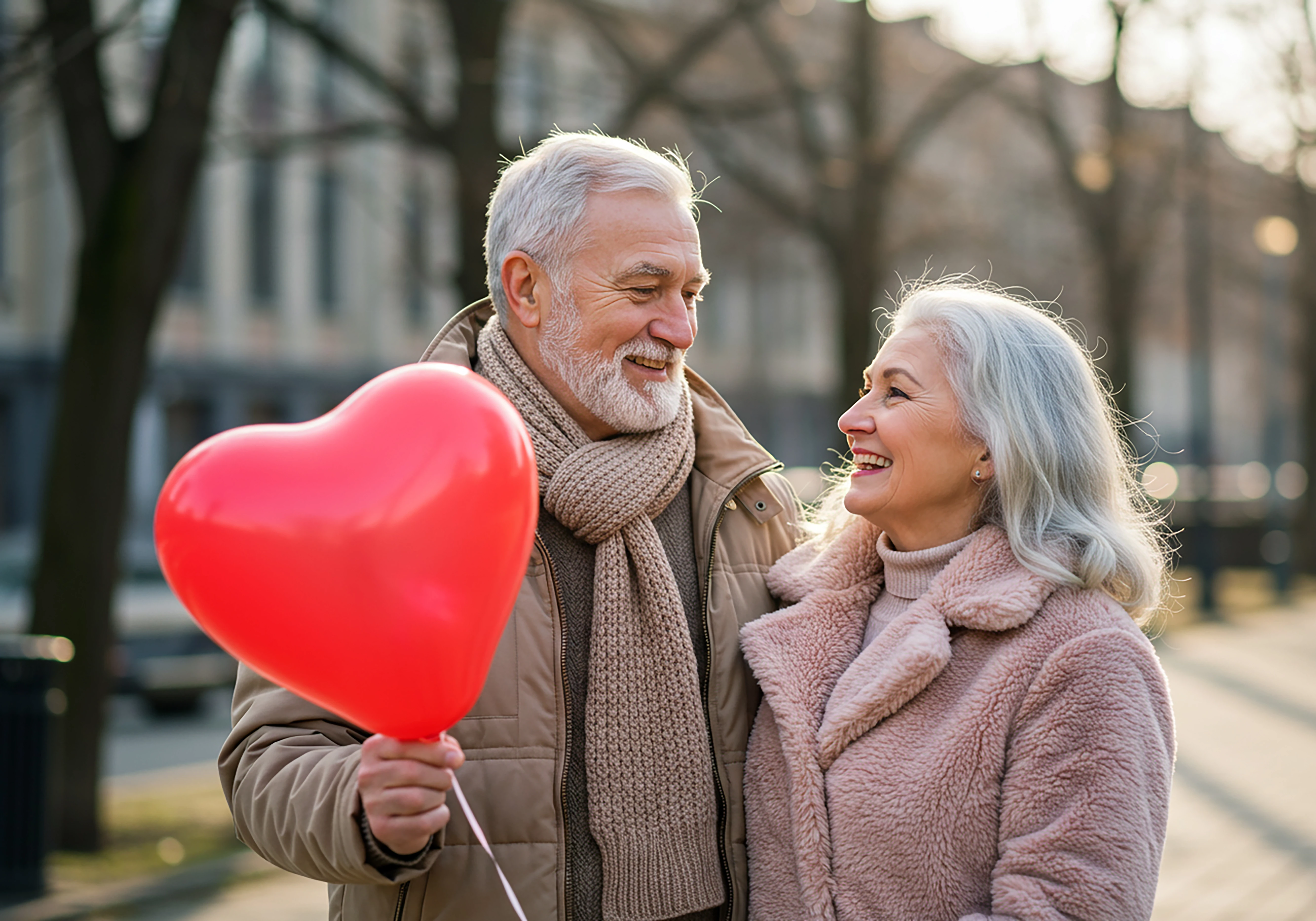
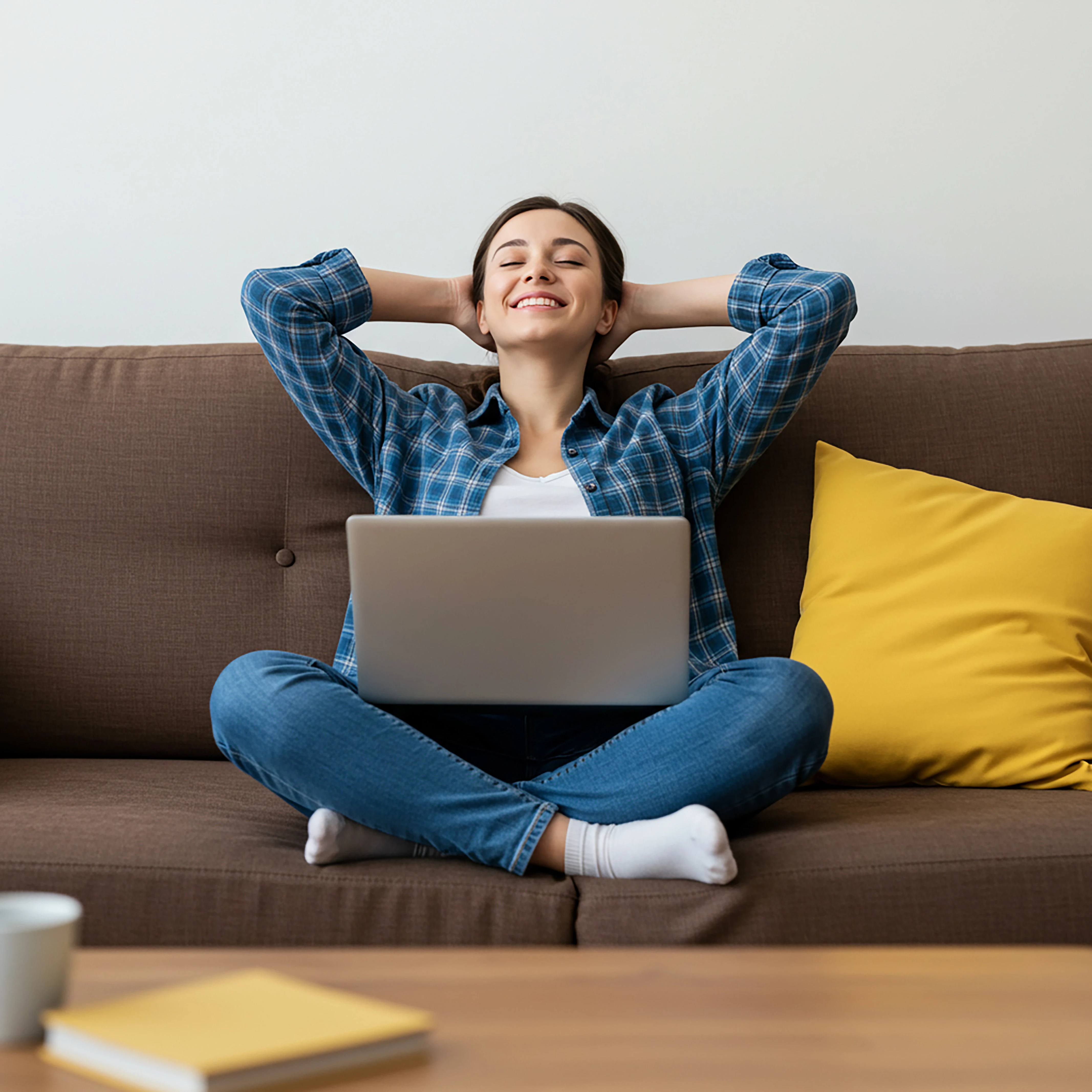
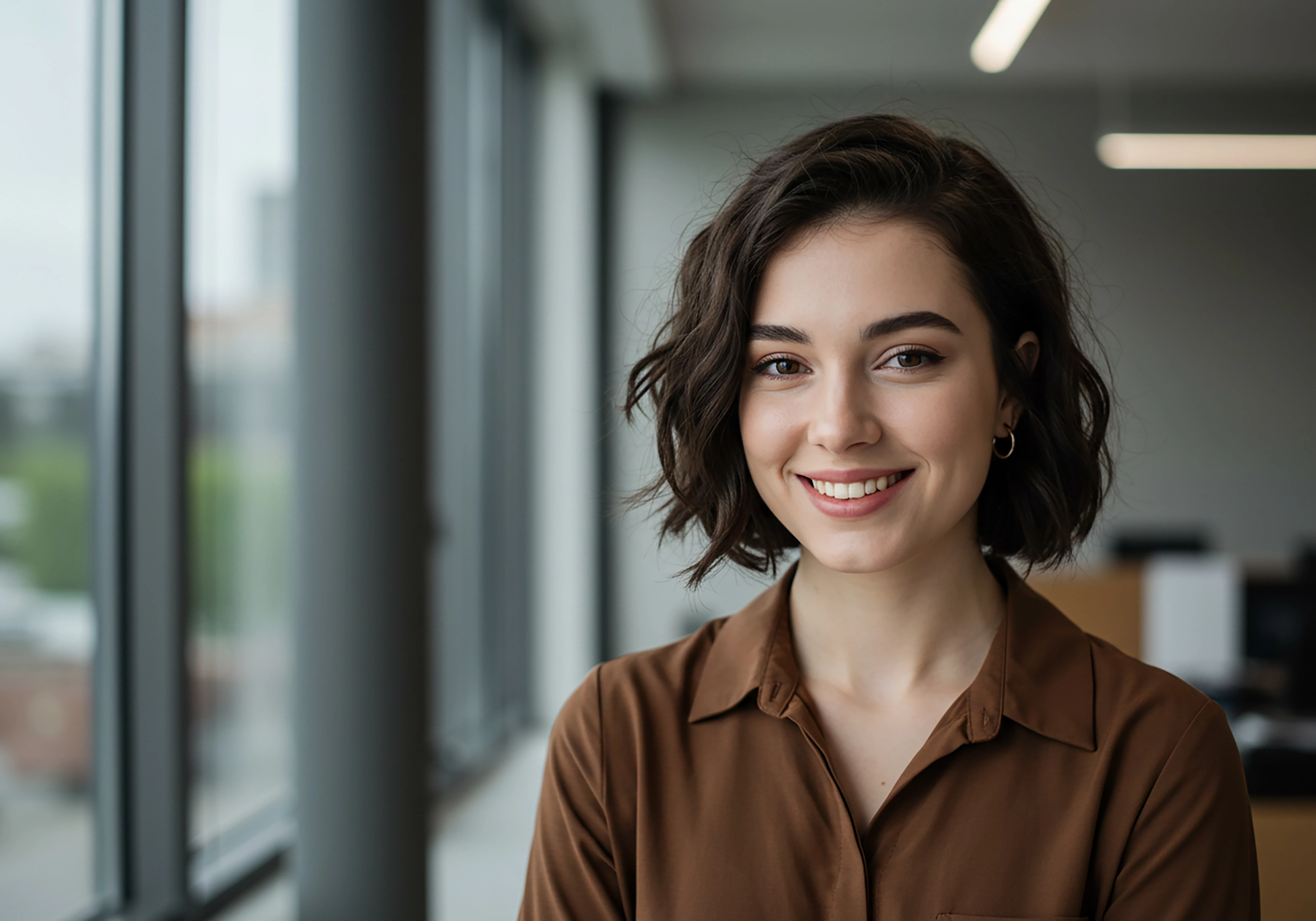
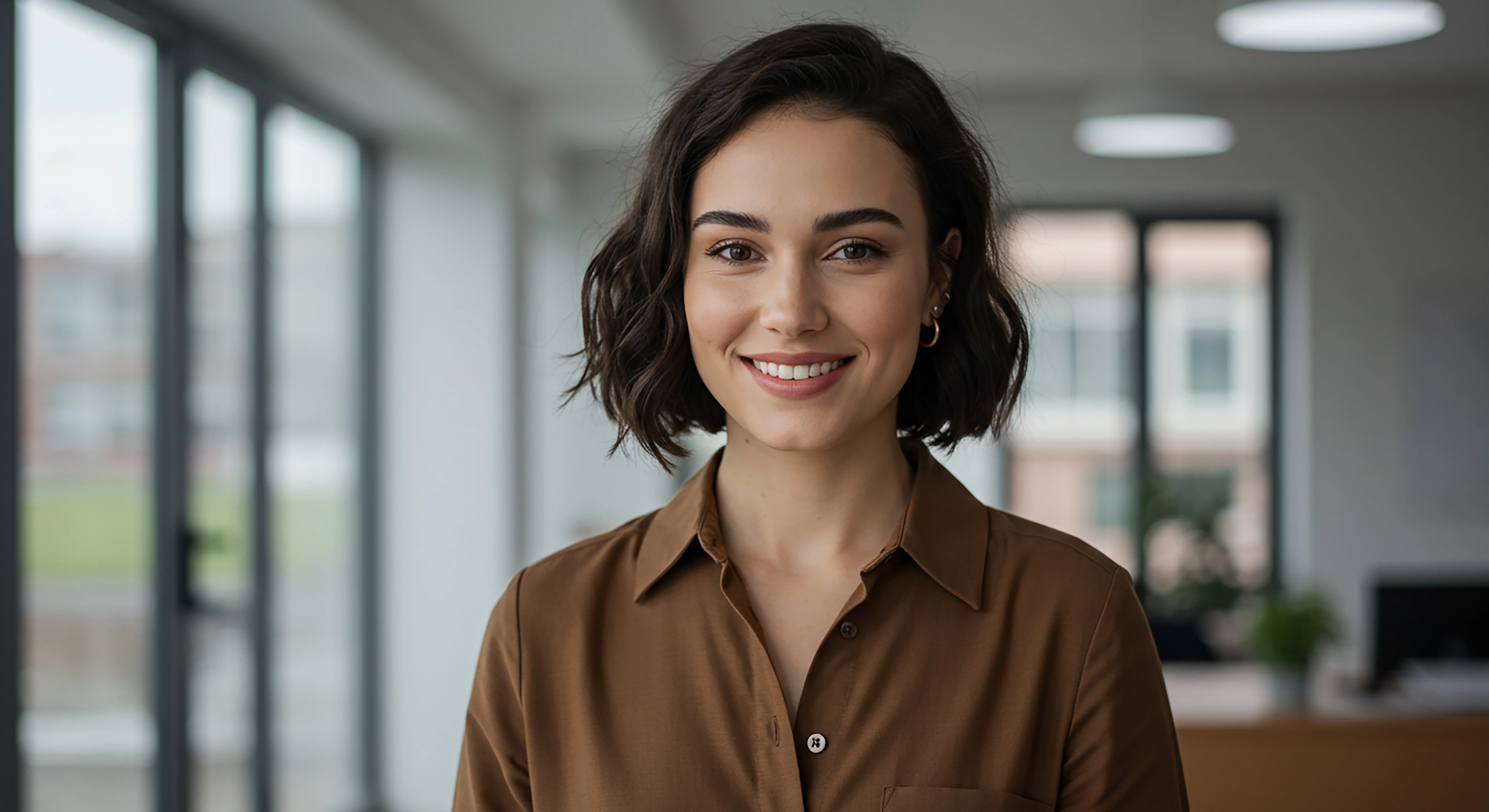
Quality comprises much more than just file size. You must zoom in 100-200% on each image and inspect carefully for artifacts and AI drawing errors. On people images you must look at fingers, ears, eyes, nose, teeth, mouth, skin texture, hair, clothing, buttons, button holes, clasps, jewelry, etc.
As these are 'photos' one also needs to look at the tone. So, in my view the white balance in most of them needs adjusting - although it is a minor adjustment.
E.g.: Orginal
And a minor adjustment:
Make the image slightly warmer.
The indoor shots are a bit green. You have to adjust the skin tones and overall tone.
E.g:
These images are judged as photos - because they come under this category.
In my opinion, they need to be toned down at the very least. People naturally have loose hairs, but these are a little excessive. Especially the older couple, whose loose hairs are extremely thick. Also, I did not necessarily point out every issue. Moderators only need one reason to reject an image.
Translate
Adobe Community Expert | I have miles to go before I sleep, but I'm all done on this end.



 AdChoices