Participant
January 29, 2025
Answered

My high-quality AI-generated images keep getting rejected for "Quality Issues."

  • January 29, 2025
  • 3 replies
  • 393 views

Correct answer Jill_C

Quality comprises much more than just file size.  Zoom in 100-200% and inspect very carefully for artifacts and AI drawing errors.


3 replies

jacquelingphoto2017
Community Expert
Community Expert
January 29, 2025

Hi @Boomi3D ,

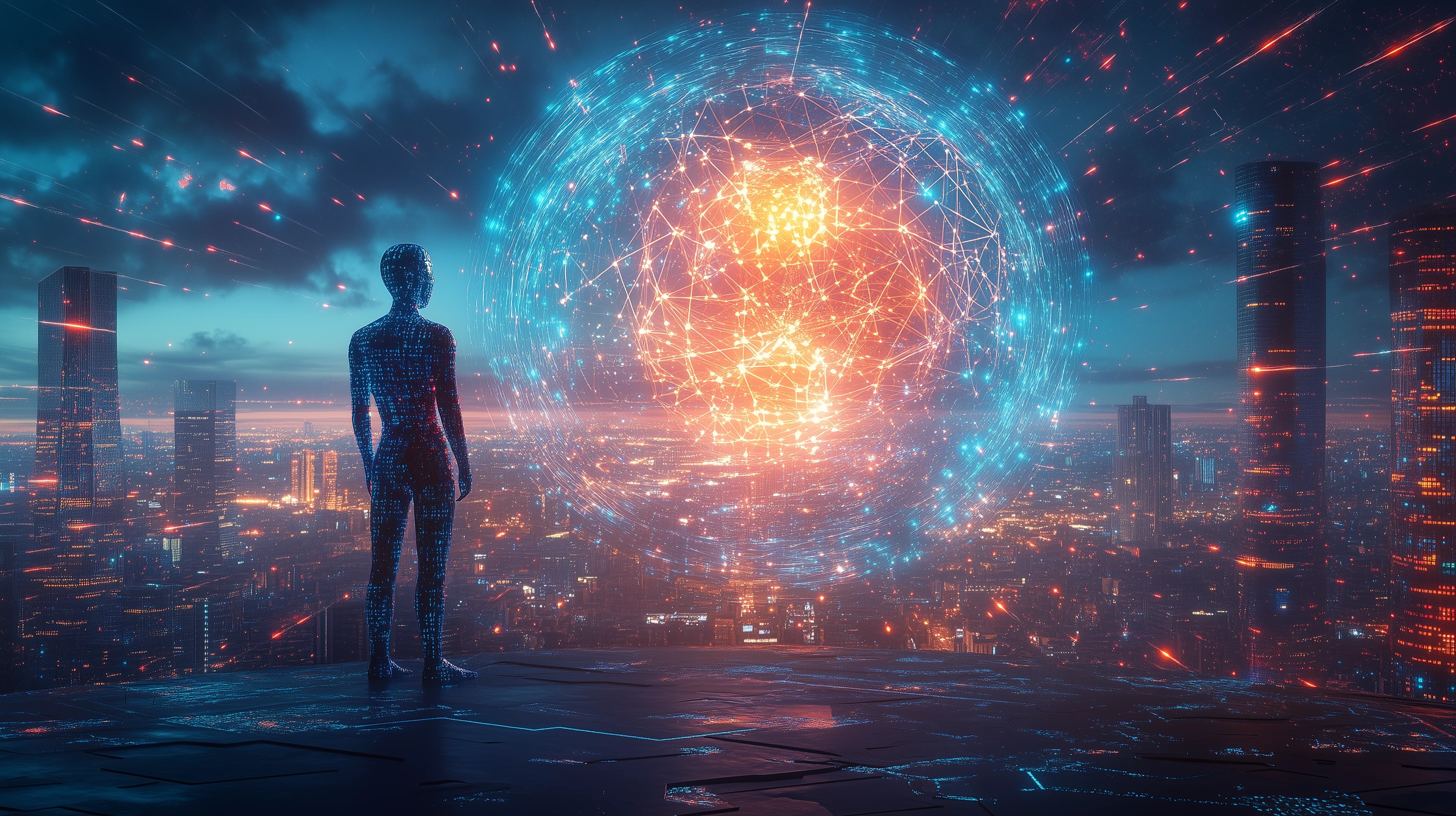
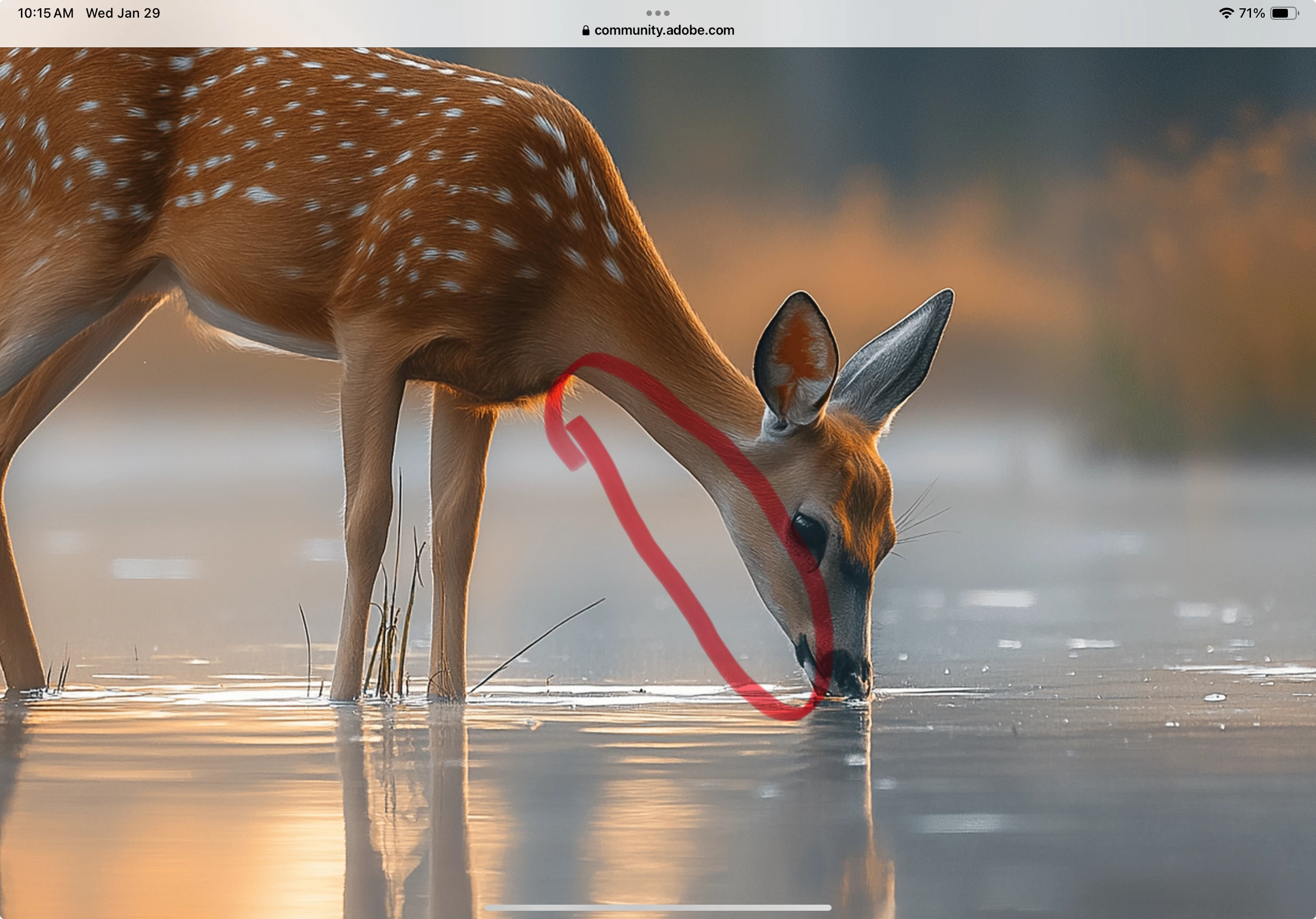
The first file has a white balance issue. It has a blue cast. The edge of the file is jagged when zoomed in. The focus is not sharp in the eyes. There is an issue with one of the back leg.

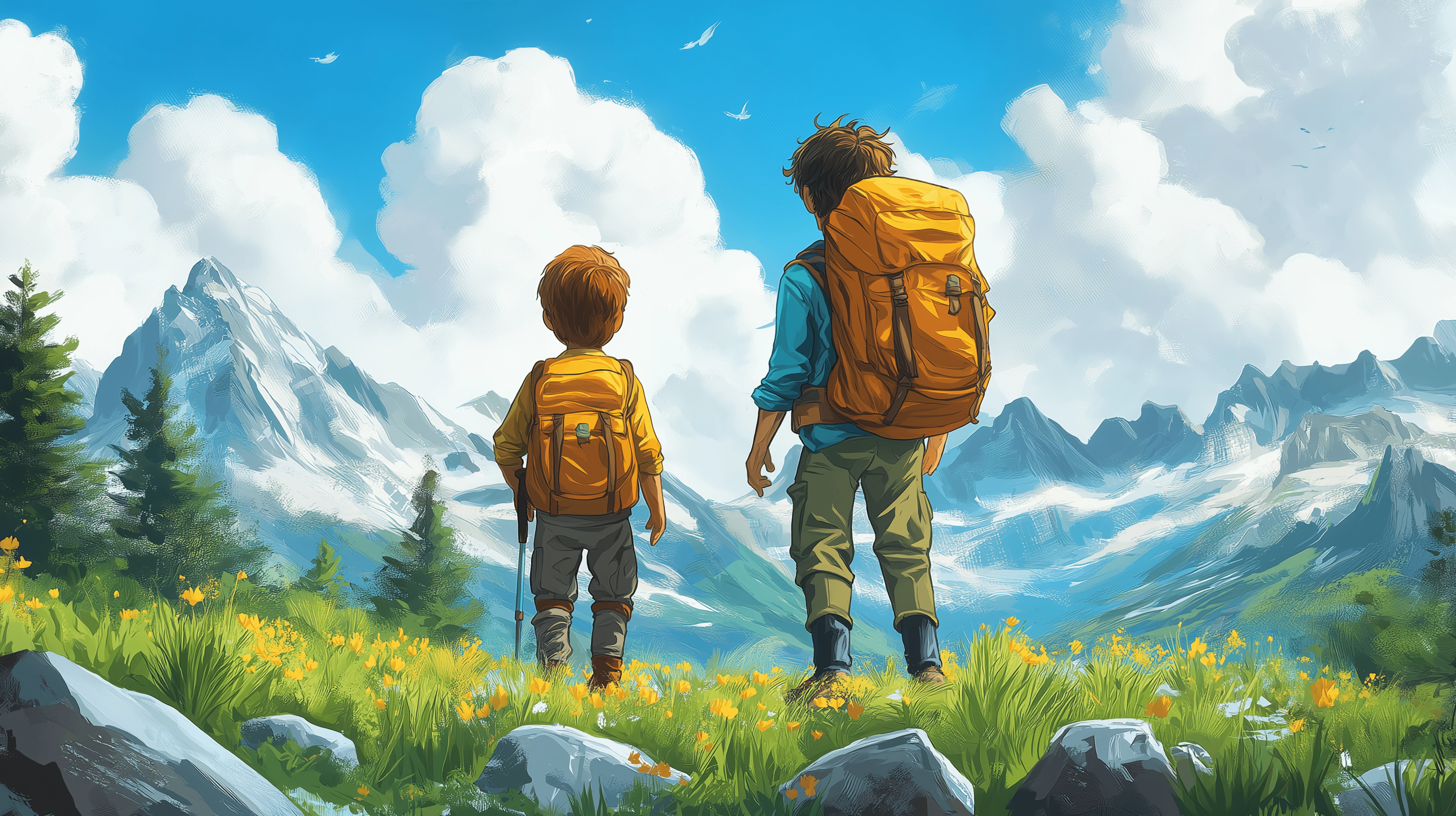
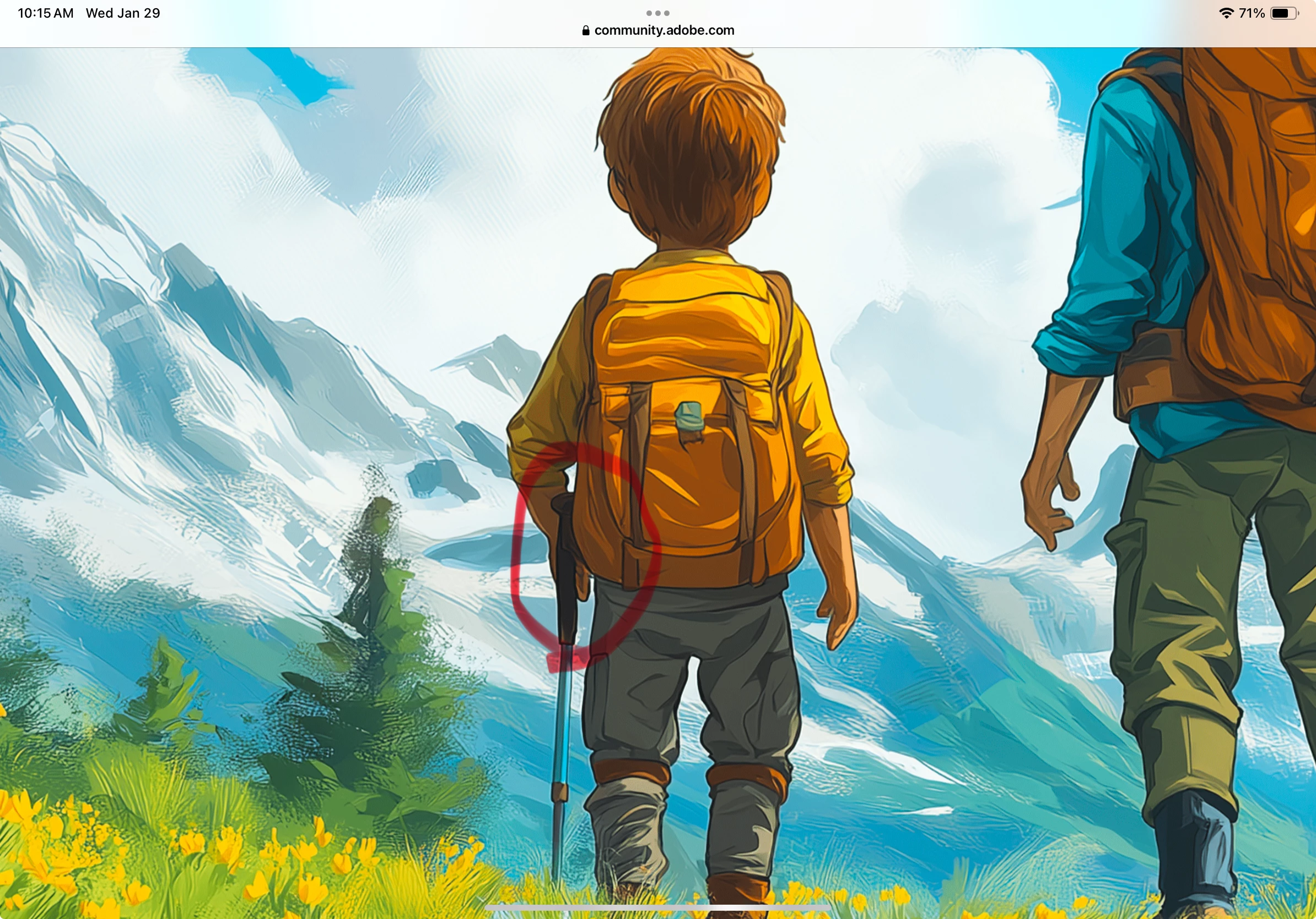
The children's hands of the the third picture looks odd. 

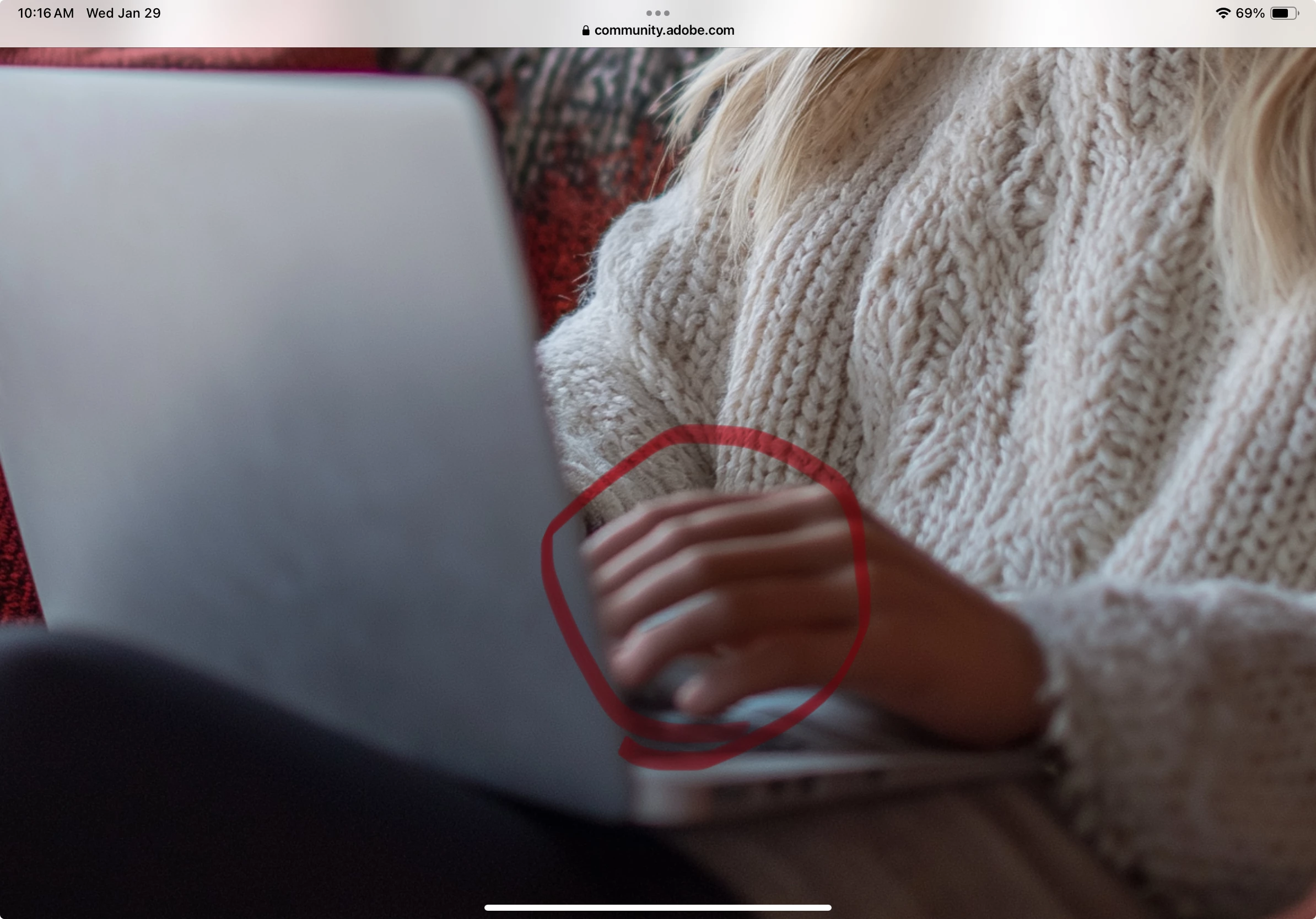
The fourth picture, the hand in the forefront being blurred, I see that as an issue. The display is part of the focused subject. The lady should be more in focus and so should be her hand due to the entire display being in focus.

There's chromatic noise around the edge of the laptop of the fifth image.

Best wishes

Jacquelin


daniellei4510
Community Expert
Community Expert
January 29, 2025

And about that "magic mirror issues." That whole thing can probably be removed. Following corrections, I think the image stands up well on it's own and it leaves space for copy.

Adobe Community Expert | If you can't fix it, hide it; if you can't hide it, delete it.
daniellei4510
Community Expert
Community Expert
January 29, 2025

Adobe Community Expert | If you can't fix it, hide it; if you can't hide it, delete it.
Jill_C
Community Expert
Jill_CCommunity ExpertCorrect answer
Community Expert
January 29, 2025

Quality comprises much more than just file size.  Zoom in 100-200% and inspect very carefully for artifacts and AI drawing errors.


Jill C., Forum Volunteer