

Jeffri+DS
Participant
June 4, 2026
Question

My Illustrations is approved, but "Page not found"

  • June 4, 2026
  • 2 replies
  • 37 views

Hello,
as an Adobe Contributor, I have uploaded several of my drawings from 18 May 2026, they already approved, however when I click my drawing links, it shows "page not found". Please let me know how to solve this issue?
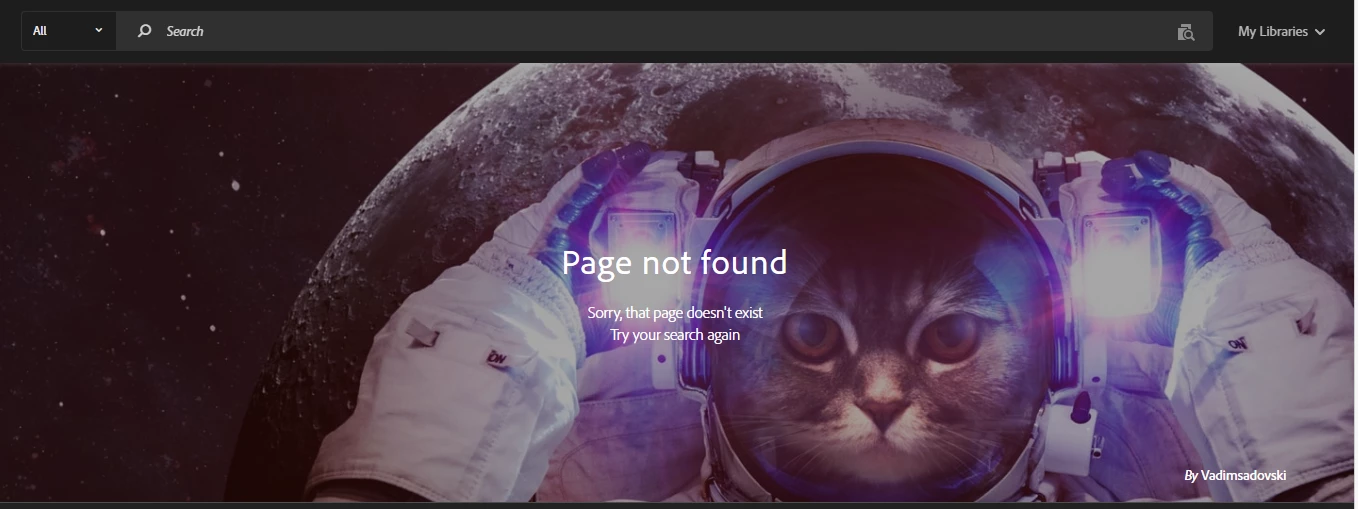

https://stock.adobe.com/id/stock-photo/id/2025164902
Asset ID: 2025164902
Date: May 18, 2026

https://stock.adobe.com/id/stock-photo/id/2029165195
Asset ID: 2029165195
Date: May 21, 2026

https://stock.adobe.com/id/stock-photo/id/2044313668
Asset ID: 2044313668
Date: June 2, 2026

Thank you!

    2 replies

    Nancy OShea
    Community Expert
    Community Expert
    June 5, 2026

    Change the Country Code in your browser’s address bar from Indonesia (id) to an unrestricted country like Canada (ca), France (fr) or Australia (au).


    As seen from Canada:
    https://stock.adobe.com/ca/stock-photo/id/2025164902  


    Hope that helps.


    Nancy O'Shea— Product User & Community Expert
    daniellei4510
    Community Expert
    Community Expert
    June 4, 2026

    I can see them. What country are you from? Some countries need additional vetting before they can be viewed locally.

    Adobe Community Expert | If you aren't submitting your assets in sRGB, you probably didn't read the rules.
    Jeffri+DS
    Jeffri+DSAuthor
    Participant
    June 4, 2026

    Hi Danielle, Really? you can see 3 of my illustrations?
    I am based in Bali, Indonesia.
    How I can do the “additional vetting” that you mention?
    Thank you.

    daniellei4510
    Community Expert
    Community Expert
    June 4, 2026

    Yes, I can see all three. I’m not sure how long it takes, but your images can be found everywhere where additional vetting is not required and you can view them yourself by changing portfolio’s country code in the url to ca, uk, or us, for example.

    Adobe Community Expert | If you aren't submitting your assets in sRGB, you probably didn't read the rules.