TaSp7
Participant
May 31, 2024
Answered

New Artist, Attempting to Gain Understanding

  • May 31, 2024
  • 6 replies
  • 776 views

This post is in response to the following message:
"If you are looking for specific feedback on your image, we recommend you create a post in the critic forum where you can solicit feedback from other Adobe Stock Contributors."

Which leads me to ask what the difference is between the 2 images below? 1 was accepted and 1 was not accepted with the above message. In order to figure out what I did wrong and stray away from similar mistakes in the future, I was hoping to gain specific feedback about why this image was refused. Any insight would be greatly appreciated.

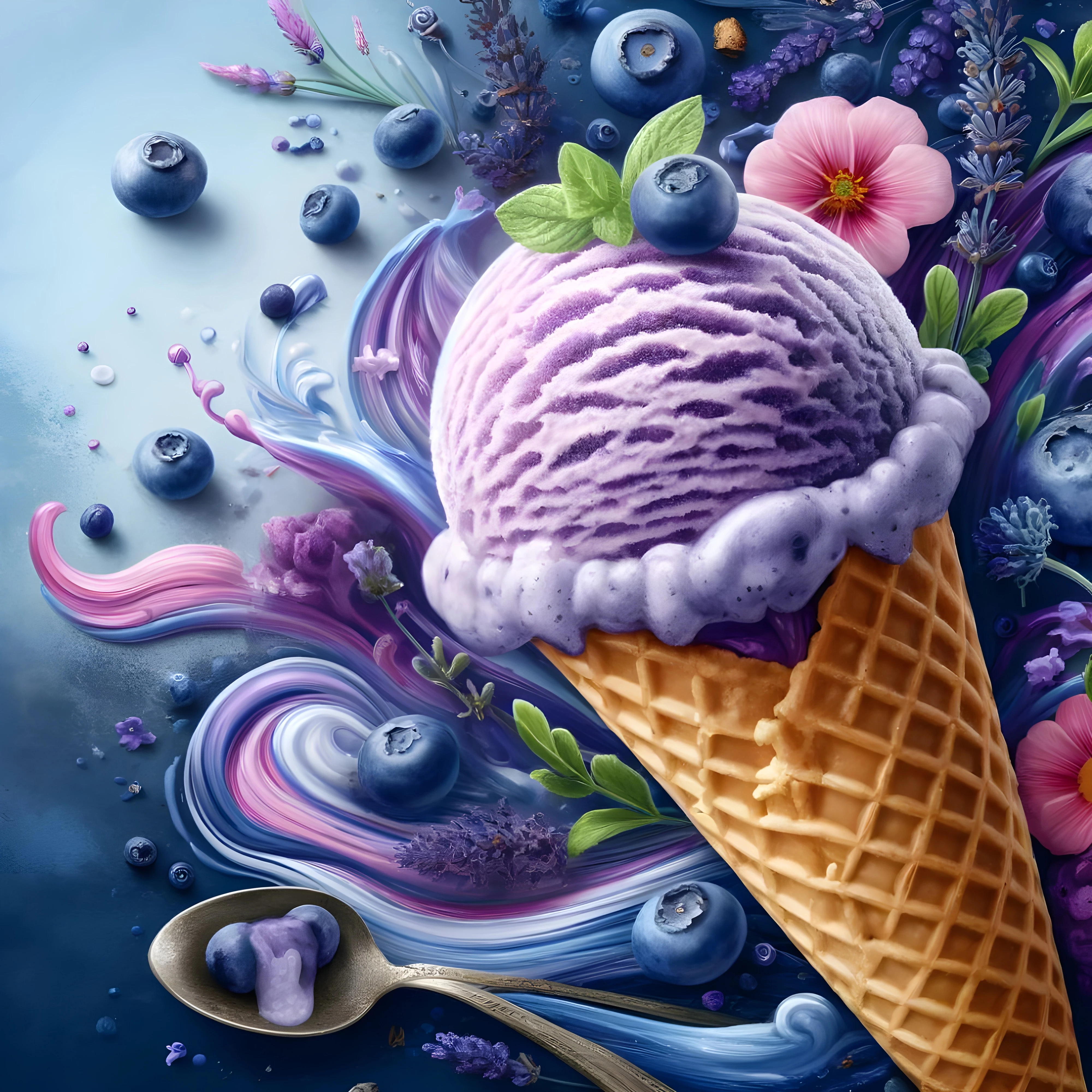
Accepted:
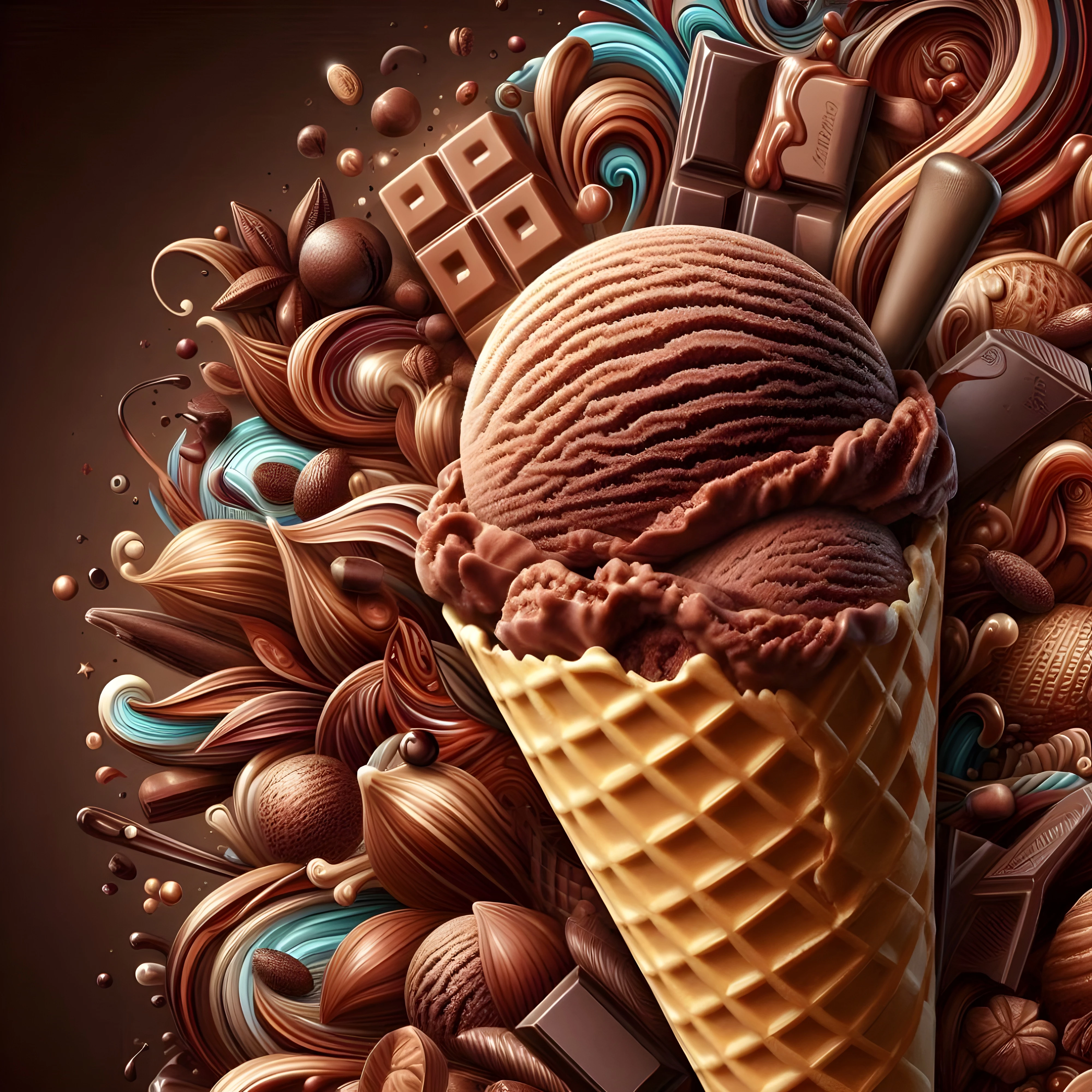
Not Accepted:
  

This topic has been closed for replies.
Correct answer jacquelingphoto2017

Hi @TaSp7 ,

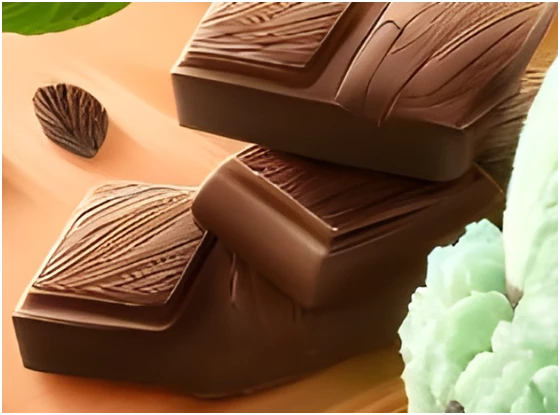
There are errors with the rendering of the chocolates again. Here is one example.

Plus, the spots on the other file as was previously highlighted by. @daniellei4510 .

Best wishes

Jacquelin

6 replies

jacquelingphoto2017
Community Expert
Community Expert
June 1, 2024

Hi @TaSp7 ,

The first file has an issue with the spoon handle. The spoon handle is duplicated.

The second file has problems with the rendering of the chocolate bars. This bar has neither a natural break, bend nor whole.

There is also an issue with the geometry of this other chocolate.

Therefore, I'd conclude that the reason for one of these getting accepted over the other is due to an oversight.

Best wishes

Jacquelin


Nancy OShea
Community Expert
Community Expert
May 31, 2024

Commercial content creators are going to use their real product images, not synthetically engineered ones.

I'm just not sure who will buy this content or what they could use it for.


Nancy O'Shea— Product User & Community Expert
Abambo
Community Expert
Community Expert
May 31, 2024

Both should have been rejected on quality issues.  For your second, look at this and ask yourself if that is normal:


ABAMBO | Hard- and Software Engineer | Photographer
daniellei4510
Community Expert
Community Expert
May 31, 2024

The attempt at spelling out the brand of chocolate on the bar just above the ice cream would be reason for a rejection.

Adobe Community Expert | If you can't fix it, hide it; if you can't hide it, delete it.
TaSp7
TaSp7Author
Participant
May 31, 2024

Thank you for the feedback! I did not notice that. What I'm learning is that I just need to be way more attentive to the little things. I read through some other posts as well, and it seems I did not take the proper care that is required for touching up an AI-generated image.

Jill_C
Community Expert
Community Expert
May 31, 2024

The spoon has 2 handles, and the chocolate bars are malformed.

Jill C., Forum Volunteer
TaSp7
TaSp7Author
Participant
May 31, 2024

Thank you for the feedback! The spoon having 2 handles is what confused me. It was one of the first ones I submitted and it was ACCEPTED. 

daniellei4510
Community Expert
Community Expert
May 31, 2024

I'd delete it, fix it (Gen Fill should do the trick), and resubmit. If @Jill_C noticed it, a buyer could notice it as well after purchasing and request a refund. I've deleted, fixed, and resubmitted at least three AI images that passed moderation that shouldn't have. 

Adobe Community Expert | If you can't fix it, hide it; if you can't hide it, delete it.
RALPH_L
Community Expert
Community Expert
May 31, 2024

I think the chocalate bars are the problem. Look at 100% or more.  The rendering makes them look melted and the writing on them should be removed.

TaSp7
TaSp7Author
Participant
May 31, 2024

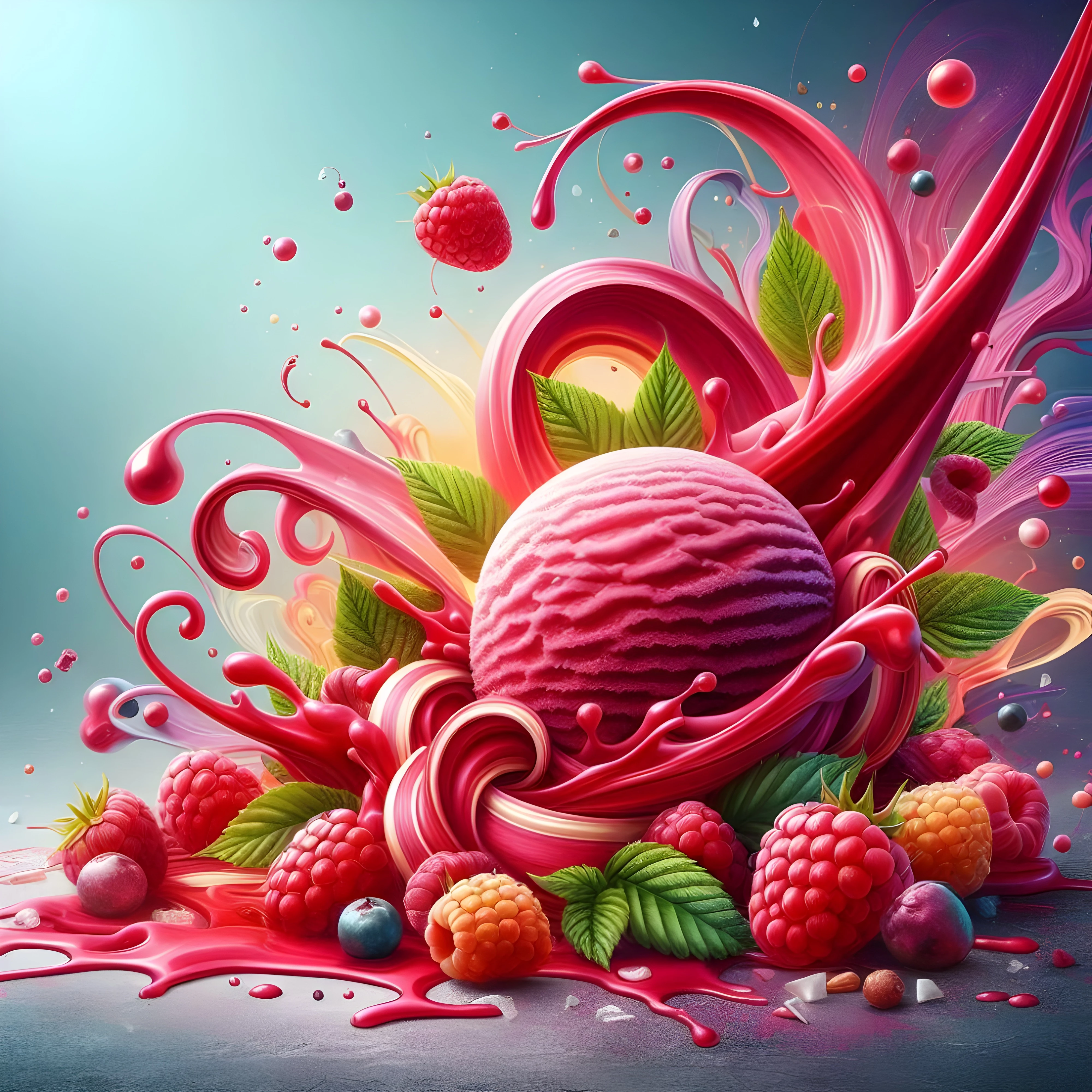
Thank you for the feedback! I will take this into consideration. However, I would like to add 2 more examples to the conversation.

Accepted:

Not Accepted:

daniellei4510
Community Expert
Community Expert
May 31, 2024

There are some sloppy spots that could use some cleaning up. No justification for that piece of leaf to be where it is, for example. 


Adobe Community Expert | If you can't fix it, hide it; if you can't hide it, delete it.