Participant
August 4, 2025
Answered

Newbie needing critique on rejected images

  • August 4, 2025
  • 4 replies
  • 543 views

Hey! I understand that some of my photos are going to be rejected as part of the learning process, is there anything specific that pops up to any of you as to why mine specifically were? I have more photos but these are my personal favorite that were not accepted.


Correct answer jacquelingphoto2017

Hi @Canada Pictures ,

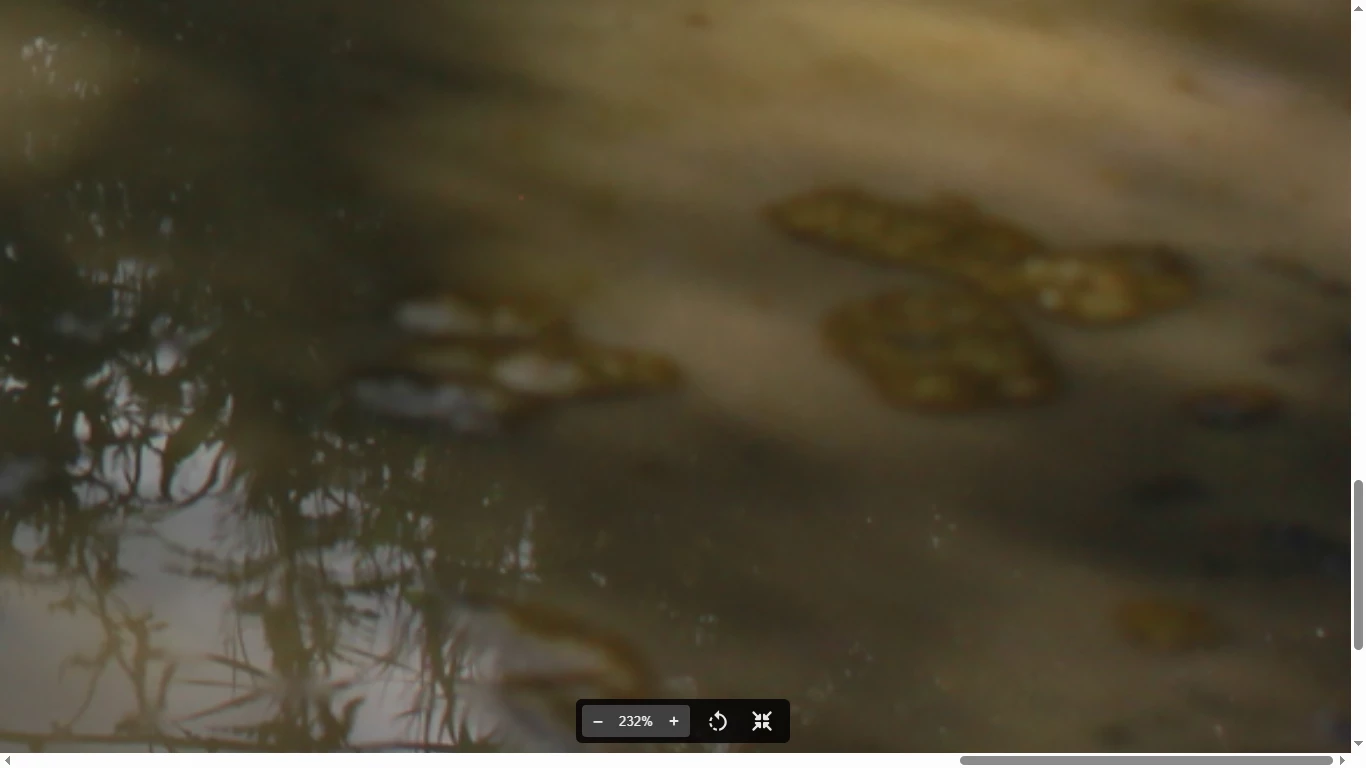
The first photo is too dark in the shadows. The depth of field seem a bit shallow and there is chromatic noise visible in the top right corner.

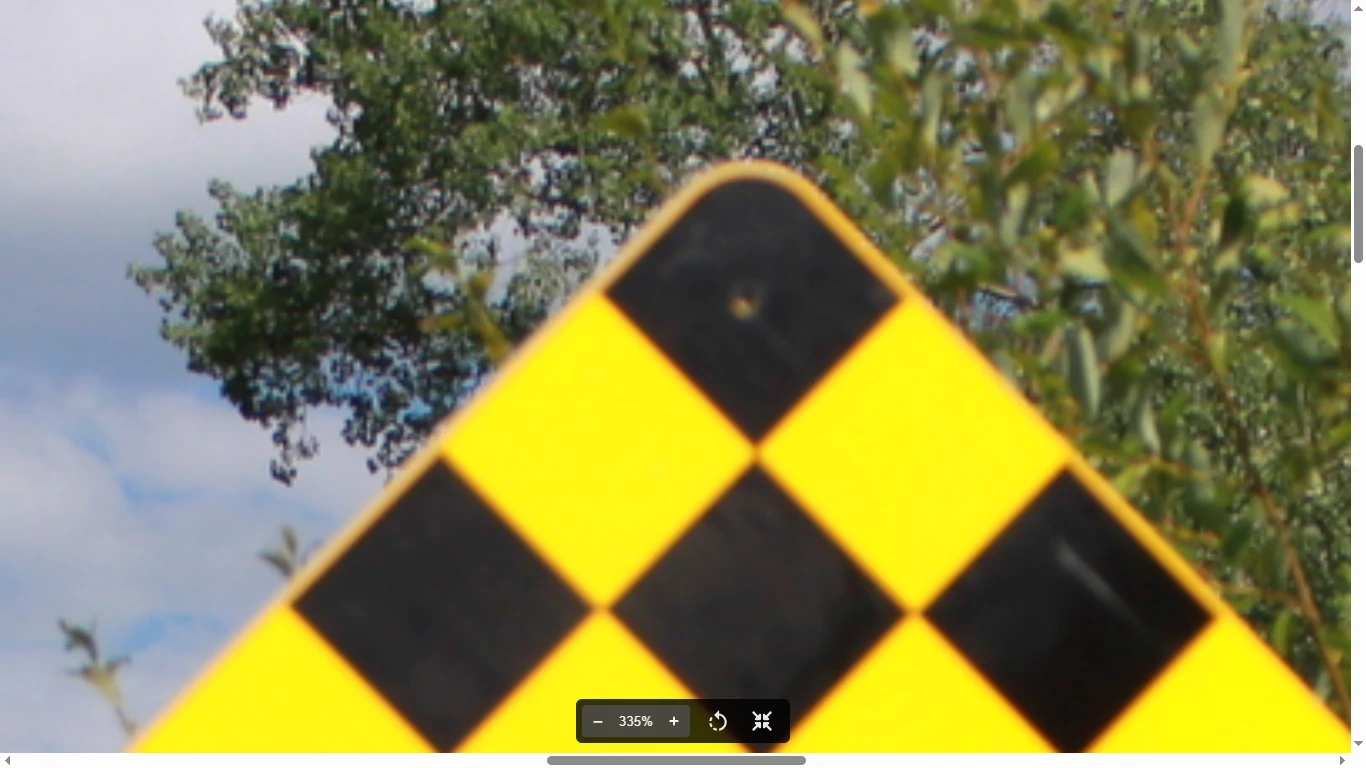
The second image is not completely in focus and it has color fringing on the edges.

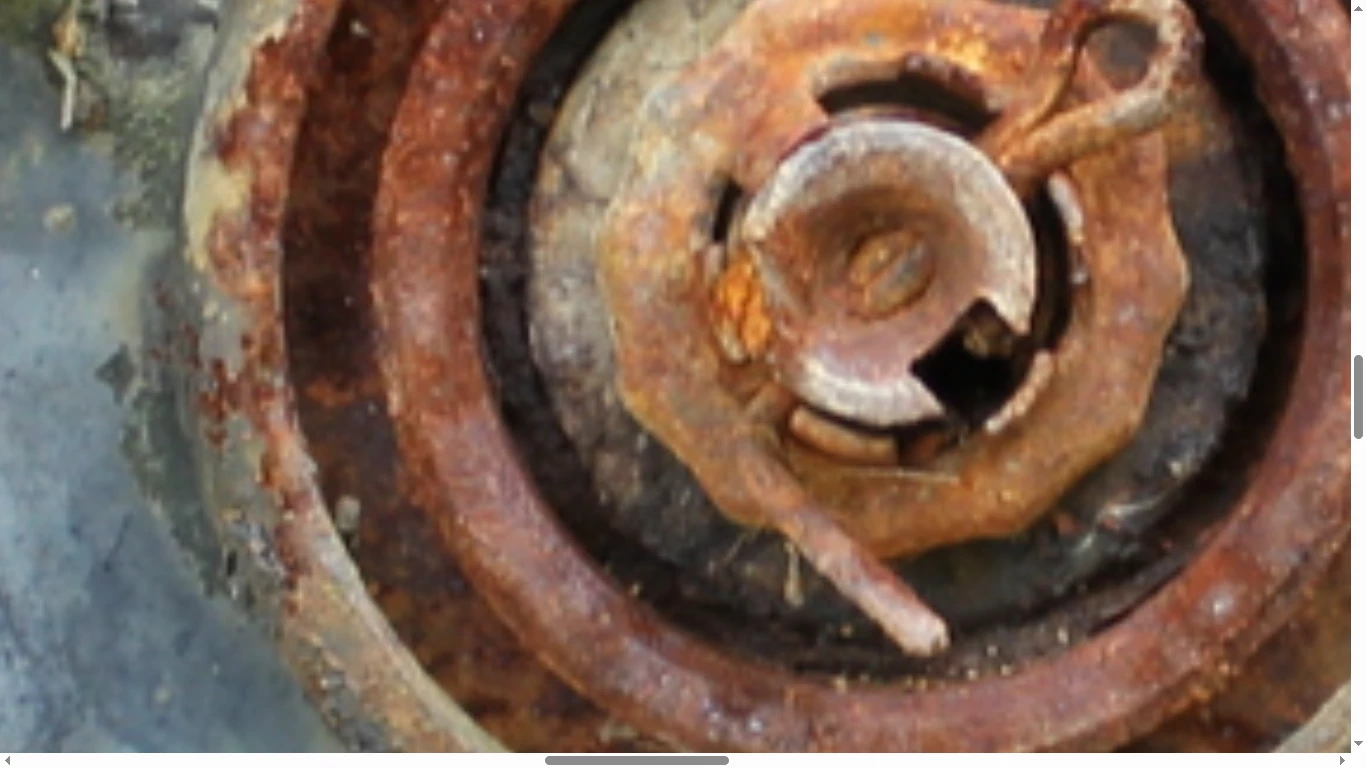
Third subject is blurry.


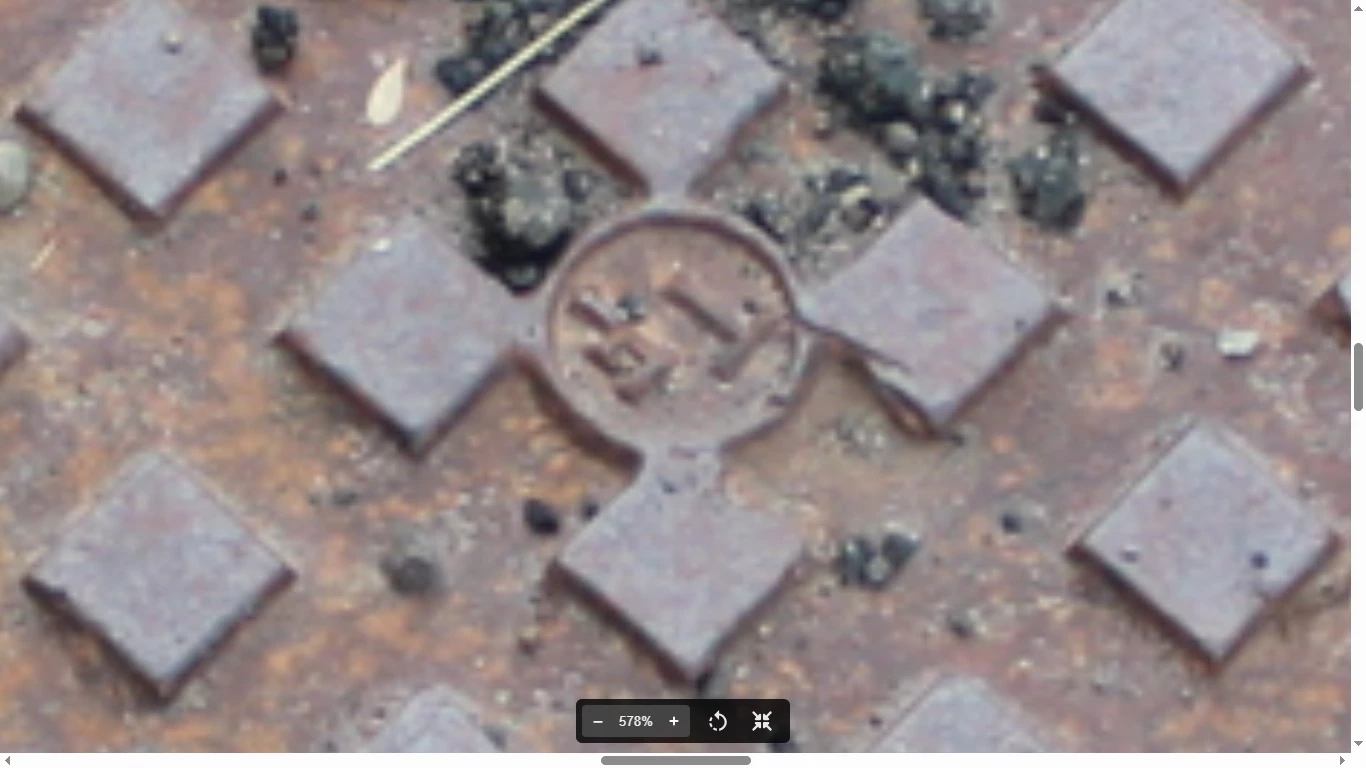
The fourth image is blurry and under exposed. There's also an IP issue. You need to take out the initials.

Best wishes

Jacquelin

4 replies

jacquelingphoto2017
Community Expert
jacquelingphoto2017Community ExpertCorrect answer
Community Expert
August 5, 2025

Hi @Canada Pictures ,

The first photo is too dark in the shadows. The depth of field seem a bit shallow and there is chromatic noise visible in the top right corner.

The second image is not completely in focus and it has color fringing on the edges.

Third subject is blurry.


The fourth image is blurry and under exposed. There's also an IP issue. You need to take out the initials.

Best wishes

Jacquelin

Ricky336
Community Expert
Community Expert
August 4, 2025

You have missed the focus on this sign!


Notice the difference between background and subject!


Jill_C
Community Expert
Community Expert
August 4, 2025

IMG_1694.JPG Crop closer to remove the white area in the upper right corner.

Jill C., Forum Volunteer
Participant
August 4, 2025

Will do (: Thanks!

daniellei4510
Community Expert
Community Expert
August 4, 2025

The shadows need opening up on this one.


Adobe Community Expert | If you can't fix it, hide it; if you can't hide it, delete it.
Participant
August 4, 2025

Thanks!

daniellei4510
Community Expert
Community Expert
August 4, 2025

Happy to be of help.

Adobe Community Expert | If you can't fix it, hide it; if you can't hide it, delete it.