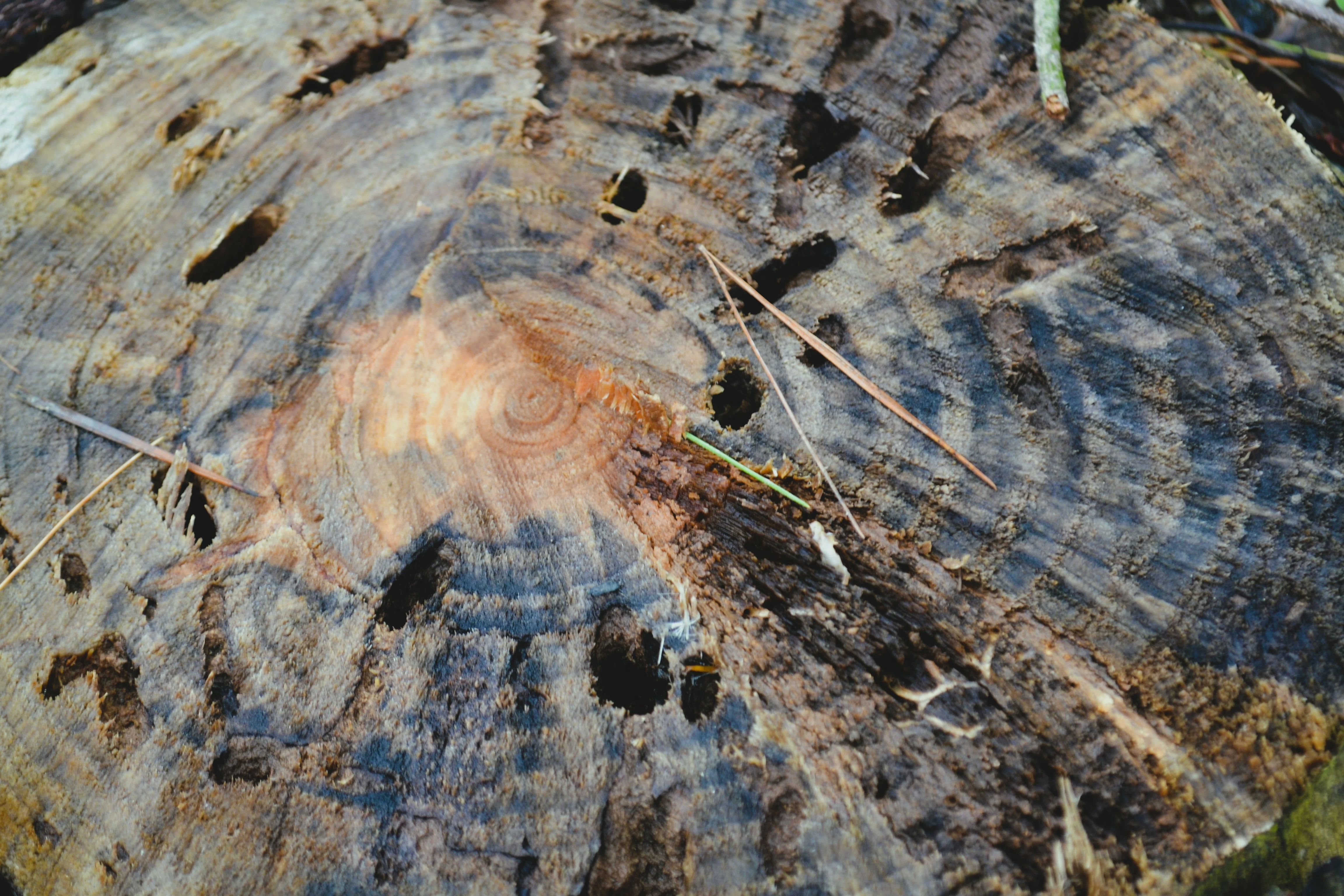
Your first is completely out of focus, misses the required colour profile and has a flat histogram at the left (blacks) and the right (whites). This creates a contrastless look, that is sometimes nicely applied, but is unsuitable for stock.
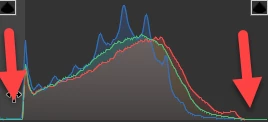
I haven't looked into other issues, they have been amply discussed.
Your second also missed the colour profile. For an ISO 1250 picture, you did a decent job in the noise reduction, but you have forgotten the colour noise.
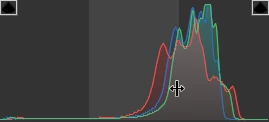
 , is minimally sharp. The histogram is showing a catastrophically edited picture:
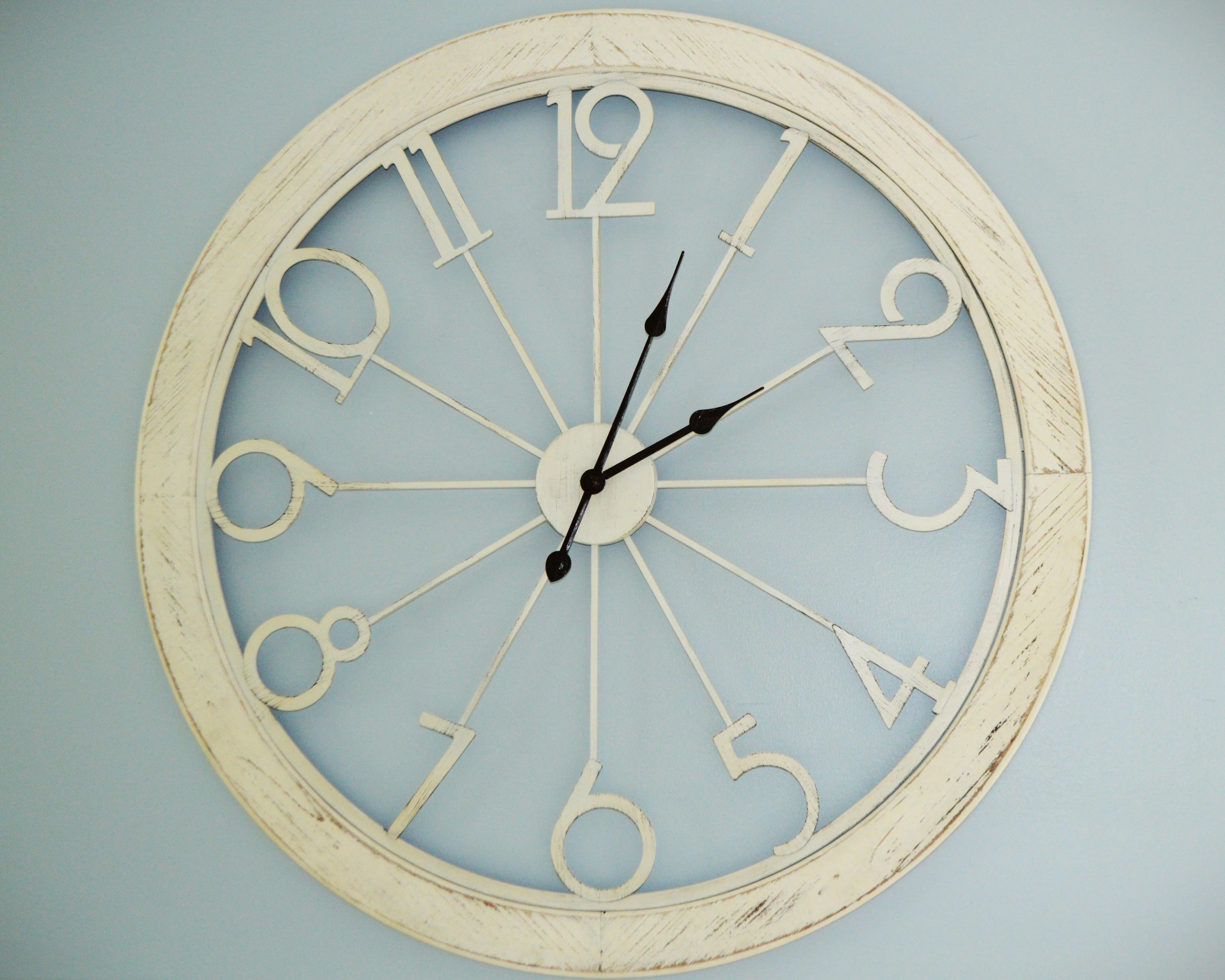
The pointers are too contrasty. The clock is too iconic to pass like this. This could be a similar failure like the Swiss train station clock look on the iPhone.
I would not invest a lot of time to correct.
Look at your pictures at 100% for sharpness and 200% to detect artefacts. Look at the histogram to get an evenly exposed picture. Do careful noise reduction. Colour noise reduction can be aggressive in most of the cases. When photographing, keep your ISO low. Use a tripod when possible.
If you are new to stock, you should consider these resources: https://helpx.adobe.com/stock/contributor/tutorials.html
Please read the contributor user manual for more information on Adobe stock contributions: https://helpx.adobe.com/stock/contributor/user-guide.html
See here for rejection reasons: https://helpx.adobe.com/stock/contributor/help/reasons-for-content-rejection.html
and especially quality and technical issues: https://helpx.adobe.com/stock/contributor/help/quality-and-technical-issues.html




 AdChoices