

Participating Frequently
September 23, 2026
Question

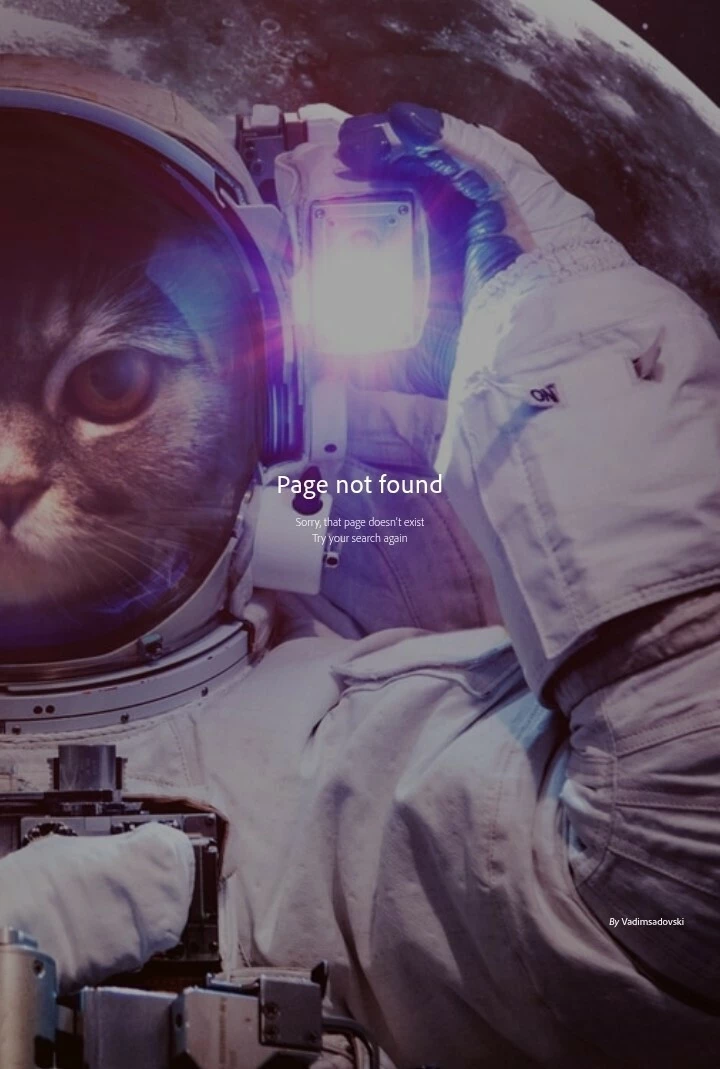
Page not found

Why does this page always appear when I click on my assets in the portfolio? Is anyone else experiencing the same thing?

 

    6 replies

    N8.
    Community Expert
    September 24, 2026

    Hey ​@TJo Lima 
    If you are travelling or have changed location this could be occurring.

    Translate
    TJo LimaAuthor
    Participating Frequently
    September 24, 2026

    I haven't traveled anywhere; do you have a solution? I’ve already tried switching the region to the uk, ca, us, and others, but when my asset is clicked, the page isn't found.

    Translate
    Nancy OShea
    Community Expert
    Community Expert
    September 23, 2026

    This usually means you’re in a restricted region like Turkey, Qatar or Malaysia.

    Try changing the country code in your browser’s address bar from xx/ to a non-restricted country like Canada ca/, United Kingdom uk/ or Australia au/. 


    Translate
    Nancy O'Shea— Product User & Community Expert
    TJo LimaAuthor
    Participating Frequently
    September 24, 2026

    My Chrome browser shows the URL as `https://stock.adobe.com/uk/contributor/xxxxxxxx/Xxxxxx`, and previously I was able to click on and view the assets in my portfolio; however, now when I click on an asset, I get a "page not found" error.

    Translate
    Nancy OShea
    Community Expert
    Community Expert
    September 24, 2026

    Right-click to copy the asset link and paste it here.

    If we can see it, it’s a regional block.

    If we can’t see it, then Stock may have removed it from inventory. 


    Translate
    Nancy O'Shea— Product User & Community Expert
    Cosmic Studio
    Inspiring
    September 23, 2026

    It could just be a bug, but if it happens frequently, it may be related to geographic restrictions. You can check whether the asset is visible in other countries by changing the region at the bottom left of the page.

    Translate