This topic has been closed for replies.

5 replies

Abambo
Community Expert
Community Expert
February 28, 2024

You should post the assets as submitted. One or two is enough. You will get good advice on those then. 

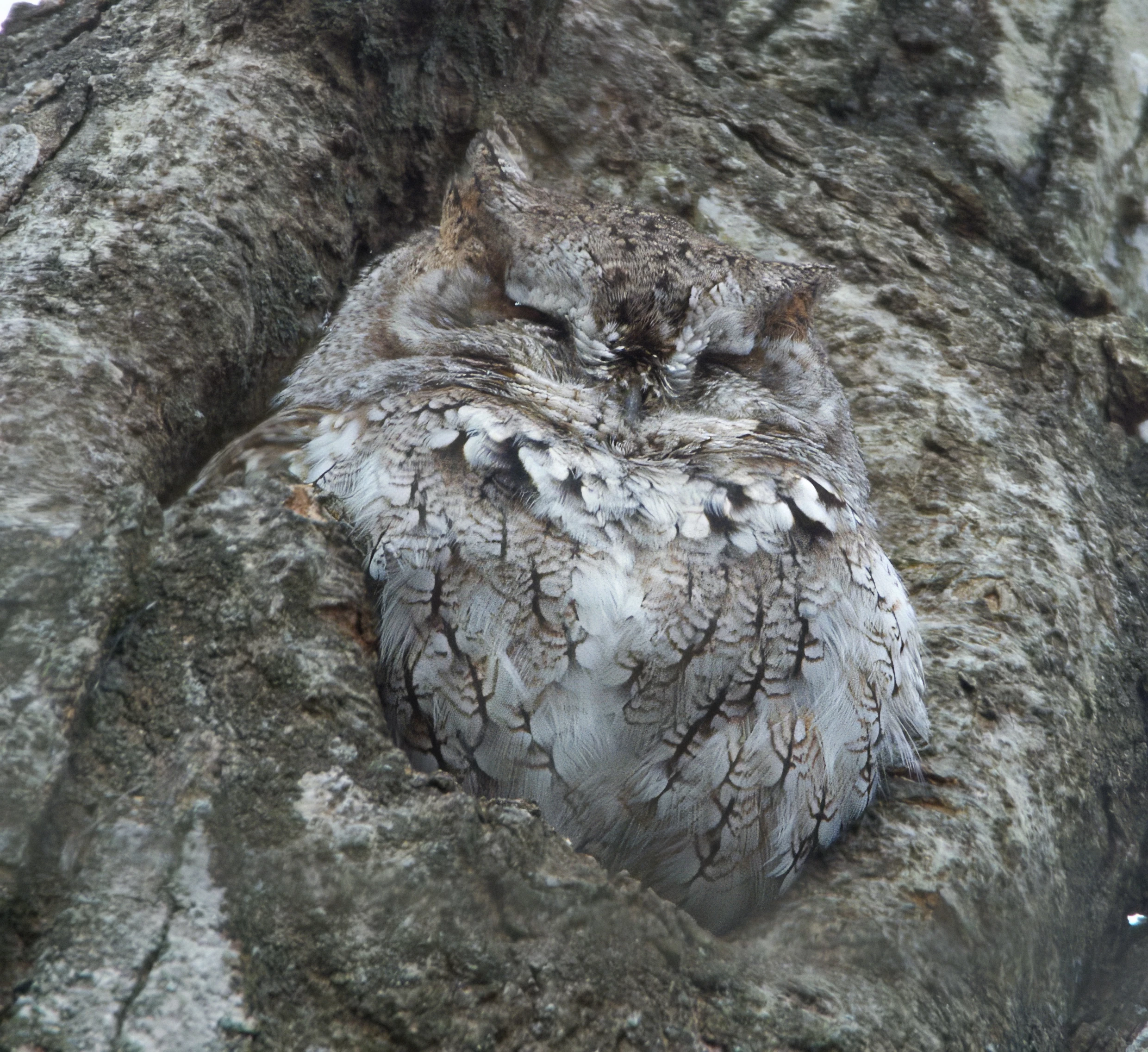
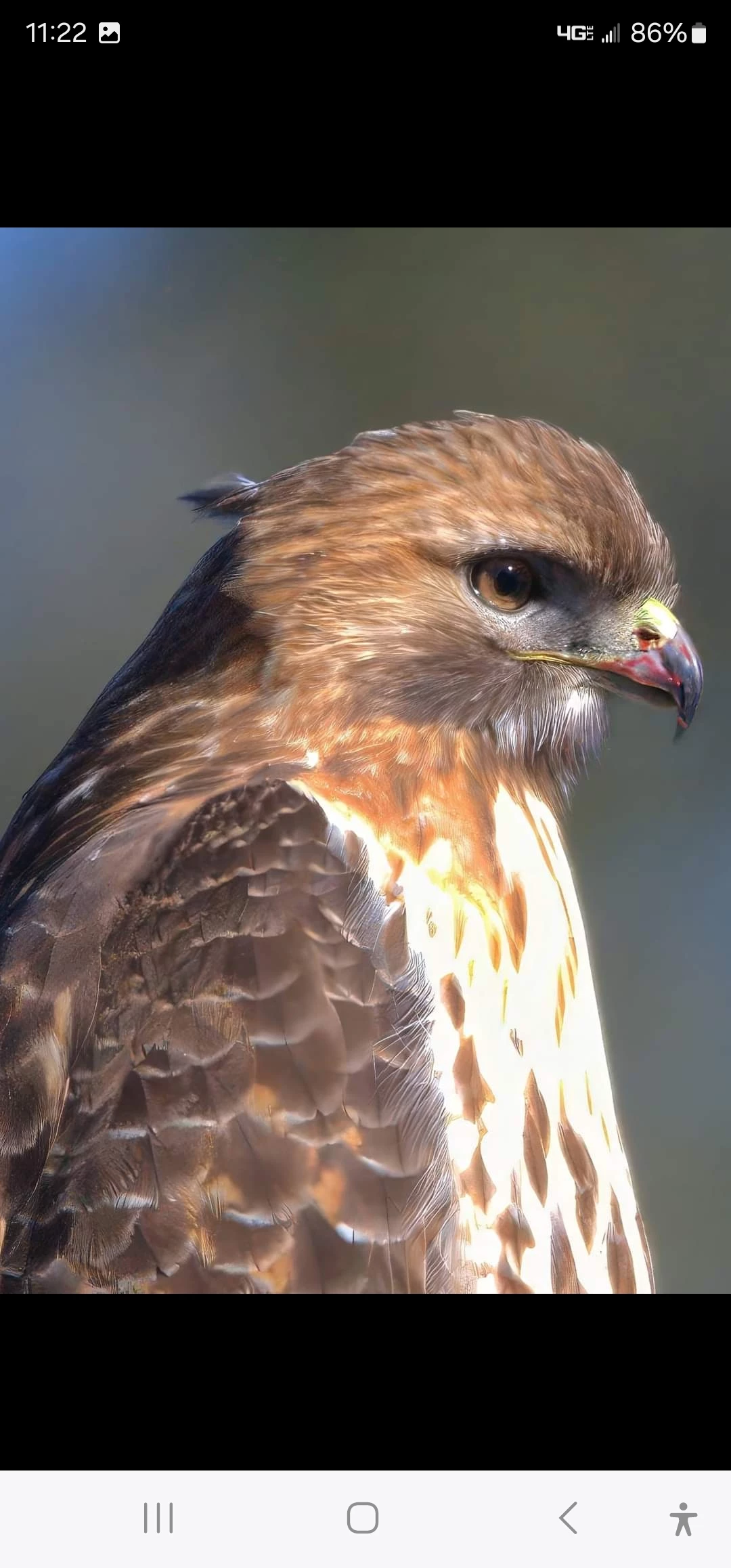
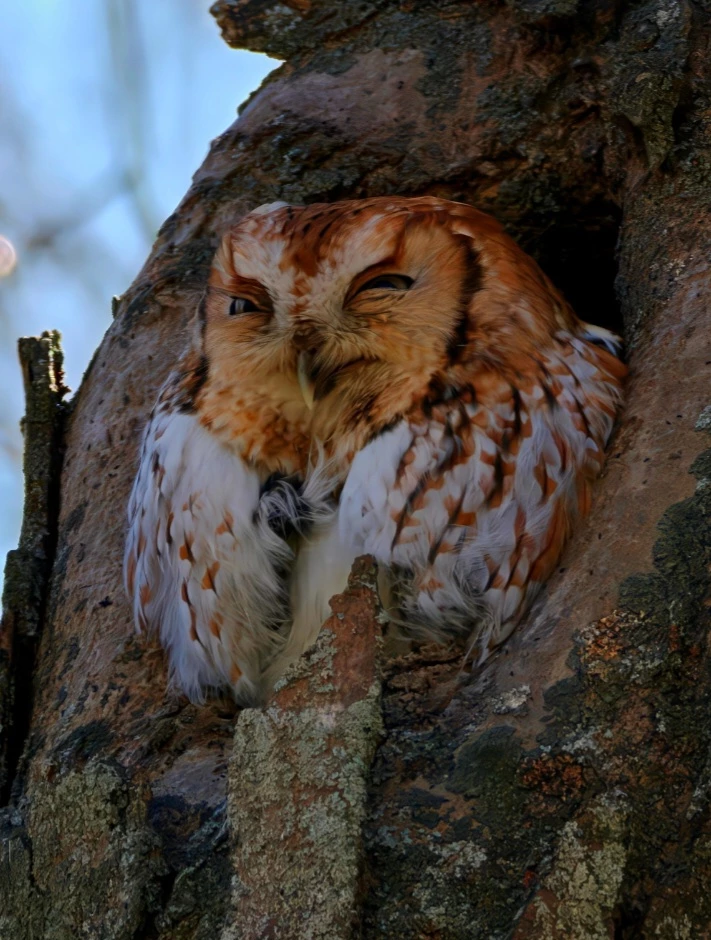
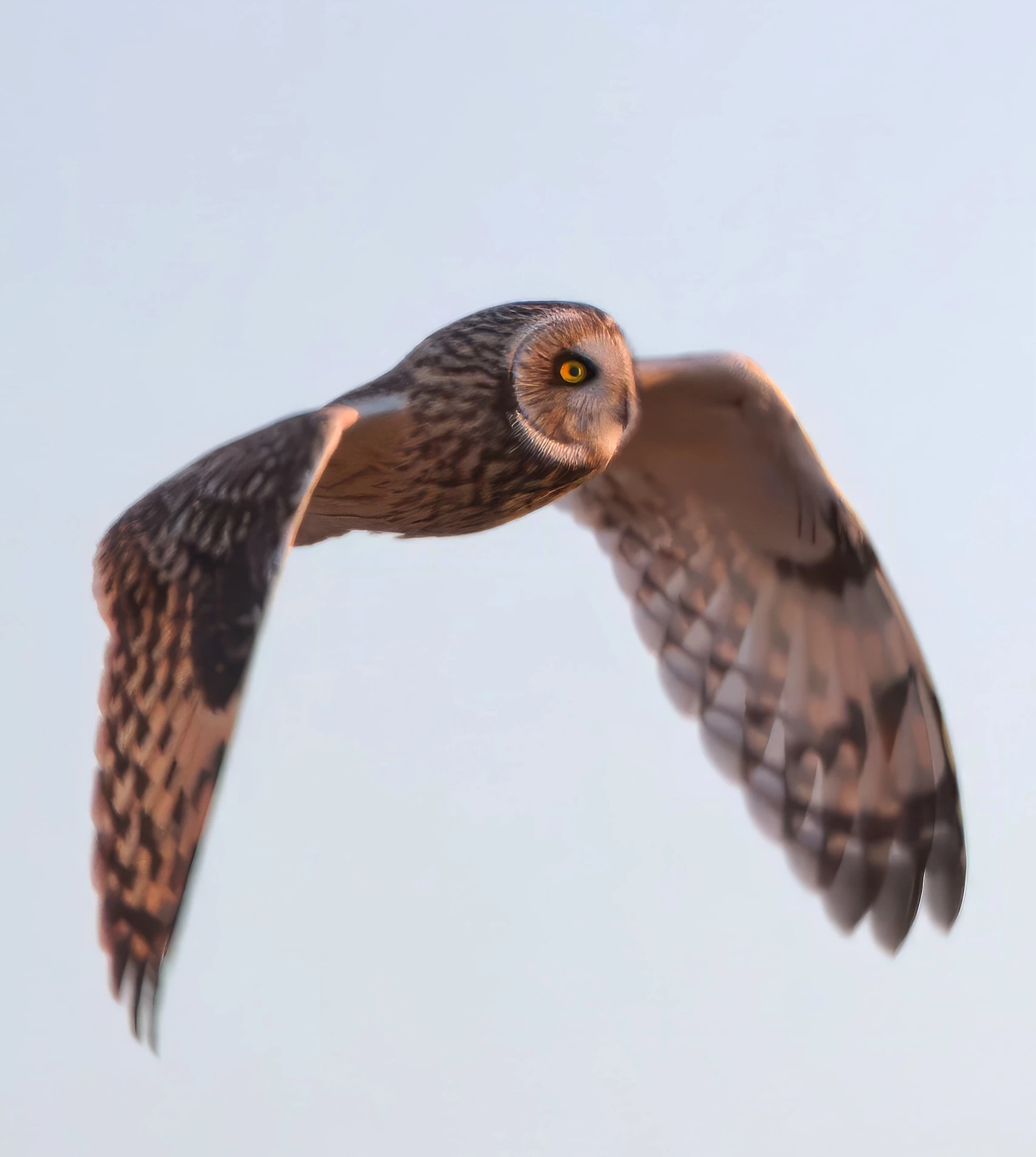
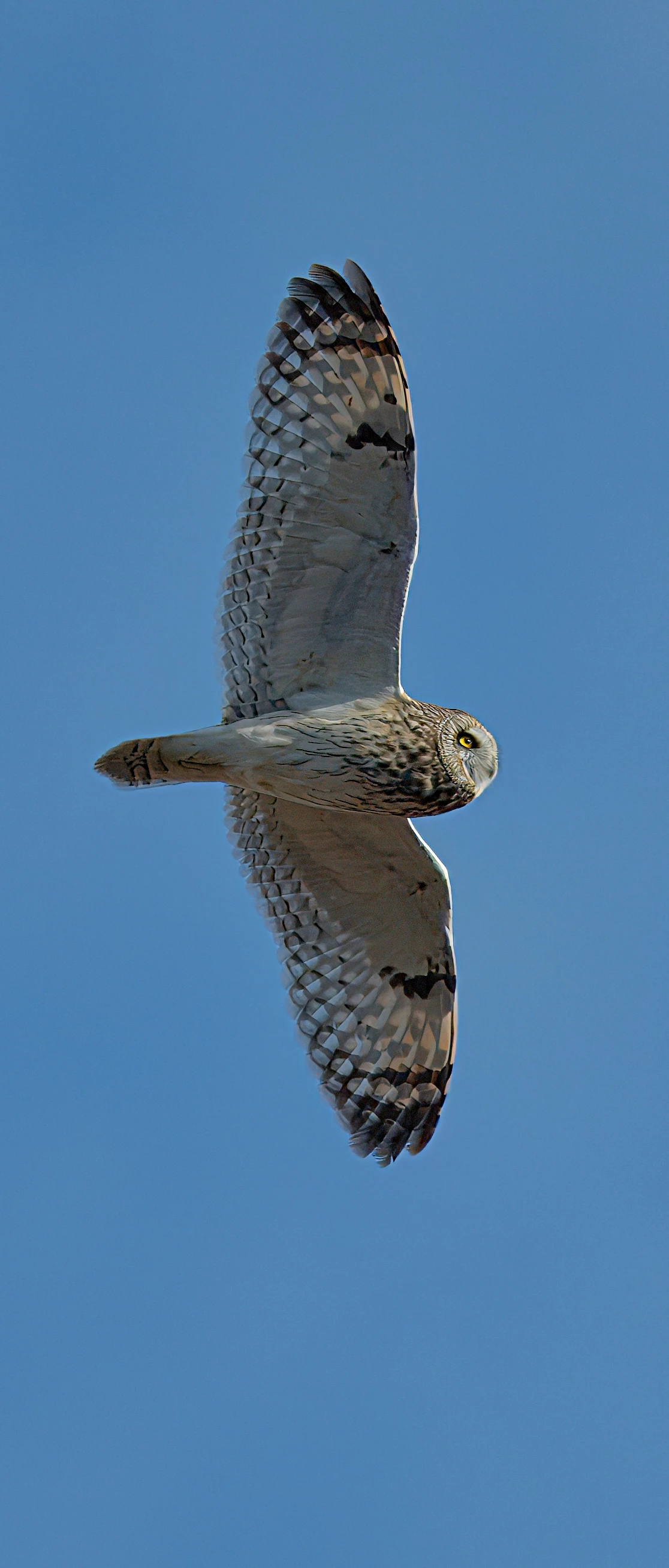
But even by posting screenshots from your phone (or tablet), the flaws are visible at the first sight:


  • blown out highlight
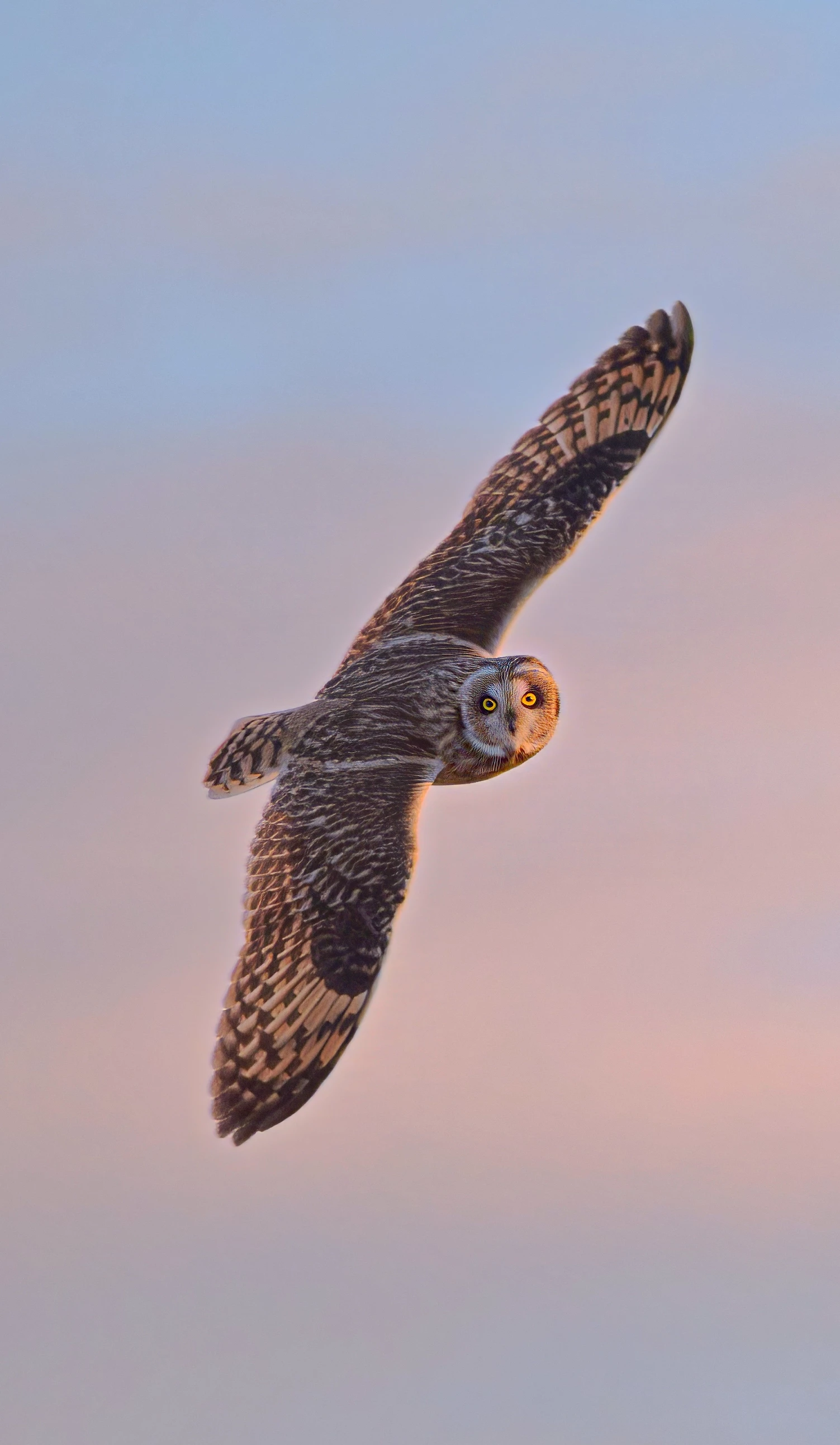
  • colour noise on the background. Looks like Gaussian blur to me.
  • hard lines against the background, looks like bad cutout.
  • blurry feathers at the head, looks also like a bad cutout.


As for your "soft focus on the wings" it's probably also a Gaussian blur. You should stay away from those filters. If there should be blur, lens blur and/or motion blur is required. Applying that afterwards requires a skilled photo editor. 

If the wings are soft, they need to melt into the background. 


ABAMBO | Hard- and Software Engineer | Photographer
Ricky336
Community Expert
Community Expert
February 28, 2024

Hello,

1st image - focus

2nd - chest feathers overexposed - not good

3rd - focus

4th - focus, noise etc

5th - noise, and blurring under the wings aren't good

6th - chroma noise under the wings.


So, basically, overall quality could be better, especially if intended for stock - fine for individual use, but not for commercial use!


Nancy OShea
Community Expert
Community Expert
February 27, 2024

Are you trying to capture live action photos with a phone camera?

The problem could be your equipment.


Nancy O'Shea— Product User & Community Expert
Jill_C
Community Expert
Community Expert
February 27, 2024

These images are too small to evaluate properly. On the first image I see noise. On the second image the chest feathers are blown out.

Jill C., Forum Volunteer
daniellei4510
Community Expert
Community Expert
February 27, 2024

Too many to comment on individually, but as for the "soft focus on wings intentional," that won't fly when it comes to stock photography. If a buyer wants to throw a sharp image out of focus, leave that up to them. But they won't be able to turn an out of focus image into a sharp one. 

Adobe Community Expert | If you can't fix it, hide it; if you can't hide it, delete it.